Inloggning krävs
Logga in med ditt iOSGods-konto för att fortsätta.
Login Fix IPA for X. Step below:
Download and Install
Open the app and there will be an H icon with border red
Tap on it and choose enable login
After login, download any latest X modded IPA
Install
Profit!
Ladda ner X / Twitter Login Fix modded IPA från länkarna ovan. Tryck på installationsknappen och följ instruktionerna för att installera denna iOS-apphack på iPhone, iPad eller Apple Silicon.
Behöver du mer hjälp? Se våra iOSGods-appens vanliga frågor för detaljerade svar och felsökningstips.
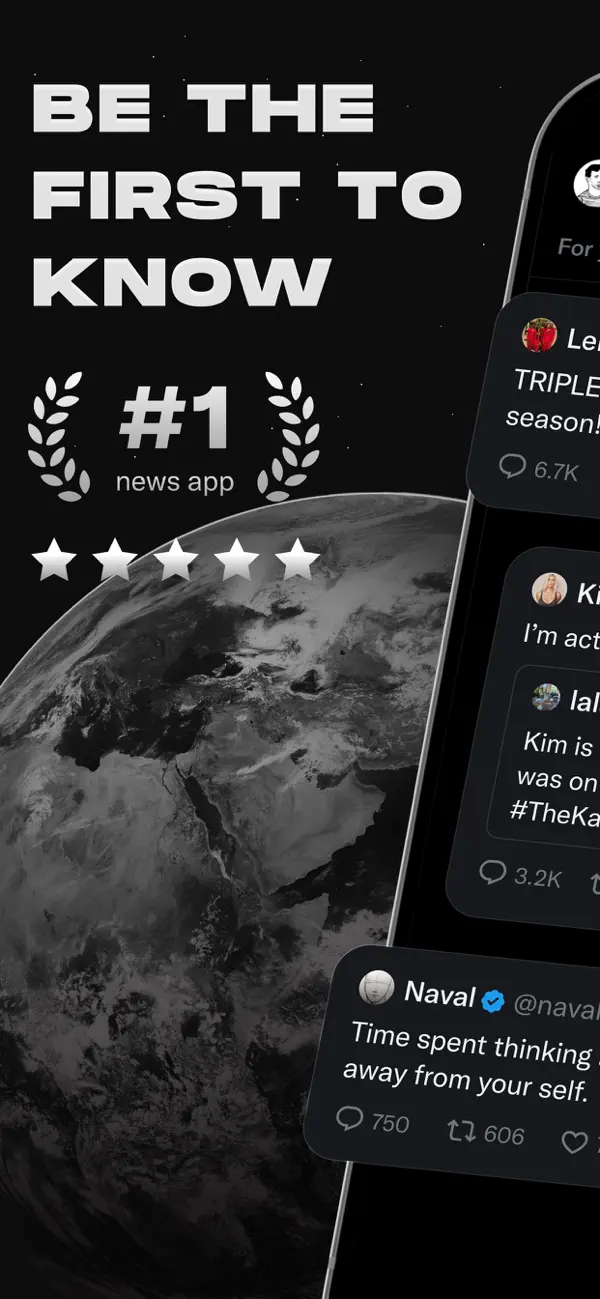
Welcome to X (formerly known as Twitter), your trusted digital town square where conversations unfold in real time, and the world connects through breaking news, live events, podcasts, and everything in between.
Whether you're passionate about sports, tech, music, or politics, X is your front-row seat to what’s happening across the globe.
X isn’t just another social media app, it’s the ultimate destination for staying well informed, sharing ideas, and building communities. With X, you’re always in the loop with relevant trending topics and breaking news, delivered instantly to your screen, raw and unfiltered.
What You Can Do on X:
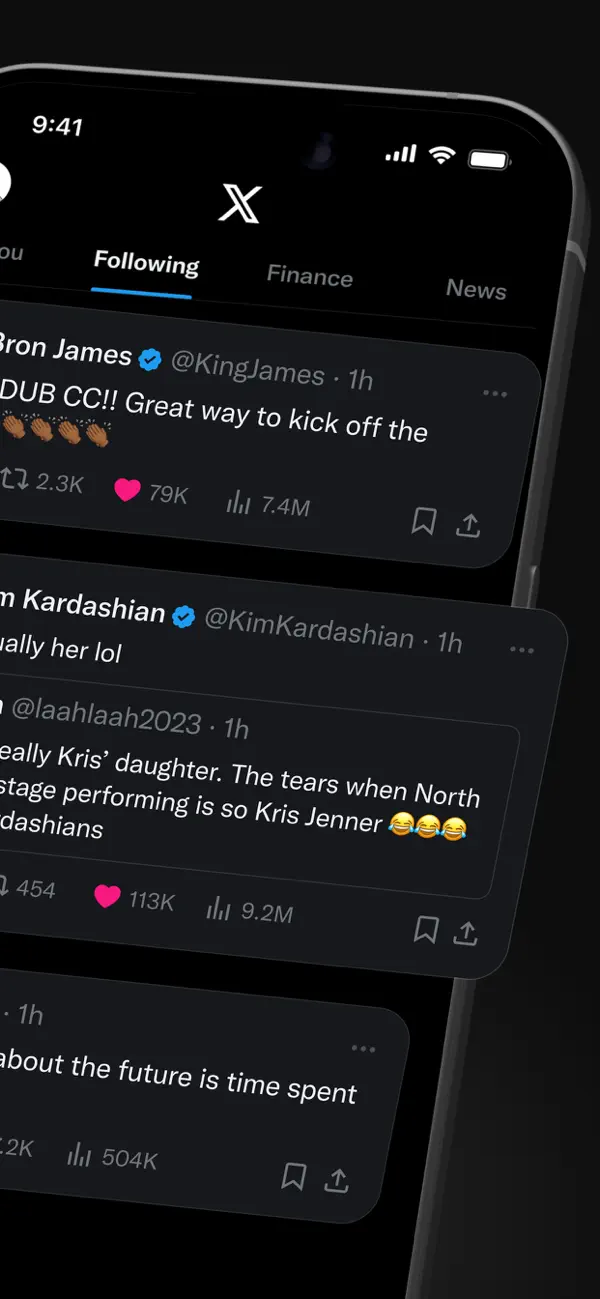
• Follow breaking news from around the world before it hits the headlines, and stay ahead of the curve with real-time updates on trending topics and viral conversations.
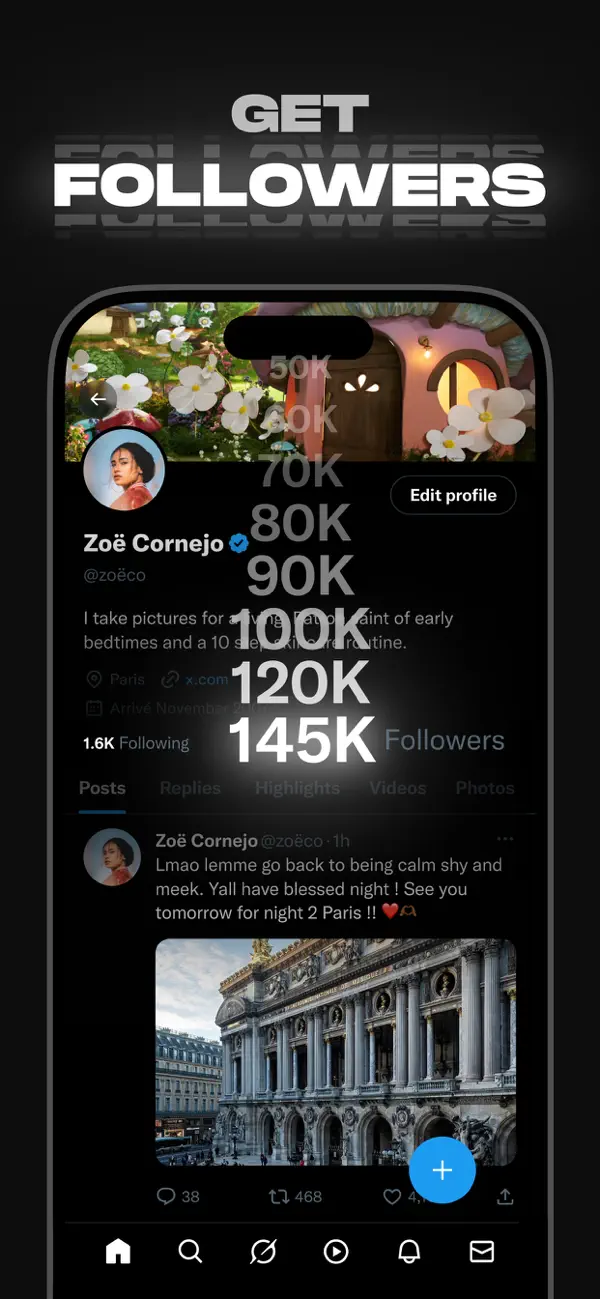
• Post your thoughts, photos, and videos with a global community. Join millions of users in shaping public dialogue across social, cultural, and political conversations.
• Discover Grok, the AI assistant powered by X’s real-time data. You can ask Grok to summarize trending news, explain videos, or give you more context about posts.
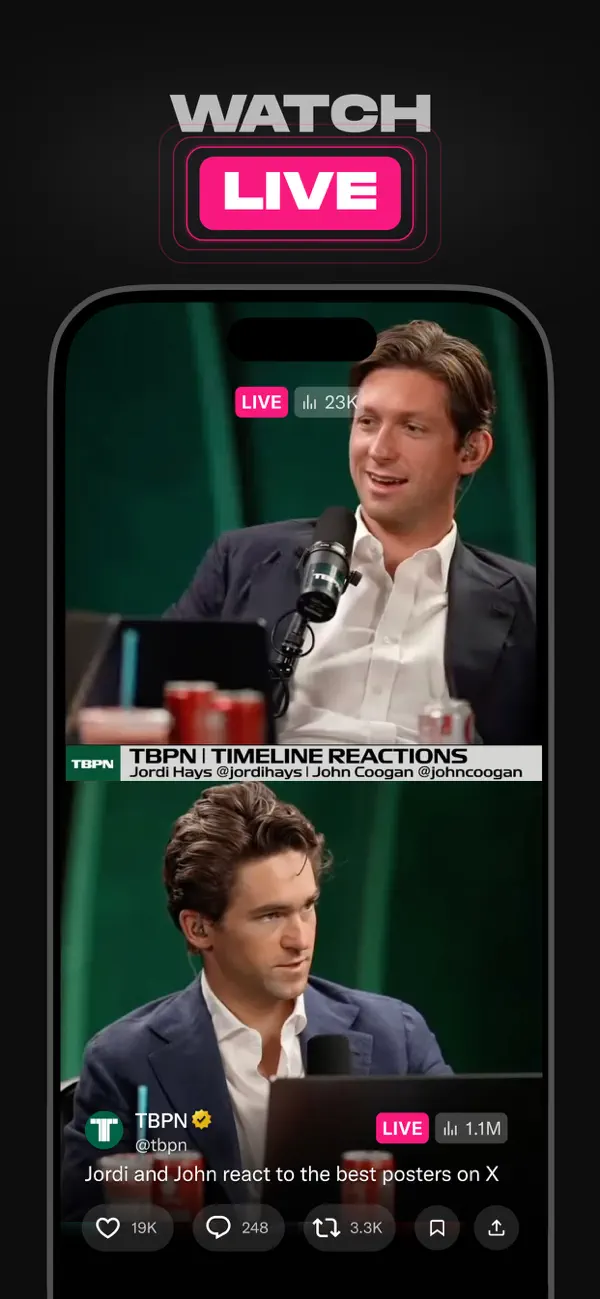
• Stream live video or go live with Spaces, our audio feature that enables you to host discussions, hold interviews, or start your next live podcast. Whether you're streaming a concert, a live game, or your thoughts on a hot topic, X keeps your audience engaged.
• Watch videos: from live breaking news and sports clips to podcasts and gaming sessions that last up to 3 hours long. Many of the world’s leading voices, in comedy, gaming, podcasting, and politics, all share their content on X.
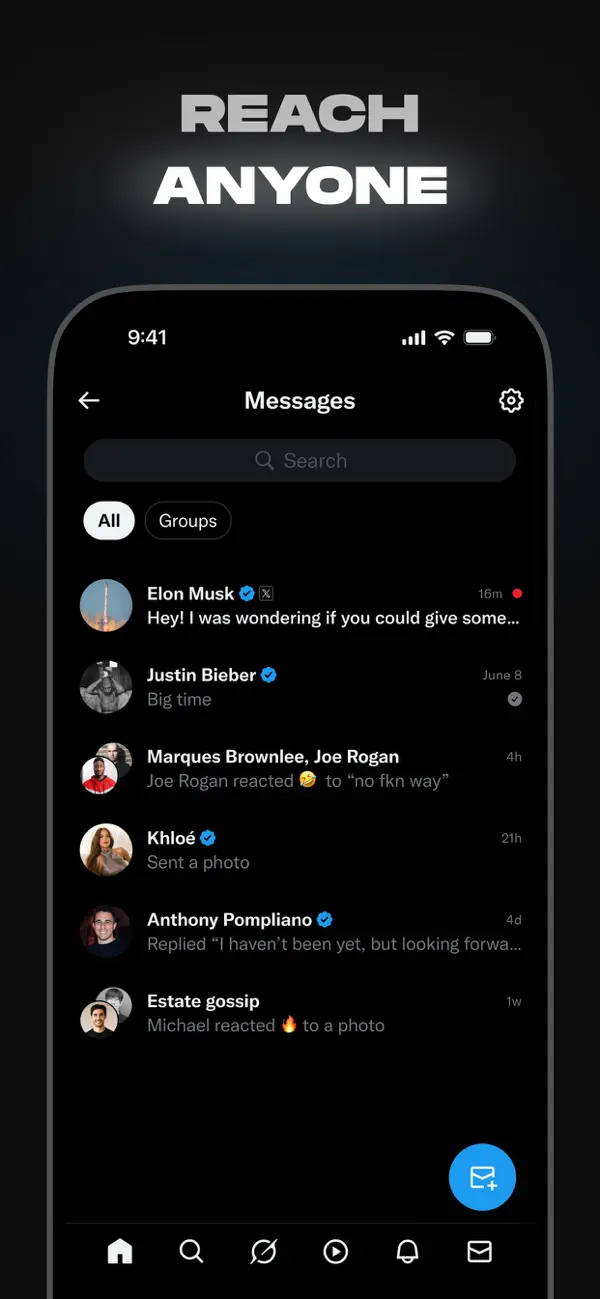
• Connect and chat privately with friends, followers, customers, or collaborators through Direct Messages.
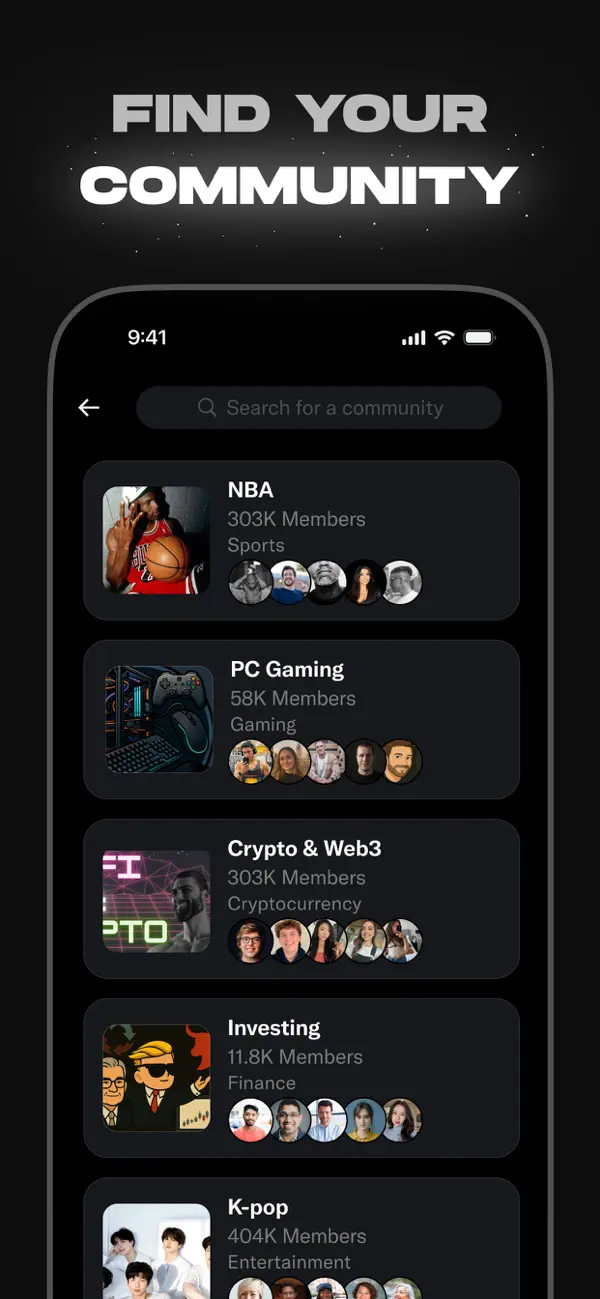
• Join and build communities tailored to your interests: from sports news, gaming, entertainment, crypto, entrepreneurship, tech, and more.
• Subscribe to X Premium to unlock exclusive features like a blue checkmark, boosted visibility, prioritized replies, fewer ads, longer videos, and post editing. X Premium also gives you access to creator revenue sharing and the ability to offer exclusive content to subscribers.
Why X?
In a world of constant change, X is your real-time source to stay ahead of the curve, connect with people, and explore diverse perspectives. From breaking live news and trending memes to top podcasts and live streams from your favorite creators, X brings it all together in one powerful social experience.
Privacy Policy: https://x.com/privacy
Terms and Conditions: https://x.com/tos
- iPhone eller iPad utan jailbreak/jailad eller med jailbreak.
- Sideloadly eller alternativ.
- Dator med Windows/macOS/Linux och iTunes installerat.
STEG 1: Ladda ner den förhackade .IPA-filen från länken ovan till din dator. För att ladda ner från iOSGods App, se vår Guide för att ladda ner IPA i iOSGods App som även innehåller ett videoexempel.
STEG 2: Ladda ner Sideloadly och installera det på din Windows eller Mac.
STEG 3: Öppna Sideloadly på din dator, anslut din iOS-enhet och vänta tills enhetens namn visas i Sideloadly.
STEG 4: När din iEnhet känns igen drar du den moddade .IPA-filen du laddat ner och släpper den i Sideloadly-programmet.
STEG 5: Ange e-postadressen till ditt Apple Account och tryck sedan på ”Start”. Du ombeds sedan ange ditt lösenord. Fyll i de uppgifter som krävs.
STEG 6: Vänta tills Sideloadly är klar med att sideloada/installera den hackade IPA-filen. Om problem uppstår under installationen, läs noten nedan.
STEG 7: När installationen är klar och du ser appen på din hemskärm behöver du gå till Inställningar → Allmänt → Profiler / VPN & enhetshantering. Tryck där på e-postadressen du angav i steg 6 och tryck sedan på ”Lita på [email protected]”.
STEG 8: Gå nu till din hemskärm och öppna den nyligen installerade appen — allt ska fungera som det ska. Du kan behöva följa ytterligare app-specifika instruktioner i hackets popup inne i spelet.
OBS: På iOS/iPadOS 16 och senare måste du aktivera Utvecklarläge. För gratis Apple Developer-konton behöver du upprepa processen var sjunde dag. Om du har frågor eller problem, läs vår Sideloadly FAQ-avsnitt i tråden.