Требуется вход
Войдите в учётную запись iOSGods, чтобы продолжить.
Login Fix IPA for X. Step below:
Download and Install
Open the app and there will be an H icon with border red
Tap on it and choose enable login
After login, download any latest X modded IPA
Install
Profit!
Скачайте X / Twitter Login Fix modded IPA по ссылкам выше. Нажмите кнопку установки и следуйте инструкциям, чтобы установить этот хак iOS на iPhone, iPad или Mac с Apple Silicon.
Нужна помощь? Посмотрите наши Часто задаваемые вопросы по приложению iOSGods, чтобы получить подробные ответы и советы по устранению неполадок.
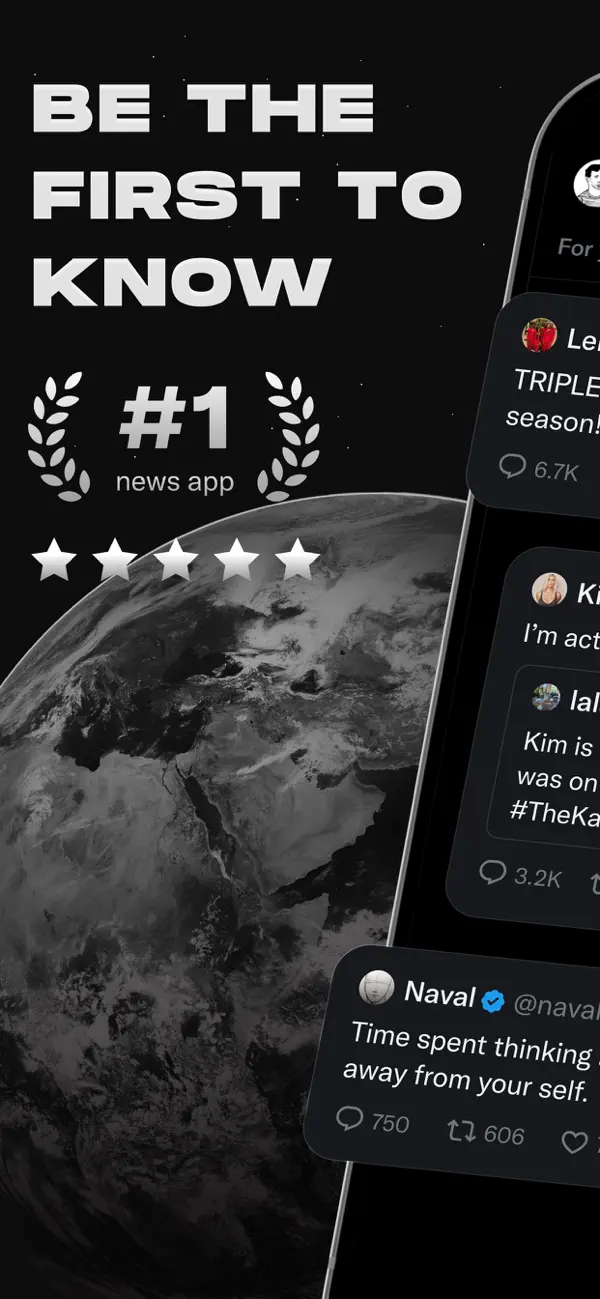
Welcome to X (formerly known as Twitter), your trusted digital town square where conversations unfold in real time, and the world connects through breaking news, live events, podcasts, and everything in between.
Whether you're passionate about sports, tech, music, or politics, X is your front-row seat to what’s happening across the globe.
X isn’t just another social media app, it’s the ultimate destination for staying well informed, sharing ideas, and building communities. With X, you’re always in the loop with relevant trending topics and breaking news, delivered instantly to your screen, raw and unfiltered.
What You Can Do on X:
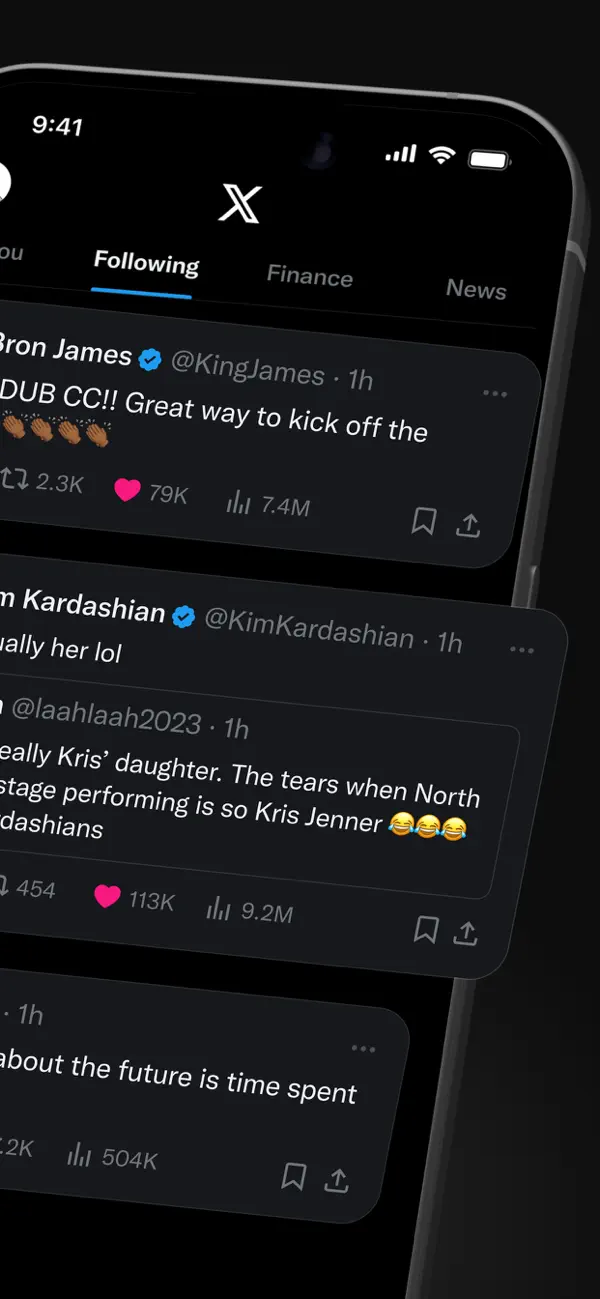
• Follow breaking news from around the world before it hits the headlines, and stay ahead of the curve with real-time updates on trending topics and viral conversations.
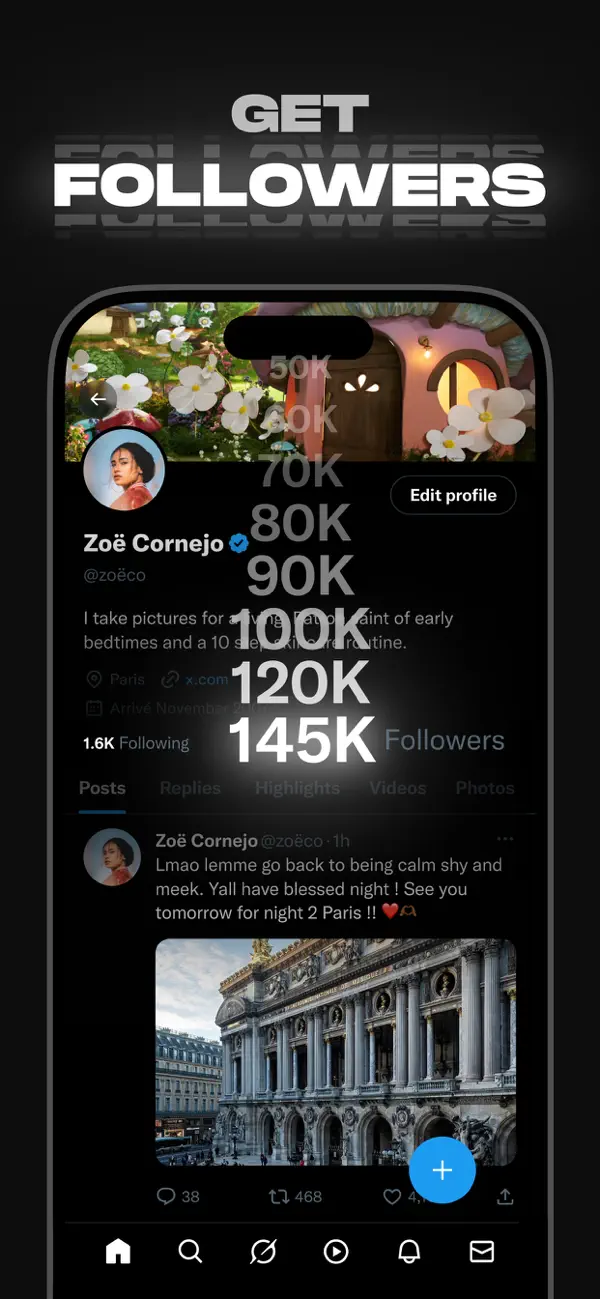
• Post your thoughts, photos, and videos with a global community. Join millions of users in shaping public dialogue across social, cultural, and political conversations.
• Discover Grok, the AI assistant powered by X’s real-time data. You can ask Grok to summarize trending news, explain videos, or give you more context about posts.
• Stream live video or go live with Spaces, our audio feature that enables you to host discussions, hold interviews, or start your next live podcast. Whether you're streaming a concert, a live game, or your thoughts on a hot topic, X keeps your audience engaged.
• Watch videos: from live breaking news and sports clips to podcasts and gaming sessions that last up to 3 hours long. Many of the world’s leading voices, in comedy, gaming, podcasting, and politics, all share their content on X.
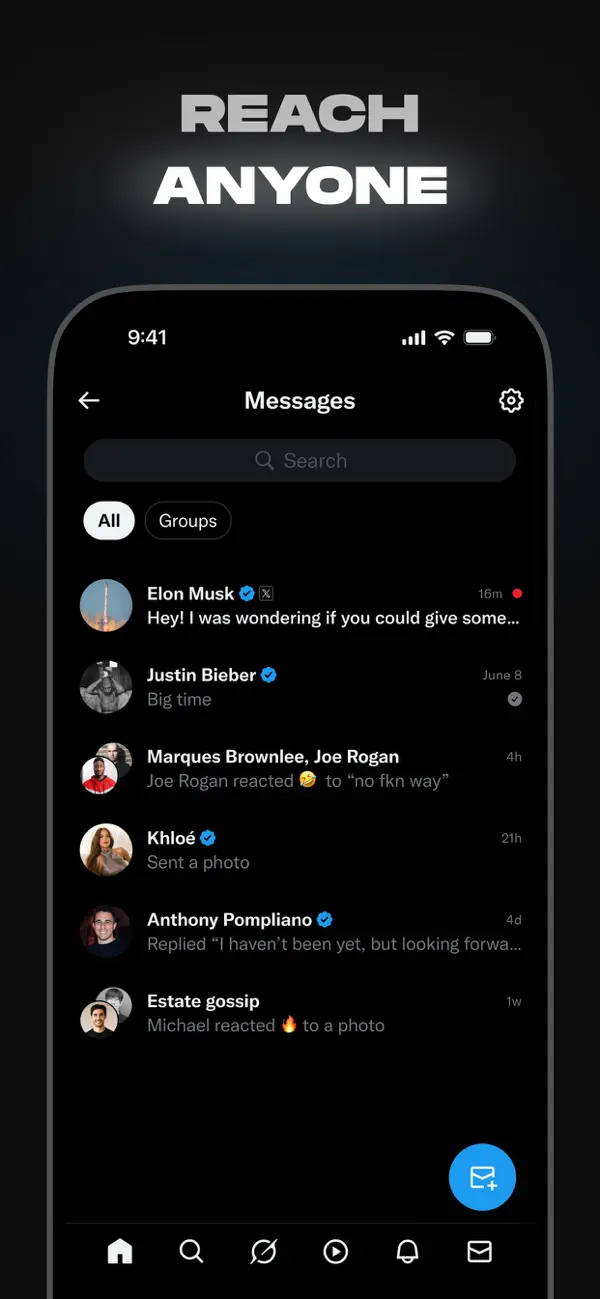
• Connect and chat privately with friends, followers, customers, or collaborators through Direct Messages.
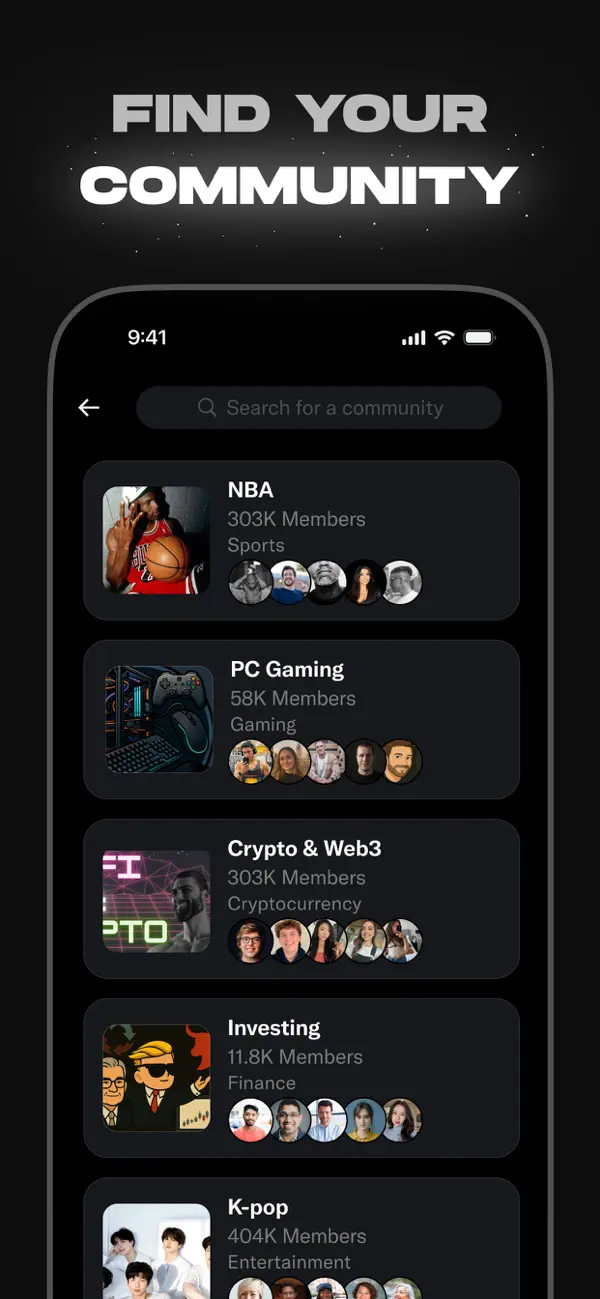
• Join and build communities tailored to your interests: from sports news, gaming, entertainment, crypto, entrepreneurship, tech, and more.
• Subscribe to X Premium to unlock exclusive features like a blue checkmark, boosted visibility, prioritized replies, fewer ads, longer videos, and post editing. X Premium also gives you access to creator revenue sharing and the ability to offer exclusive content to subscribers.
Why X?
In a world of constant change, X is your real-time source to stay ahead of the curve, connect with people, and explore diverse perspectives. From breaking live news and trending memes to top podcasts and live streams from your favorite creators, X brings it all together in one powerful social experience.
Privacy Policy: https://x.com/privacy
Terms and Conditions: https://x.com/tos
- iPhone или iPad без джейлбрейка/в обычном режиме или с джейлбрейком.
- Sideloadly или альтернативы.
- Компьютер с Windows/macOS/Linux и установленным iTunes.
ШАГ 1: Скачайте предварительно взломанный файл .IPA по ссылке выше на свой компьютер. Чтобы скачать его из приложения iOSGods, посмотрите наш Туториал по скачиванию IPA в приложении iOSGods, в котором есть видеопример.
ШАГ 2: Скачайте Sideloadly и установите его на Windows или Mac.
ШАГ 3: Откройте Sideloadly на компьютере, подключите iOS-устройство и дождитесь, пока его имя появится в Sideloadly.
ШАГ 4: Когда устройство будет распознано, перетащите скачанный модифицированный файл .IPA в окно Sideloadly.
ШАГ 5: Введите адрес электронной почты вашего Apple Account, затем нажмите «Start». После этого вас попросят ввести пароль. Укажите необходимые данные.
ШАГ 6: Дождитесь, пока Sideloadly завершит sideload/установку взломанного IPA. При возникновении проблем во время установки ознакомьтесь с примечанием ниже.
ШАГ 7: После завершения установки и появления приложения на главном экране перейдите в Настройки → Основные → Профили / VPN и управление устройством. Там нажмите на email, который вы ввели на шаге 6, а затем нажмите «Доверять [email protected]».
ШАГ 8: Теперь перейдите на главный экран и откройте установленное приложение — всё должно работать. Возможно, потребуется выполнить дополнительные инструкции в попапе мода внутри игры.
ПРИМЕЧАНИЕ: На iOS/iPadOS 16 и новее необходимо включить режим разработчика. Для бесплатных учётных записей Apple Developer этот процесс нужно повторять каждые 7 дней. Если возникнут вопросы или проблемы, ознакомьтесь с нашим разделом FAQ по Sideloadly в теме.