تسجيل الدخول مطلوب
سجّل الدخول بحساب iOSGods للمتابعة.
سجّل الدخول بحساب iOSGods للمتابعة.
Login Fix IPA for X. Step below:
Download and Install
Open the app and there will be an H icon with border red
Tap on it and choose enable login
After login, download any latest X modded IPA
Install
Profit!
يأتي هذا التطبيق أيضًا مع iGameGod، مما يتيح لك الوصول إلى Auto Touch لأتمتة المهام المتكررة، وApp Speed Manager لضبط سرعة اللعب، وتعديل القيم عبر Memory Engine، والمزيد من أدوات ألعاب iOS القوية.
قم بتنزيل X / Twitter Login Fix modded IPA من الروابط أعلاه. اضغط على زر التثبيت واتبع التعليمات لتثبيت هذا التعديل لـ iOS على iPhone أو iPad أو Apple Silicon.
هل تحتاج إلى مزيد من المساعدة؟ راجع الأسئلة الشائعة لتطبيق iOSGods للحصول على إجابات مفصلة ونصائح لاستكشاف الأخطاء.
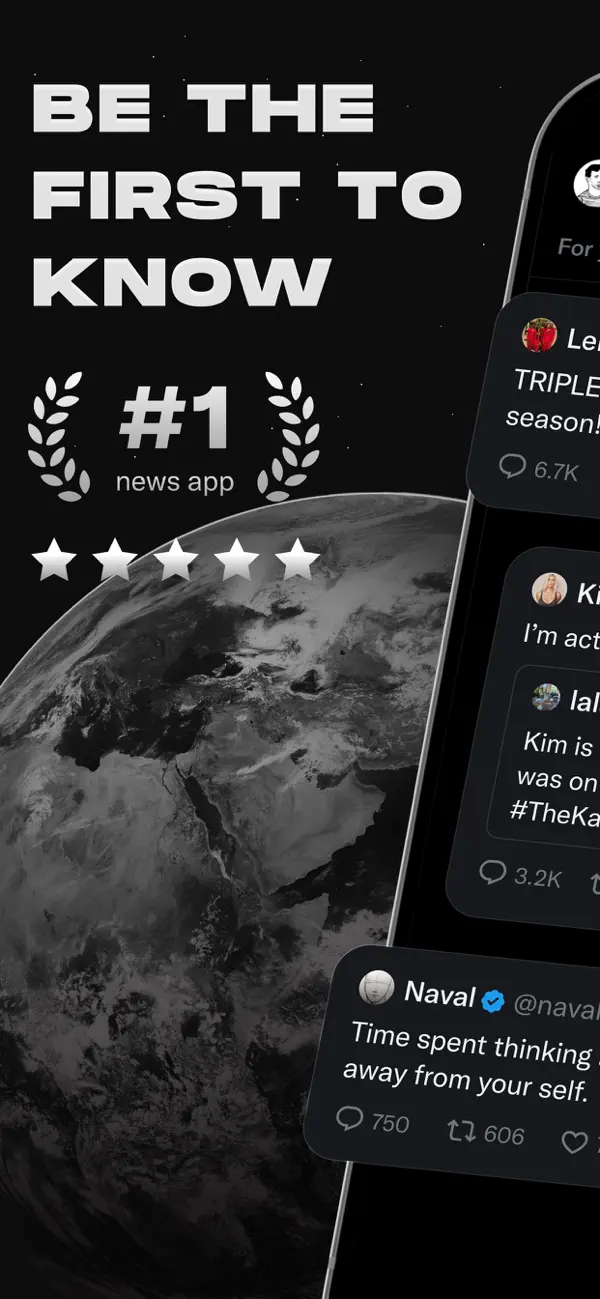
Welcome to X (formerly known as Twitter), your trusted digital town square where conversations unfold in real time, and the world connects through breaking news, live events, podcasts, and everything in between.
Whether you're passionate about sports, tech, music, or politics, X is your front-row seat to what’s happening across the globe.
X isn’t just another social media app, it’s the ultimate destination for staying well informed, sharing ideas, and building communities. With X, you’re always in the loop with relevant trending topics and breaking news, delivered instantly to your screen, raw and unfiltered.
What You Can Do on X:
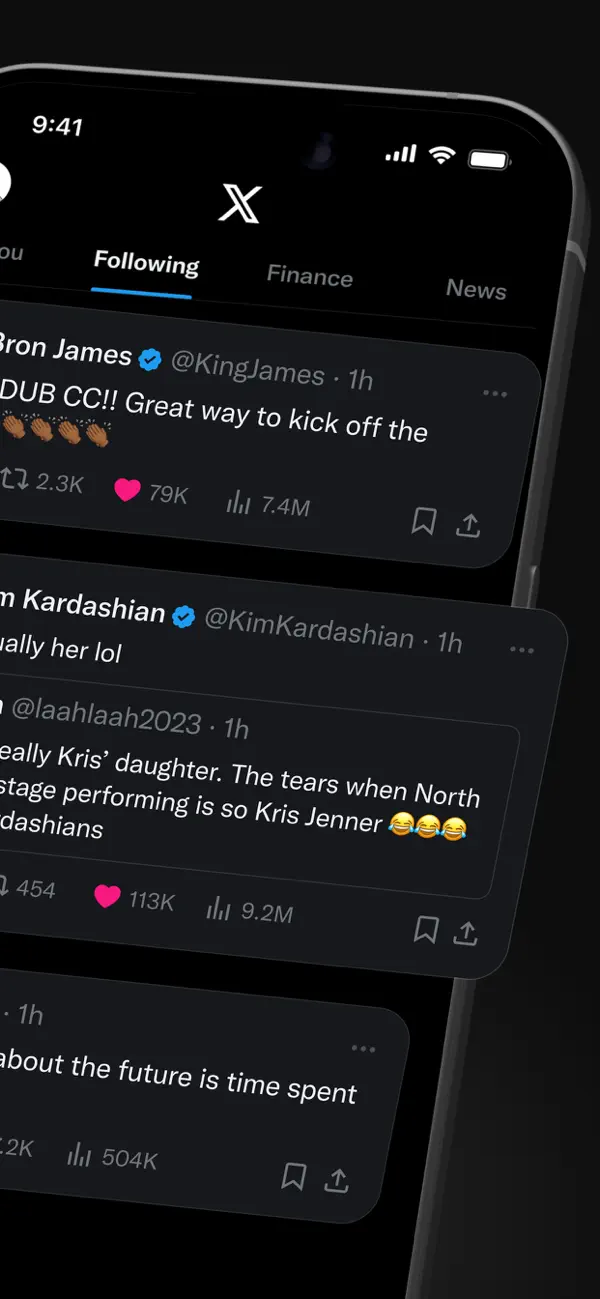
• Follow breaking news from around the world before it hits the headlines, and stay ahead of the curve with real-time updates on trending topics and viral conversations.
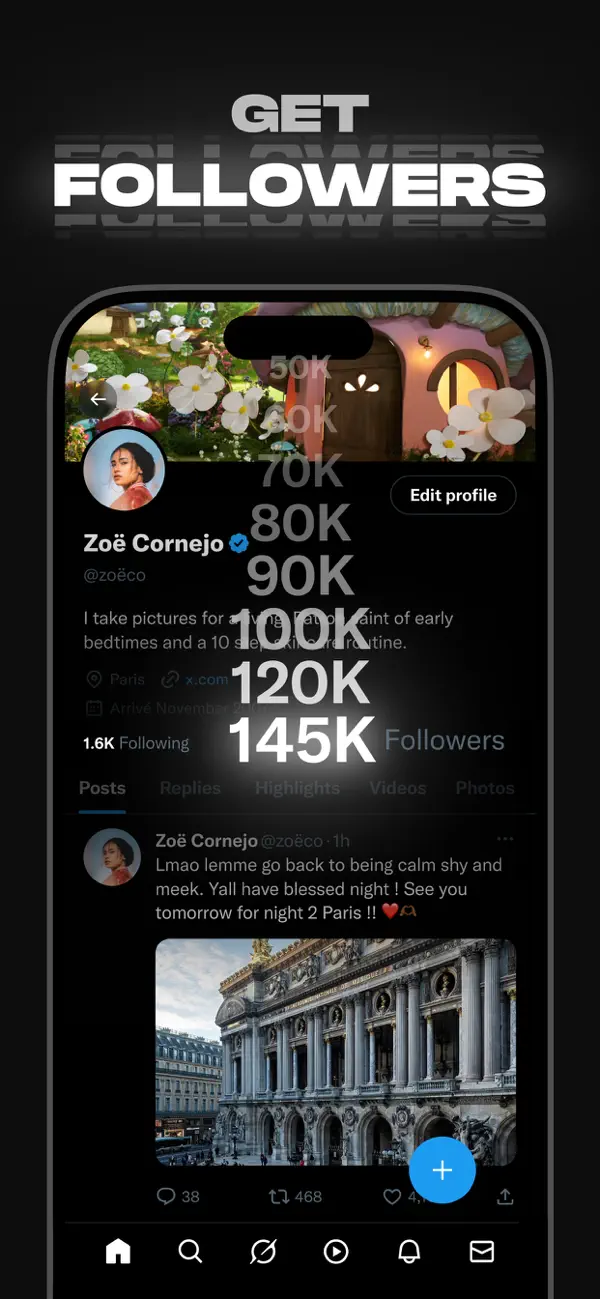
• Post your thoughts, photos, and videos with a global community. Join millions of users in shaping public dialogue across social, cultural, and political conversations.
• Discover Grok, the AI assistant powered by X’s real-time data. You can ask Grok to summarize trending news, explain videos, or give you more context about posts.
• Stream live video or go live with Spaces, our audio feature that enables you to host discussions, hold interviews, or start your next live podcast. Whether you're streaming a concert, a live game, or your thoughts on a hot topic, X keeps your audience engaged.
• Watch videos: from live breaking news and sports clips to podcasts and gaming sessions that last up to 3 hours long. Many of the world’s leading voices, in comedy, gaming, podcasting, and politics, all share their content on X.
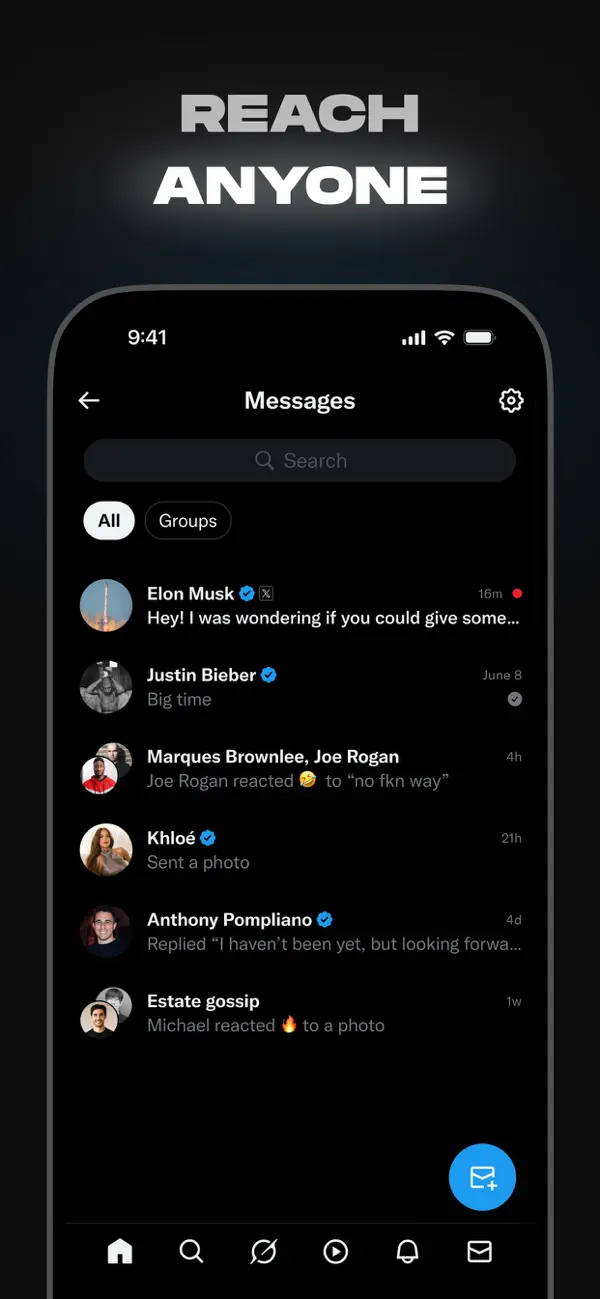
• Connect and chat privately with friends, followers, customers, or collaborators through Direct Messages.
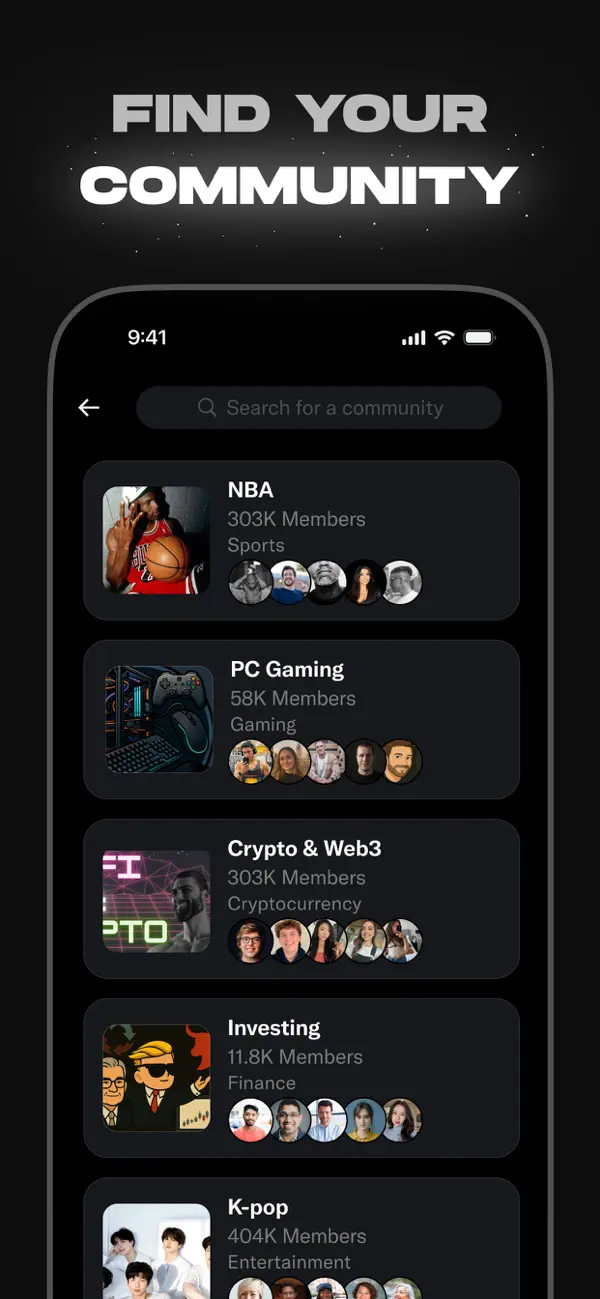
• Join and build communities tailored to your interests: from sports news, gaming, entertainment, crypto, entrepreneurship, tech, and more.
• Subscribe to X Premium to unlock exclusive features like a blue checkmark, boosted visibility, prioritized replies, fewer ads, longer videos, and post editing. X Premium also gives you access to creator revenue sharing and the ability to offer exclusive content to subscribers.
Why X?
In a world of constant change, X is your real-time source to stay ahead of the curve, connect with people, and explore diverse perspectives. From breaking live news and trending memes to top podcasts and live streams from your favorite creators, X brings it all together in one powerful social experience.
Privacy Policy: https://x.com/privacy
Terms and Conditions: https://x.com/tos

- iPhone أو iPad بجيلبريك أو بدون جيلبريك.
- Sideloadly أو بدائلها.
- كمبيوتر يعمل بنظام Windows/macOS/Linux مع تثبيت iTunes.
الخطوة 1: قم بتنزيل ملف .IPA المعدّل مسبقًا من الرابط أعلاه إلى الكمبيوتر الخاص بك. للتنزيل من تطبيق iOSGods App، اطلع على دليل تنزيل IPA من تطبيق iOSGods App الذي يتضمن مثالًا بالفيديو.
الخطوة 2: قم بتنزيل Sideloadly وتثبيته على جهاز Windows أو Mac.
الخطوة 3: افتح Sideloadly على الكمبيوتر، ووصّل جهاز iOS الخاص بك، وانتظر حتى يظهر اسم جهازك داخل Sideloadly.
الخطوة 4: بمجرد التعرّف على جهاز iDevice الخاص بك، اسحب ملف .IPA المعدّل الذي قمت بتنزيله وأفلِته داخل تطبيق Sideloadly.
الخطوة 5: أدخل البريد الإلكتروني لحساب Apple Account الخاص بك، ثم اضغط على «Start». سيُطلب منك بعد ذلك إدخال كلمة المرور. تابع وأدخل المعلومات المطلوبة.
الخطوة 6: انتظر حتى ينتهي Sideloadly من تحميل/تثبيت ملف IPA المعدّل. في حال واجهت أي مشاكل أثناء التثبيت، يرجى قراءة الملاحظة أدناه.
الخطوة 7: بعد اكتمال التثبيت ورؤية التطبيق على الشاشة الرئيسية، انتقل إلى Settings → General → Profiles / VPN & Device Management. ثم اضغط على البريد الإلكتروني الذي أدخلته في الخطوة 6، ثم اضغط على «الوثوق بـ [email protected]».
الخطوة 8: الآن انتقل إلى الشاشة الرئيسية وافتح التطبيق الذي تم تثبيته للتو وسيعمل كل شيء بشكل صحيح. قد تحتاج إلى اتباع تعليمات إضافية خاصة بكل تطبيق داخل النافذة المنبثقة للتعديل أثناء اللعب.
ملاحظة: بدءًا من iOS/iPadOS 16 وما بعده، يجب تفعيل وضع المطور (Developer Mode). بالنسبة لحسابات Apple Developer المجانية، ستحتاج إلى تكرار هذه العملية كل 7 أيام. إذا كانت لديك أي أسئلة أو مشاكل، يرجى قراءة قسم الأسئلة الشائعة حول Sideloadly في الموضوع.