Inicio de sesión requerido
Inicia sesión con tu cuenta de iOSGods para continuar.
Inicia sesión con tu cuenta de iOSGods para continuar.

Login Fix IPA for X. Step below:
Download and Install
Open the app and there will be an H icon with border red
Tap on it and choose enable login
After login, download any latest X modded IPA
Install
Profit!
Esta app también incluye iGameGod, que te ofrece acceso a Auto Touch para automatizar tareas repetitivas, App Speed Manager para ajustar la velocidad del juego, edición de valores con Memory Engine y más potentes herramientas para juegos de iOS.
Descarga X / Twitter Login Fix modded IPA desde los enlaces de arriba. Toca el botón de instalación y sigue las instrucciones para instalar este hack iOS en tu iPhone, iPad o Mac con Apple Silicon.
¿Necesitas más ayuda? Consulta nuestras Preguntas frecuentes de la app iOSGods para respuestas detalladas y consejos de solución de problemas.
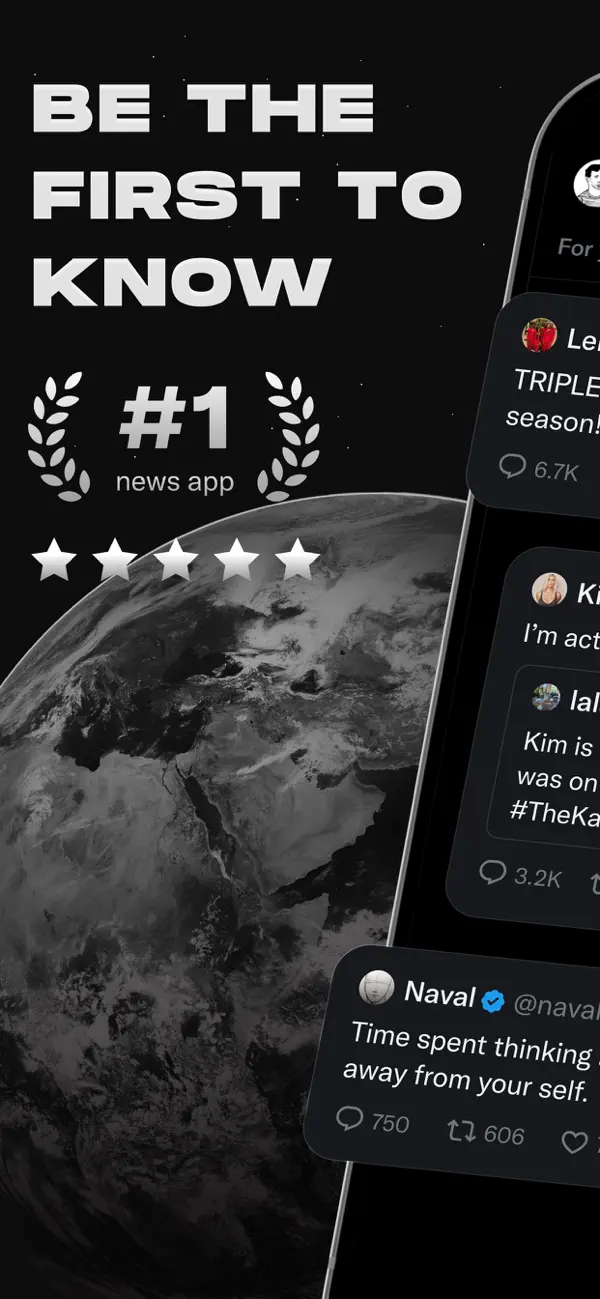
Bienvenido a X, anteriormente conocido como Twitter, tu plaza digital de confianza donde las conversaciones se desarrollan en tiempo real y el mundo se conecta a través de noticias de última hora, eventos en vivo, podcasts y todo lo que hay en medio.
Ya sea que te apasionen los deportes, la tecnología, la música o la política, X te ofrece una visión en primera fila de lo que sucede en todo el mundo.
X no es solo otra app de redes sociales, es el destino definitivo para mantenerte informado, compartir ideas y construir comunidades. Con X, siempre estarás al día con los temas del momento y las noticias de última hora, entregadas al instante y sin filtros.
Qué puedes hacer en X:
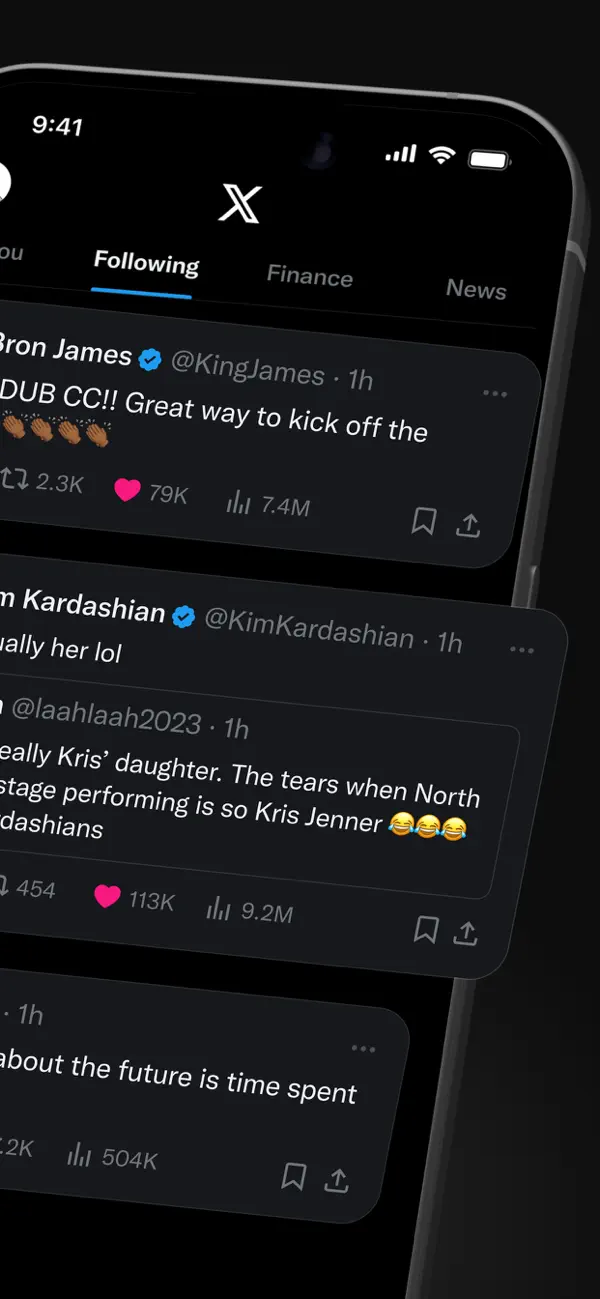
• Sigue noticias de todo el mundo antes de que lleguen a los titulares. Anticípate con actualizaciones en tiempo real, temas en tendencia y conversaciones virales.
• Publica y comparte tus pensamientos, fotos y videos con una audiencia global. Únete a millones de personas moldeando el diálogo público en ámbitos sociales, culturales y políticos.
• Descubre a Grok, el asistente con IA impulsado por los datos en tiempo real de X. Haz preguntas, explora ideas y obtén conocimientos instantáneos sobre temas en tendencia o las últimas noticias.
• Transmite video en vivo o crea tu propio espacio en Spaces, nuestra función de audio ideal para entrevistas, debates o podcasts. Desde conciertos hasta partidos en vivo, con X mantienes a tu audiencia conectada mediante el streaming.
• Mira videos cortos de deportes, hasta podcasts de hasta 3 horas. Las voces más influyentes del mundo en comedia, política y podcasting comparten su contenido en esta plataforma de redes sociales.
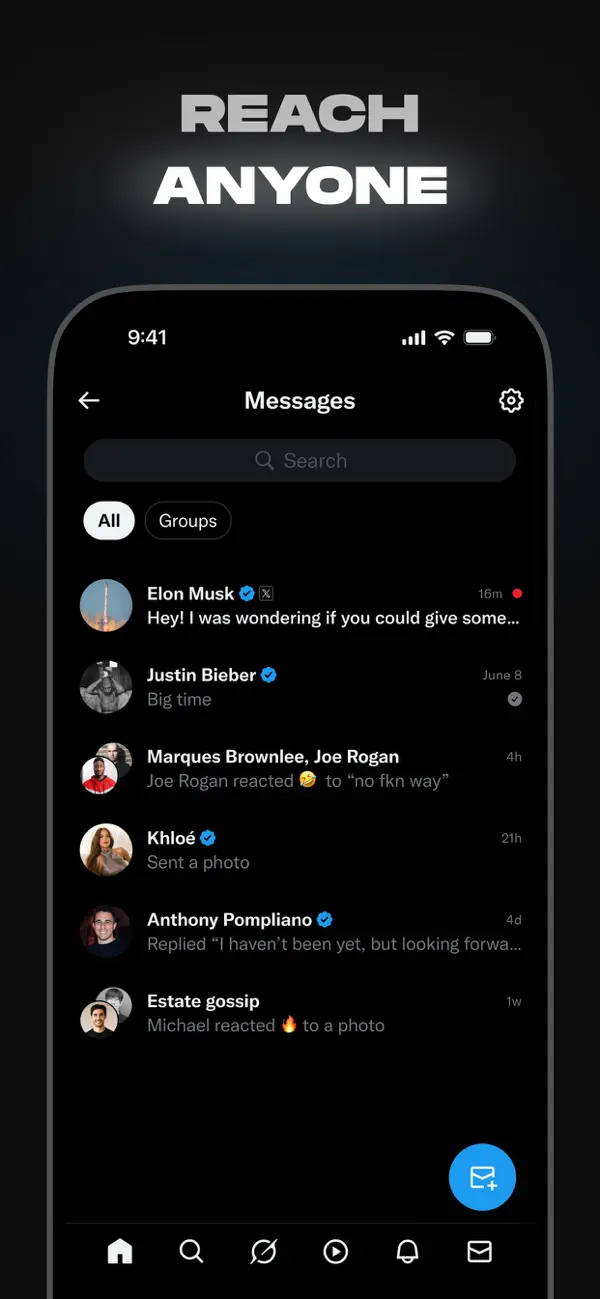
• Conéctate de forma privada con amigos, seguidores, clientes o colaboradores a través de Mensajes Directos.
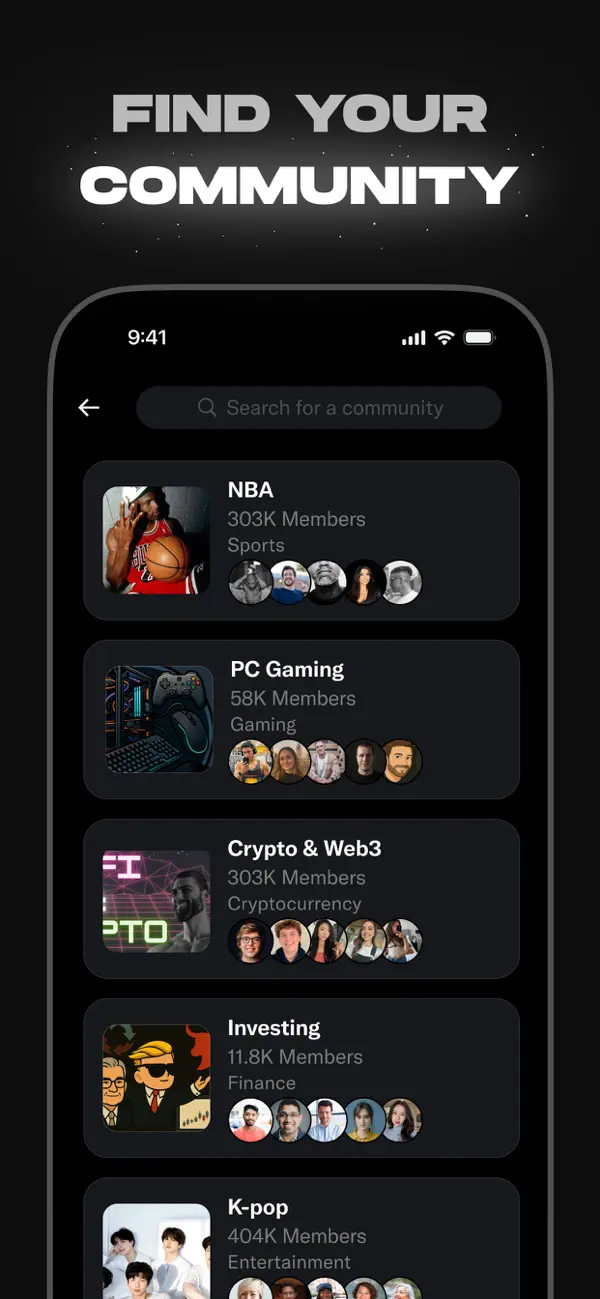
• Únete y crea comunidades enfocadas en tus intereses, desde noticias, entretenimiento y deportes hasta emprendimiento, cripto y tecnología.
• Suscríbete a X Premium para aumentar tu visibilidad, obtener la verificación con la insignia azul y acceder a funciones exclusivas.
• Genera ingresos compartiendo ganancias publicitarias desde las respuestas a tus publicaciones o creando contenido exclusivo para suscriptores pagos.
¿Por qué X?
En un mundo que cambia constantemente, X es tu ventana en tiempo real a lo que importa. Desde el streaming de noticias en vivo hasta la exploración de distintos puntos de vista, esta app es donde periodistas, líderes mundiales, creadores de contenido y personas comunes se encuentran para dar forma a la narrativa.
Si te interesa mantenerte informado, participar en movimientos culturales o construir influencia a nivel global, X es tu lugar. Desde noticias de última hora hasta los memes más virales, desde emitir tu podcast hasta ver a tu creador favorito, X lo reúne todo en una experiencia poderosa de redes sociales.
Descubre por qué X es una de las redes sociales más populares para conversaciones reales, contenido auténtico y creación de comunidades.
Política de privacidad: https://x.com/privacy
Términos y condiciones: https://x.com/tos
- iPhone o iPad con o sin Jailbreak.
- Sideloadly u otras alternativas.
- Ordenador con Windows/macOS/Linux e iTunes instalado.
PASO 1: Descargue el archivo .IPA pre-modificado desde el enlace de arriba a su ordenador. Para descargarlo desde la iOSGods App, consulte nuestro Tutorial de descarga del IPA desde la iOSGods App, que incluye un ejemplo en vídeo.
PASO 2: Descargue Sideloadly e instálelo en su Windows o Mac.
PASO 3: Abra Sideloadly en su ordenador, conecte su dispositivo iOS y espere hasta que el nombre del dispositivo aparezca en Sideloadly.
PASO 4: Una vez que su iDevice sea reconocido, arrastre el archivo .IPA modificado que descargó y suéltelo en la aplicación Sideloadly.
PASO 5: Introduzca el correo electrónico de su Apple Account y, a continuación, pulse «Start». Le pedirá que introduzca su contraseña. Proporcione la información solicitada.
PASO 6: Espere a que Sideloadly termine de hacer sideload/instalar el IPA modificado. Si surgen problemas durante la instalación, por favor lea la nota a continuación.
PASO 7: Una vez completada la instalación y al ver la app en la pantalla de inicio, deberá ir a Ajustes → General → Perfiles / VPN y Gestión de Dispositivos. Una vez allí, toque el correo electrónico que introdujo en el paso 6 y, después, toque en «Confiar en [email protected]».
PASO 8: Ahora vaya a la pantalla de inicio y abra la app recién instalada; todo debería funcionar correctamente. Es posible que tenga que seguir instrucciones adicionales específicas de cada app dentro del popup del hack en el juego.
NOTA: En iOS/iPadOS 16 y posteriores, debe activar el Modo Desarrollador. Para cuentas gratuitas de Apple Developer, deberá repetir este proceso cada 7 días. Si tiene alguna pregunta o problema, lea nuestra sección de Preguntas Frecuentes de Sideloadly del tema.