تسجيل الدخول مطلوب
سجّل الدخول بحساب iOSGods للمتابعة.
سجّل الدخول بحساب iOSGods للمتابعة.
X (تطبيق تويتر سابقاً) هو منصة تواصل اجتماعي فورية لأخبار العاجلة والأحداث المباشرة والحوارات العالمية، لكن مشاكل تسجيل الدخول قد تحجب الوصول، وهذا Mod IPA لإصلاح تسجيل الدخول يحل مشاكل المصادقة حتى تتمكن من العودة إلى خيطك على الفور.
سواء كنت تحاول حل مشكلة شاشة تسجيل دخول عالقة أو تستعد لتثبيت نسخة معدلة من X، فإن هذا الإصلاح يسد الفجوة بواسطة استعادة قدرتك على المصادقة والاتصال، مما يجعله رفيقاً أساسياً لمستخدمي iOS الذين يديرون عدة تثبيتات من X أو يتعافون من تضارب التطبيقات.
- إصلاح تسجيل الدخول (اضغط على أيقونة H بالحد الأحمر واختر تفعيل تسجيل الدخول) → استعادة المصادقة وحل فشل تسجيل الدخول
خطوات التثبيت:
يأتي هذا التطبيق أيضًا مع iGameGod، مما يتيح لك الوصول إلى Auto Touch لأتمتة المهام المتكررة، وApp Speed Manager لضبط سرعة اللعب، وتعديل القيم عبر Memory Engine، والمزيد من أدوات ألعاب iOS القوية.
قم بتنزيل X / Twitter Login Fix modded IPA من الروابط أعلاه. اضغط على زر التثبيت واتبع التعليمات لتثبيت هذا التعديل لـ iOS على iPhone أو iPad أو Apple Silicon.
هل تحتاج إلى مزيد من المساعدة؟ راجع الأسئلة الشائعة لتطبيق iOSGods للحصول على إجابات مفصلة ونصائح لاستكشاف الأخطاء.
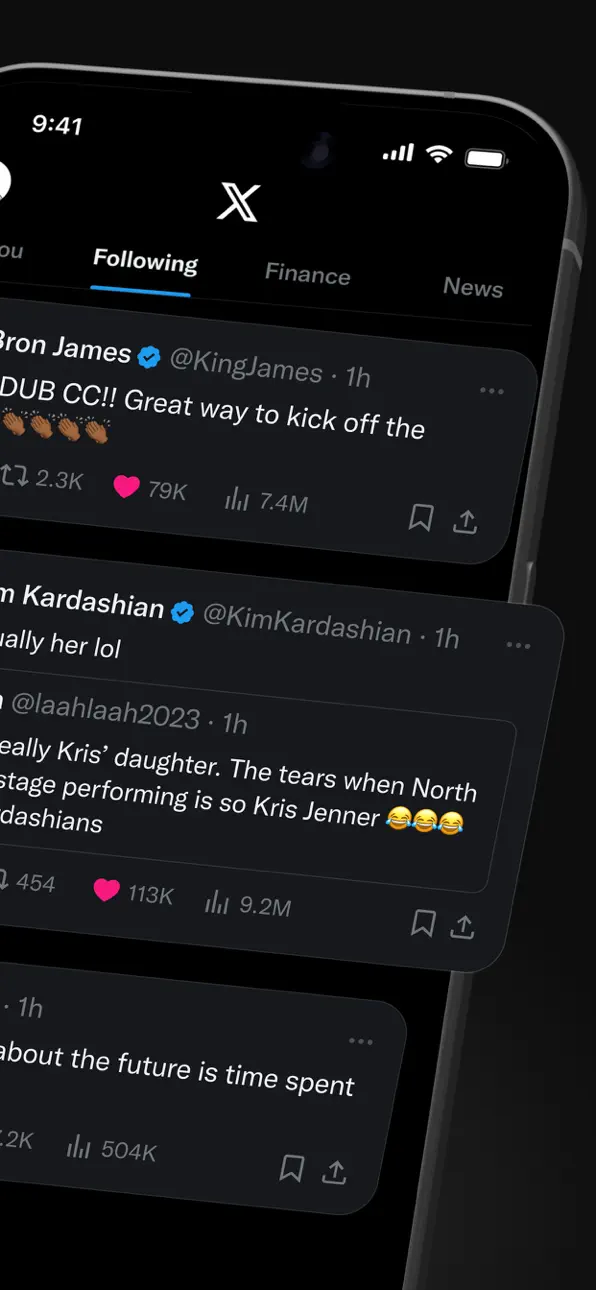
X (formerly Twitter) is a social media app where you can follow breaking news, live events, and trending topics as they happen. Sports, tech, music, politics: whatever you're into, the conversation starts here, raw and unfiltered.
It's also a place to be heard. Post your take on the day's news, go live, and grow an audience for whatever you create. Millions of people come to X every day to find out what's happening and talk about it.
WHAT YOU CAN DO ON X
- Follow breaking news – Get news from around the world before it hits the headlines, with real-time updates on trending topics and viral conversations.
- Post to a global community – Share your thoughts, photos, and videos. Join millions of users shaping public dialogue across social, cultural, and political conversations.
- Ask Grok – Grok is the AI assistant powered by X's real-time data. Ask Grok to summarize trending news, explain videos, or give you more context about posts. Grok also powers the photo and video editing tools in the app.
- Create original videos – The built-in Video Editor and Recorder lets you shoot, add multi-language captions, apply green screen effects, and post pro-level content directly in the app.
- Go live on video – Stream a concert, a live game, or your thoughts on a hot topic, and keep your audience engaged with enhanced livestream tools.
- Watch video and podcasts – From live breaking news and sports clips to podcasts and gaming sessions up to 3 hours long. Many of the world's leading voices in comedy, gaming, podcasting, and politics share their content on X.
- Host live audio with Spaces – Spaces is X's audio feature for hosting discussions, holding interviews, or starting your next live podcast.
- Message privately – Connect and chat with friends, followers, customers, or collaborators through Direct Messages.
- Pin Custom Timelines – Custom Timelines are Grok-powered topic feeds you can pin for the topics you follow most.
- Turn on Priority Notifications – Priority Notifications surface your key interactions first.
- Open your History tab – The History tab is one unified place for your bookmarks, likes, videos, and articles.
- Subscribe to X Premium – X Premium unlocks a blue checkmark, boosted visibility, prioritized replies, fewer ads, longer videos, and post editing. It also gives you creator revenue sharing and the ability to offer exclusive content to subscribers.
WHO X IS FOR
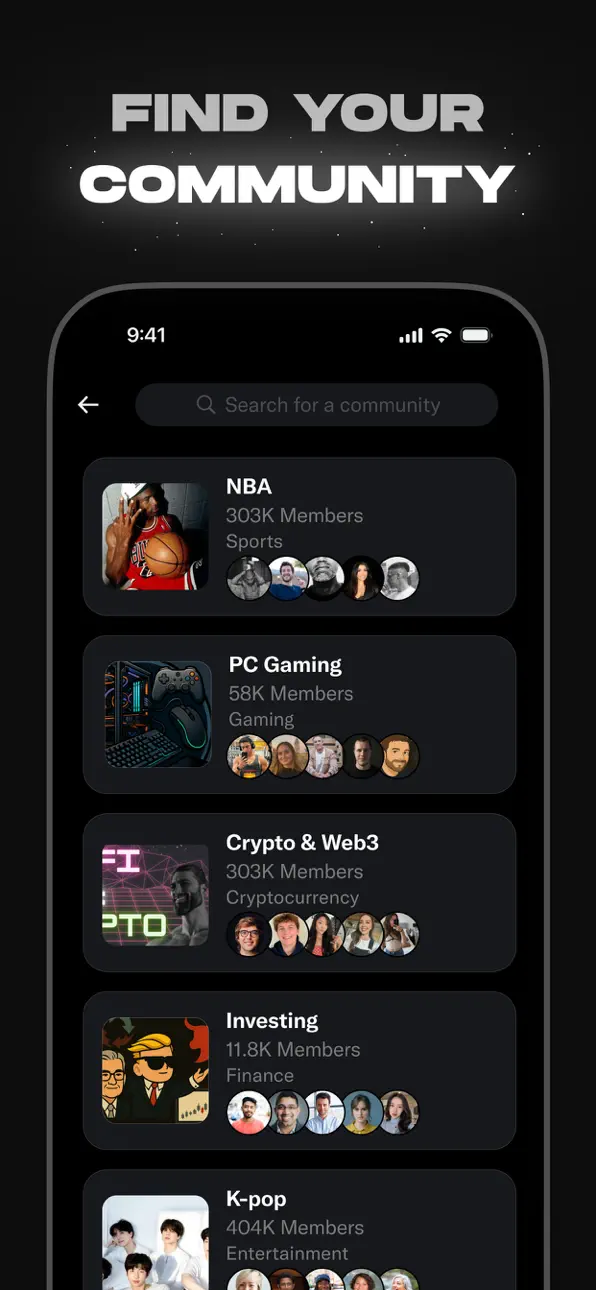
X is for people who follow breaking news and live events in real time, for sports, tech, music, and politics fans, for creators and podcasters who stream and create original video content for an audience, and for anyone building a community around gaming, entertainment, crypto, entrepreneurship, or tech.
WHY X?
In a world of constant change, X is your real-time source to stay ahead of the curve, connect with people, explore diverse perspectives, and create standout content. From breaking live news and trending memes to top podcasts, live streams, and original videos from your favorite creators, X brings it all together in one powerful social experience.
لقطات الشاشة © لأصحابها · App Store


iOSGods ليست تابعة لشركة Apple Inc. أو Google LLC أو مطوّري التطبيقات المدرجة هنا، وليست معتمدة أو مدعومة منهم. Apple وiOS وApp Store علامات تجارية لشركة Apple Inc. وAndroid وGoogle Play علامتان تجاريتان لشركة Google LLC. أما بقية أسماء التطبيقات والأيقونات والصور والعلامات التجارية فهي ملك لأصحابها.

- iPhone أو iPad بجيلبريك أو بدون جيلبريك.
- Sideloadly أو بدائلها.
- كمبيوتر يعمل بنظام Windows/macOS/Linux مع تثبيت iTunes.
الخطوة 1: قم بتنزيل ملف .IPA المعدّل مسبقًا من الرابط أعلاه إلى الكمبيوتر الخاص بك. للتنزيل من تطبيق iOSGods App، اطلع على دليل تنزيل IPA من تطبيق iOSGods App الذي يتضمن مثالًا بالفيديو.
الخطوة 2: قم بتنزيل Sideloadly وتثبيته على جهاز Windows أو Mac.
الخطوة 3: افتح Sideloadly على الكمبيوتر، ووصّل جهاز iOS الخاص بك، وانتظر حتى يظهر اسم جهازك داخل Sideloadly.
الخطوة 4: بمجرد التعرّف على جهاز iDevice الخاص بك، اسحب ملف .IPA المعدّل الذي قمت بتنزيله وأفلِته داخل تطبيق Sideloadly.
الخطوة 5: أدخل البريد الإلكتروني لحساب Apple Account الخاص بك، ثم اضغط على «Start». سيُطلب منك بعد ذلك إدخال كلمة المرور. تابع وأدخل المعلومات المطلوبة.
الخطوة 6: انتظر حتى ينتهي Sideloadly من تحميل/تثبيت ملف IPA المعدّل. في حال واجهت أي مشاكل أثناء التثبيت، يرجى قراءة الملاحظة أدناه.
الخطوة 7: بعد اكتمال التثبيت ورؤية التطبيق على الشاشة الرئيسية، انتقل إلى Settings → General → Profiles / VPN & Device Management. ثم اضغط على البريد الإلكتروني الذي أدخلته في الخطوة 6، ثم اضغط على «الوثوق بـ [email protected]».
الخطوة 8: الآن انتقل إلى الشاشة الرئيسية وافتح التطبيق الذي تم تثبيته للتو وسيعمل كل شيء بشكل صحيح. قد تحتاج إلى اتباع تعليمات إضافية خاصة بكل تطبيق داخل النافذة المنبثقة للتعديل أثناء اللعب.
ملاحظة: بدءًا من iOS/iPadOS 16 وما بعده، يجب تفعيل وضع المطور (Developer Mode). بالنسبة لحسابات Apple Developer المجانية، ستحتاج إلى تكرار هذه العملية كل 7 أيام. إذا كانت لديك أي أسئلة أو مشاكل، يرجى قراءة قسم الأسئلة الشائعة حول Sideloadly في الموضوع.
Game Name iOS Mod IPA is an action adventure game enhanced with powerful gameplay boosts and quality-of-life improvements. Win battles faster, earn rewards quicker, and enjoy uninterrupted play without ads.
- Unlimited Gold - spend freely to unlock premium content
- Damage Multiplier - deal significantly more damage in combat
- Defense Multiplier - take less damage and survive longer
- Reward Multiplier - earn more loot from every battle
- Max Level - instantly reach the highest player rank
- No Ads - play without interruptions or advertisements
This app also comes with iGameGod, giving you access to Auto Touch to automate repetitive tasks, App Speed Manager for adjustable gameplay speed, Memory Engine value editing, and more powerful iOS game tools.
قم بتنزيل Game Name Mod IPA من الروابط أعلاه. اضغط على زر التثبيت واتبع التعليمات لتثبيت هذا التعديل لـ iOS على iPhone أو iPad أو Apple Silicon.
هل تحتاج إلى مزيد من المساعدة؟ راجع الأسئلة الشائعة لتطبيق iOSGods للحصول على إجابات مفصلة ونصائح لاستكشاف الأخطاء.
----------------------------------------------------------
--------------------------------------------------