Anmeldung erforderlich
Melde dich mit deinem iOSGods-Konto an, um fortzufahren.
Melde dich mit deinem iOSGods-Konto an, um fortzufahren.

X (ehemals Twitter) ist ein Echtzeit-Social-Networking-Hub für Nachrichten, Live-Events und globale Gespräche, aber Login-Probleme können den Zugriff blockieren. Diese Login Fix Mod IPA behebt Authentifizierungsprobleme, damit du sofort wieder auf deinen Feed zugreifen kannst.
Egal ob du einen feststeckenden Login-Bildschirm behebst oder dich auf das Sideloading einer modifizierten Version von X vorbereitest, diese Lösung überbrückt die Lücke, indem sie deine Authentifizierungsfähigkeit und Verbindung wiederherstellt. Sie ist ein unverzichtbarer Begleiter für iOS-Nutzer, die mehrere X-Installationen verwalten oder sich von App-Konflikten erholen.
- Login Fix (tippe auf das H-Symbol mit rotem Rand und wähle Login aktivieren) → stellt die Authentifizierung wieder her und behebt Login-Fehler
Installationsschritte:
Diese App wird zusätzlich mit iGameGod geliefert und bietet dir Zugriff auf Auto Touch zur Automatisierung sich wiederholender Aufgaben, App Speed Manager für eine anpassbare Spielgeschwindigkeit, Memory Engine zur Wertbearbeitung und weitere leistungsstarke iOS-Spielwerkzeuge.
Lade X / Twitter Login Fix modded IPA über die obigen Links herunter. Tippe auf den Installations-Button und folge den Anweisungen, um diese iOS-App auf deinem iPhone, iPad oder Apple Silicon zu installieren.
Brauchst du mehr Hilfe? In unseren iOSGods App häufig gestellten Fragen findest du ausführliche Antworten und Tipps zur Fehlerbehebung.
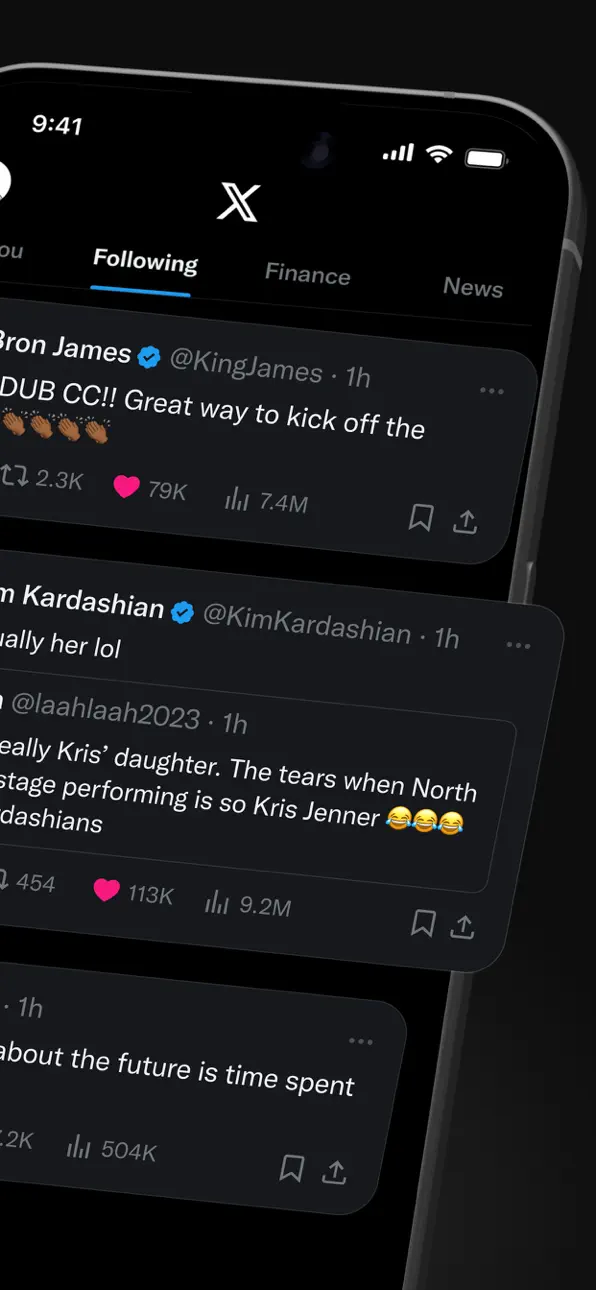
X (formerly Twitter) is a social media app where you can follow breaking news, live events, and trending topics as they happen. Sports, tech, music, politics: whatever you're into, the conversation starts here, raw and unfiltered.
It's also a place to be heard. Post your take on the day's news, go live, and grow an audience for whatever you create. Millions of people come to X every day to find out what's happening and talk about it.
WHAT YOU CAN DO ON X
- Follow breaking news – Get news from around the world before it hits the headlines, with real-time updates on trending topics and viral conversations.
- Post to a global community – Share your thoughts, photos, and videos. Join millions of users shaping public dialogue across social, cultural, and political conversations.
- Ask Grok – Grok is the AI assistant powered by X's real-time data. Ask Grok to summarize trending news, explain videos, or give you more context about posts. Grok also powers the photo and video editing tools in the app.
- Create original videos – The built-in Video Editor and Recorder lets you shoot, add multi-language captions, apply green screen effects, and post pro-level content directly in the app.
- Go live on video – Stream a concert, a live game, or your thoughts on a hot topic, and keep your audience engaged with enhanced livestream tools.
- Watch video and podcasts – From live breaking news and sports clips to podcasts and gaming sessions up to 3 hours long. Many of the world's leading voices in comedy, gaming, podcasting, and politics share their content on X.
- Host live audio with Spaces – Spaces is X's audio feature for hosting discussions, holding interviews, or starting your next live podcast.
- Message privately – Connect and chat with friends, followers, customers, or collaborators through Direct Messages.
- Pin Custom Timelines – Custom Timelines are Grok-powered topic feeds you can pin for the topics you follow most.
- Turn on Priority Notifications – Priority Notifications surface your key interactions first.
- Open your History tab – The History tab is one unified place for your bookmarks, likes, videos, and articles.
- Subscribe to X Premium – X Premium unlocks a blue checkmark, boosted visibility, prioritized replies, fewer ads, longer videos, and post editing. It also gives you creator revenue sharing and the ability to offer exclusive content to subscribers.
WHO X IS FOR
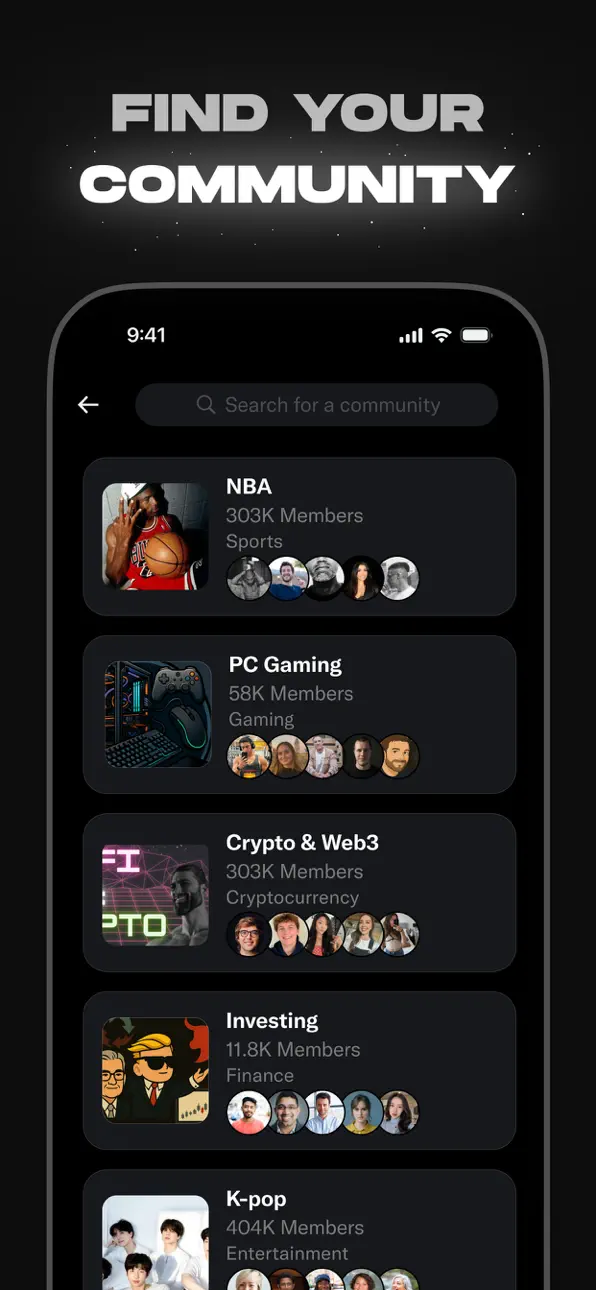
X is for people who follow breaking news and live events in real time, for sports, tech, music, and politics fans, for creators and podcasters who stream and create original video content for an audience, and for anyone building a community around gaming, entertainment, crypto, entrepreneurship, or tech.
WHY X?
In a world of constant change, X is your real-time source to stay ahead of the curve, connect with people, explore diverse perspectives, and create standout content. From breaking live news and trending memes to top podcasts, live streams, and original videos from your favorite creators, X brings it all together in one powerful social experience.
Screenshots © der jeweiligen Inhaber · App Store


iOSGods ist nicht mit Apple Inc., Google LLC oder den Entwicklern der hier aufgeführten Apps verbunden und wird von ihnen weder unterstützt noch gesponsert. Apple, iOS und App Store sind Marken von Apple Inc. Android und Google Play sind Marken von Google LLC. Alle weiteren App-Namen, Symbole, Grafiken und Marken gehören ihren jeweiligen Inhabern.
- Nicht-Jailbroken/Jailed oder Jailbroken iPhone oder iPad.
- Sideloadly oder Alternativen.
- Computer mit Windows/macOS/Linux und installiertem iTunes.
SCHRITT 1: Lade die vorinstallierte .IPA-Datei über den obigen Link auf deinen Computer herunter. Zum Herunterladen aus der iOSGods-App siehe unser iOSGods App IPA Download-Tutorial mit Videobeispiel.
SCHRITT 2: Lade Sideloadly herunter und installiere es auf deinem Windows oder Mac.
SCHRITT 3: Öffne Sideloadly auf deinem Computer, verbinde dein iOS-Gerät und warte, bis dein Gerätename in Sideloadly erscheint.
SCHRITT 4: Sobald dein iDevice erkannt wird, ziehe die heruntergeladene gemoddete .IPA-Datei in die Sideloadly-Anwendung.
SCHRITT 5: Gib deine Apple-Account-E-Mail ein und drücke „Start". Du wirst dann nach deinem Passwort gefragt. Gib die erforderlichen Informationen ein.
SCHRITT 6: Warte, bis Sideloadly das Sideloading/Installieren der gehackten IPA abgeschlossen hat. Bei Problemen während der Installation lies bitte den Hinweis unten.
SCHRITT 7: Sobald die Installation abgeschlossen ist und die App auf deinem Home-Bildschirm angezeigt wird, musst du zu Einstellungen → Allgemein → Profile / VPN & Geräteverwaltung gehen. Tippe dort auf die E-Mail, die du in Schritt 6 eingegeben hast, und dann auf „Trust [email protected]".
SCHRITT 8: Gehe nun zu deinem Home-Bildschirm und öffne die neu installierte App – alles sollte einwandfrei funktionieren. Möglicherweise musst du weitere App-spezifische Anweisungen im Hack-Popup im Spiel befolgen.
HINWEIS: iOS/iPadOS 16 und höher: Du musst den Entwicklermodus aktivieren. Bei kostenlosen Apple Developer-Accounts musst du diesen Vorgang alle 7 Tage wiederholen. Bei Fragen oder Problemen lies bitte unsere Sideloadly-FAQ-Sektion im Thema.
Game Name iOS Mod IPA is an action adventure game enhanced with powerful gameplay boosts and quality-of-life improvements. Win battles faster, earn rewards quicker, and enjoy uninterrupted play without ads.
- Unlimited Gold - spend freely to unlock premium content
- Damage Multiplier - deal significantly more damage in combat
- Defense Multiplier - take less damage and survive longer
- Reward Multiplier - earn more loot from every battle
- Max Level - instantly reach the highest player rank
- No Ads - play without interruptions or advertisements
This app also comes with iGameGod, giving you access to Auto Touch to automate repetitive tasks, App Speed Manager for adjustable gameplay speed, Memory Engine value editing, and more powerful iOS game tools.
Lade Game Name Mod IPA über die obigen Links herunter. Tippe auf den Installations-Button und folge den Anweisungen, um diese iOS-App auf deinem iPhone, iPad oder Apple Silicon zu installieren.
Brauchst du mehr Hilfe In unseren iOSGods App häufig gestellten Fragen findest du ausführliche Antworten und Tipps zur Fehlerbehebung.
----------------------------------------------------------
--------------------------------------------------