Inicio de sesión requerido
Inicia sesión con tu cuenta de iOSGods para continuar.
Inicia sesión con tu cuenta de iOSGods para continuar.
X (anteriormente Twitter) es un centro de redes sociales en tiempo real para noticias de última hora, eventos en vivo y conversaciones globales, pero los problemas de inicio de sesión pueden bloquear el acceso. Este Login Fix Mod IPA resuelve problemas de autenticación para que puedas volver a tu feed al instante.
Ya sea que estés solucionando una pantalla de inicio de sesión atascada o preparándote para instalar una versión modificada de X, esta solución cierra la brecha restaurando tu capacidad de autenticación y conexión, lo que la convierte en una herramienta esencial para usuarios de iOS que administran múltiples instalaciones de X o se recuperan de conflictos de aplicaciones.
- Corrección de Inicio de Sesión (toca el icono H con borde rojo y elige habilitar inicio de sesión) → restaura la autenticación y resuelve fallos de inicio de sesión
Pasos de Instalación:
Esta app también incluye iGameGod, que te ofrece acceso a Auto Touch para automatizar tareas repetitivas, App Speed Manager para ajustar la velocidad del juego, edición de valores con Memory Engine y más potentes herramientas para juegos de iOS.
Descarga X / Twitter Login Fix modded IPA desde los enlaces de arriba. Toca el botón de instalación y sigue las instrucciones para instalar este hack iOS en tu iPhone, iPad o Mac con Apple Silicon.
¿Necesitas más ayuda? Consulta nuestras Preguntas frecuentes de la app iOSGods para respuestas detalladas y consejos de solución de problemas.
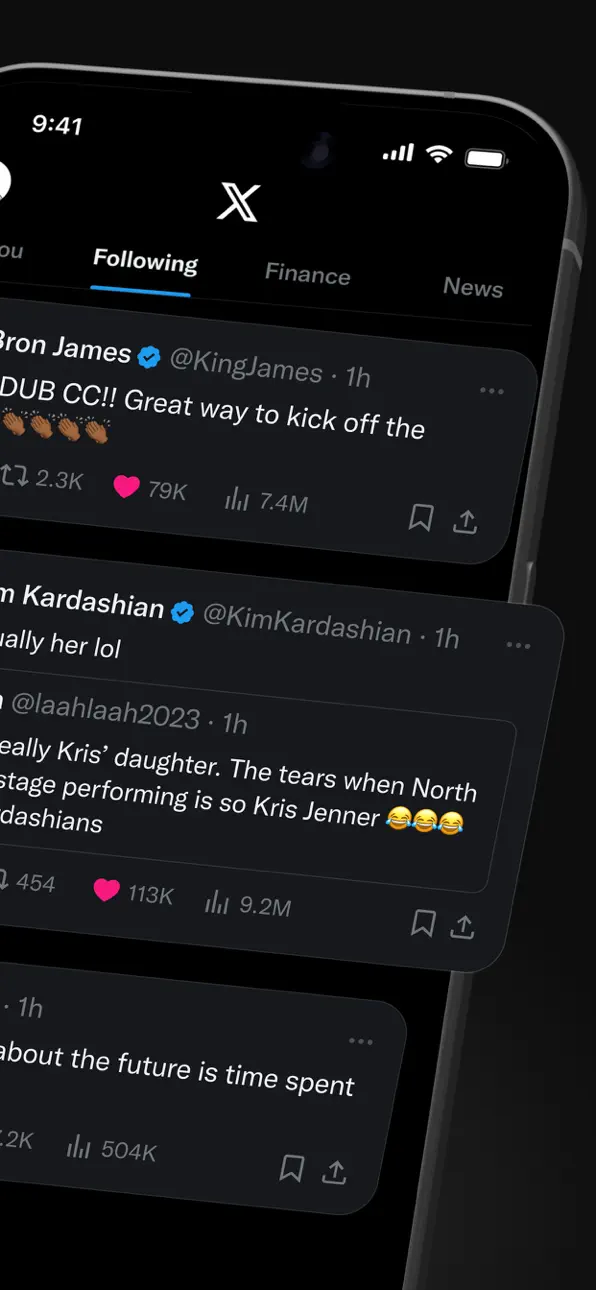
X (formerly Twitter) is a social media app where you can follow breaking news, live events, and trending topics as they happen. Sports, tech, music, politics: whatever you're into, the conversation starts here, raw and unfiltered.
It's also a place to be heard. Post your take on the day's news, go live, and grow an audience for whatever you create. Millions of people come to X every day to find out what's happening and talk about it.
WHAT YOU CAN DO ON X
- Follow breaking news – Get news from around the world before it hits the headlines, with real-time updates on trending topics and viral conversations.
- Post to a global community – Share your thoughts, photos, and videos. Join millions of users shaping public dialogue across social, cultural, and political conversations.
- Ask Grok – Grok is the AI assistant powered by X's real-time data. Ask Grok to summarize trending news, explain videos, or give you more context about posts. Grok also powers the photo and video editing tools in the app.
- Create original videos – The built-in Video Editor and Recorder lets you shoot, add multi-language captions, apply green screen effects, and post pro-level content directly in the app.
- Go live on video – Stream a concert, a live game, or your thoughts on a hot topic, and keep your audience engaged with enhanced livestream tools.
- Watch video and podcasts – From live breaking news and sports clips to podcasts and gaming sessions up to 3 hours long. Many of the world's leading voices in comedy, gaming, podcasting, and politics share their content on X.
- Host live audio with Spaces – Spaces is X's audio feature for hosting discussions, holding interviews, or starting your next live podcast.
- Message privately – Connect and chat with friends, followers, customers, or collaborators through Direct Messages.
- Pin Custom Timelines – Custom Timelines are Grok-powered topic feeds you can pin for the topics you follow most.
- Turn on Priority Notifications – Priority Notifications surface your key interactions first.
- Open your History tab – The History tab is one unified place for your bookmarks, likes, videos, and articles.
- Subscribe to X Premium – X Premium unlocks a blue checkmark, boosted visibility, prioritized replies, fewer ads, longer videos, and post editing. It also gives you creator revenue sharing and the ability to offer exclusive content to subscribers.
WHO X IS FOR
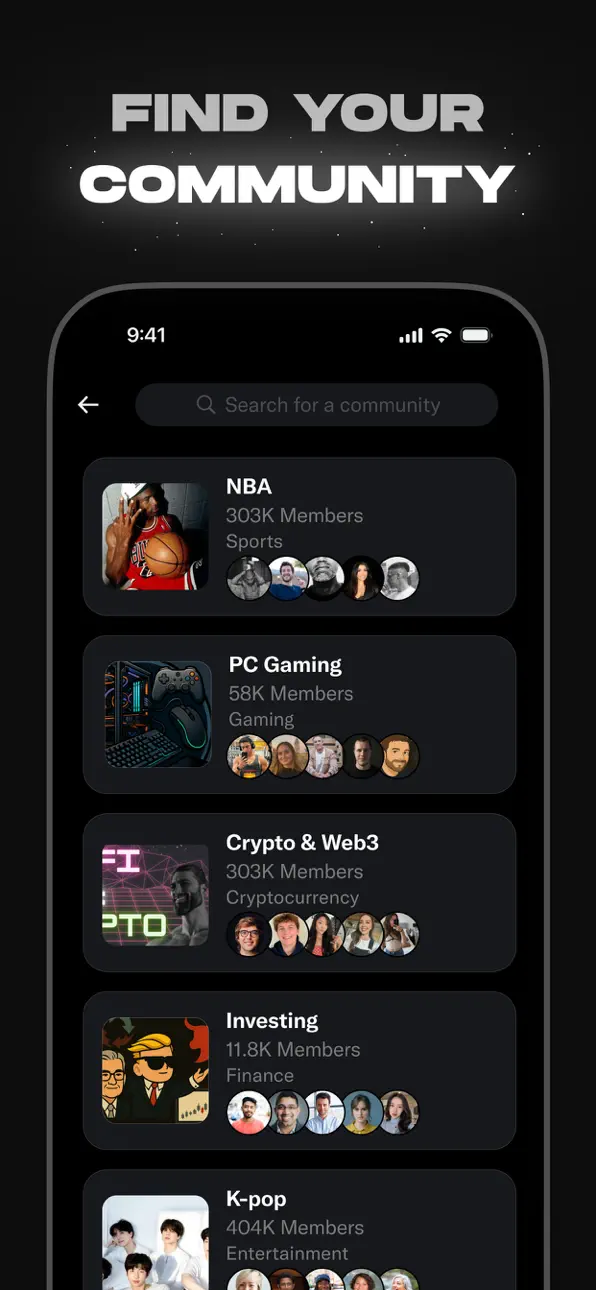
X is for people who follow breaking news and live events in real time, for sports, tech, music, and politics fans, for creators and podcasters who stream and create original video content for an audience, and for anyone building a community around gaming, entertainment, crypto, entrepreneurship, or tech.
WHY X?
In a world of constant change, X is your real-time source to stay ahead of the curve, connect with people, explore diverse perspectives, and create standout content. From breaking live news and trending memes to top podcasts, live streams, and original videos from your favorite creators, X brings it all together in one powerful social experience.
Capturas © sus respectivos dueños · App Store


iOSGods no está afiliado, avalado ni patrocinado por Apple Inc., Google LLC ni por los desarrolladores de las apps que aparecen aquí. Apple, iOS y App Store son marcas comerciales de Apple Inc. Android y Google Play son marcas comerciales de Google LLC. Todos los demás nombres de apps, iconos, imágenes y marcas pertenecen a sus respectivos dueños.

- iPhone o iPad con o sin Jailbreak.
- Sideloadly u otras alternativas.
- Ordenador con Windows/macOS/Linux e iTunes instalado.
PASO 1: Descargue el archivo .IPA pre-modificado desde el enlace de arriba a su ordenador. Para descargarlo desde la iOSGods App, consulte nuestro Tutorial de descarga del IPA desde la iOSGods App, que incluye un ejemplo en vídeo.
PASO 2: Descargue Sideloadly e instálelo en su Windows o Mac.
PASO 3: Abra Sideloadly en su ordenador, conecte su dispositivo iOS y espere hasta que el nombre del dispositivo aparezca en Sideloadly.
PASO 4: Una vez que su iDevice sea reconocido, arrastre el archivo .IPA modificado que descargó y suéltelo en la aplicación Sideloadly.
PASO 5: Introduzca el correo electrónico de su Apple Account y, a continuación, pulse «Start». Le pedirá que introduzca su contraseña. Proporcione la información solicitada.
PASO 6: Espere a que Sideloadly termine de hacer sideload/instalar el IPA modificado. Si surgen problemas durante la instalación, por favor lea la nota a continuación.
PASO 7: Una vez completada la instalación y al ver la app en la pantalla de inicio, deberá ir a Ajustes → General → Perfiles / VPN y Gestión de Dispositivos. Una vez allí, toque el correo electrónico que introdujo en el paso 6 y, después, toque en «Confiar en [email protected]».
PASO 8: Ahora vaya a la pantalla de inicio y abra la app recién instalada; todo debería funcionar correctamente. Es posible que tenga que seguir instrucciones adicionales específicas de cada app dentro del popup del hack en el juego.
NOTA: En iOS/iPadOS 16 y posteriores, debe activar el Modo Desarrollador. Para cuentas gratuitas de Apple Developer, deberá repetir este proceso cada 7 días. Si tiene alguna pregunta o problema, lea nuestra sección de Preguntas Frecuentes de Sideloadly del tema.
Game Name iOS Mod IPA is an action adventure game enhanced with powerful gameplay boosts and quality-of-life improvements. Win battles faster, earn rewards quicker, and enjoy uninterrupted play without ads.
- Unlimited Gold - spend freely to unlock premium content
- Damage Multiplier - deal significantly more damage in combat
- Defense Multiplier - take less damage and survive longer
- Reward Multiplier - earn more loot from every battle
- Max Level - instantly reach the highest player rank
- No Ads - play without interruptions or advertisements
This app also comes with iGameGod, giving you access to Auto Touch to automate repetitive tasks, App Speed Manager for adjustable gameplay speed, Memory Engine value editing, and more powerful iOS game tools.
Descarga Game Name Mod IPA desde los enlaces de arriba. Toca el botón de instalación y sigue las instrucciones para instalar este hack iOS en tu iPhone, iPad o Mac con Apple Silicon.
¿Necesitas más ayuda Consulta nuestras Preguntas frecuentes de la app iOSGods para respuestas detalladas y consejos de solución de problemas.
----------------------------------------------------------
--------------------------------------------------