Accesso richiesto
Accedi con il tuo account iOSGods per continuare.
Login Fix IPA for X. Step below:
Download and Install
Open the app and there will be an H icon with border red
Tap on it and choose enable login
After login, download any latest X modded IPA
Install
Profit!
Scarica X / Twitter Login Fix modded IPA dai link sopra. Tocca il pulsante di installazione e segui le istruzioni per installare questo hack iOS sul tuo iPhone, iPad o Mac con Apple Silicon.
Hai bisogno di altro aiuto? Consulta le nostre Domande frequenti sull'app iOSGods per risposte dettagliate e consigli per la risoluzione dei problemi.
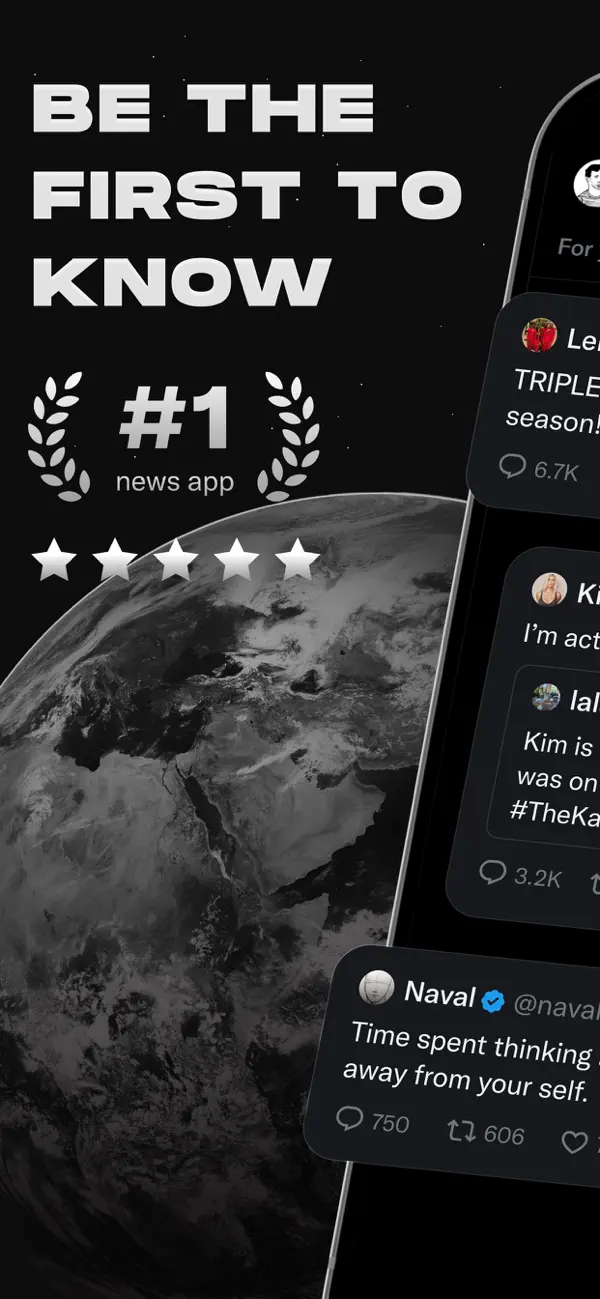
Welcome to X (formerly known as Twitter), your trusted digital town square where conversations unfold in real time, and the world connects through breaking news, live events, podcasts, and everything in between.
Whether you're passionate about sports, tech, music, or politics, X is your front-row seat to what’s happening across the globe.
X isn’t just another social media app, it’s the ultimate destination for staying well informed, sharing ideas, and building communities. With X, you’re always in the loop with relevant trending topics and breaking news, delivered instantly to your screen, raw and unfiltered.
What You Can Do on X:
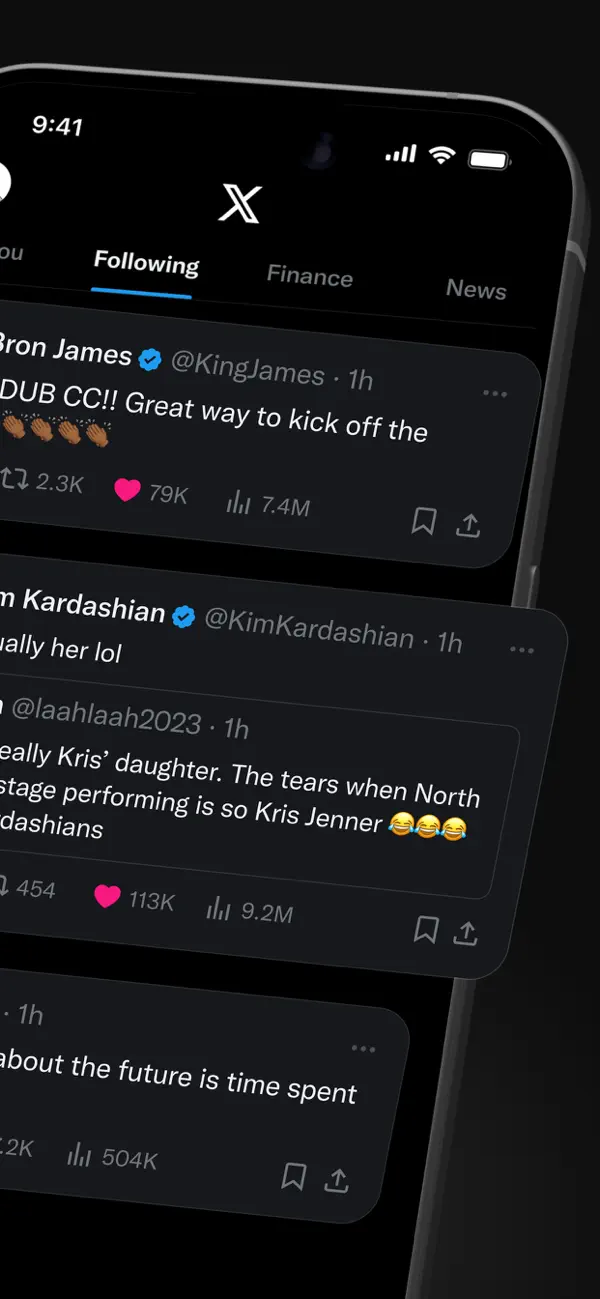
• Follow breaking news from around the world before it hits the headlines, and stay ahead of the curve with real-time updates on trending topics and viral conversations.
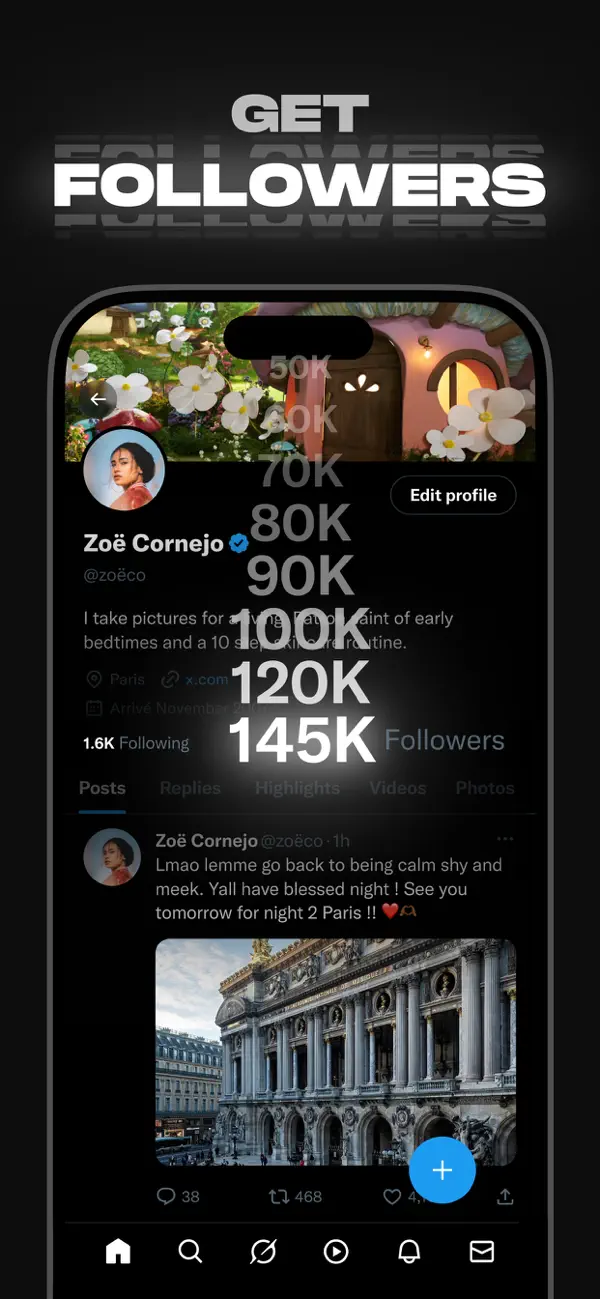
• Post your thoughts, photos, and videos with a global community. Join millions of users in shaping public dialogue across social, cultural, and political conversations.
• Discover Grok, the AI assistant powered by X’s real-time data. You can ask Grok to summarize trending news, explain videos, or give you more context about posts.
• Stream live video or go live with Spaces, our audio feature that enables you to host discussions, hold interviews, or start your next live podcast. Whether you're streaming a concert, a live game, or your thoughts on a hot topic, X keeps your audience engaged.
• Watch videos: from live breaking news and sports clips to podcasts and gaming sessions that last up to 3 hours long. Many of the world’s leading voices, in comedy, gaming, podcasting, and politics, all share their content on X.
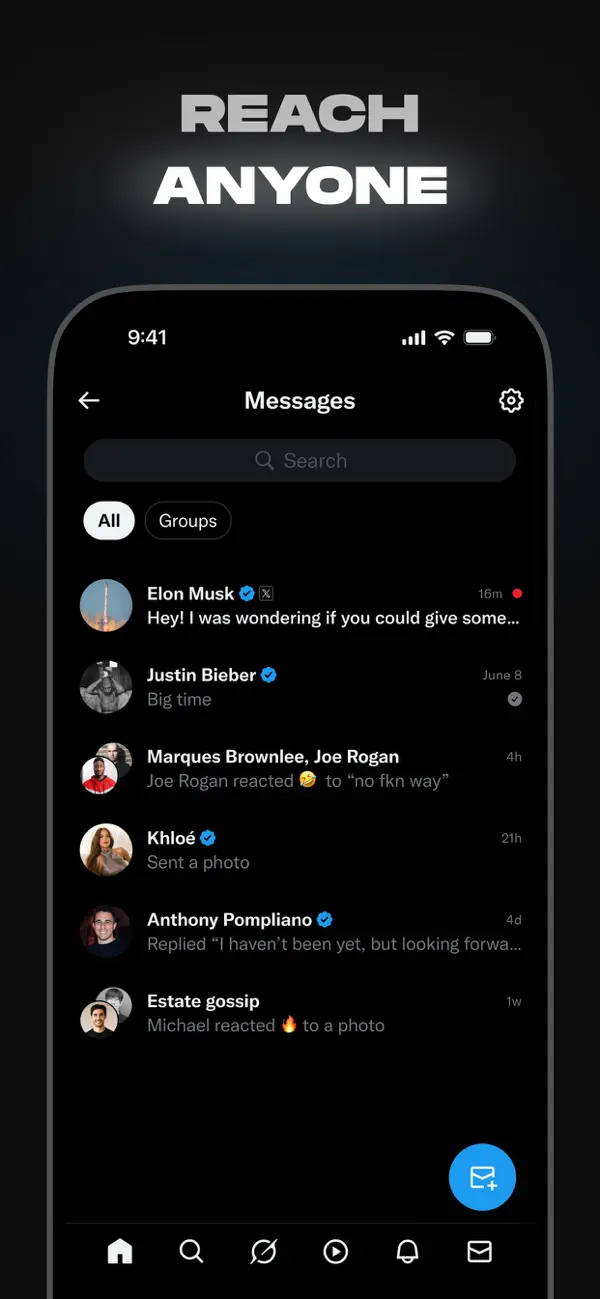
• Connect and chat privately with friends, followers, customers, or collaborators through Direct Messages.
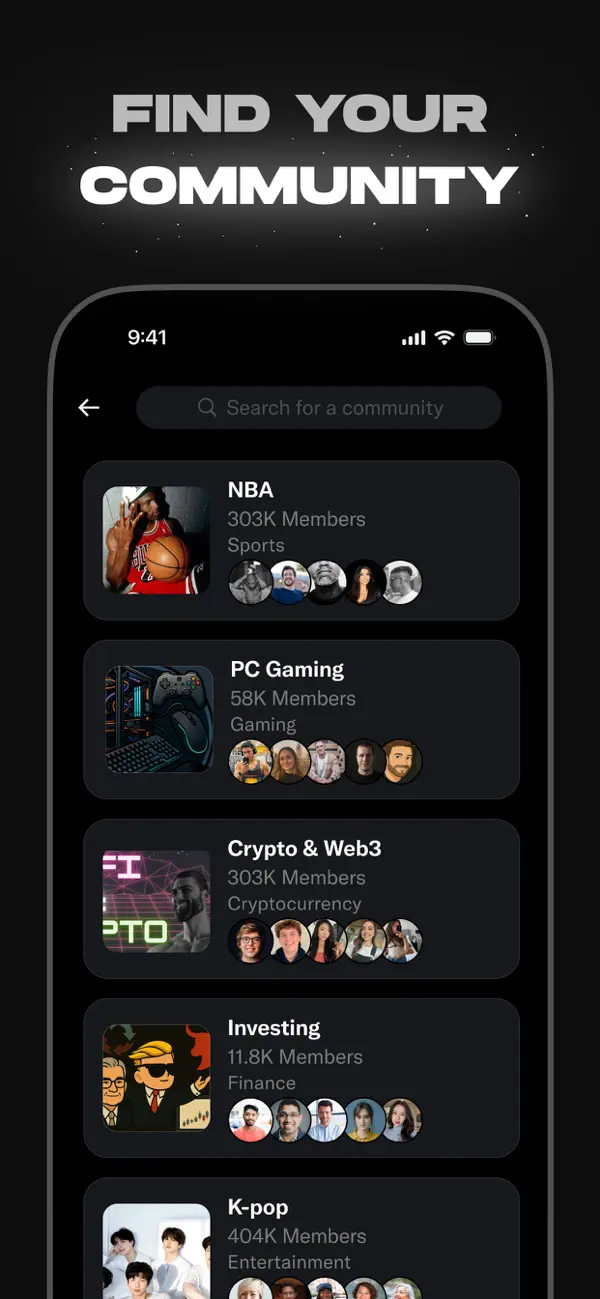
• Join and build communities tailored to your interests: from sports news, gaming, entertainment, crypto, entrepreneurship, tech, and more.
• Subscribe to X Premium to unlock exclusive features like a blue checkmark, boosted visibility, prioritized replies, fewer ads, longer videos, and post editing. X Premium also gives you access to creator revenue sharing and the ability to offer exclusive content to subscribers.
Why X?
In a world of constant change, X is your real-time source to stay ahead of the curve, connect with people, and explore diverse perspectives. From breaking live news and trending memes to top podcasts and live streams from your favorite creators, X brings it all together in one powerful social experience.
Privacy Policy: https://x.com/privacy
Terms and Conditions: https://x.com/tos
- iPhone o iPad non jailbroken/jailed oppure jailbroken.
- Sideloadly o alternative.
- Computer con Windows/macOS/Linux con iTunes installato.
PASSO 1: Scarica il file .IPA pre-modificato dal link sopra sul tuo computer. Per scaricarlo dall'iOSGods App, consulta il nostro Tutorial download IPA dell'iOSGods App, che include un esempio video.
PASSO 2: Scarica Sideloadly e installalo sul tuo Windows o Mac.
PASSO 3: Apri Sideloadly sul tuo computer, collega il tuo dispositivo iOS e attendi finché il nome del dispositivo non appare in Sideloadly.
PASSO 4: Una volta riconosciuto il tuo iDevice, trascina il file .IPA moddato che hai scaricato e rilascialo nell'applicazione Sideloadly.
PASSO 5: Inserisci l'email del tuo Apple Account, poi premi “Start”. Ti verrà quindi chiesto di inserire la password. Procedi e fornisci le informazioni richieste.
PASSO 6: Attendi che Sideloadly completi il sideload/installazione dell'IPA modificata. Se ci sono problemi durante l'installazione, leggi la nota qui sotto.
PASSO 7: Una volta completata l'installazione e vista l'app sulla schermata Home, dovrai andare in Impostazioni → Generali → Profili / Gestione VPN e dispositivi. Una volta lì, tocca l'email inserita al passo 6 e poi tocca “Autorizza [email protected]”.
PASSO 8: Ora vai sulla schermata Home e apri l'app appena installata: tutto dovrebbe funzionare correttamente. Potrebbe essere necessario seguire ulteriori istruzioni specifiche all'interno del popup dell'hack nel gioco.
NOTA: Per iOS/iPadOS 16 e versioni successive, devi attivare la Modalità sviluppatore. Per gli account Apple Developer gratuiti, dovrai ripetere questa procedura ogni 7 giorni. Se hai domande o problemi, leggi la nostra sezione FAQ Sideloadly del topic.