تسجيل الدخول مطلوب
سجّل الدخول بحساب iOSGods للمتابعة.
سجّل الدخول بحساب iOSGods للمتابعة.
أنشئ مقاطع فيديو مذهلة باستخدام VivaVideo - محرر الفيديو الأكثر شهرة عالميًا، والآن متاح بدون قيود من خلال هذا Mod IPA. احصل على أدوات التحرير المتقدمة والمؤثرات والمواضيع بدون تقييدات لإنشاء محتوى احترافي من صورك ومقاطع الفيديو الخاصة بك في ثوانٍ.
- الاشتراك المميز → جميع ميزات الاحترافية مفتوحة
يأتي هذا التطبيق أيضًا مع iGameGod، مما يتيح لك الوصول إلى Auto Touch لأتمتة المهام المتكررة، وApp Speed Manager لضبط سرعة اللعب، وتعديل القيم عبر Memory Engine، والمزيد من أدوات ألعاب iOS القوية.
قم بتنزيل VivaVideo - Best Video Editor Modded modded IPA من الروابط أعلاه. اضغط على زر التثبيت واتبع التعليمات لتثبيت هذا التعديل لـ iOS على iPhone أو iPad أو Apple Silicon.
هل تحتاج إلى مزيد من المساعدة؟ راجع الأسئلة الشائعة لتطبيق iOSGods للحصول على إجابات مفصلة ونصائح لاستكشاف الأخطاء.
VivaVideo - Powerful and easy-to-use video editing app that helps you easily record and show your life. Amateurs can cut and combine simple and intuitive clips anytime and anywhere, while professionals can have unlimited editing fun with powerful high-end editing functions. Download now and start making amazing videos.
[AI Tools]
- AI Video Generator: create heartfelt hugs, magical kisses, funny squishes, daring venomous transformations and more
- Auto Captions: save time with AI-generated captions. Support caption translation
- AI Auto Cutout: remove backgrounds instantly
- AI Enhancer: HD enhance your videos in seconds
- AI Color Adjust: instantly perfect your colors with intelligent adjustments
- Text Brush: add a personal touch to your photos with customizable text brushes
- Graffiti Screen Recording: realize shooting while drawing!
- Voice Changer: Kudo Shinichi, Crayon Shinichi, one click to conversion!
[Video Editing]
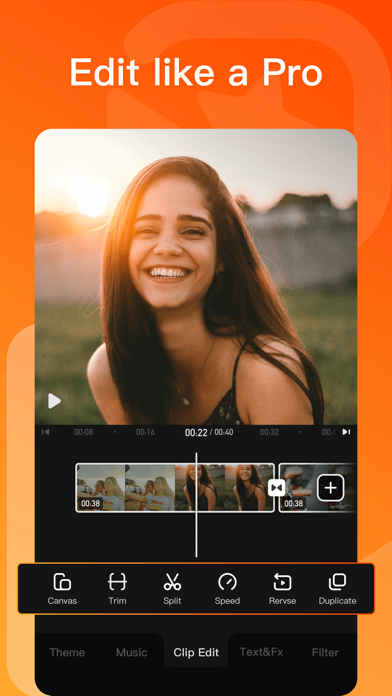
- 0.1 - 10x video speed change
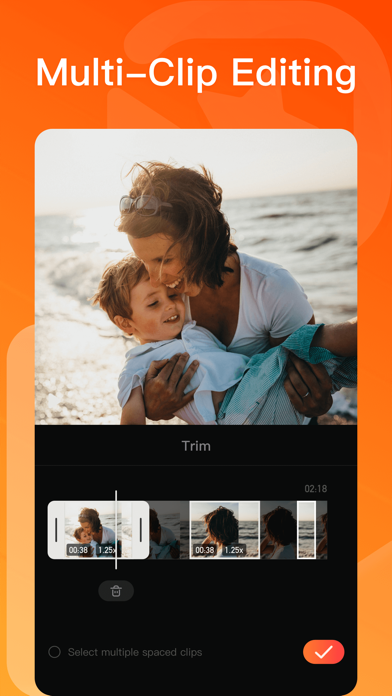
- Crop, merge and rotate the video area
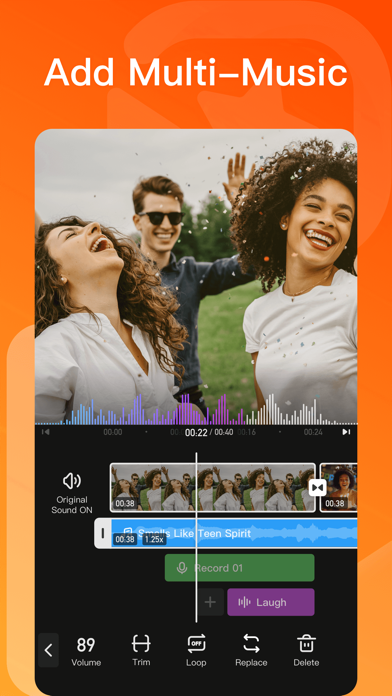
- Add music, sound effects & voice-overs
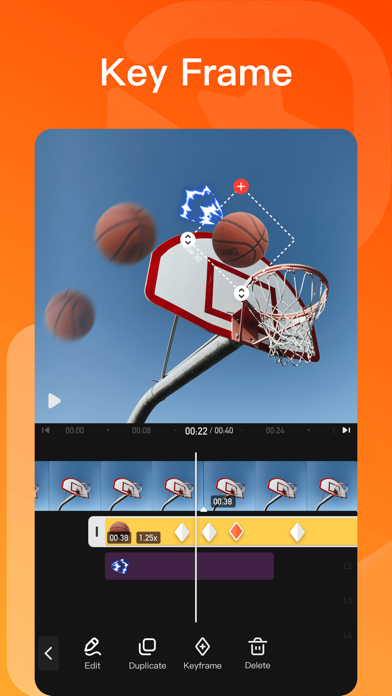
- Keyframe editing. Add custom keyframe animations
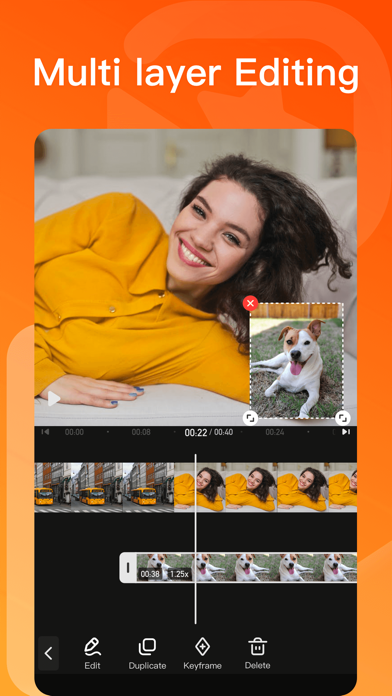
- PIP: add multiple layers of video, photos, stickers, effects, text, etc
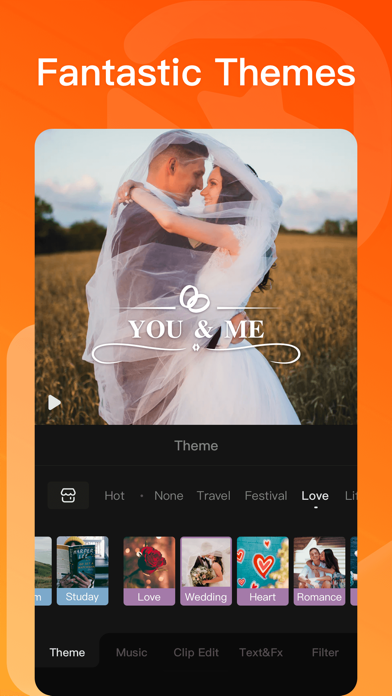
- Stylish filters, effects and smooth transitions
- Easily add photos to make cool-short music video slideshow
[Add Music]
- AI Music: turn your ideas into your own unique song
- Import music through iTunes, recording & videos
- Explore more music rhythm changes in 'Audio Separation' and 'Audio Variable Speed'
[Stickers & Texts]
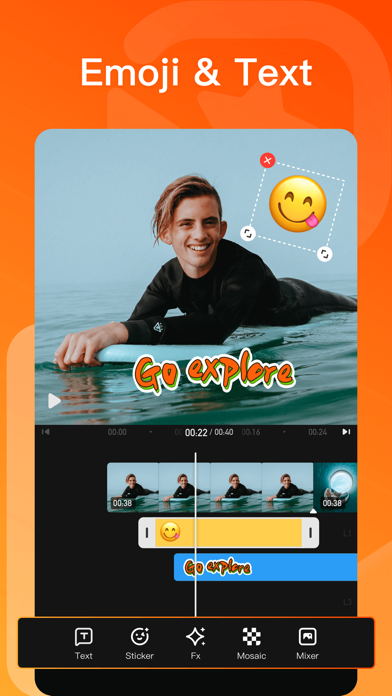
- Explore our endless library of editing materials, with fresh texts and stickers updated for every holiday and occasion.
- GIF text styles and themed stickers to match any vibe or celebration.
[Filters & Effects]
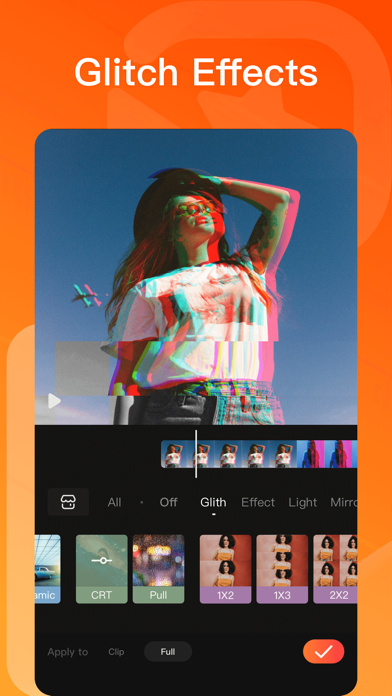
- Professional video effects such as Glitch effect, Transition effects etc
- Add movie style video filters to video
- Amazing video editing effects: VHS effects, FX effects. Cool video editing app & PRO video editor with effects & filters
[Keyframe]
- All tracks such as main track, picture-in-picture, etc., support keyframe transformation of screen drag, rotation, transparency and other operations.
[Save & Share]
- Support GIF export: popular effects and styles, come and have fun!
- Support 4K Ultra HD saving
#VivaVideo Subscription:
- You can subscribe for unlimited access to all features and content offered for purchase within VivaVideo.
- Subscriptions are billed monthly or annually at the rate selected depending on the subscription plan.
- Payments will be charged to iTunes Account at the point of purchase confirmation. Subscriptions automatically renew unless auto-renew is turned off at least 24-hours before the end of the current period. Your account will be charged for renewal within 24-hours prior to the end of the current period, and you will be charged according to your payment plan selection. Subscriptions may be managed by the user and auto-renewal may be turned off by going to the user's Account Settings after purchase. Any unused portion of a free trial period will be annulled when the user purchases a subscription to that publication.
Terms of Service: https://rc.veresource.com/web/vivaVideo/TermsPrivacy.html
Privacy: https://rc.veresource.com/web/h5template/9b808c1d-df92-4dea-8488-0bcb41c7aca7-language=en/dist/index.html
Email: [email protected]
Acknowledgements:
FUGUE Music
https://icons8.com/music/
We provide computer software design, computer software's update, computer programming and related services to users based on VivaVideo's powerful technical capability.

- iPhone أو iPad بجيلبريك أو بدون جيلبريك.
- Sideloadly أو بدائلها.
- كمبيوتر يعمل بنظام Windows/macOS/Linux مع تثبيت iTunes.
الخطوة 1: قم بتنزيل ملف .IPA المعدّل مسبقًا من الرابط أعلاه إلى الكمبيوتر الخاص بك. للتنزيل من تطبيق iOSGods App، اطلع على دليل تنزيل IPA من تطبيق iOSGods App الذي يتضمن مثالًا بالفيديو.
الخطوة 2: قم بتنزيل Sideloadly وتثبيته على جهاز Windows أو Mac.
الخطوة 3: افتح Sideloadly على الكمبيوتر، ووصّل جهاز iOS الخاص بك، وانتظر حتى يظهر اسم جهازك داخل Sideloadly.
الخطوة 4: بمجرد التعرّف على جهاز iDevice الخاص بك، اسحب ملف .IPA المعدّل الذي قمت بتنزيله وأفلِته داخل تطبيق Sideloadly.
الخطوة 5: أدخل البريد الإلكتروني لحساب Apple Account الخاص بك، ثم اضغط على «Start». سيُطلب منك بعد ذلك إدخال كلمة المرور. تابع وأدخل المعلومات المطلوبة.
الخطوة 6: انتظر حتى ينتهي Sideloadly من تحميل/تثبيت ملف IPA المعدّل. في حال واجهت أي مشاكل أثناء التثبيت، يرجى قراءة الملاحظة أدناه.
الخطوة 7: بعد اكتمال التثبيت ورؤية التطبيق على الشاشة الرئيسية، انتقل إلى Settings → General → Profiles / VPN & Device Management. ثم اضغط على البريد الإلكتروني الذي أدخلته في الخطوة 6، ثم اضغط على «الوثوق بـ [email protected]».
الخطوة 8: الآن انتقل إلى الشاشة الرئيسية وافتح التطبيق الذي تم تثبيته للتو وسيعمل كل شيء بشكل صحيح. قد تحتاج إلى اتباع تعليمات إضافية خاصة بكل تطبيق داخل النافذة المنبثقة للتعديل أثناء اللعب.
ملاحظة: بدءًا من iOS/iPadOS 16 وما بعده، يجب تفعيل وضع المطور (Developer Mode). بالنسبة لحسابات Apple Developer المجانية، ستحتاج إلى تكرار هذه العملية كل 7 أيام. إذا كانت لديك أي أسئلة أو مشاكل، يرجى قراءة قسم الأسئلة الشائعة حول Sideloadly في الموضوع.