Cần đăng nhập
Đăng nhập bằng tài khoản iOSGods để tiếp tục.
Đăng nhập bằng tài khoản iOSGods để tiếp tục.
Tạo những video tuyệt đẹp với VivaVideo - trình chỉnh sửa video phổ biến nhất thế giới, giờ đây được mở khóa với Hack IPA được sửa đổi này. Truy cập các công cụ chỉnh sửa cao cấp, hiệu ứng và chủ đề mà không có hạn chế để tạo nội dung chất lượng chuyên nghiệp từ ảnh và video của bạn chỉ trong vài giây.
- Premium → tất cả các tính năng pro được mở khóa
Ứng dụng này cũng đi kèm với iGameGod, cho phép bạn truy cập Auto Touch để tự động hóa các thao tác lặp lại, App Speed Manager để điều chỉnh tốc độ chơi game, chỉnh sửa giá trị bằng Memory Engine, và nhiều công cụ mạnh mẽ khác cho game iOS.
Tải VivaVideo - Best Video Editor Modded modded IPA từ các liên kết ở trên. Nhấn nút cài đặt và làm theo hướng dẫn để cài bản hack iOS lên iPhone, iPad hoặc Apple Silicon.
Cần thêm trợ giúp? Hãy xem Câu hỏi thường gặp ứng dụng iOSGods để có câu trả lời chi tiết và mẹo khắc phục sự cố.
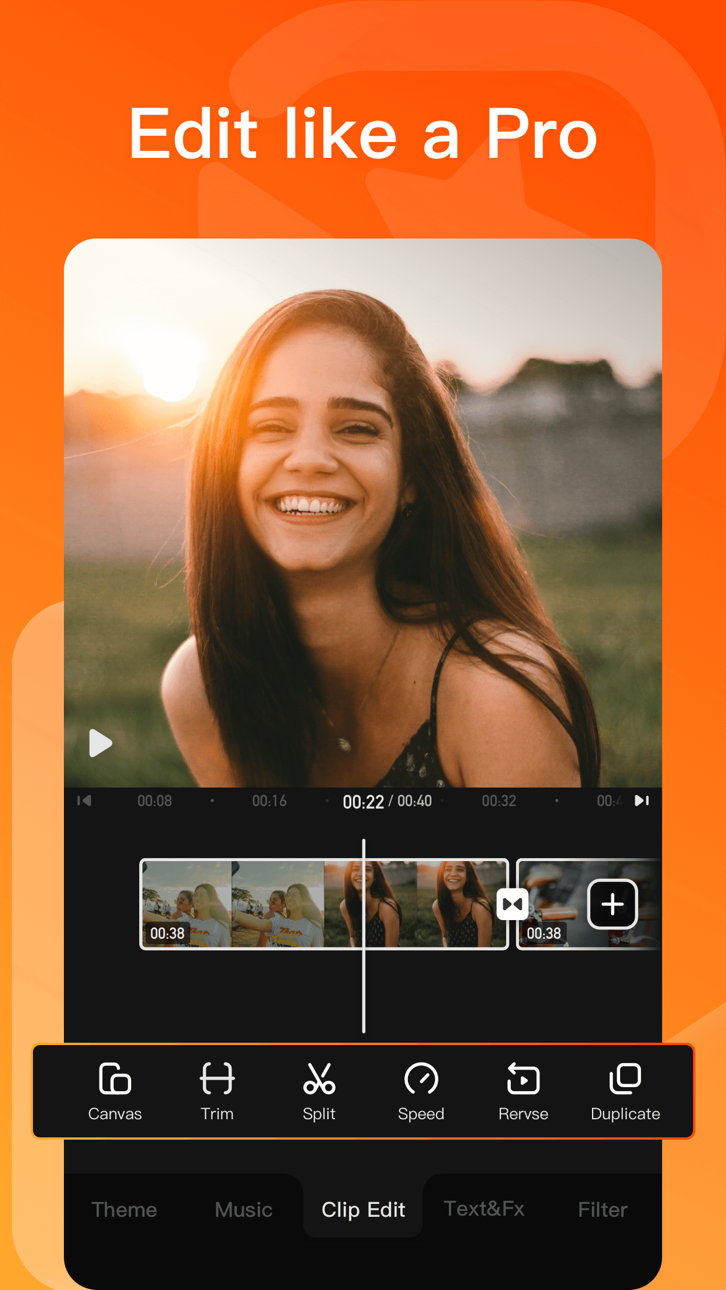
VivaVideo - Powerful and easy-to-use video editing app that helps you easily record and show your life. Amateurs can cut and combine simple and intuitive clips anytime and anywhere, while professionals can have unlimited editing fun with powerful high-end editing functions. Download now and start making amazing videos.
[AI Tools]
- AI Video Generator: create heartfelt hugs, magical kisses, funny squishes, daring venomous transformations and more
- Auto Captions: save time with AI-generated captions. Support caption translation
- AI Auto Cutout: remove backgrounds instantly
- AI Enhancer: HD enhance your videos in seconds
- AI Color Adjust: instantly perfect your colors with intelligent adjustments
- Text Brush: add a personal touch to your photos with customizable text brushes
- Graffiti Screen Recording: realize shooting while drawing!
- Voice Changer: Kudo Shinichi, Crayon Shinichi, one click to conversion!
[Video Editing]
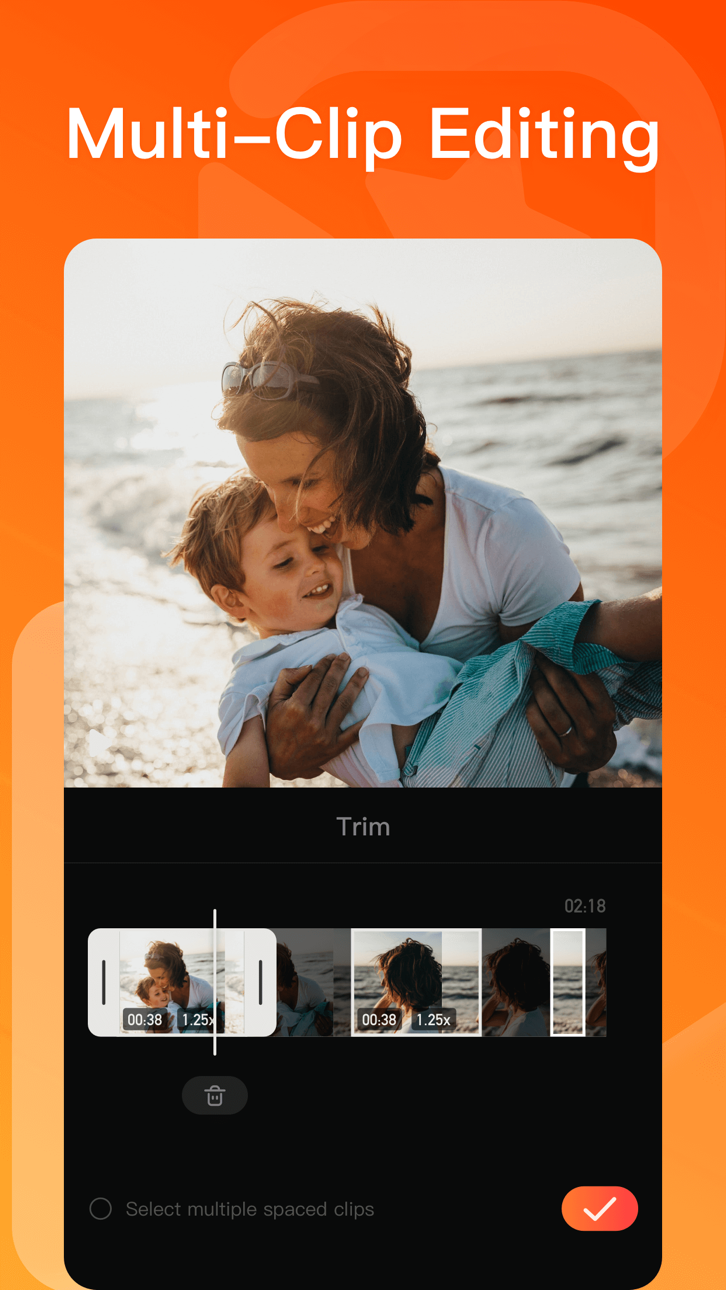
- 0.1 - 10x video speed change
- Crop, merge and rotate the video area
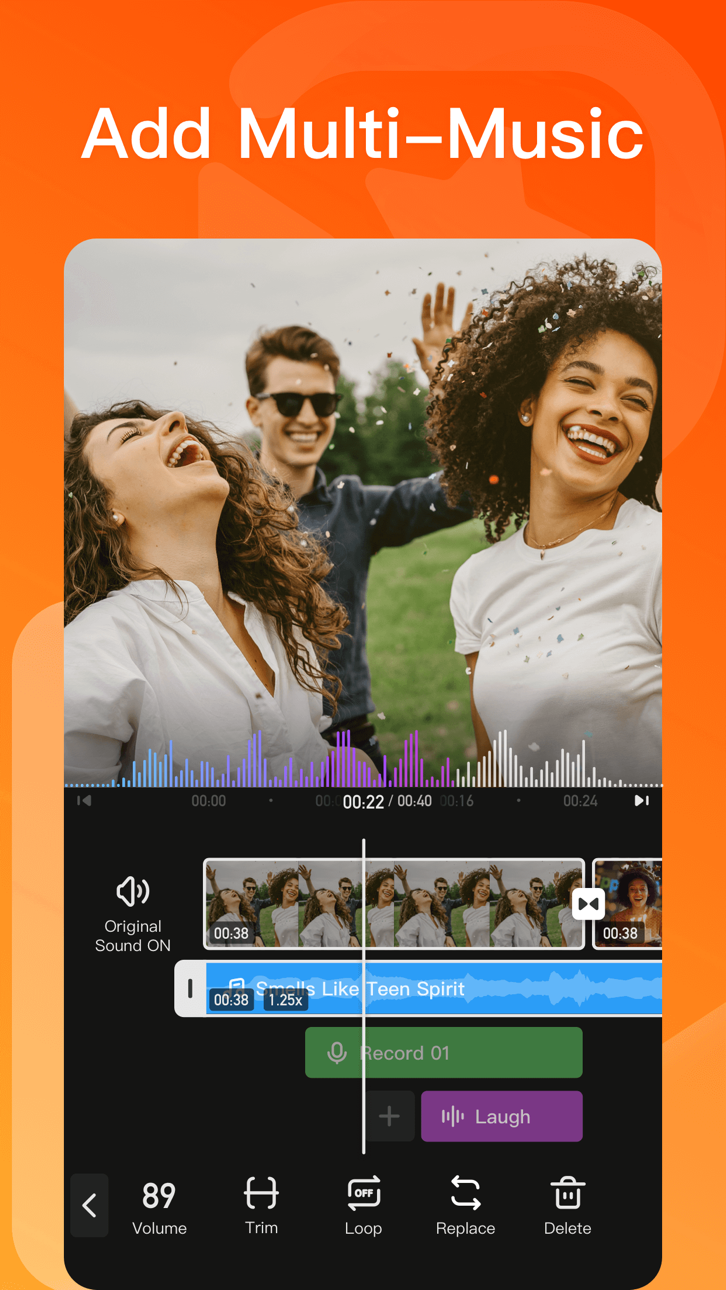
- Add music, sound effects & voice-overs
- Keyframe editing. Add custom keyframe animations
- PIP: add multiple layers of video, photos, stickers, effects, text, etc
- Stylish filters, effects and smooth transitions
- Easily add photos to make cool-short music video slideshow
[Add Music]
- AI Music: turn your ideas into your own unique song
- Import music through iTunes, recording & videos
- Explore more music rhythm changes in 'Audio Separation' and 'Audio Variable Speed'
[Stickers & Texts]
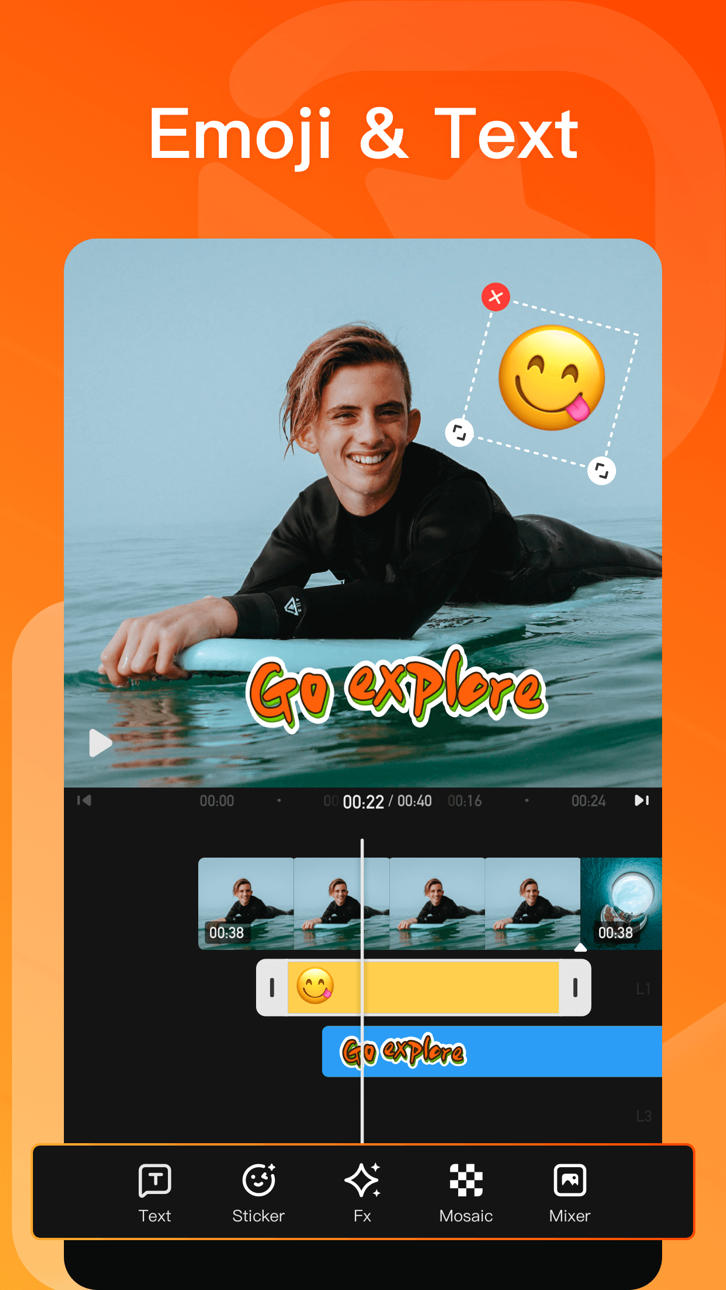
- Explore our endless library of editing materials, with fresh texts and stickers updated for every holiday and occasion.
- GIF text styles and themed stickers to match any vibe or celebration.
[Filters & Effects]
- Professional video effects such as Glitch effect, Transition effects etc
- Add movie style video filters to video
- Amazing video editing effects: VHS effects, FX effects. Cool video editing app & PRO video editor with effects & filters
[Keyframe]
- All tracks such as main track, picture-in-picture, etc., support keyframe transformation of screen drag, rotation, transparency and other operations.
[Save & Share]
- Support GIF export: popular effects and styles, come and have fun!
- Support 4K Ultra HD saving
#VivaVideo Subscription:
- You can subscribe for unlimited access to all features and content offered for purchase within VivaVideo.
- Subscriptions are billed monthly or annually at the rate selected depending on the subscription plan.
- Payments will be charged to iTunes Account at the point of purchase confirmation. Subscriptions automatically renew unless auto-renew is turned off at least 24-hours before the end of the current period. Your account will be charged for renewal within 24-hours prior to the end of the current period, and you will be charged according to your payment plan selection. Subscriptions may be managed by the user and auto-renewal may be turned off by going to the user's Account Settings after purchase. Any unused portion of a free trial period will be annulled when the user purchases a subscription to that publication.
Email: [email protected]
Acknowledgements:
FUGUE Music
https://icons8.com/music/
We provide computer software design, computer software's update, computer programming and related services to users based on VivaVideo's powerful technical capability.
Ảnh chụp © chủ sở hữu tương ứng · App Store


iOSGods không liên kết, không được chứng thực hay tài trợ bởi Apple Inc., Google LLC hoặc các nhà phát triển của những ứng dụng được liệt kê ở đây. Apple, iOS và App Store là thương hiệu của Apple Inc. Android và Google Play là thương hiệu của Google LLC. Mọi tên ứng dụng, biểu tượng, hình ảnh và thương hiệu khác đều thuộc về chủ sở hữu tương ứng.

- iPhone hoặc iPad chưa jailbreak/đã đóng hoặc đã jailbreak.
- Sideloadly hoặc các lựa chọn thay thế.
- Máy tính chạy Windows/macOS/Linux đã cài iTunes.
BƯỚC 1: Tải tệp .IPA đã được hack sẵn từ liên kết phía trên về máy tính của bạn. Để tải từ iOSGods App, hãy xem Hướng dẫn tải IPA bằng iOSGods App của chúng tôi, có kèm ví dụ bằng video.
BƯỚC 2: Tải Sideloadly và cài đặt trên Windows hoặc Mac của bạn.
BƯỚC 3: Mở Sideloadly trên máy tính, kết nối thiết bị iOS của bạn và chờ cho đến khi tên thiết bị hiển thị trong Sideloadly.
BƯỚC 4: Khi thiết bị iOS của bạn đã được nhận diện, hãy kéo tệp .IPA đã chỉnh sửa mà bạn tải về và thả vào ứng dụng Sideloadly.
BƯỚC 5: Nhập email Apple Account của bạn, sau đó nhấn "Start." Bạn sẽ được yêu cầu nhập mật khẩu. Hãy cung cấp các thông tin cần thiết.
BƯỚC 6: Chờ Sideloadly hoàn tất quá trình sideload/cài đặt tệp IPA đã hack. Nếu gặp sự cố trong quá trình cài đặt, vui lòng đọc lưu ý bên dưới.
BƯỚC 7: Khi cài đặt hoàn tất và bạn thấy ứng dụng trên Màn hình chính, bạn cần truy cập Cài đặt → Cài đặt chung → Hồ sơ / VPN & Quản lý thiết bị. Tại đó, nhấn vào email bạn đã nhập ở bước 6, rồi nhấn "Tin cậy [email protected]".
BƯỚC 8: Bây giờ hãy về Màn hình chính và mở ứng dụng vừa cài đặt, mọi thứ sẽ hoạt động bình thường. Bạn có thể cần làm theo hướng dẫn riêng của từng ứng dụng trong cửa sổ popup của bản hack trong game.
LƯU Ý: Trên iOS/iPadOS 16 trở lên, bạn phải bật Chế độ nhà phát triển. Với tài khoản Apple Developer miễn phí, bạn sẽ cần lặp lại quy trình này mỗi 7 ngày. Nếu bạn có thắc mắc hoặc gặp sự cố, hãy đọc mục FAQ về Sideloadly trong chủ đề của chúng tôi.
Hack Features:
- Inf Coins (Spend)
App Installation Instructions:
---------------------------------------------------------
----------------------------------------------------------
If you require more information or help, please read our Frequently Asked Questions topic on iOSGods.com.
----------------------------------------------------------
--------------------------------------------------