Login Diperlukan
Masuk dengan akun iOSGods kamu untuk melanjutkan.
Masuk dengan akun iOSGods kamu untuk melanjutkan.
Buat video yang menakjubkan dengan VivaVideo, editor video paling populer di dunia yang sekarang dibuka dengan Hack IPA modded ini. Akses alat pengeditan premium, efek, dan tema tanpa batasan untuk membuat konten berkualitas profesional dari foto dan video Anda dalam hitungan detik.
- Premium → semua fitur pro dibuka
Aplikasi ini juga dilengkapi dengan iGameGod, yang memberi Anda akses ke Auto Touch untuk mengotomatiskan tugas berulang, App Speed Manager untuk mengatur kecepatan permainan, pengeditan nilai Memory Engine, dan alat permainan iOS lainnya yang lebih canggih.
Unduh VivaVideo - Best Video Editor Modded modded IPA dari tautan di atas. Ketuk tombol pasang dan ikuti petunjuk di layar untuk memasang hack iOS ini di iPhone, iPad, atau Apple Silicon.
Butuh bantuan lebih lanjut? Lihat Pertanyaan yang Sering Diajukan untuk Aplikasi iOSGods kami untuk jawaban dan tips lengkap.
VivaVideo - Powerful and easy-to-use video editing app that helps you easily record and show your life. Amateurs can cut and combine simple and intuitive clips anytime and anywhere, while professionals can have unlimited editing fun with powerful high-end editing functions. Download now and start making amazing videos.
[AI Tools]
- AI Video Generator: create heartfelt hugs, magical kisses, funny squishes, daring venomous transformations and more
- Auto Captions: save time with AI-generated captions. Support caption translation
- AI Auto Cutout: remove backgrounds instantly
- AI Enhancer: HD enhance your videos in seconds
- AI Color Adjust: instantly perfect your colors with intelligent adjustments
- Text Brush: add a personal touch to your photos with customizable text brushes
- Graffiti Screen Recording: realize shooting while drawing!
- Voice Changer: Kudo Shinichi, Crayon Shinichi, one click to conversion!
[Video Editing]
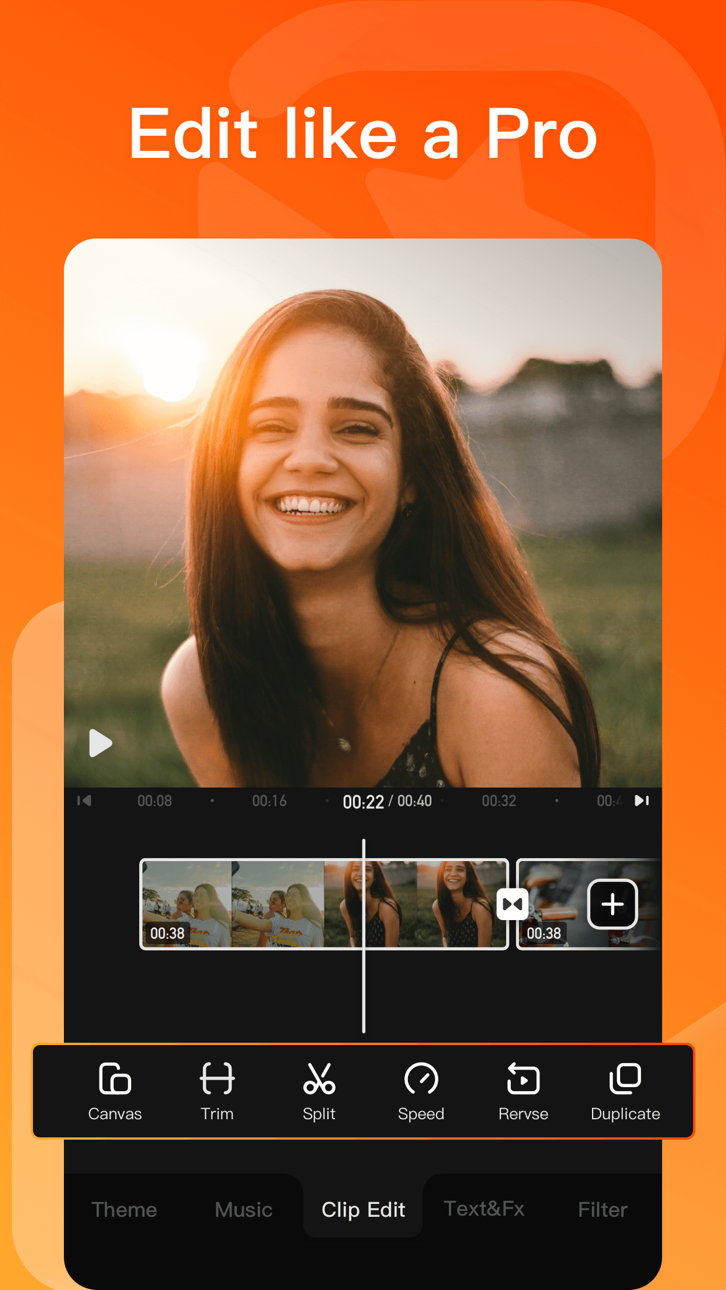
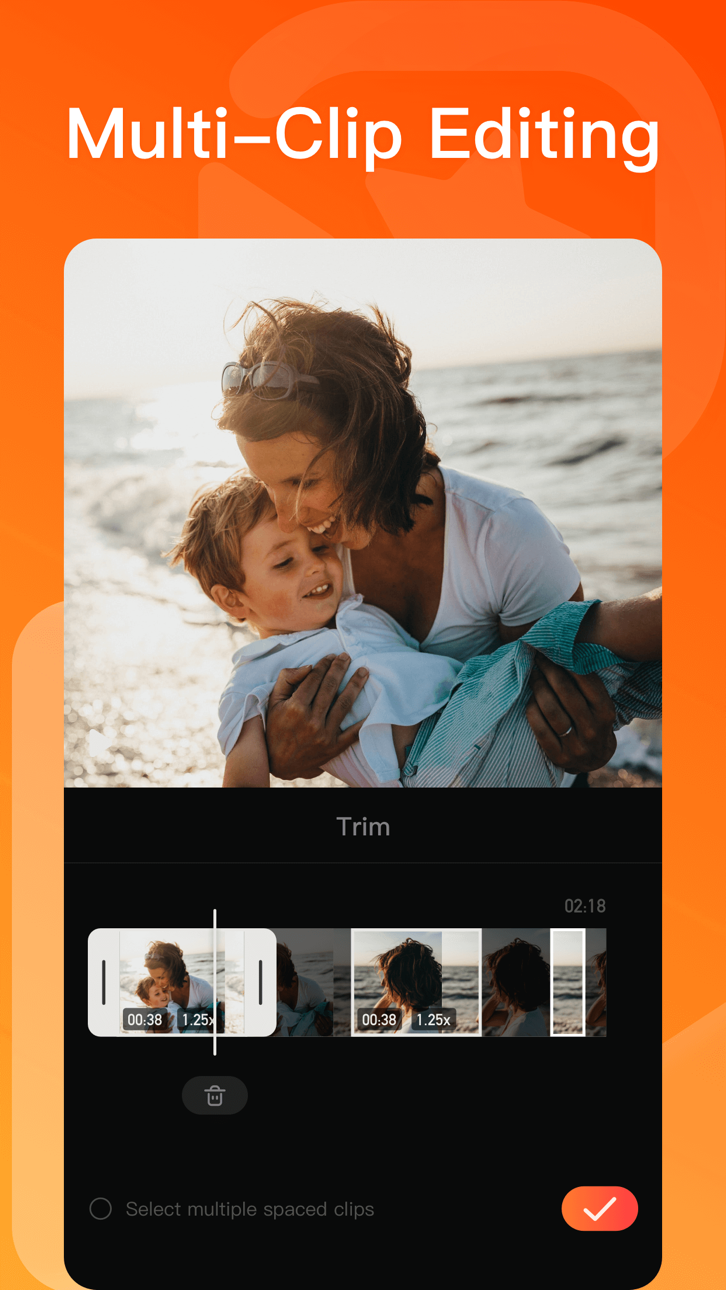
- 0.1 - 10x video speed change
- Crop, merge and rotate the video area
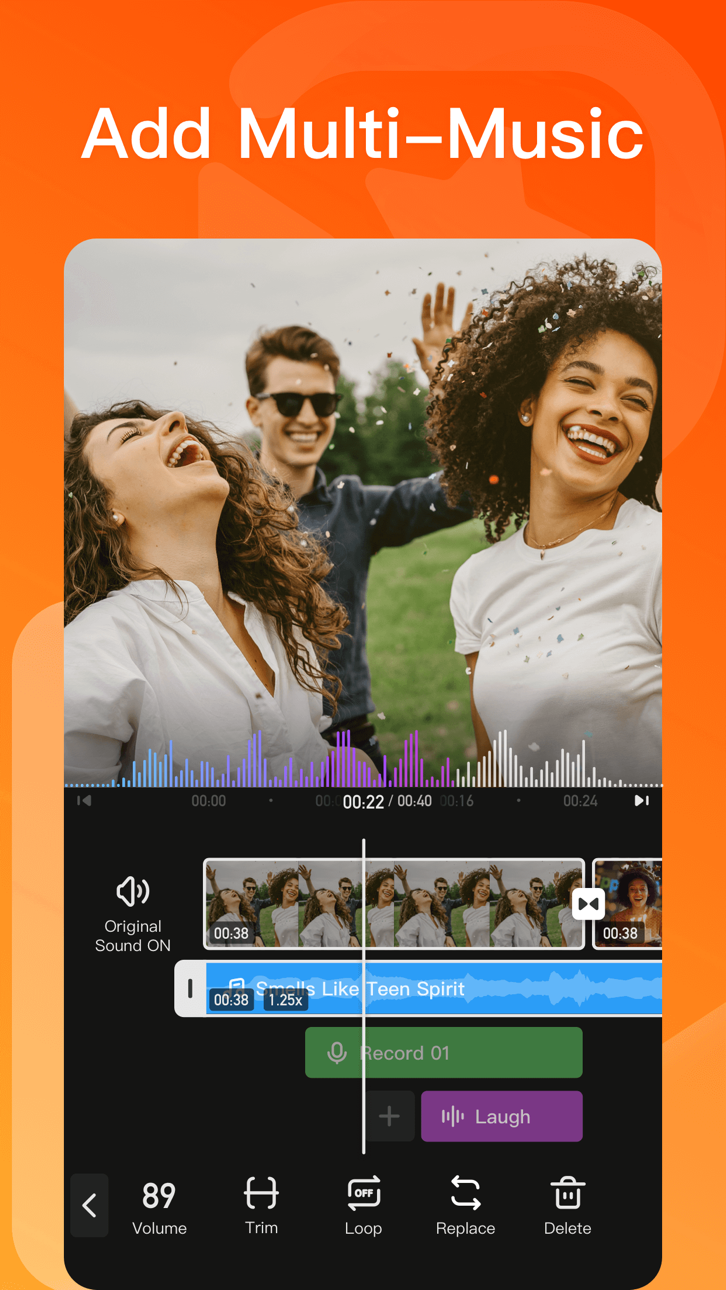
- Add music, sound effects & voice-overs
- Keyframe editing. Add custom keyframe animations
- PIP: add multiple layers of video, photos, stickers, effects, text, etc
- Stylish filters, effects and smooth transitions
- Easily add photos to make cool-short music video slideshow
[Add Music]
- AI Music: turn your ideas into your own unique song
- Import music through iTunes, recording & videos
- Explore more music rhythm changes in 'Audio Separation' and 'Audio Variable Speed'
[Stickers & Texts]
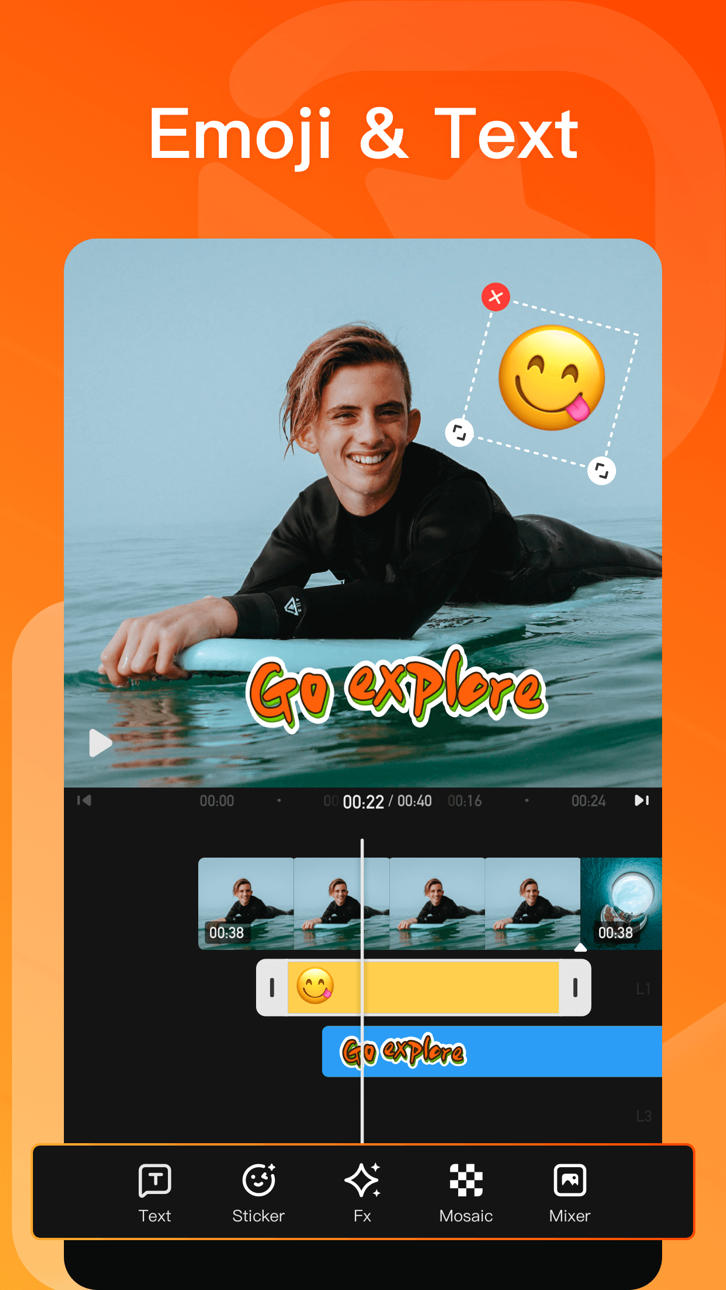
- Explore our endless library of editing materials, with fresh texts and stickers updated for every holiday and occasion.
- GIF text styles and themed stickers to match any vibe or celebration.
[Filters & Effects]
- Professional video effects such as Glitch effect, Transition effects etc
- Add movie style video filters to video
- Amazing video editing effects: VHS effects, FX effects. Cool video editing app & PRO video editor with effects & filters
[Keyframe]
- All tracks such as main track, picture-in-picture, etc., support keyframe transformation of screen drag, rotation, transparency and other operations.
[Save & Share]
- Support GIF export: popular effects and styles, come and have fun!
- Support 4K Ultra HD saving
#VivaVideo Subscription:
- You can subscribe for unlimited access to all features and content offered for purchase within VivaVideo.
- Subscriptions are billed monthly or annually at the rate selected depending on the subscription plan.
- Payments will be charged to iTunes Account at the point of purchase confirmation. Subscriptions automatically renew unless auto-renew is turned off at least 24-hours before the end of the current period. Your account will be charged for renewal within 24-hours prior to the end of the current period, and you will be charged according to your payment plan selection. Subscriptions may be managed by the user and auto-renewal may be turned off by going to the user's Account Settings after purchase. Any unused portion of a free trial period will be annulled when the user purchases a subscription to that publication.
Email: [email protected]
Acknowledgements:
FUGUE Music
https://icons8.com/music/
We provide computer software design, computer software's update, computer programming and related services to users based on VivaVideo's powerful technical capability.
Tangkapan layar © pemiliknya masing-masing · App Store


iOSGods tidak berafiliasi, tidak didukung, dan tidak disponsori oleh Apple Inc., Google LLC, maupun pengembang aplikasi yang terdaftar di sini. Apple, iOS, dan App Store adalah merek dagang Apple Inc. Android dan Google Play adalah merek dagang Google LLC. Semua nama aplikasi, ikon, gambar, dan merek dagang lainnya adalah milik pemiliknya masing-masing.

- iPhone atau iPad tanpa Jailbreak atau dengan Jailbreak.
- Sideloadly atau alternatifnya.
- Komputer dengan Windows/macOS/Linux dan iTunes terpasang.
LANGKAH 1: Unduh file .IPA yang sudah di-hack dari tautan di atas ke komputer Anda. Untuk mengunduhnya dari iOSGods App, silakan lihat Tutorial Mengunduh IPA dari iOSGods App kami yang dilengkapi contoh video.
LANGKAH 2: Unduh Sideloadly dan pasang di Windows atau Mac Anda.
LANGKAH 3: Buka Sideloadly di komputer Anda, sambungkan perangkat iOS Anda, dan tunggu hingga nama perangkat Anda muncul di Sideloadly.
LANGKAH 4: Setelah iDevice Anda terdeteksi, seret file .IPA yang sudah dimodifikasi dan lepaskan ke dalam aplikasi Sideloadly.
LANGKAH 5: Masukkan email Apple Account Anda, lalu tekan "Start". Anda kemudian akan diminta memasukkan kata sandi. Silakan isi informasi yang diminta.
LANGKAH 6: Tunggu hingga Sideloadly selesai melakukan sideloading/pemasangan IPA yang di-hack. Jika terjadi masalah saat pemasangan, silakan baca catatan di bawah ini.
LANGKAH 7: Setelah pemasangan selesai dan Anda melihat aplikasi di Layar Beranda, Anda perlu masuk ke Pengaturan → Umum → Profil / VPN & Manajemen Perangkat. Setelah itu, ketuk email yang Anda masukkan pada langkah 6, lalu ketuk "Percayai [email protected]".
LANGKAH 8: Sekarang buka Layar Beranda dan jalankan aplikasi yang baru saja dipasang; semuanya seharusnya berjalan normal. Anda mungkin perlu mengikuti petunjuk tambahan per aplikasi yang muncul di popup hack di dalam game.
CATATAN: Pada iOS/iPadOS 16 dan yang lebih baru, Anda harus mengaktifkan Mode Pengembang. Untuk akun Apple Developer gratis, Anda perlu mengulangi proses ini setiap 7 hari. Jika Anda memiliki pertanyaan atau masalah, silakan baca bagian FAQ Sideloadly di topik tersebut kami.
Hack Features:
- Inf Coins (Spend)
App Installation Instructions:
---------------------------------------------------------
----------------------------------------------------------
If you require more information or help, please read our Frequently Asked Questions topic on iOSGods.com.
----------------------------------------------------------
--------------------------------------------------