Потрібен вхід
Увійдіть у свій обліковий запис iOSGods, щоб продовжити.
Увійдіть у свій обліковий запис iOSGods, щоб продовжити.

Створюйте вражаючі відео за допомогою VivaVideo - Best Video Editor Modded, найпопулярнішого у світі відеоредактора, розблокованого за допомогою цього модифікованого Hack IPA. Отримайте доступ до преміум-інструментів редагування, ефектів та тем без обмежень, щоб створювати професійний контент з ваших фото та відео за кілька секунд.
- Преміум → усі професійні функції розблоковані
Цей застосунок також постачається з iGameGod, який надає доступ до Auto Touch для автоматизації повторюваних дій, App Speed Manager для регулювання швидкості гри, редагування значень за допомогою Memory Engine та інших потужних інструментів для iOS-ігор.
Завантажте VivaVideo - Best Video Editor Modded modded IPA за посиланнями вище. Натисніть кнопку встановлення та дотримуйтесь інструкцій, щоб встановити цей хак iOS на iPhone, iPad або Apple Silicon.
Потрібна додаткова допомога? Перегляньте наш Поширені запитання про застосунок iOSGods для детальних відповідей та порад з усунення несправностей.
VivaVideo is your all-in-one AI-powered video editor & reels maker, featuring AI Video Generation, Text to Video, Image to Video, Reel Templates, Background Remover, and AI Auto Cut! Let VivaVideo turn your ideas into viral‑ready Reels, clips, and stunning videos – create content for TikTok, Instagram Reels, and YouTube Shorts and become the next social media star!
[AI Video Editor & AI Features]
- Generate Text‑to‑Video: turn prompts into shot‑to‑shot videos with scenes, motion, and music—powered by large multimodal, GPT‑style models (image 2–class). Great for avatar live shopping, product demos, and fast storyboard/shot lists.
- Generate Image‑to‑Video: animate photos into cinematic clips—powered by leading image‑to‑video models (e.g., “image 2” and “banana 2”). Ideal for skincare/food reels, product spins, and promo intros.
- Generate AI Templates for Reels: one‑tap trending edits for TikTok/Instagram Reels/YouTube Shorts with auto beat‑sync, captions, and aspect ratios.
- Enhance with AI Enhancer (HD Restore): clean noise, sharpen details, and upscale low‑light or old footage—crisp results fast.
- Add Auto Captions: accurate, editable subtitles with translation—on‑brand styles for Reels, Shorts, and TikTok.
- AI Auto Cutout: instant background removal—swap scenes or create green‑screen effects without manual masking.
- AI Color Match: one‑tap color balance across clips for a consistent, pro look.
[Video Editing]
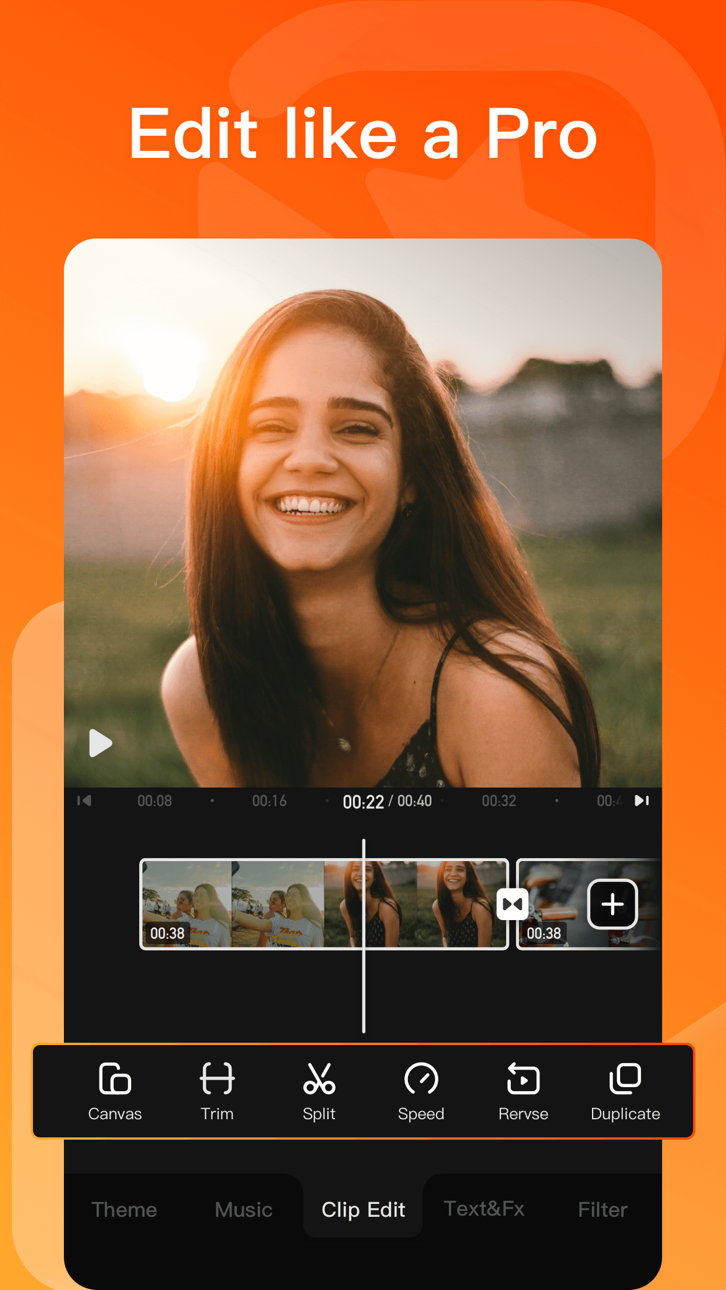
- 0.1 - 10x video speed change.
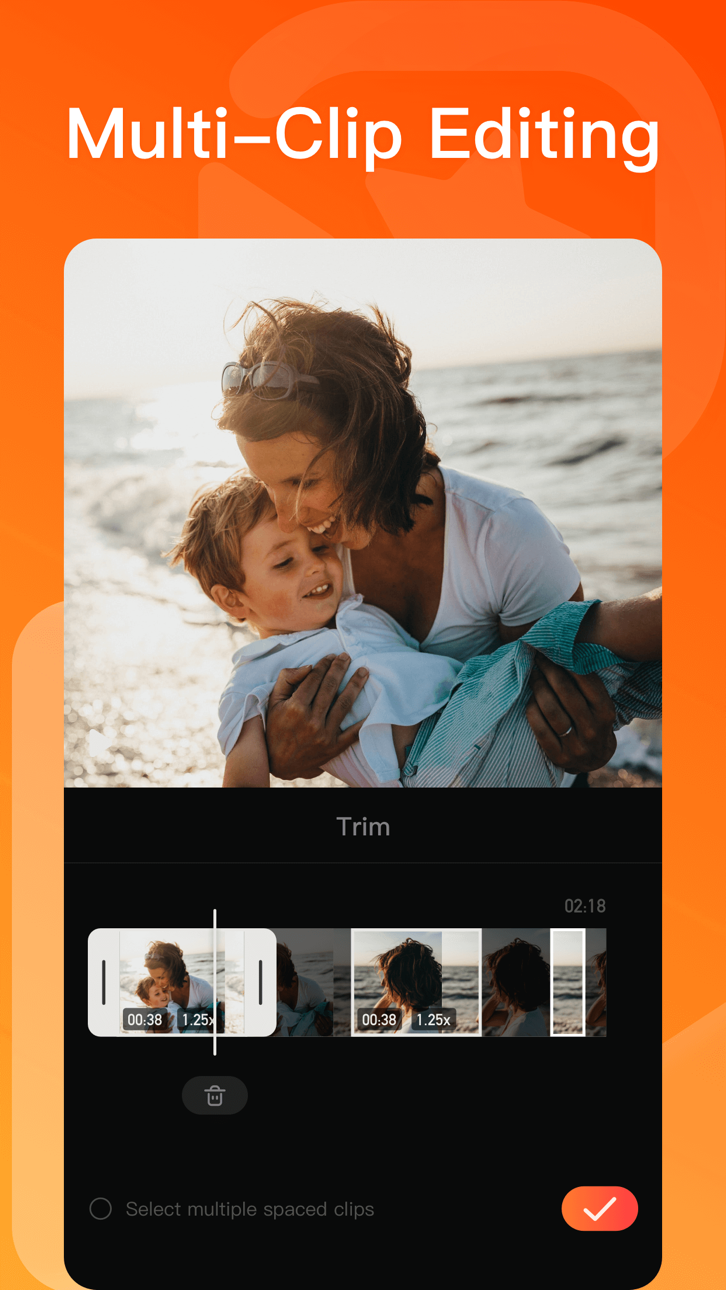
- Crop, merge and rotate the video area.
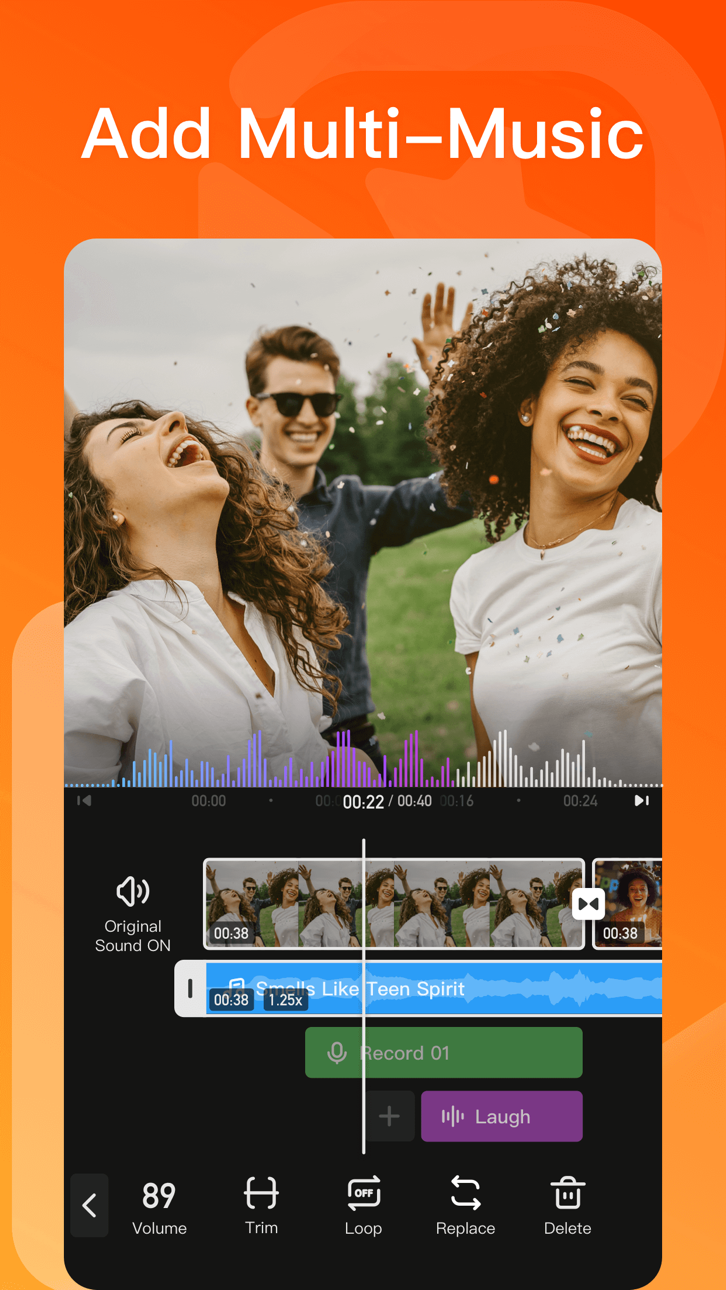
- Add music, sound effects & voice-overs.
- Keyframe editing. Add custom keyframe animations.
- PIP: add multiple layers of video, photos, stickers, effects, text, etc.
- Stylish filters, effects and smooth transitions.
- Easily add photos to make cool-short music video slideshow.
[Add Music]
- Generate AI Music: turn your ideas into your own unique song.
- Import music through iTunes, recording & videos.
- Explore more music rhythm changes in 'Audio Separation' and 'Audio Variable Speed'.
[Stickers & Texts]
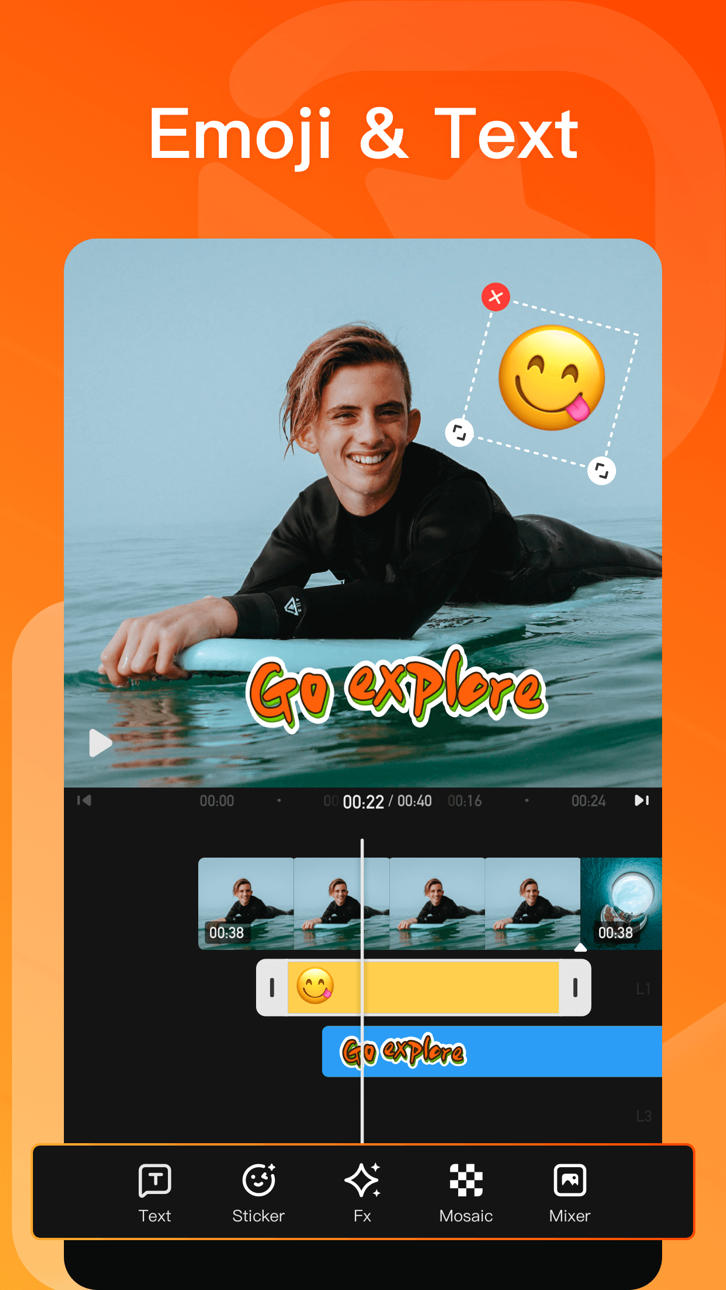
- Explore our endless library of editing materials, with fresh texts and stickers updated for every holiday and occasion.
- GIF text styles and themed stickers to match any vibe or celebration.
[Filters & Effects]
- Professional video effects such as Glitch effect, Transition effects etc.
- Add movie style video filters to video.
- Amazing video editing effects: VHS effects, FX effects. Cool video editing app & PRO video editor with effects & filters.
[Keyframe]
- All tracks such as main track, picture-in-picture, etc., support keyframe transformation of screen drag, rotation, transparency and other operations.
[Save & Share]
- Support GIF export: popular effects and styles, come and have fun!
- Support 4K Ultra HD saving.
#VivaVideo Subscription:
- You can subscribe for unlimited access to all features and content offered for purchase within VivaVideo.
- Subscriptions are billed monthly or annually at the rate selected depending on the subscription plan.
- Payments will be charged to iTunes Account at the point of purchase confirmation. Subscriptions automatically renew unless auto-renew is turned off at least 24-hours before the end of the current period. Your account will be charged for renewal within 24-hours prior to the end of the current period, and you will be charged according to your payment plan selection. Subscriptions may be managed by the user and auto-renewal may be turned off by going to the user's Account Settings after purchase. Any unused portion of a free trial period will be annulled when the user purchases a subscription to that publication.
Email: [email protected]
Acknowledgements:
FUGUE Music
https://icons8.com/music/
Знімки екрана © їхніх власників · App Store


iOSGods не пов’язана з Apple Inc., Google LLC або розробниками перелічених тут застосунків, не схвалена та не спонсорується ними. Apple, iOS і App Store — торгові марки Apple Inc. Android і Google Play — торгові марки Google LLC. Усі інші назви застосунків, іконки, зображення й торгові марки належать їхнім власникам.
- iPhone або iPad без джейлбрейку/у заводському стані або з джейлбрейком.
- Sideloadly або альтернативи.
- Комп'ютер під керуванням Windows/macOS/Linux із встановленим iTunes.
КРОК 1: Завантажте попередньо зламаний .IPA-файл за посиланням вище на свій комп'ютер. Щоб завантажити з iOSGods App, перегляньте наш Посібник із завантаження IPA в iOSGods App, який містить відеоприклад.
КРОК 2: Завантажте Sideloadly і встановіть його на своєму Windows або Mac.
КРОК 3: Відкрийте Sideloadly на комп'ютері, підключіть свій iOS-пристрій і зачекайте, поки назва пристрою з'явиться у Sideloadly.
КРОК 4: Коли ваш iDevice буде розпізнано, перетягніть завантажений модифікований .IPA-файл і відпустіть його в застосунок Sideloadly.
КРОК 5: Введіть електронну пошту вашого Apple Account, потім натисніть «Start». Після цього вас попросять ввести пароль. Введіть необхідні дані.
КРОК 6: Зачекайте, доки Sideloadly завершить sideload/встановлення зламаного IPA. Якщо під час встановлення виникнуть проблеми, прочитайте примітку нижче.
КРОК 7: Коли встановлення завершено й ви побачите застосунок на головному екрані, перейдіть до Налаштування → Загальні → Профілі / VPN і керування пристроєм. Там натисніть на електронну пошту, яку ви ввели на кроці 6, а потім натисніть «Довіряти [email protected]».
КРОК 8: Тепер перейдіть на головний екран і відкрийте щойно встановлений застосунок — усе має працювати належним чином. Можливо, доведеться виконати додаткові інструкції для конкретного застосунку в спливаючому вікні хака в грі.
ПРИМІТКА: У iOS/iPadOS 16 і пізніших версіях потрібно увімкнути режим розробника. Для безкоштовних облікових записів Apple Developer цей процес доведеться повторювати кожні 7 днів. Якщо у вас є запитання або проблеми, прочитайте наш розділ FAQ зі Sideloadly у темі.
Hack Features:
- Inf Coins (Spend)
App Installation Instructions:
---------------------------------------------------------
----------------------------------------------------------
If you require more information or help, please read our Frequently Asked Questions topic on iOSGods.com.
----------------------------------------------------------
--------------------------------------------------