Требуется вход
Войдите в учётную запись iOSGods, чтобы продолжить.
Войдите в учётную запись iOSGods, чтобы продолжить.

Создавайте потрясающие видео с помощью VivaVideo - самого популярного видеоредактора в мире, теперь разблокированного с помощью этого модифицированного Hack IPA. Получите доступ к премиум-инструментам редактирования, эффектам и темам без ограничений, чтобы создавать профессиональный контент из ваших фото и видео за считанные секунды.
- Премиум → все профессиональные функции разблокированы
Это приложение также поставляется с iGameGod, который открывает доступ к Auto Touch для автоматизации повторяющихся действий, App Speed Manager для регулируемой скорости игры, редактированию значений Memory Engine и другим мощным инструментам для iOS-игр.
Скачайте VivaVideo - Best Video Editor Modded modded IPA по ссылкам выше. Нажмите кнопку установки и следуйте инструкциям, чтобы установить этот хак iOS на iPhone, iPad или Mac с Apple Silicon.
Нужна помощь? Посмотрите наши Часто задаваемые вопросы по приложению iOSGods, чтобы получить подробные ответы и советы по устранению неполадок.
VivaVideo is your all-in-one AI-powered video editor & reels maker, featuring AI Video Generation, Text to Video, Image to Video, Reel Templates, Background Remover, and AI Auto Cut! Let VivaVideo turn your ideas into viral‑ready Reels, clips, and stunning videos – create content for TikTok, Instagram Reels, and YouTube Shorts and become the next social media star!
[AI Video Editor & AI Features]
- Generate Text‑to‑Video: turn prompts into shot‑to‑shot videos with scenes, motion, and music—powered by large multimodal, GPT‑style models (image 2–class). Great for avatar live shopping, product demos, and fast storyboard/shot lists.
- Generate Image‑to‑Video: animate photos into cinematic clips—powered by leading image‑to‑video models (e.g., “image 2” and “banana 2”). Ideal for skincare/food reels, product spins, and promo intros.
- Generate AI Templates for Reels: one‑tap trending edits for TikTok/Instagram Reels/YouTube Shorts with auto beat‑sync, captions, and aspect ratios.
- Enhance with AI Enhancer (HD Restore): clean noise, sharpen details, and upscale low‑light or old footage—crisp results fast.
- Add Auto Captions: accurate, editable subtitles with translation—on‑brand styles for Reels, Shorts, and TikTok.
- AI Auto Cutout: instant background removal—swap scenes or create green‑screen effects without manual masking.
- AI Color Match: one‑tap color balance across clips for a consistent, pro look.
[Video Editing]
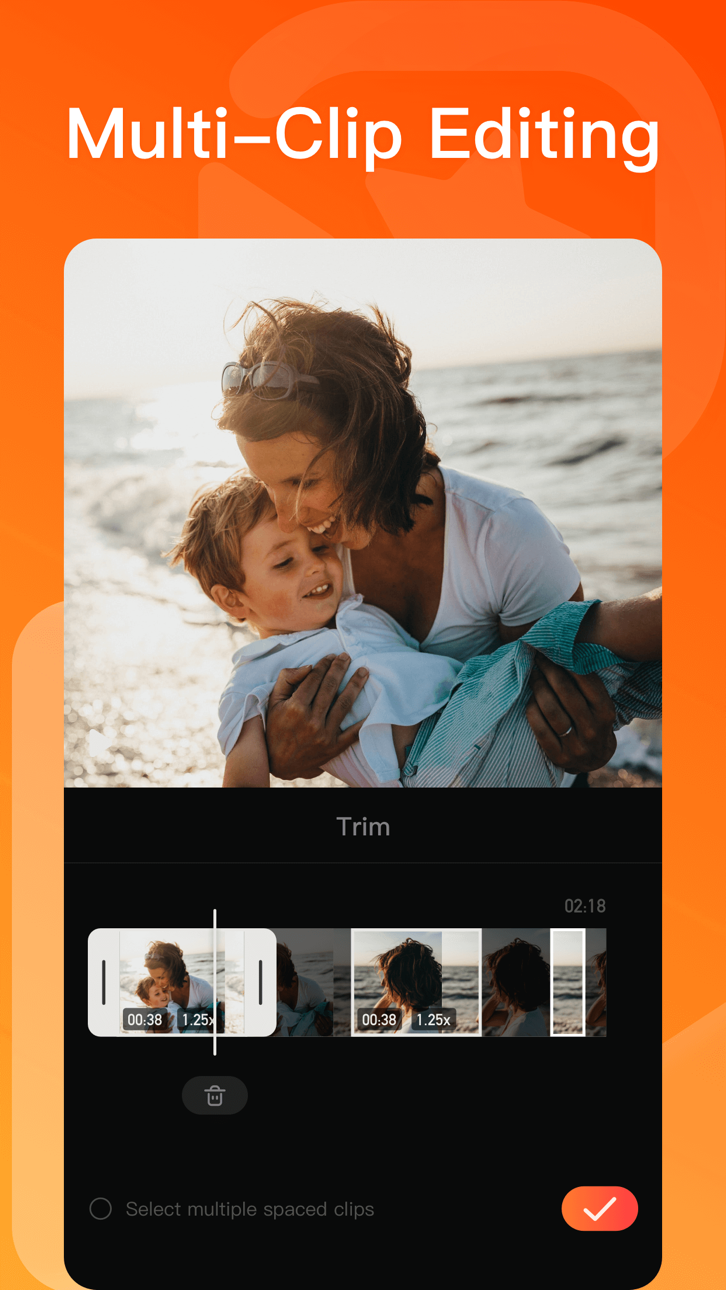
- 0.1 - 10x video speed change.
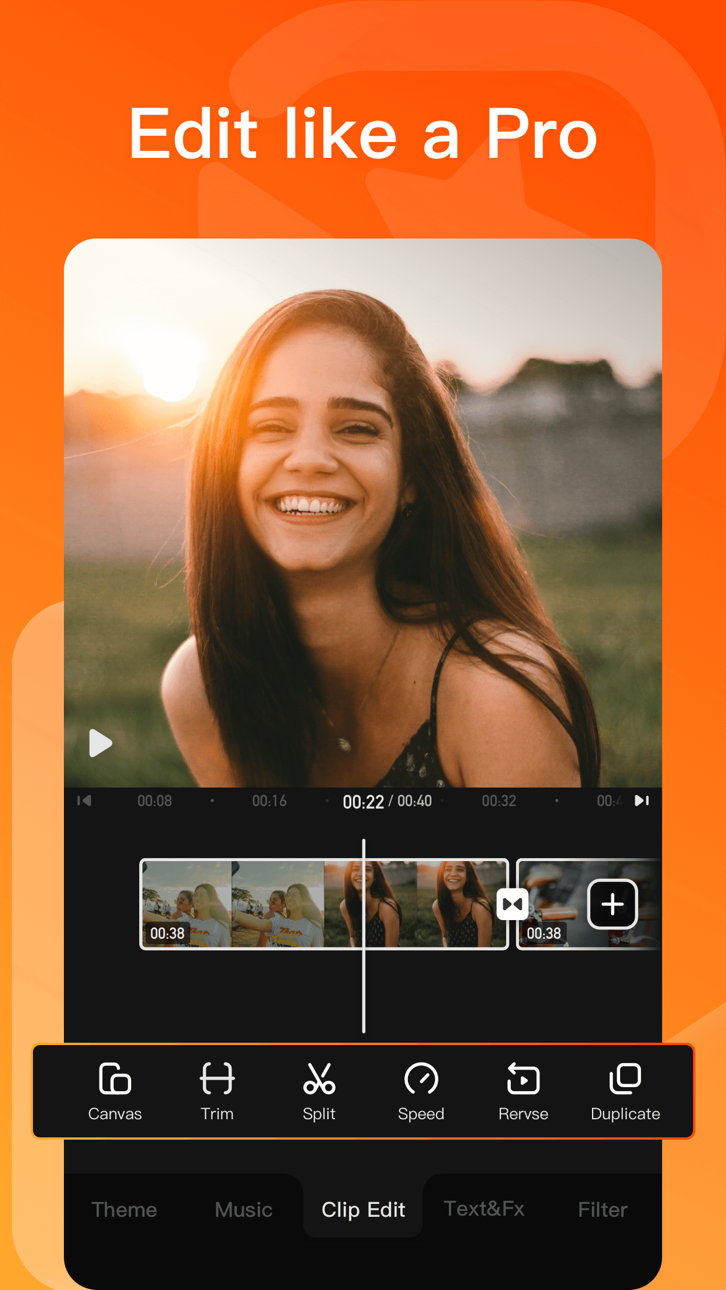
- Crop, merge and rotate the video area.
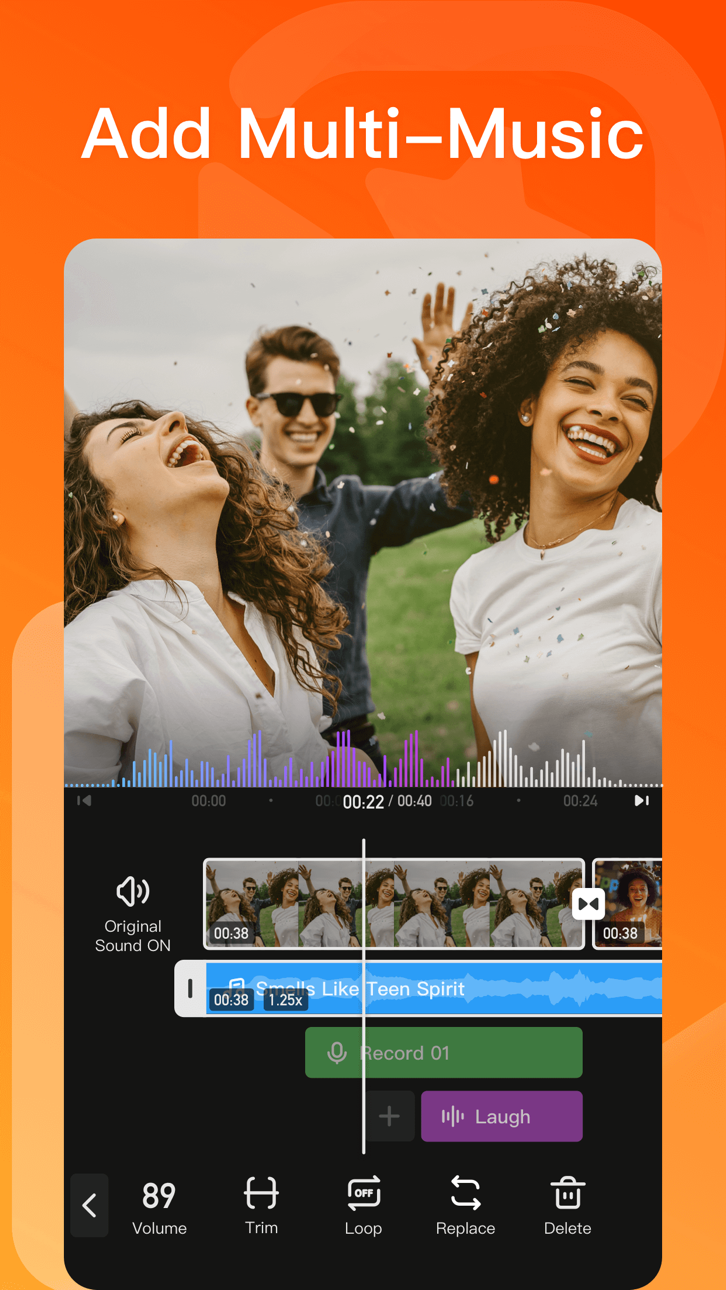
- Add music, sound effects & voice-overs.
- Keyframe editing. Add custom keyframe animations.
- PIP: add multiple layers of video, photos, stickers, effects, text, etc.
- Stylish filters, effects and smooth transitions.
- Easily add photos to make cool-short music video slideshow.
[Add Music]
- Generate AI Music: turn your ideas into your own unique song.
- Import music through iTunes, recording & videos.
- Explore more music rhythm changes in 'Audio Separation' and 'Audio Variable Speed'.
[Stickers & Texts]
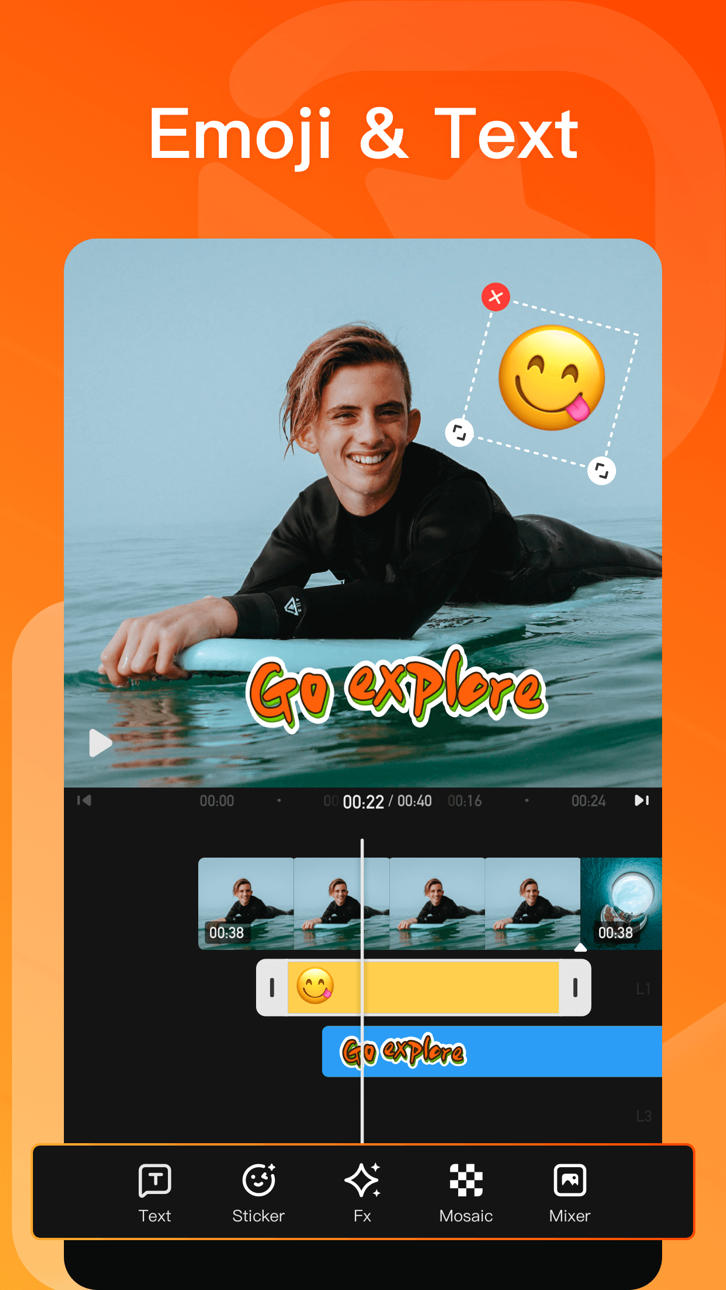
- Explore our endless library of editing materials, with fresh texts and stickers updated for every holiday and occasion.
- GIF text styles and themed stickers to match any vibe or celebration.
[Filters & Effects]
- Professional video effects such as Glitch effect, Transition effects etc.
- Add movie style video filters to video.
- Amazing video editing effects: VHS effects, FX effects. Cool video editing app & PRO video editor with effects & filters.
[Keyframe]
- All tracks such as main track, picture-in-picture, etc., support keyframe transformation of screen drag, rotation, transparency and other operations.
[Save & Share]
- Support GIF export: popular effects and styles, come and have fun!
- Support 4K Ultra HD saving.
#VivaVideo Subscription:
- You can subscribe for unlimited access to all features and content offered for purchase within VivaVideo.
- Subscriptions are billed monthly or annually at the rate selected depending on the subscription plan.
- Payments will be charged to iTunes Account at the point of purchase confirmation. Subscriptions automatically renew unless auto-renew is turned off at least 24-hours before the end of the current period. Your account will be charged for renewal within 24-hours prior to the end of the current period, and you will be charged according to your payment plan selection. Subscriptions may be managed by the user and auto-renewal may be turned off by going to the user's Account Settings after purchase. Any unused portion of a free trial period will be annulled when the user purchases a subscription to that publication.
Email: [email protected]
Acknowledgements:
FUGUE Music
https://icons8.com/music/
Скриншоты © их владельцев · App Store


iOSGods не связана с Apple Inc., Google LLC или разработчиками перечисленных здесь приложений, не одобрена и не спонсируется ими. Apple, iOS и App Store — товарные знаки Apple Inc. Android и Google Play — товарные знаки Google LLC. Все остальные названия приложений, значки, изображения и товарные знаки принадлежат их владельцам.
- iPhone или iPad без джейлбрейка/в обычном режиме или с джейлбрейком.
- Sideloadly или альтернативы.
- Компьютер с Windows/macOS/Linux и установленным iTunes.
ШАГ 1: Скачайте предварительно взломанный файл .IPA по ссылке выше на свой компьютер. Чтобы скачать его из приложения iOSGods, посмотрите наш Туториал по скачиванию IPA в приложении iOSGods, в котором есть видеопример.
ШАГ 2: Скачайте Sideloadly и установите его на Windows или Mac.
ШАГ 3: Откройте Sideloadly на компьютере, подключите iOS-устройство и дождитесь, пока его имя появится в Sideloadly.
ШАГ 4: Когда устройство будет распознано, перетащите скачанный модифицированный файл .IPA в окно Sideloadly.
ШАГ 5: Введите адрес электронной почты вашего Apple Account, затем нажмите «Start». После этого вас попросят ввести пароль. Укажите необходимые данные.
ШАГ 6: Дождитесь, пока Sideloadly завершит sideload/установку взломанного IPA. При возникновении проблем во время установки ознакомьтесь с примечанием ниже.
ШАГ 7: После завершения установки и появления приложения на главном экране перейдите в Настройки → Основные → Профили / VPN и управление устройством. Там нажмите на email, который вы ввели на шаге 6, а затем нажмите «Доверять [email protected]».
ШАГ 8: Теперь перейдите на главный экран и откройте установленное приложение — всё должно работать. Возможно, потребуется выполнить дополнительные инструкции в попапе мода внутри игры.
ПРИМЕЧАНИЕ: На iOS/iPadOS 16 и новее необходимо включить режим разработчика. Для бесплатных учётных записей Apple Developer этот процесс нужно повторять каждые 7 дней. Если возникнут вопросы или проблемы, ознакомьтесь с нашим разделом FAQ по Sideloadly в теме.
Hack Features:
- Inf Coins (Spend)
App Installation Instructions:
---------------------------------------------------------
----------------------------------------------------------
If you require more information or help, please read our Frequently Asked Questions topic on iOSGods.com.
----------------------------------------------------------
--------------------------------------------------