Welcome the new 8.0 version of VivaVideo! One of the best video editors in the world with over 800 million downloads.
Everybody can create awesome videos as easy as to take photos with VivaVideo!
For Starters
Find how easy it is to create your first video with VivaVideo. It provides helpful mini-tutorials within each feature for you to learn step by step.
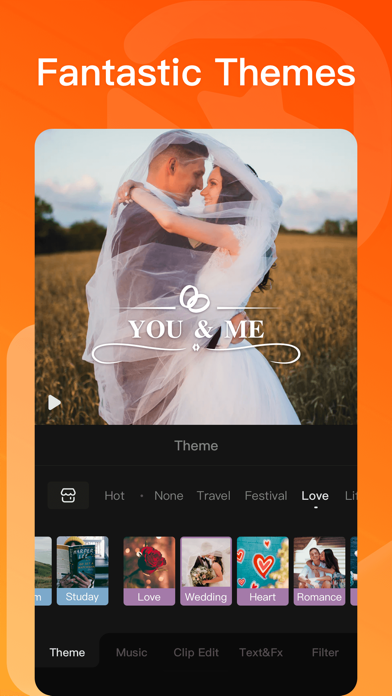
Just import your videos or pictures to VivaVideo, and one tap to apply the theme. You can easily create an awesome birthday party video, travel video, or romantic video instantly!
For Pro Editor
Professional Editing Tools
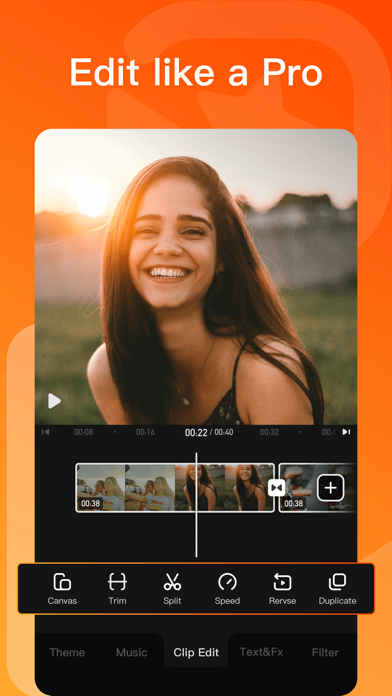
-Timeline: Add text, stickers, music and other materials to the video with intuitive timeline. Edit by frame precision.
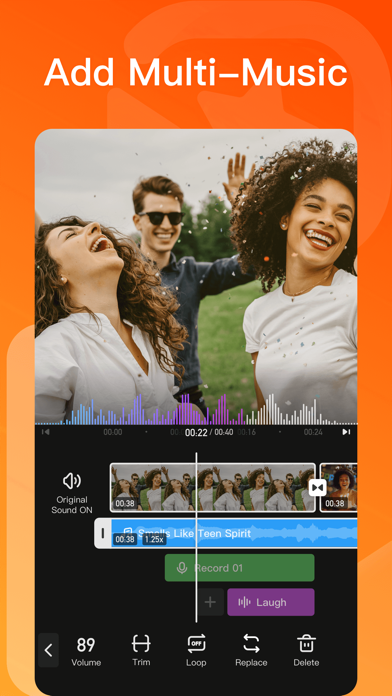
-Multi-track Music: Add music, sound effect, and voice-overs to your video at the same time
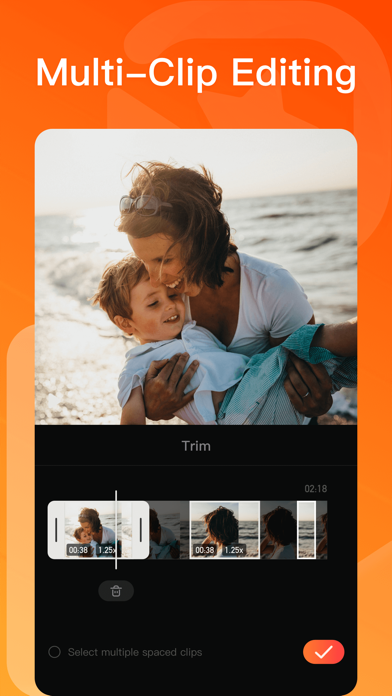
-Trim: Precise trimming in 0.1 second. Delete the middle part of the video.
-Adjust video speed: Slow down to 0.25x and speed up to 4x.
-Scale and background: Multiple video ratios. You can add solid color, gradient, pattern, blur and other background effects;
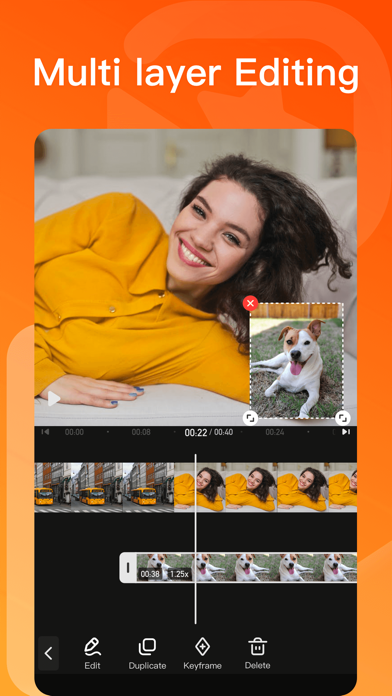
-Collage/Picture-in-Picture: Mix videos & images together to create fan edit videos and intersting works.
-Split: Divide the video into four grids, six grids, nine grids and other effects.
-Custom Watermark: Add your own or company logo to the video to make it more iconic!
-Music Extraction: Extract music from other videos and use it in your own edits.
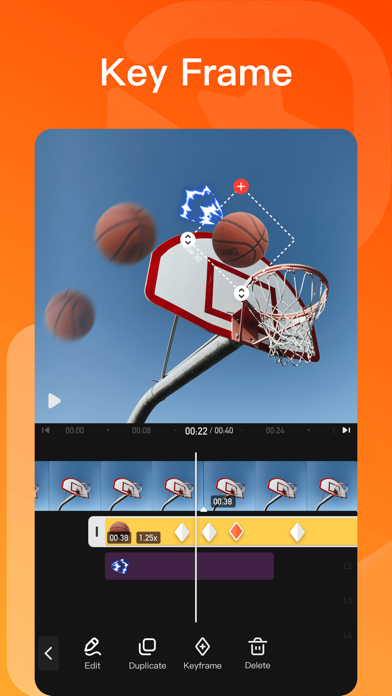
-Keyframe: Set keyframe for text and stickers to make animation effects.
-Parameter adjustment: Adjust brightness, contrast, vignetting, and hue of the video.
-Video Zoom In/Out: Supports moving, zooming in and zooming out part of the video.
Thousands of Materials
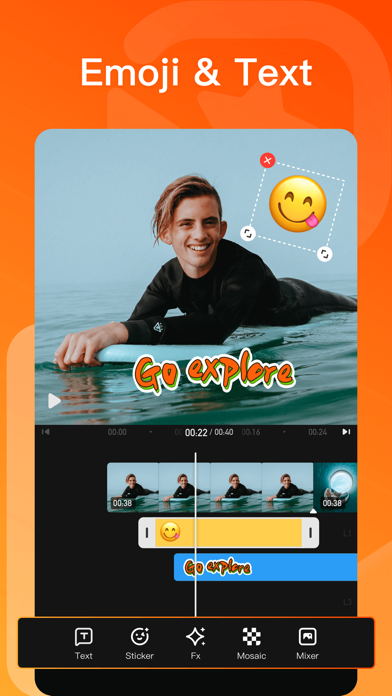
-Text: Add titles, jumping subtitles, colorful bubbles with 100+ popular fonts and text styles;
-Stickers: Cute and dynamic stickers make video fun!
-Filter: A full library of artistic filters.
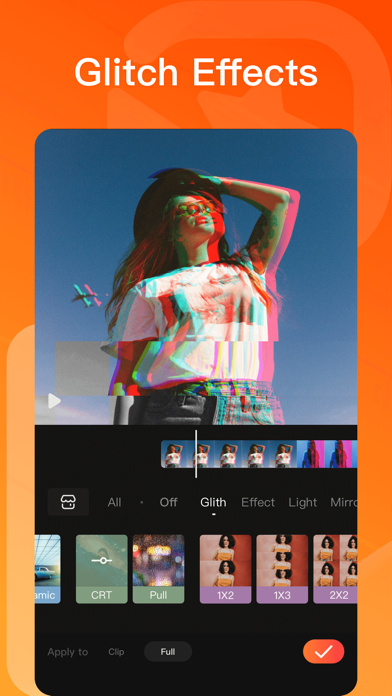
-Special Effects: Choose from a handful of magic effects like Rainbow, Rain, Snow, Thunder, and Flame.
-Transition: Apply seamless, cinematic transitions to your clips.
VivaVideo Subscription:
- You can subscribe for unlimited access to all features and content offered for purchase within VivaVideo.
- Subscriptions are billed monthly or annually at the rate selected depending on the subscription plan.
- Payments will be charged to iTunes Account at the point of purchase confirmation. Subscriptions automatically renew unless auto-renew is turned off at least 24-hours before the end of the current period. Your account will be charged for renewal within 24-hours prior to the end of the current period, and you will be charged according to your payment plan selection. Subscriptions may be managed by the user and auto-renewal may be turned off by going to the user's Account Settings after purchase. Any unused portion of a free trial period will be annulled when the user purchases a subscription to that publication.
Terms of Use: https://hybrid.xiaoying.tv/web/vivaVideo/TermsPrivacy.html
Privacy: http://hybrid.xiaoying.tv/web/vivaVideo/index/Terms/index.html
Email: [email protected]
Follow Us:
Facebook Group: https://www.facebook.com/groups/vivavideoapp/
Instagram: @vivavideoapp
Twitter: https://twitter.com/vivavideoapp
Youtube: https://www.youtube.com/channel/UClZaBwh71otUX1M0xcxnLvQ
TAG #VivaVideo for a chance to be featured on our social media platforms
Acknowledgements:
FUGUE Music
https://icons8.com/music/
We provide computer software design, computer software's update, computer programming and related services to users based on VivaVideo's powerful technical capability.
在 iOS App Store 中查看