Inicio de sesión requerido
Inicia sesión con tu cuenta de iOSGods para continuar.
Inicia sesión con tu cuenta de iOSGods para continuar.
Desbloquea acceso premium a Prêt-à-Template Modded, la aplicación de diseño de moda que transforma tu dispositivo iOS en un estudio de diseño digital. Este hack te otorga acceso completo a todas las plantillas premium, pinceles, patrones y herramientas sin restricciones, para que puedas dibujar prendas, accesorios y figuras de moda con características de nivel profesional en cualquier lugar y momento.
- Premium → acceso completo a todas las plantillas, pinceles y herramientas de diseño
Esta app también incluye iGameGod, que te ofrece acceso a Auto Touch para automatizar tareas repetitivas, App Speed Manager para ajustar la velocidad del juego, edición de valores con Memory Engine y más potentes herramientas para juegos de iOS.
Descarga Prêt-à-Template Modded modded IPA desde los enlaces de arriba. Toca el botón de instalación y sigue las instrucciones para instalar este hack iOS en tu iPhone, iPad o Mac con Apple Silicon.
¿Necesitas más ayuda? Consulta nuestras Preguntas frecuentes de la app iOSGods para respuestas detalladas y consejos de solución de problemas.
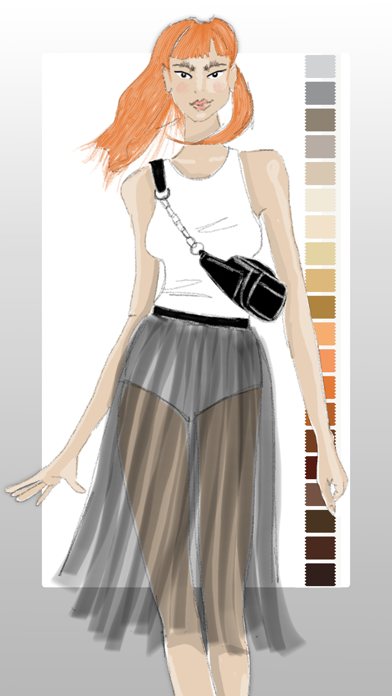
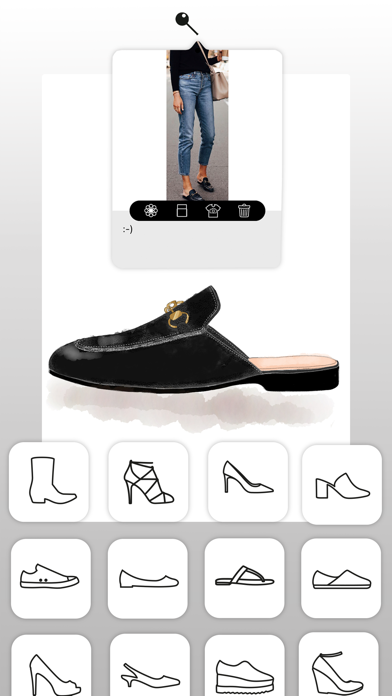
¡Da vida a tus ideas de moda! Ya sea que estés creando tus primeros bocetos o perfeccionando un portafolio profesional, Prêt-à-Template te ofrece todo lo necesario para diseñar con confianza, rapidez y estilo.
Explora tu creatividad con herramientas que acompañan tu ritmo. Empieza a diseñar de inmediato con funciones intuitivas y plantillas listas para usar que te ayudan a mantenerte concentrado en lo más importante: expresar tu visión única.
Prêt-à-Template 4.0: Un Nuevo Capítulo en la Creación de Moda
Rediseñado por completo en estética, usabilidad y profundidad creativa, Prêt-à-Template 4.0 abre una nueva era donde las herramientas digitales elevan y expanden la visión del diseñador de moda.
Dos Maneras de Empezar: Linework Guides o Realistic Product Renderings
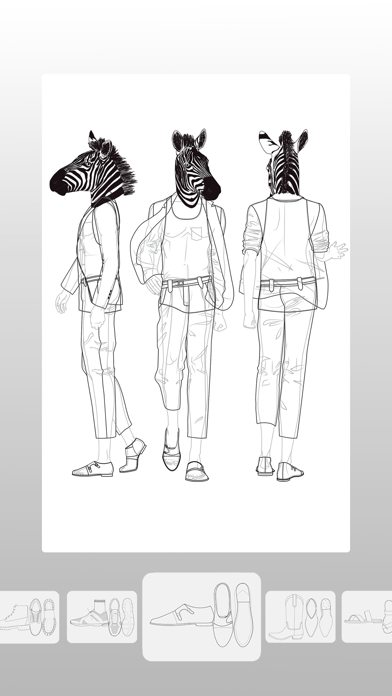
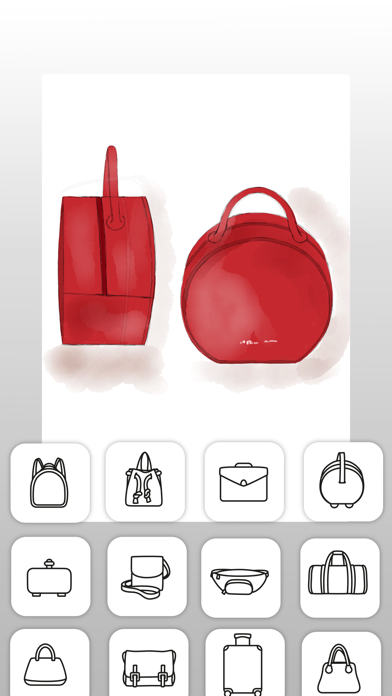
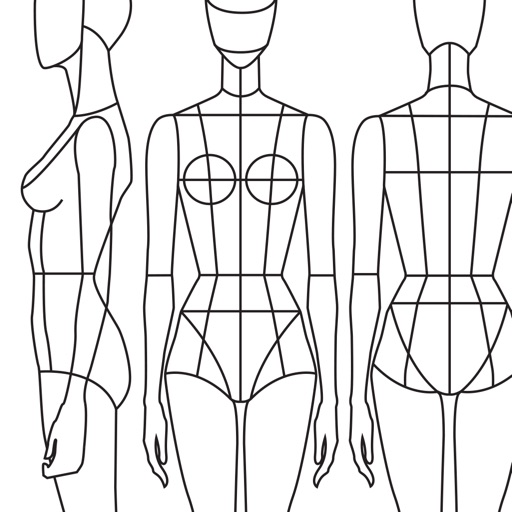
Junto con nuestras icónicas guías de tres vistas — lateral, frente y espalda — ahora ofrecemos representaciones realistas de productos con profundidad, volumen y presencia de materiales.
Ya sea dibujando sobre linework técnico o trabajando directamente sobre una base realista, Prêt-à-Template se adapta a tu proceso y te ofrece total libertad de creación.
Mood Boards: Tu Universo Creativo en un Solo Lugar
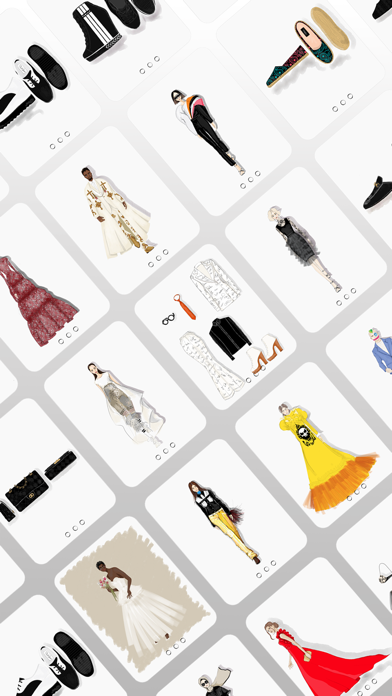
Un espacio flexible que puede ser estético, inspiracional o altamente técnico, impulsado por la biblioteca de moda más completa integrada en una app:
• Tejidos y estructuras textiles
• Fornituras y componentes
• Etiquetas y símbolos textiles
• Estampas, patrones y texturas
• Aberturas de chaquetas
• Bolsillos, mangas, puños
• Sisas, escotes, cuellos
• Y todos los elementos esenciales en el desarrollo de moda
Fáciles de componer y totalmente adaptables, se convierten en tu cuaderno de bocetos, tu muro de investigación, tu laboratorio de materiales y tu tablero de presentación.
The Canvas: Donde el Dibujo Cobra Vida
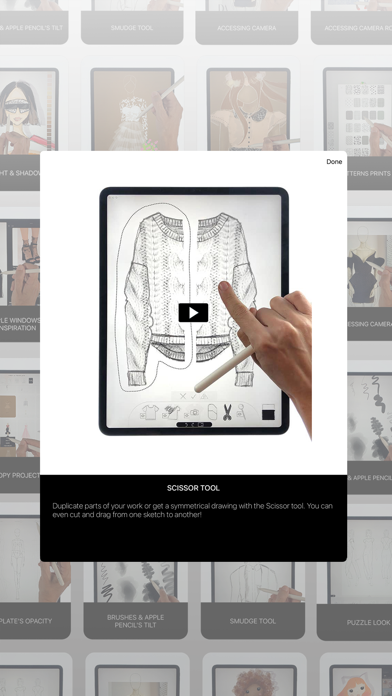
El lienzo de dibujo en Prêt-à-Template 4.0 fue rediseñado para ofrecer herramientas intuitivas que se sienten naturales, con textura de papel 3D, materiales sensibles a la luz y pinceles con comportamiento realista.
Puzzle Look
Con Puzzle Look, puedes crear combinaciones usando nuestro modelo base: describe el look que buscas y la app selecciona al instante las plantillas más relevantes. Si te gusta el resultado, puedes empezar a usarlo de inmediato.
IA como Herramienta que Potencia el Flujo del Diseñador
Nuestra misión siempre ha sido ofrecer el entorno digital más sólido para transformar ideas de moda en realidad. Con la IA, esta misión se hace aún más fuerte. Creemos que la IA debe potenciar la intuición del diseñador, no reemplazarla. Por eso presentamos un modo de colaboración más constructivo e intuitivo, con mínimo prompting y enfoque total en la creatividad.
Cada plantilla en Prêt-à-Template contiene la lógica real de un producto de moda:
• proporciones y siluetas
• comportamiento del tejido
• estructuras de costura y acabado
• fornituras y componentes técnicos
• volumen, caída y construcción
• coherencia entre cada detalle
Esta base profunda da a la IA el contexto que necesita — algo que los prompts de texto no logran por sí solos. Sin esta base nativa de moda, ningún modelo puede generar resultados realistas, técnicamente precisos y alineados con el diseño profesional.
En este diálogo entre la mirada del diseñador y la capacidad de la IA surge la sinergia ideal para la creación de productos de moda.
Precios y Suscripciones
Prêt-à-Template es gratuito para descargar con funciones limitadas. Desbloquea el acceso completo con una suscripción anual o mensual. Se renueva automáticamente a menos que se cancele 24 horas antes del final del período.
Administra tu suscripción desde la configuración de tu cuenta de Apple.
Política de Privacidad: pretatemplate.com/privacy-policy
Términos de Uso: pretatemplate.com/terms-of-use
- iPhone o iPad con o sin Jailbreak.
- Sideloadly u otras alternativas.
- Ordenador con Windows/macOS/Linux e iTunes instalado.
PASO 1: Descargue el archivo .IPA pre-modificado desde el enlace de arriba a su ordenador. Para descargarlo desde la iOSGods App, consulte nuestro Tutorial de descarga del IPA desde la iOSGods App, que incluye un ejemplo en vídeo.
PASO 2: Descargue Sideloadly e instálelo en su Windows o Mac.
PASO 3: Abra Sideloadly en su ordenador, conecte su dispositivo iOS y espere hasta que el nombre del dispositivo aparezca en Sideloadly.
PASO 4: Una vez que su iDevice sea reconocido, arrastre el archivo .IPA modificado que descargó y suéltelo en la aplicación Sideloadly.
PASO 5: Introduzca el correo electrónico de su Apple Account y, a continuación, pulse «Start». Le pedirá que introduzca su contraseña. Proporcione la información solicitada.
PASO 6: Espere a que Sideloadly termine de hacer sideload/instalar el IPA modificado. Si surgen problemas durante la instalación, por favor lea la nota a continuación.
PASO 7: Una vez completada la instalación y al ver la app en la pantalla de inicio, deberá ir a Ajustes → General → Perfiles / VPN y Gestión de Dispositivos. Una vez allí, toque el correo electrónico que introdujo en el paso 6 y, después, toque en «Confiar en [email protected]».
PASO 8: Ahora vaya a la pantalla de inicio y abra la app recién instalada; todo debería funcionar correctamente. Es posible que tenga que seguir instrucciones adicionales específicas de cada app dentro del popup del hack en el juego.
NOTA: En iOS/iPadOS 16 y posteriores, debe activar el Modo Desarrollador. Para cuentas gratuitas de Apple Developer, deberá repetir este proceso cada 7 días. Si tiene alguna pregunta o problema, lea nuestra sección de Preguntas Frecuentes de Sideloadly del tema.