Anmeldung erforderlich
Melden Sie sich mit Ihrem iOSGods-Konto an, um fortzufahren.
Melden Sie sich mit Ihrem iOSGods-Konto an, um fortzufahren.
Schalte Premium-Zugang zu Prêt-à-Template Modded frei, der Fashion-Sketch-App, die dein iOS-Gerät in ein digitales Design-Studio verwandelt. Dieser Hack gewährt dir vollständigen Zugriff auf alle Premium-Vorlagen, Pinsel, Muster und Werkzeuge ohne Einschränkungen, damit du überall und jederzeit Kleidungsstücke, Accessoires und Fashion-Figuren mit professionellen Funktionen skizzieren kannst.
- Premium → vollständiger Zugriff auf alle Vorlagen, Pinsel und Design-Werkzeuge
Diese App wird zusätzlich mit iGameGod geliefert und bietet Ihnen Zugriff auf Auto Touch zur Automatisierung sich wiederholender Aufgaben, App Speed Manager für eine anpassbare Spielgeschwindigkeit, Memory Engine zur Wertbearbeitung und weitere leistungsstarke iOS-Spielwerkzeuge.
Laden Sie Prêt-à-Template Modded modded IPA über die obigen Links herunter. Tippen Sie auf den Installations-Button und folgen Sie den Anweisungen, um diese iOS-App auf Ihrem iPhone, iPad oder Apple Silicon zu installieren.
Brauchen Sie mehr Hilfe? In unseren iOSGods App häufig gestellten Fragen finden Sie ausführliche Antworten und Tipps zur Fehlerbehebung.
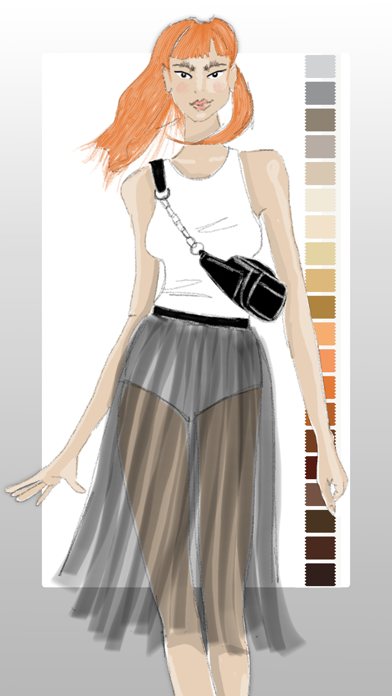
Bring your fashion design ideas to life, from the first sketch to the finished collection. Prêt-à-Template is a professional fashion design app created for fashion sketching, fashion illustration, outfit design, and product development. Built for students, creatives, stylists, and professional designers, it transforms inspiration into polished fashion concepts with tools designed specifically for the real fashion workflow.
Whether you are learning fashion drawing, building a fashion portfolio, developing a collection, or exploring new styling ideas, Prêt-à-Template offers a complete workspace for modern fashion design. Unlike generic drawing apps, it is built specifically for the needs of the fashion industry, combining fashion sketch tools, realistic templates, visual research, and presentation workflows in one place. It supports both creative exploration and technical development, helping designers move from early concepts to more resolved and presentation-ready ideas with greater speed and confidence.
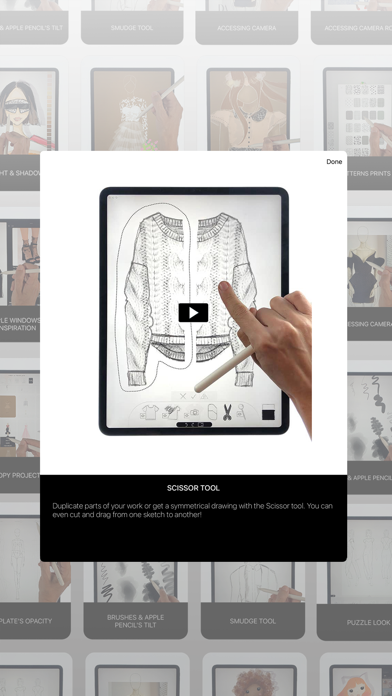
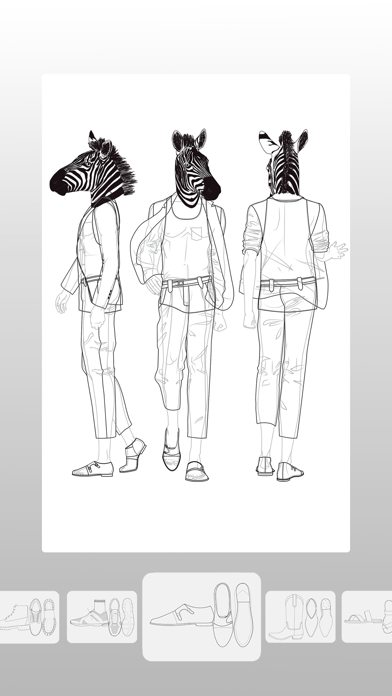
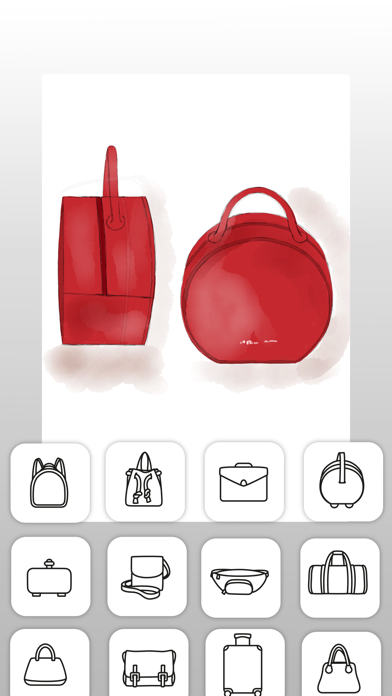
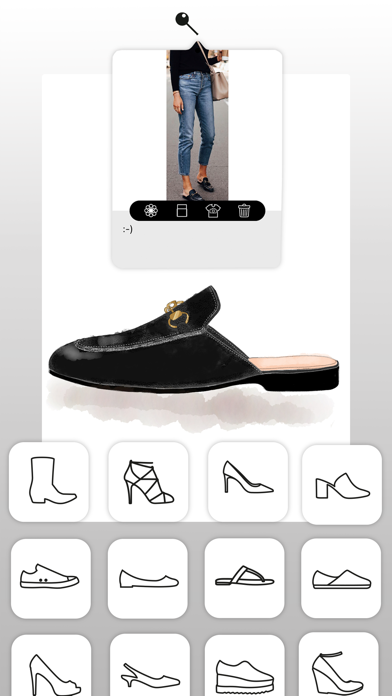
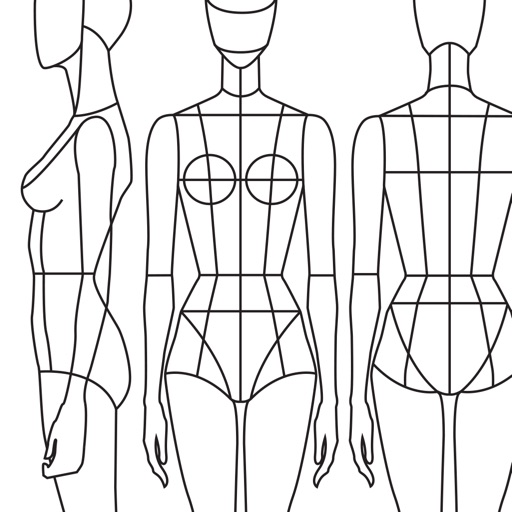
The app lets you begin creating in two distinct ways, depending on your design style. You can work with linework templates that include front, side, and back guides, making them ideal for structured fashion sketches, technical development, and clean fashion illustration. Or you can start with realistic product templates, working directly over lifelike silhouettes with depth and volume, which is perfect for outfit design, product visualization, and concept development. Puzzle Look makes the creative process even faster and more intuitive. Simply describe the look you want, and it selects the most relevant templates from the library so you can begin designing right away. AI supports your process with fashion-aware suggestions while keeping the designer fully in control of every creative decision.
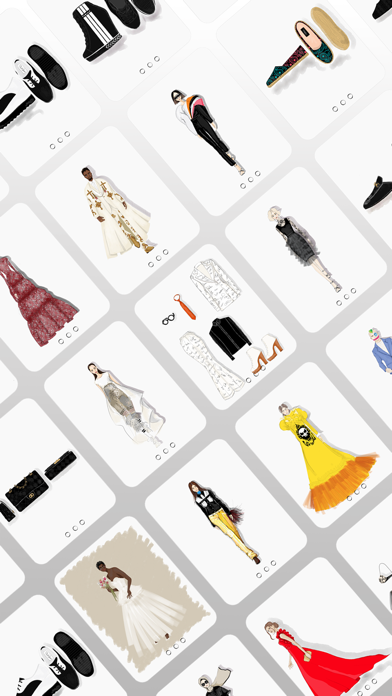
Prêt-à-Template also includes a flexible mood board workspace where inspiration, materials, styling ideas, and product references can come together naturally. Its integrated fashion library includes fabrics, textile structures, prints, patterns, textures, trims, findings, sleeves, collars, cuffs, pockets, openings, construction details, care labels, and textile symbols, creating a rich environment for research, experimentation, and product thinking.
The canvas makes fashion sketching feel more expressive, natural, and realistic. You can sketch, shade, annotate, render, and refine using intuitive tools, realistic brush behavior, and a paper-like surface that gives the digital drawing experience a more tactile quality. Prêt-à-Template also uses AI with real fashion context. Its templates are built around garment proportions, silhouette logic, fabric behavior, drape, trims, and construction details, helping deliver results that feel realistic and aligned with professional fashion design workflows rather than generic image generation.
From fashion design and fashion sketching to fashion illustration, outfit design, mood board creation, collection development, styling exploration, textile research, and fashion portfolio building, Prêt-à-Template supports every stage of the fashion design process in one creative workspace, whether you are just starting out or already working at a professional level.
Subscription Pricing & Terms
Prêt-à-Template is free to download. Unlock full access with a yearly or monthly subscription. Auto-renews unless canceled 24 hours before the current period ends.
Manage your subscription in your Apple Account settings.
Terms of Use (EULA):
https://www.apple.com/legal/internet-services/itunes/dev/stdeula/
Privacy Policy:
https://www.pretatemplate.com/privacy-policy
- Nicht-Jailbroken/Jailed oder Jailbroken iPhone oder iPad.
- Sideloadly oder Alternativen.
- Computer mit Windows/macOS/Linux und installiertem iTunes.
SCHRITT 1: Laden Sie die vorinstallierte .IPA-Datei über den obigen Link auf Ihren Computer herunter. Zum Herunterladen aus der iOSGods-App siehe unser iOSGods App IPA Download-Tutorial mit Videobeispiel.
SCHRITT 2: Laden Sie Sideloadly herunter und installieren Sie es auf Ihrem Windows oder Mac.
SCHRITT 3: Öffnen Sie Sideloadly auf Ihrem Computer, verbinden Sie Ihr iOS-Gerät und warten Sie, bis Ihr Gerätename in Sideloadly erscheint.
SCHRITT 4: Sobald Ihr iDevice erkannt wird, ziehen Sie die heruntergeladene gemoddete .IPA-Datei in die Sideloadly-Anwendung.
SCHRITT 5: Geben Sie Ihre Apple-Account-E-Mail ein und drücken Sie „Start". Sie werden dann nach Ihrem Passwort gefragt. Geben Sie die erforderlichen Informationen ein.
SCHRITT 6: Warten Sie, bis Sideloadly das Sideloading/Installieren der gehackten IPA abgeschlossen hat. Bei Problemen während der Installation lesen Sie bitte den Hinweis unten.
SCHRITT 7: Sobald die Installation abgeschlossen ist und die App auf Ihrem Home-Bildschirm angezeigt wird, müssen Sie zu Einstellungen → Allgemein → Profile / VPN & Geräteverwaltung gehen. Tippen Sie dort auf die E-Mail, die Sie in Schritt 6 eingegeben haben, und dann auf „Trust [email protected]".
SCHRITT 8: Gehen Sie nun zu Ihrem Home-Bildschirm und öffnen Sie die neu installierte App – alles sollte einwandfrei funktionieren. Möglicherweise müssen Sie weitere App-spezifische Anweisungen im Hack-Popup im Spiel befolgen.
HINWEIS: iOS/iPadOS 16 und höher: Sie müssen den Entwicklermodus aktivieren. Bei kostenlosen Apple Developer-Accounts müssen Sie diesen Vorgang alle 7 Tage wiederholen. Bei Fragen oder Problemen lesen Sie bitte unsere Sideloadly-FAQ-Sektion im Thema.