تسجيل الدخول مطلوب
سجّل الدخول بحساب iOSGods للمتابعة.
سجّل الدخول بحساب iOSGods للمتابعة.
افتح الوصول المميز إلى Prêt-à-Template Modded، تطبيق رسم الأزياء الذي يحول جهاز iOS الخاص بك إلى استوديو تصميم رقمي. يمنحك هذا التهكير إمكانية الوصول الكامل إلى جميع القوالب والفرش والأنماط والأدوات المتقدمة بدون قيود، حتى تتمكن من رسم الملابس والإكسسوارات والأشكال الموضة باستخدام ميزات احترافية في أي مكان وأي وقت.
- وصول مميز → إمكانية الوصول الكامل إلى جميع القوالب والفرش وأدوات التصميم
يأتي هذا التطبيق أيضًا مع iGameGod، مما يتيح لك الوصول إلى Auto Touch لأتمتة المهام المتكررة، وApp Speed Manager لضبط سرعة اللعب، وتعديل القيم عبر Memory Engine، والمزيد من أدوات ألعاب iOS القوية.
قم بتنزيل Prêt-à-Template Modded modded IPA من الروابط أعلاه. اضغط على زر التثبيت واتبع التعليمات لتثبيت هذا التعديل لـ iOS على iPhone أو iPad أو Apple Silicon.
هل تحتاج إلى مزيد من المساعدة؟ راجع الأسئلة الشائعة لتطبيق iOSGods للحصول على إجابات مفصلة ونصائح لاستكشاف الأخطاء.
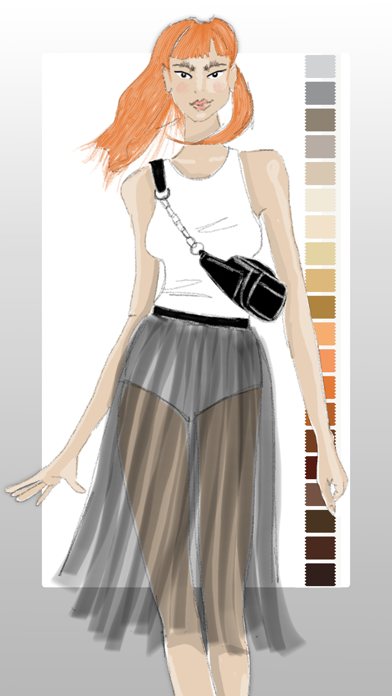
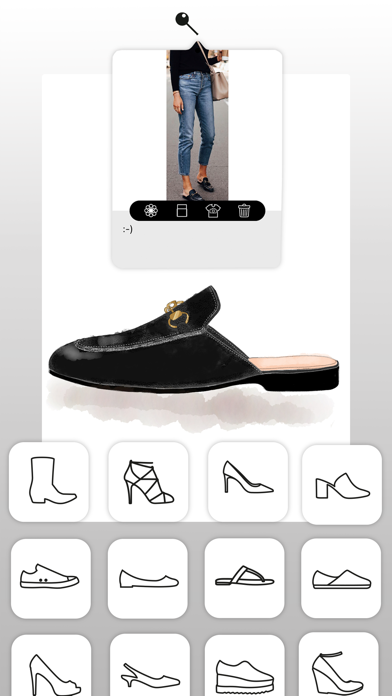
帶著你的時尚靈感開始創作吧!無論你正在繪製第一張時尚草圖,或正在完善專業作品集,Prêt-à-Template 都為你提供自信、快速又有風格的設計工具。
以順暢直覺的工具探索創意,透過直覺功能與現成模板立即開始設計,專注於最重要的事:展現你獨一無二的創意視野!
Prêt-à-Template 4.0:重新定義當代時尚的創作方式
全新設計的介面、美感與創意深度,Prêt-à-Template 4.0 開啟了數位時尚的新時代,讓工具真正延伸並提升設計師的視野。
兩種全新起點:線稿指南或真實產品渲染
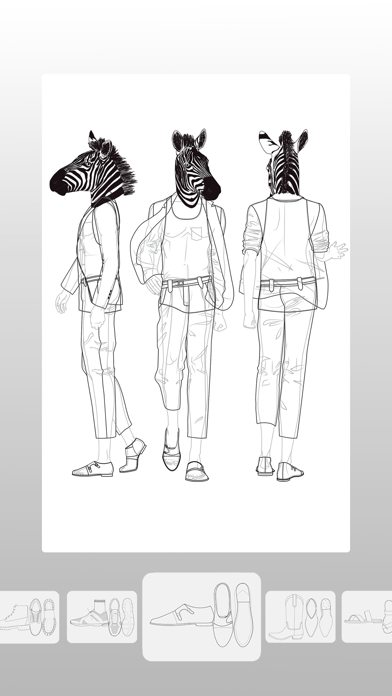
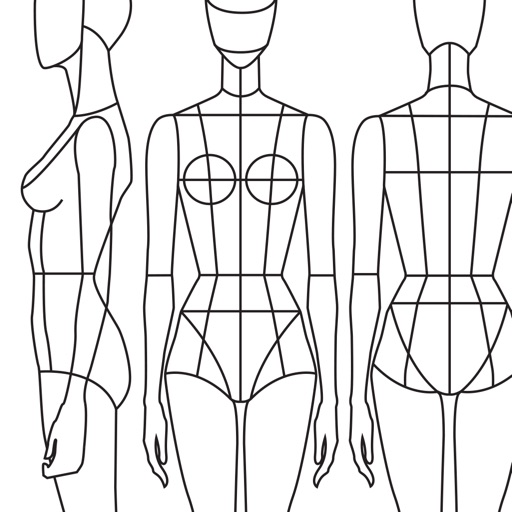
除了經典的三視圖指引(側、前、後),我們現在提供具有真實深度、體積與材質的產品渲染。無論你喜歡在線稿上作畫,或直接從逼真的基底開始,Prêt-à-Template 都能隨你的流程進行,給予你完全的創作自由。
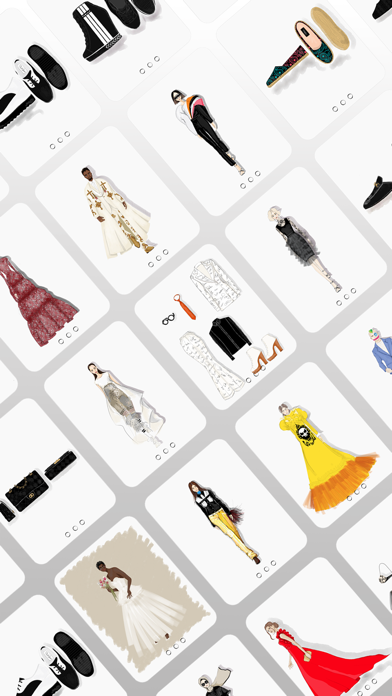
靈感版:你的時尚宇宙,一站整合
彈性、自由、可美觀、可技術,搭載史上最完整最細緻的時尚素材庫:
• 布料與織物結構
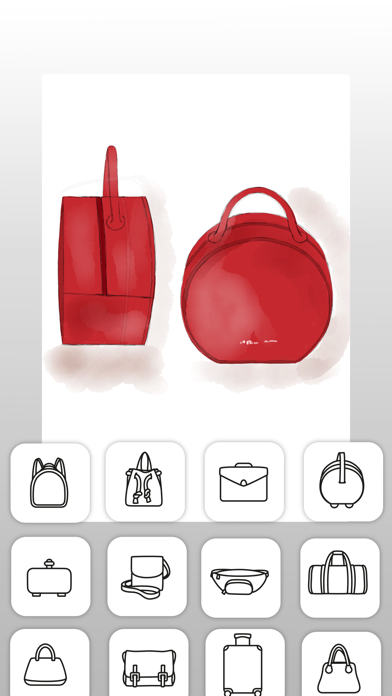
• 配件、五金與輔料
• 洗標與紡織符號
• 印花、圖案、材質
• 外套門襟
• 口袋、袖子、袖口
• 袖籠、領口、領子
• 以及時尚創作所需的所有細節
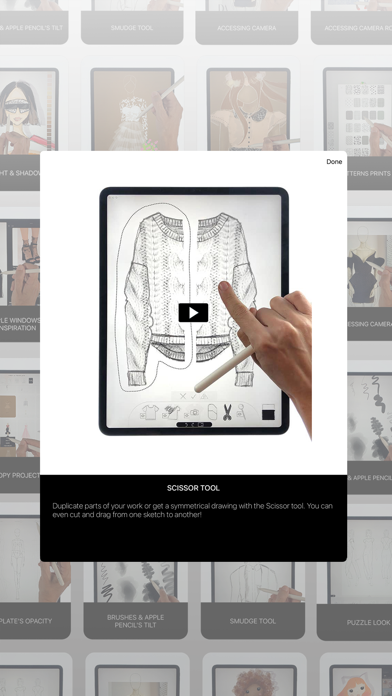
易於組合、自由變化,這個空間成為你的速寫本、研究牆、材質實驗室與展示平台。
畫布:讓繪圖變得真正生動
全新畫布使用 3D 紙張質感、光線互動材質與真實筆刷,為你帶來直覺、熟悉又沉浸的繪圖體驗。
Puzzle Look
Puzzle Look 讓混搭穿搭變得更簡單:只要描述你想要的造型,我們的模型就會自動找出最適合的模板。喜歡結果的話,你可以立即開始創作。
AI:提升設計流程的工具,而非替代品
我們的使命始終是打造最強大的數位時尚環境,把想法變為現實。AI 讓這個使命更上一層。我們相信 AI 應該增強設計師的直覺,而不是取代它。因此我們打造了全新的 AI 合作方式:建設性、直覺式,並將指令需求降到最低,好讓創意保持在中心位置。
每個模板都包含時尚產品的真實邏輯:
• 比例與輪廓
• 布料行為與材質邏輯
• 車縫與細節結構
• 五金與技術配件
• 體積、垂墜與結構
• 每個細節之間的合理關係
這個深層基礎提供 AI 必需的脈絡,是純文字提示永遠做不到的。沒有這些時尚原生的基礎,任何模型都無法產出真實、技術正確、符合專業水準的設計結果。
正是在設計師的眼光與 AI 的呈現之間,今日的完美時尚創作協作方式才得以誕生。
訂閱價格與條款
Prêt-à-Template 可免費下載並提供有限功能。訂閱年費或月費即可解鎖全部內容。訂閱會自動續訂,除非在期限到期前 24 小時取消。
可在 Apple 帳號設定中管理訂閱。
隱私權政策:pretatemplate.com/privacy-policy
使用條款:pretatemplate.com/terms-of-use
- iPhone أو iPad بجيلبريك أو بدون جيلبريك.
- Sideloadly أو بدائلها.
- كمبيوتر يعمل بنظام Windows/macOS/Linux مع تثبيت iTunes.
الخطوة 1: قم بتنزيل ملف .IPA المعدّل مسبقًا من الرابط أعلاه إلى الكمبيوتر الخاص بك. للتنزيل من تطبيق iOSGods App، اطلع على دليل تنزيل IPA من تطبيق iOSGods App الذي يتضمن مثالًا بالفيديو.
الخطوة 2: قم بتنزيل Sideloadly وتثبيته على جهاز Windows أو Mac.
الخطوة 3: افتح Sideloadly على الكمبيوتر، ووصّل جهاز iOS الخاص بك، وانتظر حتى يظهر اسم جهازك داخل Sideloadly.
الخطوة 4: بمجرد التعرّف على جهاز iDevice الخاص بك، اسحب ملف .IPA المعدّل الذي قمت بتنزيله وأفلِته داخل تطبيق Sideloadly.
الخطوة 5: أدخل البريد الإلكتروني لحساب Apple Account الخاص بك، ثم اضغط على «Start». سيُطلب منك بعد ذلك إدخال كلمة المرور. تابع وأدخل المعلومات المطلوبة.
الخطوة 6: انتظر حتى ينتهي Sideloadly من تحميل/تثبيت ملف IPA المعدّل. في حال واجهت أي مشاكل أثناء التثبيت، يرجى قراءة الملاحظة أدناه.
الخطوة 7: بعد اكتمال التثبيت ورؤية التطبيق على الشاشة الرئيسية، انتقل إلى Settings → General → Profiles / VPN & Device Management. ثم اضغط على البريد الإلكتروني الذي أدخلته في الخطوة 6، ثم اضغط على «الوثوق بـ [email protected]».
الخطوة 8: الآن انتقل إلى الشاشة الرئيسية وافتح التطبيق الذي تم تثبيته للتو وسيعمل كل شيء بشكل صحيح. قد تحتاج إلى اتباع تعليمات إضافية خاصة بكل تطبيق داخل النافذة المنبثقة للتعديل أثناء اللعب.
ملاحظة: بدءًا من iOS/iPadOS 16 وما بعده، يجب تفعيل وضع المطور (Developer Mode). بالنسبة لحسابات Apple Developer المجانية، ستحتاج إلى تكرار هذه العملية كل 7 أيام. إذا كانت لديك أي أسئلة أو مشاكل، يرجى قراءة قسم الأسئلة الشائعة حول Sideloadly في الموضوع.