Login necessário
Entre com sua conta iOSGods para continuar.
Hack Features:
- PREMIUM
Este app vem com iGameGod, oferecendo acesso ao Auto Touch para automatizar tarefas repetitivas, App Speed Manager para ajustar a velocidade do jogo, edição de valores com Memory Engine e outras ferramentas avançadas para jogos iOS.
Baixe Mondly: Learn 33 Languages Modded modded IPA dos links acima. Toque no botão de instalação e siga as instruções para instalar este hack iOS no seu iPhone, iPad ou Apple Silicon.
Precisa de mais ajuda? Confira nossas Perguntas frequentes sobre o app iOSGods para respostas detalhadas e dicas de solução de problemas.
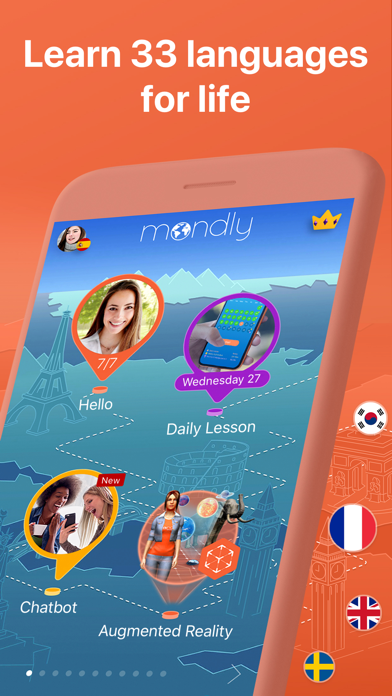
With Mondly you can learn 33 languages: Spanish, American English, British English, French, German, Portuguese, Italian, Russian, Norwegian, Danish, Dutch, Swedish, Arabic, Korean, Japanese, Chinese, Greek, Romanian, Vietnamese, Indonesian, Hindi, Hebrew, Polish, Bulgarian, Ukrainian, Hungarian, Czech, Croatian, Finnish, Persian (Farsi), Thai, Afrikaans and Turkish for FREE.
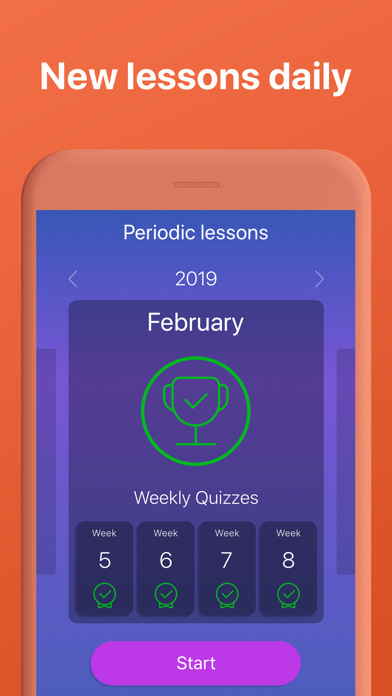
Learn languages with free lessons daily.
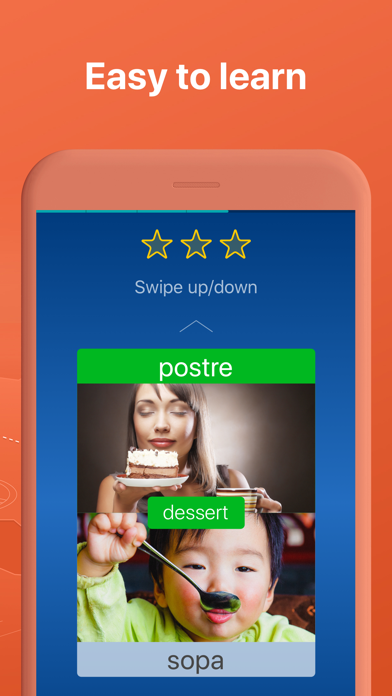
In just minutes you’ll start memorizing core words, form sentences, learn phrases and take part in conversations.
Fun language lessons improve your vocabulary, grammar and pronunciation like no other language learning method. Beginner or advanced learner, traveler or business professional with a tight schedule?
Explore language exercises for reading, listening, writing and speaking, enhanced with a dictionary, verb conjugator and state-of-the-art speech recognition technology - you’ll feel like having your own tutor in your pocket.
Download the language learning pill today and enjoy the benefits of learning a new language for life.
Here are the key features that make Mondly a great tutor for you:
• Crystal-clear audio and professional voice actors. Learn pronunciation from conversations between native speakers.
• State-of-the-art Speech Recognition. Mondly knows how to listen to your words and phrases. You will only get a positive feedback if you speak clearly and correctly.
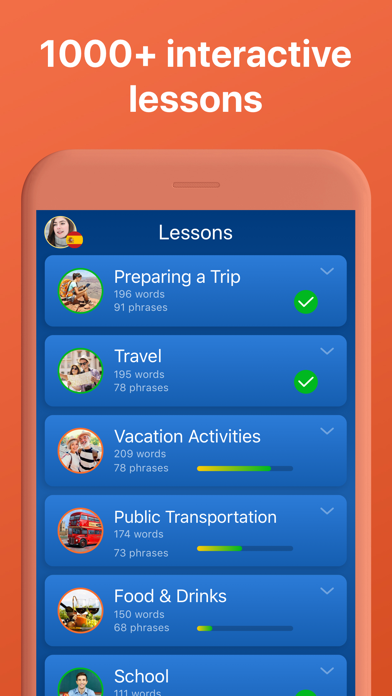
• Useful phrases for real situations. Memorizing hundreds of isolated words is not the way to go when it comes to learning languages. Mondly teaches you vocabulary through core words and phrases. The app breaks the learning process down into short lessons and puts them into themed packs.
• Learn from conversations. Conversation is the main reason to take this free course. It will help you build a core vocabulary with widely-used nouns and verbs.
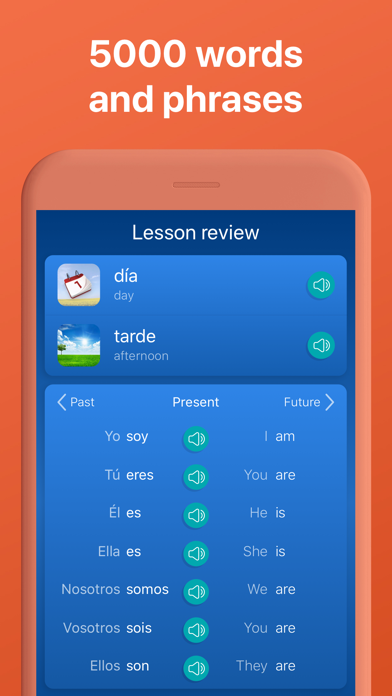
• Verb conjugations. Learn more from this course. Tap the verbs and get the full conjugation, including the translation. It’s faster and better than a dictionary.
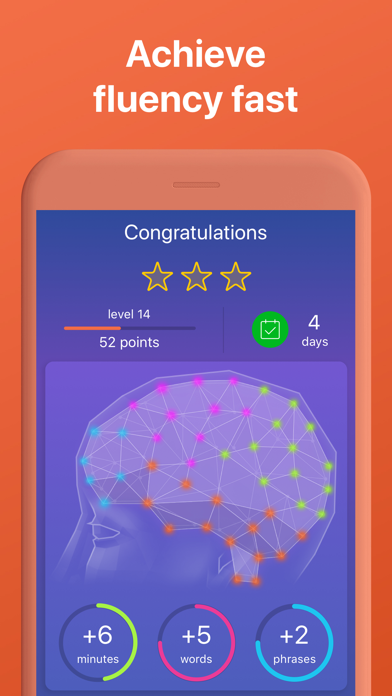
• Advanced Statistics. The App uses intelligent reporting, so you can always follow your progress. Build your vocabulary step by step and become better.
All these make Mondly the best way to learn Spanish, American English, British English, French, German, Portuguese, Italian, Russian, Norwegian, Danish, Swedish, Korean, Japanese, Chinese, Greek, Romanian, Vietnamese, Indonesian, Hindi, Hebrew, Polish, Bulgarian, Ukrainian, Czech, Croatian, Finnish, Persian (Farsi), Afrikaans and Turkish for FREE.
At the end of these language lessons, you will master the most useful 5000 words and phrases and you will be on the fast lane to learning a new language.
PLEASE NOTE
You will need a subscription in order to get access to all of this app’s courses and features.
Subscription options:
- One-monthly subscription for $US9.99 (or the equivalent in local currency), automatically renewed until canceled.
- One-yearly subscription for $US47.99 (or the equivalent in local currency), automatically renewed until canceled.
Your subscription will automatically renew unless auto-renew is turned off at least 24-hours before the end of the current payment period.
Your iTunes account will be automatically charged at the same price for renewal within the 24-hour period prior to the end of the current payment period unless you change your subscription preferences in your Account Settings.
Payment will be charged to iTunes Account at confirmation of purchase.
Any unused portion of a free trial period, if offered, will be forfeited when the user purchases a subscription to that publication, where applicable.
You can manage your subscriptions through your Account Settings after purchase.
When a subscription is canceled, access to the app’s courses and features will expire at the end of the current payment period.
Privacy Policy: www.mondly.com/privacy
Terms: www.mondly.com/terms
We welcome your feedback and suggestions at: ios[at]mondly[dot]com
- iPhone ou iPad sem jailbreak/jailed ou com jailbreak.
- Sideloadly ou alternativas.
- Computador com Windows/macOS/Linux e iTunes instalado.
PASSO 1: Baixe o arquivo .IPA pré-hackeado do link acima para o seu computador. Para baixar pelo iOSGods App, veja nosso Tutorial de download de IPA do iOSGods App, que inclui um exemplo em vídeo.
PASSO 2: Baixe o Sideloadly e instale-o no seu Windows ou Mac.
PASSO 3: Abra o Sideloadly no seu computador, conecte seu dispositivo iOS e aguarde até que o nome do dispositivo apareça no Sideloadly.
PASSO 4: Assim que seu iDevice for reconhecido, arraste o arquivo .IPA modificado que você baixou e solte-o no aplicativo Sideloadly.
PASSO 5: Digite o e-mail da sua Apple Account e pressione “Start”. Em seguida, será solicitada a sua senha. Prossiga e forneça as informações solicitadas.
PASSO 6: Aguarde o Sideloadly finalizar o sideload/instalação do IPA hackeado. Se houver problemas durante a instalação, leia a observação abaixo.
PASSO 7: Quando a instalação estiver concluída e você vir o app na Tela de Início, será necessário acessar Ajustes → Geral → Perfis / Gerenciamento de VPN e Dispositivo. Lá, toque no e-mail que você inseriu no passo 6 e, em seguida, toque em “Confiar em [email protected]”.
PASSO 8: Agora vá para a Tela de Início e abra o app recém-instalado; tudo deve funcionar normalmente. Você pode precisar seguir instruções adicionais específicas no popup do hack dentro do jogo.
OBSERVAÇÃO: No iOS/iPadOS 16 e versões posteriores, você deve ativar o Modo de Desenvolvedor. Para contas Apple Developer gratuitas, será necessário repetir este processo a cada 7 dias. Se tiver dúvidas ou problemas, leia nossa seção de FAQ do Sideloadly no tópico.