Login Diperlukan
Masuk dengan akun iOSGods kamu untuk melanjutkan.
Masuk dengan akun iOSGods kamu untuk melanjutkan.
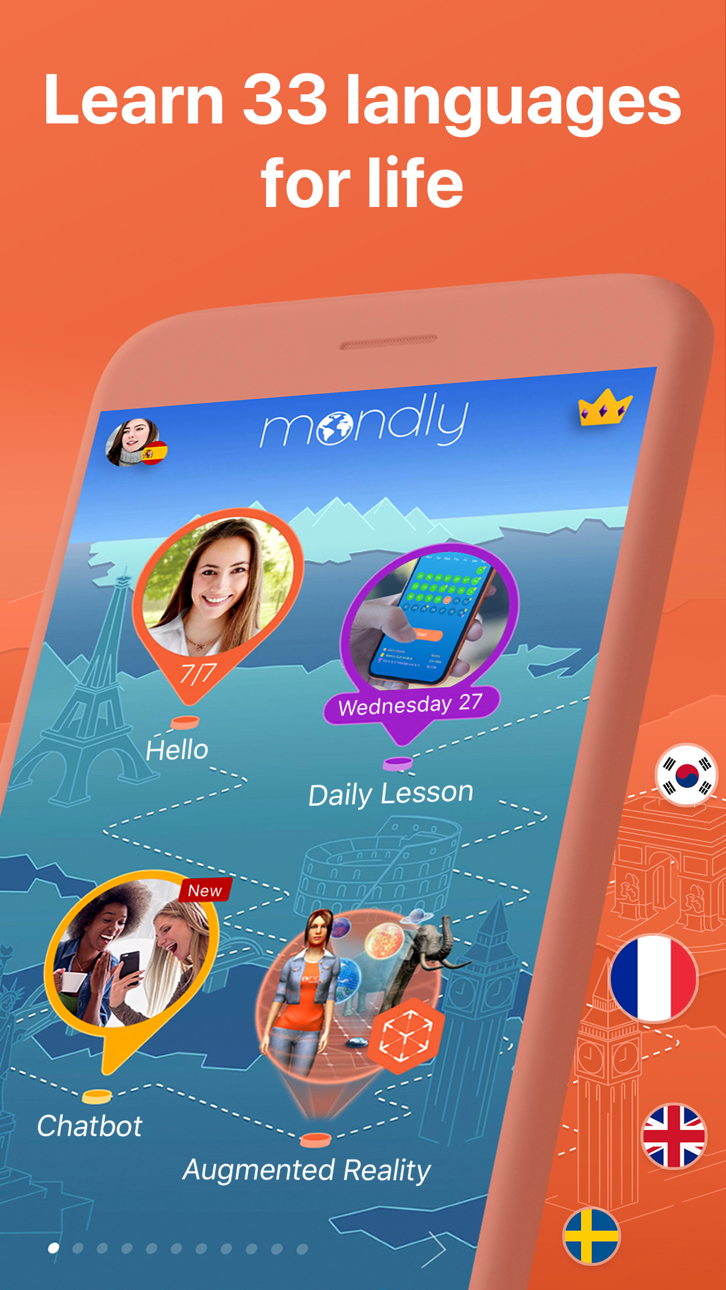
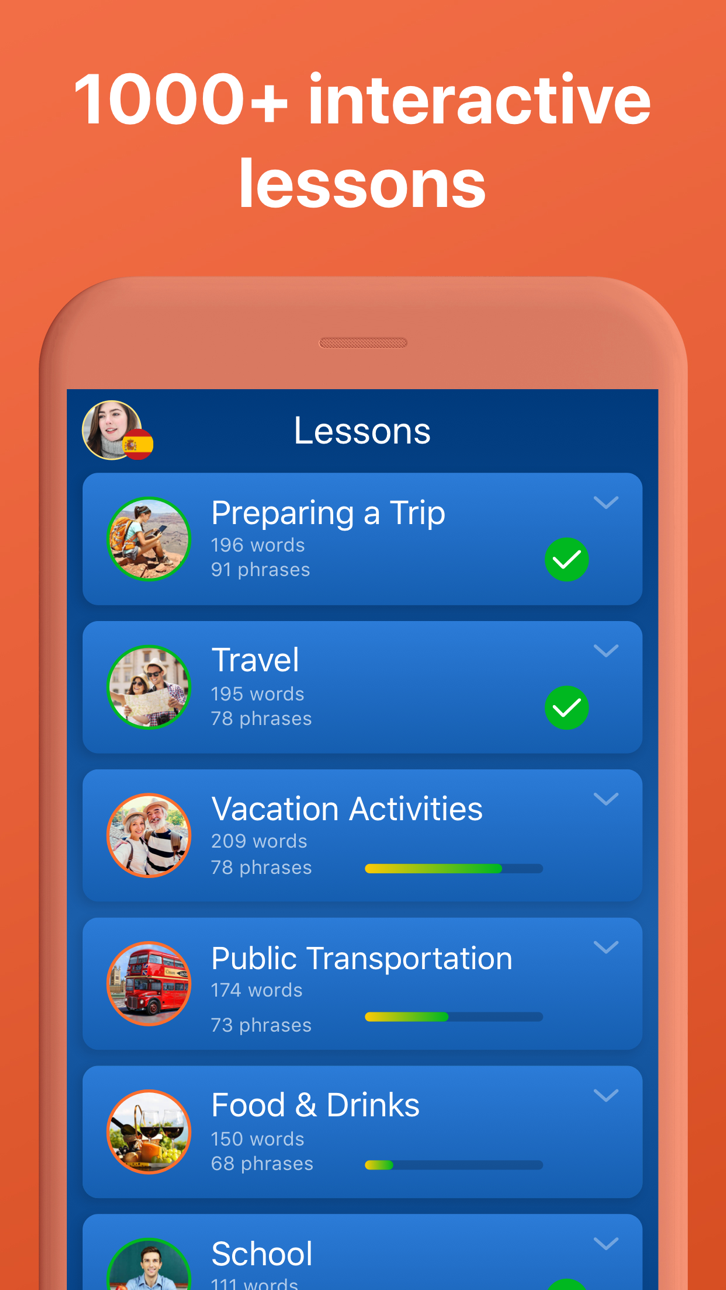
Buka akses pembelajaran bahasa premium di 33 bahasa dengan Mondly Mod IPA yang dimodifikasi ini, memberikan Anda akses penuh ke semua pelajaran, kursus, dan fitur tanpa membayar. Pelajari Spanyol, Prancis, Jerman, Portugis, Jepang, Cina, dan 27 bahasa lainnya melalui pelajaran interaktif harian yang membangun kosakata, tata bahasa, dan keterampilan percakapan dalam hitungan menit.
- Premium Dibuka → akses semua pelajaran dan fitur berbayar tanpa biaya
Aplikasi ini juga dilengkapi dengan iGameGod, yang memberi Anda akses ke Auto Touch untuk mengotomatiskan tugas berulang, App Speed Manager untuk mengatur kecepatan permainan, pengeditan nilai Memory Engine, dan alat permainan iOS lainnya yang lebih canggih.
Unduh Mondly: Learn 33 Languages Modded modded IPA dari tautan di atas. Ketuk tombol pasang dan ikuti petunjuk di layar untuk memasang hack iOS ini di iPhone, iPad, atau Apple Silicon.
Butuh bantuan lebih lanjut? Lihat Pertanyaan yang Sering Diajukan untuk Aplikasi iOSGods kami untuk jawaban dan tips lengkap.
Apprenez l’espagnol, l’anglais, le français, l’allemand, le portugais, l’italien, l’anglais américain, le russe, l’arabe, le néerlandais, le norvégien, le danois, le suédois, le coréen, le japonais, le chinois, le grec, le roumain, le vietnamien, l’indonésien, l’hindi, l’hébreu, le polonais, le hongrois, le tchèque, le croate, le finnois, le perse (le farsi), l’afrikaans et le turc.
Découvrez de nombreux exercices de lecture, d’audition, écrit et oral, améliorés grâce à un dictionnaire, un conjugueur et la technologie de reconnaissance vocale dernier cri.
C’est comme avoir votre propre professeur dans votre poche.
▶ Comment apprendre les langues de façon facile
À l’école ; on commence par apprendre des centaines de mots et expressions élémentaires, puis la grammaire et à la fin de l’année, on peut à peine traduire une phrase ou saluer un étranger. Voilà pour la méthode d’apprentissage traditionnelle. L’approche de Mondly est différente des cours de langue classiques.
▶ L’avenir des cours de langues
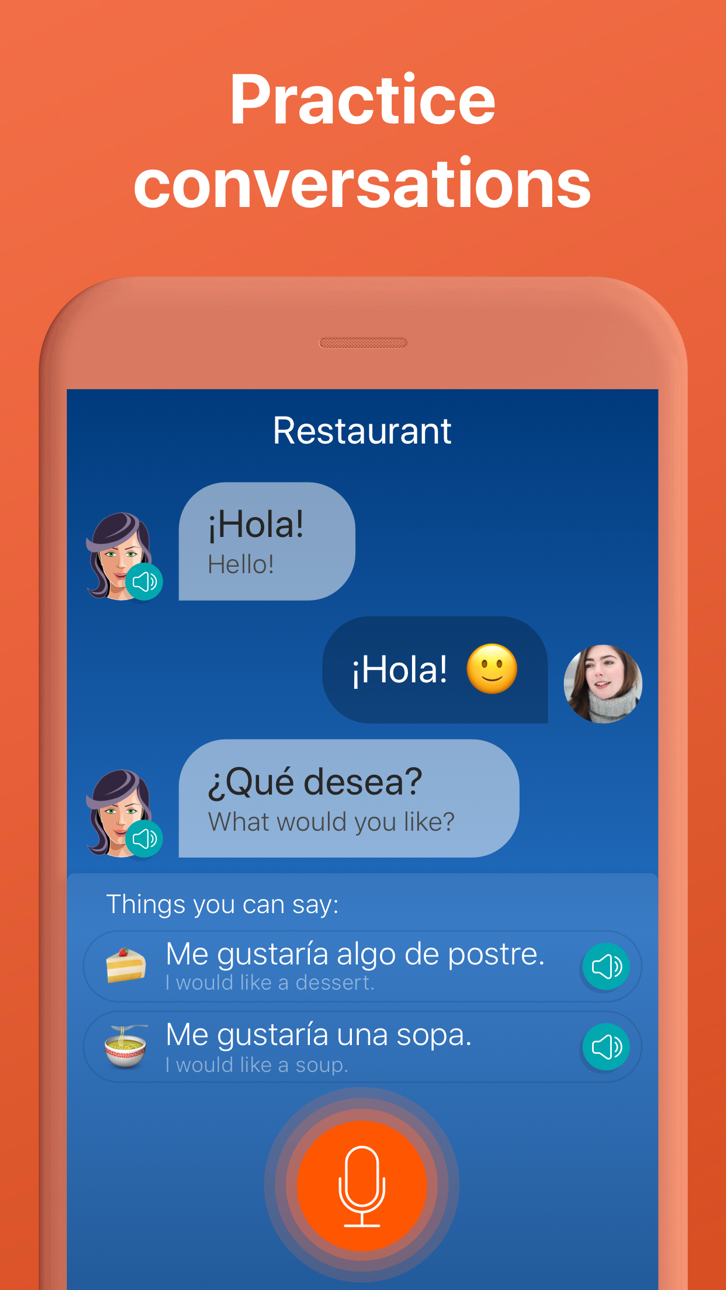
Vous commencerez par une conversation basique entre deux personnes, ce qui vous permettra de mémoriser rapidement les mots principaux que vous utiliserez pour construire des phrases et expressions. À la fin d’un module de 45 minutes, vous répéterez la conversation à haute voix. C’est une manière efficace d’apprendre des expressions. Le système de reconnaissance vocale dernier cri et les algorithmes de répétition espacée rendent cette application efficace pour apprendre des langues.
Voici les caractéristiques qui font de Mondly votre professeur idéal :
• Une qualité audio parfaite et des professionnels de la voix. Apprenez la prononciation à partir de conversations entre des natifs.
• Des expressions utiles pour des situations réelles. Mémoriser des centaines de mots sans contexte est inutile pour apprendre une langue. Mondly vous enseigne le vocabulaire à l’aide de mots et expressions communs. Avec l’application, réduisez le processus d’apprentissage à une courte suite de cours thématiques
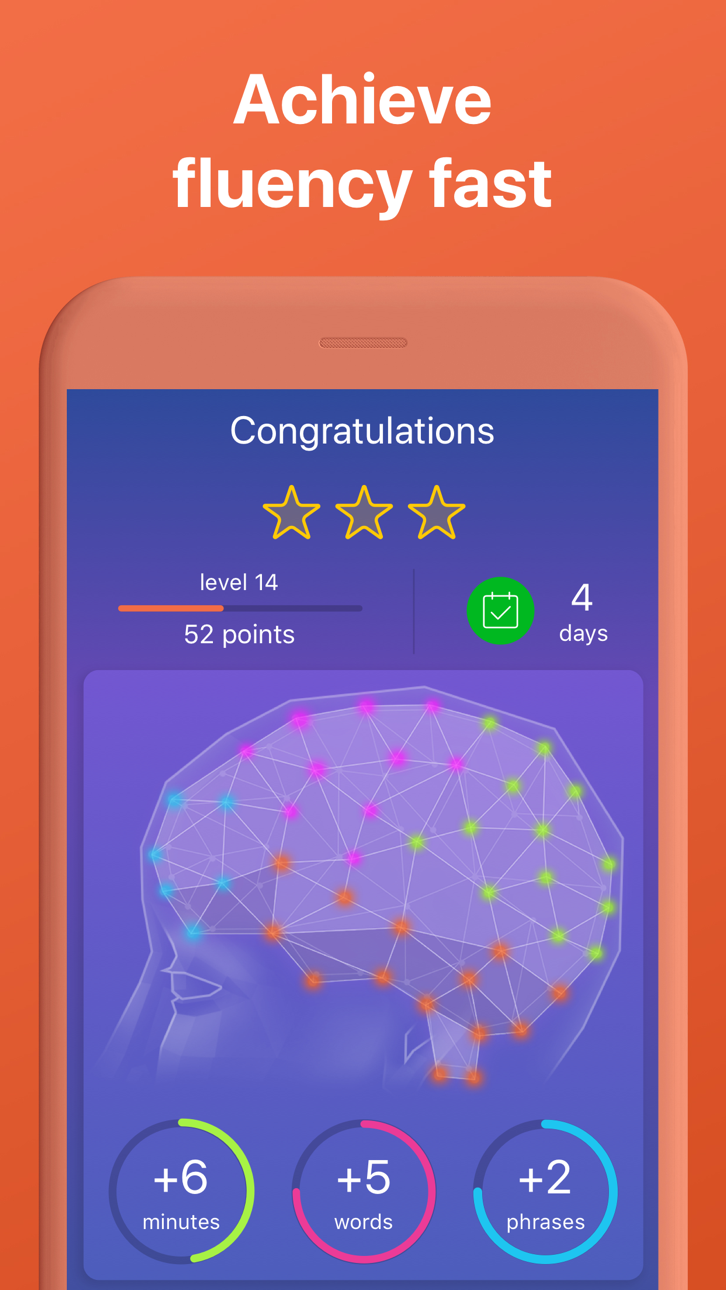
• Des statistiques avancées. L’application crée des rapports statistiques intelligents, de façon à toujours être en mesure de suivre votre progression. Confectionnez votre vocabulaire étape par étape et améliorez-vous de jour en jour.
Mondly propose son éventail de langues GRATUIT : espagnol, anglais, français, allemand, portugais, italien, anglais américain, russe, arabe, néerlandais, norvégien, danois, suédois, coréen, japonais, chinois, grec, roumain, vietnamien, indonésien, hindi, hébreu, polonais, hongrois, bulgare, ukrainien, tchèque, croate, finnois, perse (farsi), afrikaans et turc.
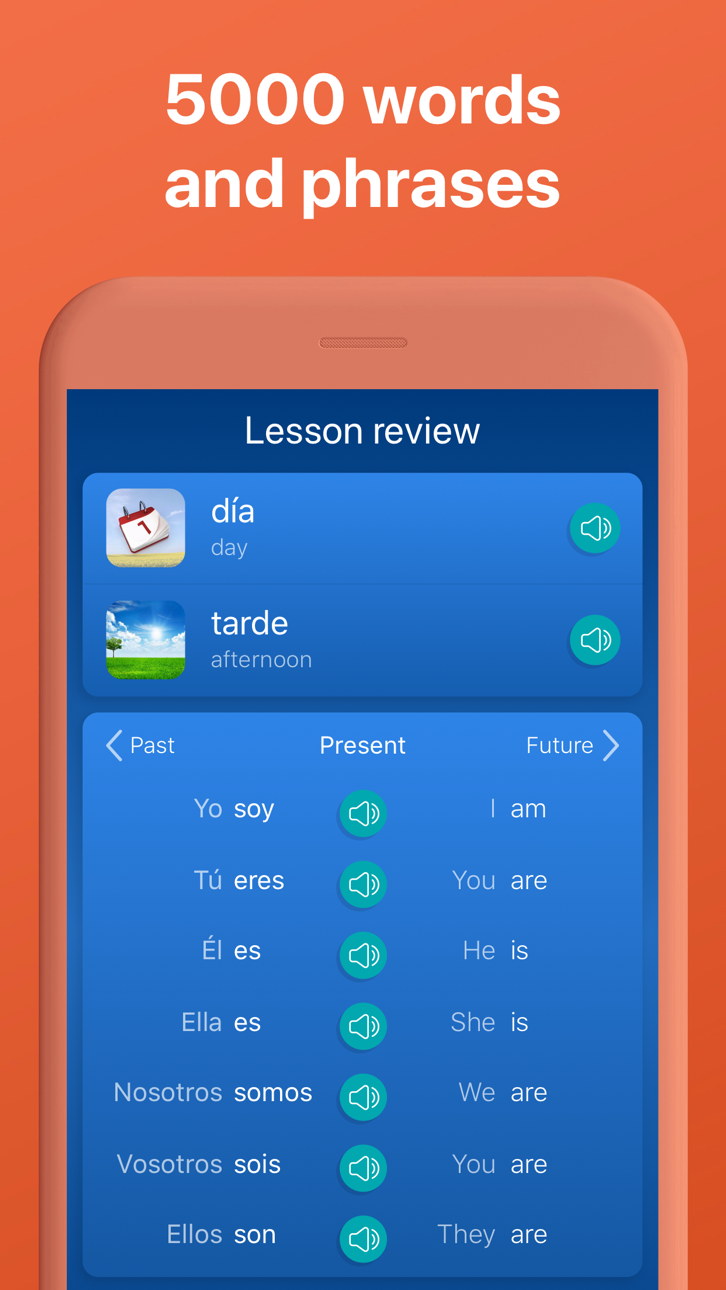
À la fin des cours, vous maitriserez les 5000 mots et syntagmes les plus utiles dans la langue étudiée et vous serez sur la bonne voie pour apprendre une nouvelle langue.
IMPORTANT
Votre abonnement sera automatiquement renouvelé jusqu'à la résiliation du renouvellement automatique au moins 24 heures avant la fin de la période de paiement en cours. Votre compte iTunes sera automatiquement prélevé au même prix pour le renouvellement durant les 24 heures précédant la fin de la période de paiement en cours, jusqu'à ce que vous changiez vos préférences d'abonnement dans vos Réglages. Lorsqu'un abonnement est résilié, l'accès aux cours et aux fonctionnalités de l'application expire à la fin de la période de paiement en cours.
Politique de confidentialité : www.mondly.com/privacy
Conditions d'utilisation www.mondly.com/terms
------------------------------
VISITEZ-NOUS : mondly.com
AIMEZ-NOUS SUR FACEBOOK : facebook.com/mondlylanguages
Tangkapan layar © pemiliknya masing-masing · App Store


iOSGods tidak berafiliasi, tidak didukung, dan tidak disponsori oleh Apple Inc., Google LLC, maupun pengembang aplikasi yang terdaftar di sini. Apple, iOS, dan App Store adalah merek dagang Apple Inc. Android dan Google Play adalah merek dagang Google LLC. Semua nama aplikasi, ikon, gambar, dan merek dagang lainnya adalah milik pemiliknya masing-masing.

- iPhone atau iPad tanpa Jailbreak atau dengan Jailbreak.
- Sideloadly atau alternatifnya.
- Komputer dengan Windows/macOS/Linux dan iTunes terpasang.
LANGKAH 1: Unduh file .IPA yang sudah di-hack dari tautan di atas ke komputer Anda. Untuk mengunduhnya dari iOSGods App, silakan lihat Tutorial Mengunduh IPA dari iOSGods App kami yang dilengkapi contoh video.
LANGKAH 2: Unduh Sideloadly dan pasang di Windows atau Mac Anda.
LANGKAH 3: Buka Sideloadly di komputer Anda, sambungkan perangkat iOS Anda, dan tunggu hingga nama perangkat Anda muncul di Sideloadly.
LANGKAH 4: Setelah iDevice Anda terdeteksi, seret file .IPA yang sudah dimodifikasi dan lepaskan ke dalam aplikasi Sideloadly.
LANGKAH 5: Masukkan email Apple Account Anda, lalu tekan "Start". Anda kemudian akan diminta memasukkan kata sandi. Silakan isi informasi yang diminta.
LANGKAH 6: Tunggu hingga Sideloadly selesai melakukan sideloading/pemasangan IPA yang di-hack. Jika terjadi masalah saat pemasangan, silakan baca catatan di bawah ini.
LANGKAH 7: Setelah pemasangan selesai dan Anda melihat aplikasi di Layar Beranda, Anda perlu masuk ke Pengaturan → Umum → Profil / VPN & Manajemen Perangkat. Setelah itu, ketuk email yang Anda masukkan pada langkah 6, lalu ketuk "Percayai [email protected]".
LANGKAH 8: Sekarang buka Layar Beranda dan jalankan aplikasi yang baru saja dipasang; semuanya seharusnya berjalan normal. Anda mungkin perlu mengikuti petunjuk tambahan per aplikasi yang muncul di popup hack di dalam game.
CATATAN: Pada iOS/iPadOS 16 dan yang lebih baru, Anda harus mengaktifkan Mode Pengembang. Untuk akun Apple Developer gratis, Anda perlu mengulangi proses ini setiap 7 hari. Jika Anda memiliki pertanyaan atau masalah, silakan baca bagian FAQ Sideloadly di topik tersebut kami.
Hack Features:
- Inf Coins (Spend)
App Installation Instructions:
---------------------------------------------------------
----------------------------------------------------------
If you require more information or help, please read our Frequently Asked Questions topic on iOSGods.com.
----------------------------------------------------------
--------------------------------------------------