Login Diperlukan
Masuk dengan akun iOSGods kamu untuk melanjutkan.
Masuk dengan akun iOSGods kamu untuk melanjutkan.
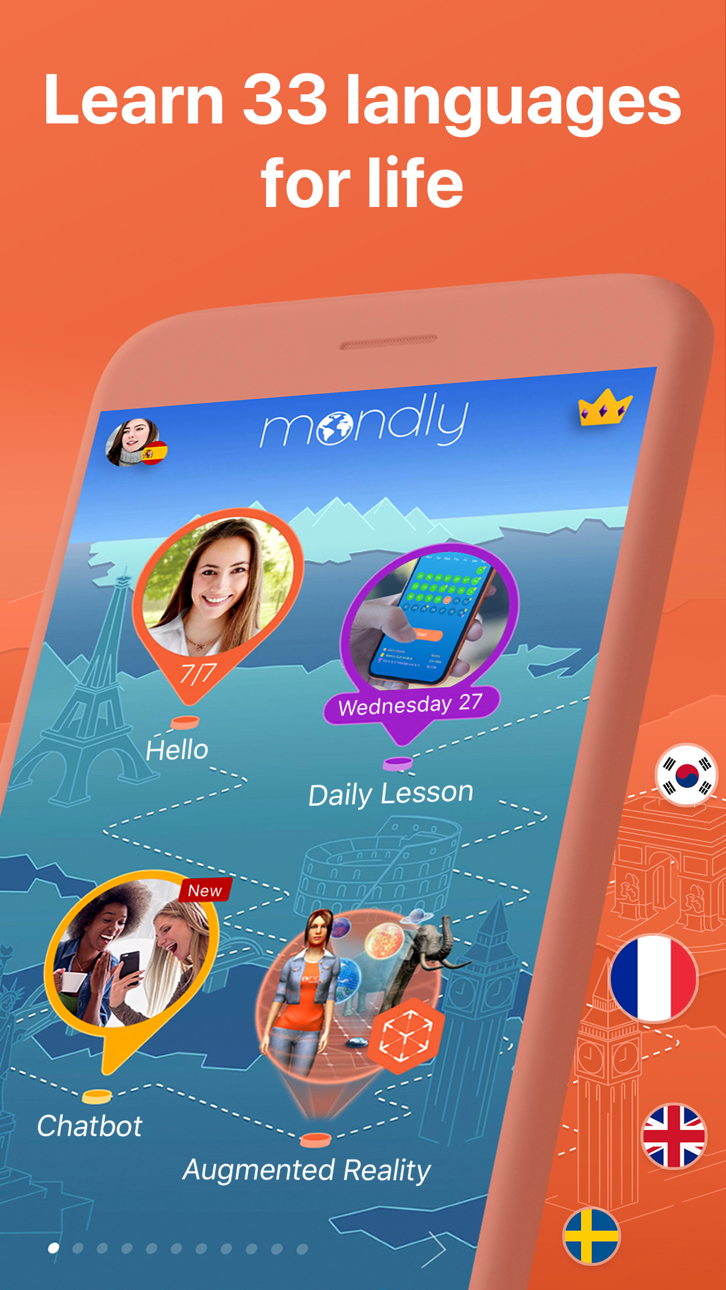
Buka akses pembelajaran bahasa premium di 33 bahasa dengan Mondly Mod IPA yang dimodifikasi ini, memberikan Anda akses penuh ke semua pelajaran, kursus, dan fitur tanpa membayar. Pelajari Spanyol, Prancis, Jerman, Portugis, Jepang, Cina, dan 27 bahasa lainnya melalui pelajaran interaktif harian yang membangun kosakata, tata bahasa, dan keterampilan percakapan dalam hitungan menit.
- Premium Dibuka → akses semua pelajaran dan fitur berbayar tanpa biaya
Aplikasi ini juga dilengkapi dengan iGameGod, yang memberi Anda akses ke Auto Touch untuk mengotomatiskan tugas berulang, App Speed Manager untuk mengatur kecepatan permainan, pengeditan nilai Memory Engine, dan alat permainan iOS lainnya yang lebih canggih.
Unduh Mondly: Learn 33 Languages Modded modded IPA dari tautan di atas. Ketuk tombol pasang dan ikuti petunjuk di layar untuk memasang hack iOS ini di iPhone, iPad, atau Apple Silicon.
Butuh bantuan lebih lanjut? Lihat Pertanyaan yang Sering Diajukan untuk Aplikasi iOSGods kami untuk jawaban dan tips lengkap.
Your Passport to Fluency!
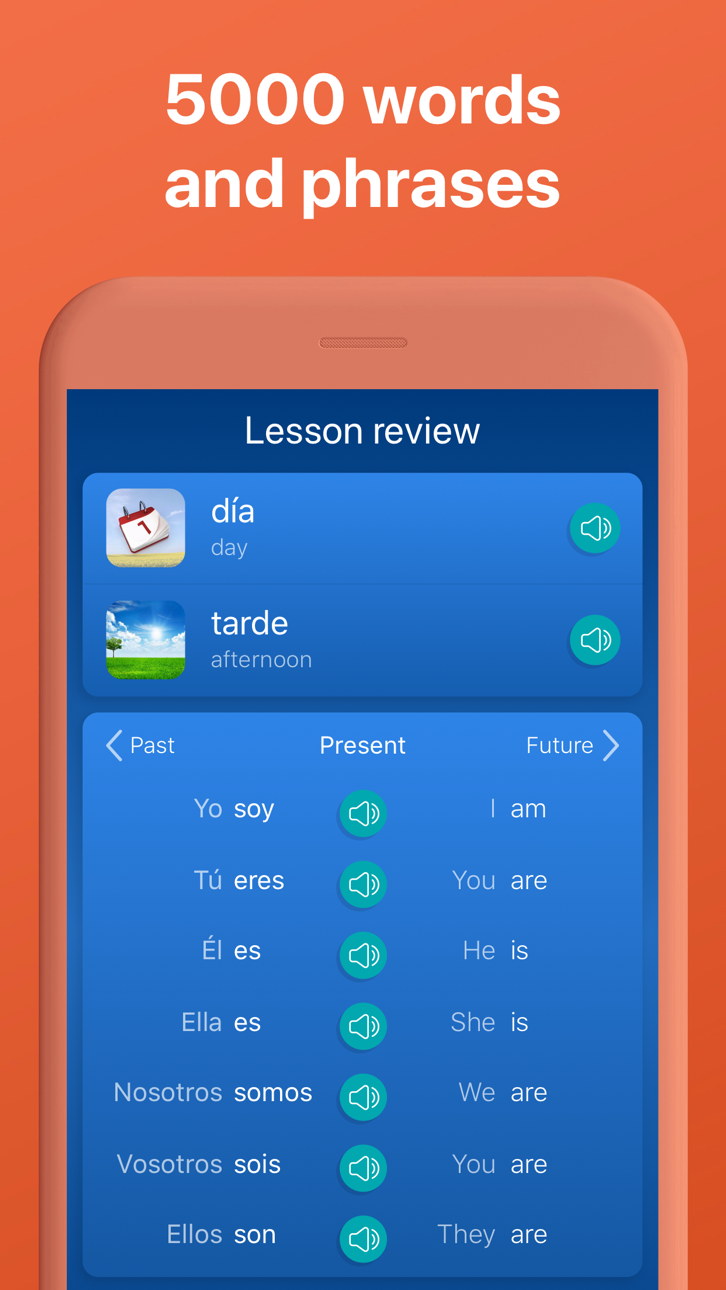
Join millions of learners who trust Mondly to make language learning easy and fun. Enjoy quick, interactive lessons that help you learn and speak with confidence. With smart technology and engaging content, learning a new language has never been easier.
With Mondly by Pearson you can learn 41 languages: Spanish, American English, British English, French, German, Portuguese, Italian, Russian, Norwegian, Danish, Dutch, Swedish, Arabic, Korean, Japanese, Chinese, Greek, Romanian, Vietnamese, Indonesian, Hindi, Hebrew, Polish, Bulgarian, Ukrainian, Hungarian, Czech, Croatian, Finnish, Persian (Farsi), Thai, Afrikaans, Turkish, Bengali, Catalan, Latin, Latvian, Lithuanian, Slovak, Tagalog and Urdu for FREE.
Apps we love & App of the day – Apple
“Mondly is like having a private tutor” – CNN
“The new way to learn languages” – Inc.
“A Practical approach to language learning likely to be widely adopted” - Forbes
-Start your journey to learn English and be fluent in English
Enjoy effective English courses designed for all levels. Whether you're a beginner or want to be fluent in English, our app helps you improve quickly. Practice daily with bite-sized lessons, realistic conversations, and smart feedback.
FUN & EFFECTIVE LEARNING
We mixed gamified content with real-world use. Each lesson is short, memorable, and helps you learn languages faster.
SPEECH RECOGNITION
Practice pronunciation and learn in every lesson. Mondly listens and gives real-time feedback—just like a private language tutor.
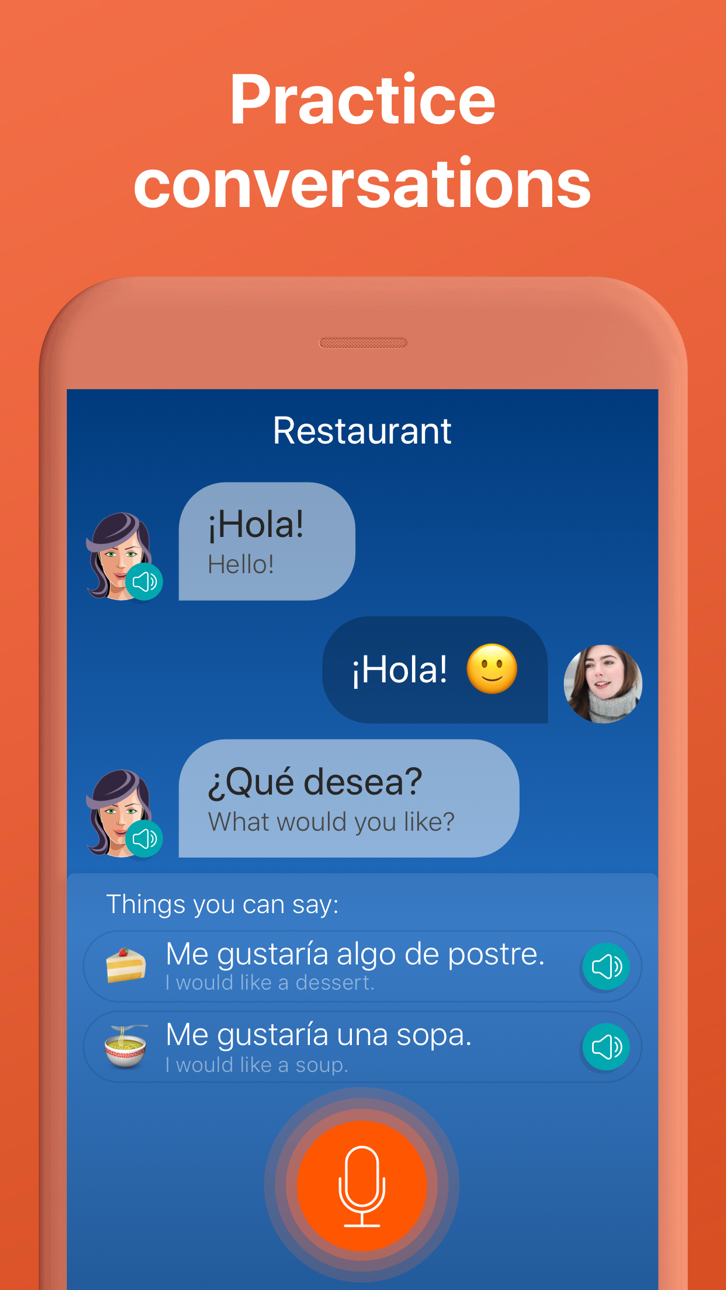
REAL-LIFE CONVERSATIONS
Lessons mirror everyday conversations. You’ll learn phrases and grammar you can use immediately.
SMART ADAPTIVE LEARNING
Language learning lessons are designed to fit your learning style and pace.
GRAMMAR & VOCABULARY TOOLS
Expand vocabulary with daily exercises and integrated grammar tips that enhance your language learning.
IMMERSIVE AUDIO
Content 100+ dialogues from native speakers let you learn proper pronunciation and natural flow.
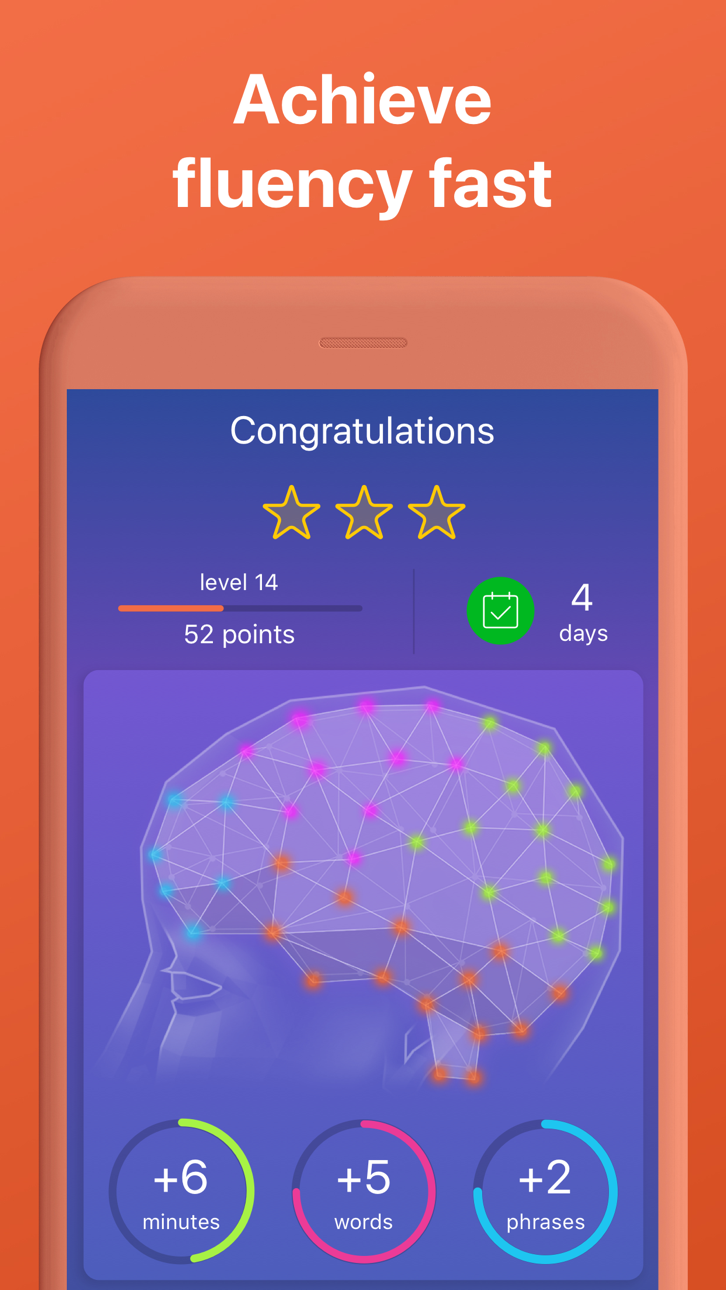
PROGRESS TRACKING
Track your learning progress with smart stats. See where you need to learn more.
SOCIAL MOTIVATION
Challenge friends or learners worldwide. Stay motivated with global rankings and competitive streaks.
App Highlights – What You Get With Mondly
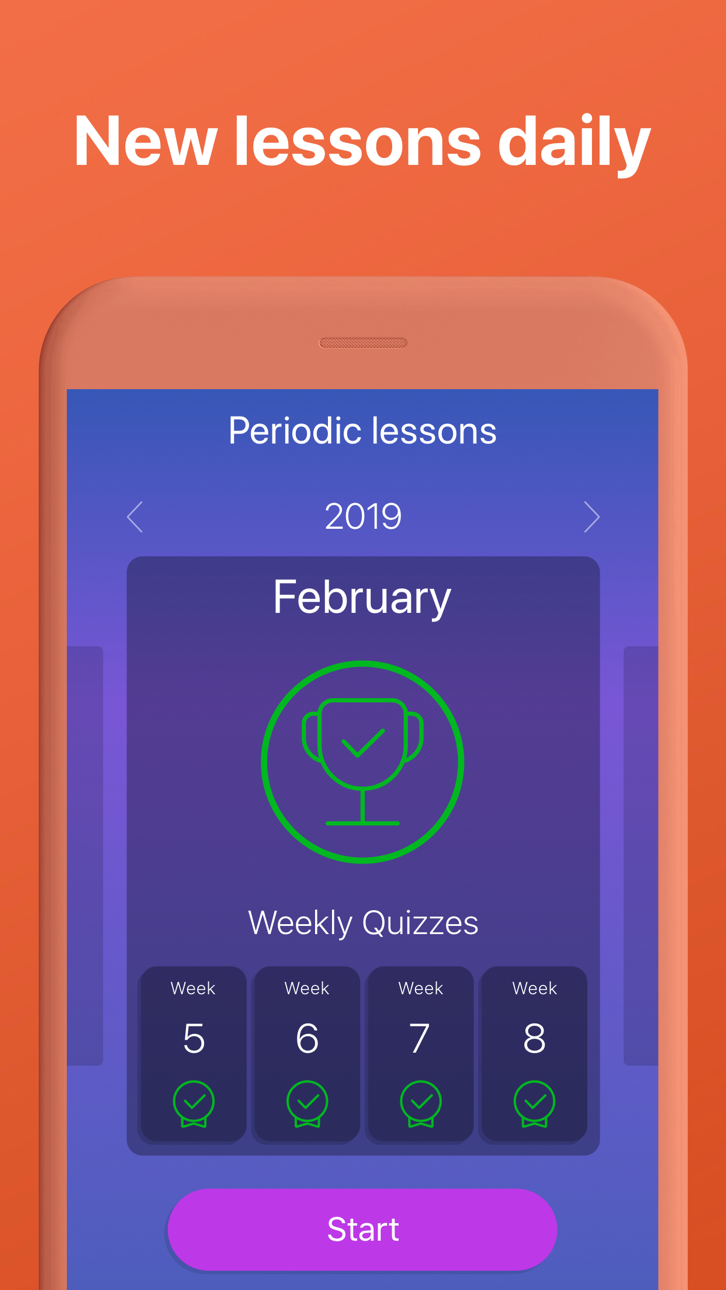
• Daily language lessons to build confidence
• Weekly quizzes & monthly challenges
• 41 full language courses – 1320 combinations
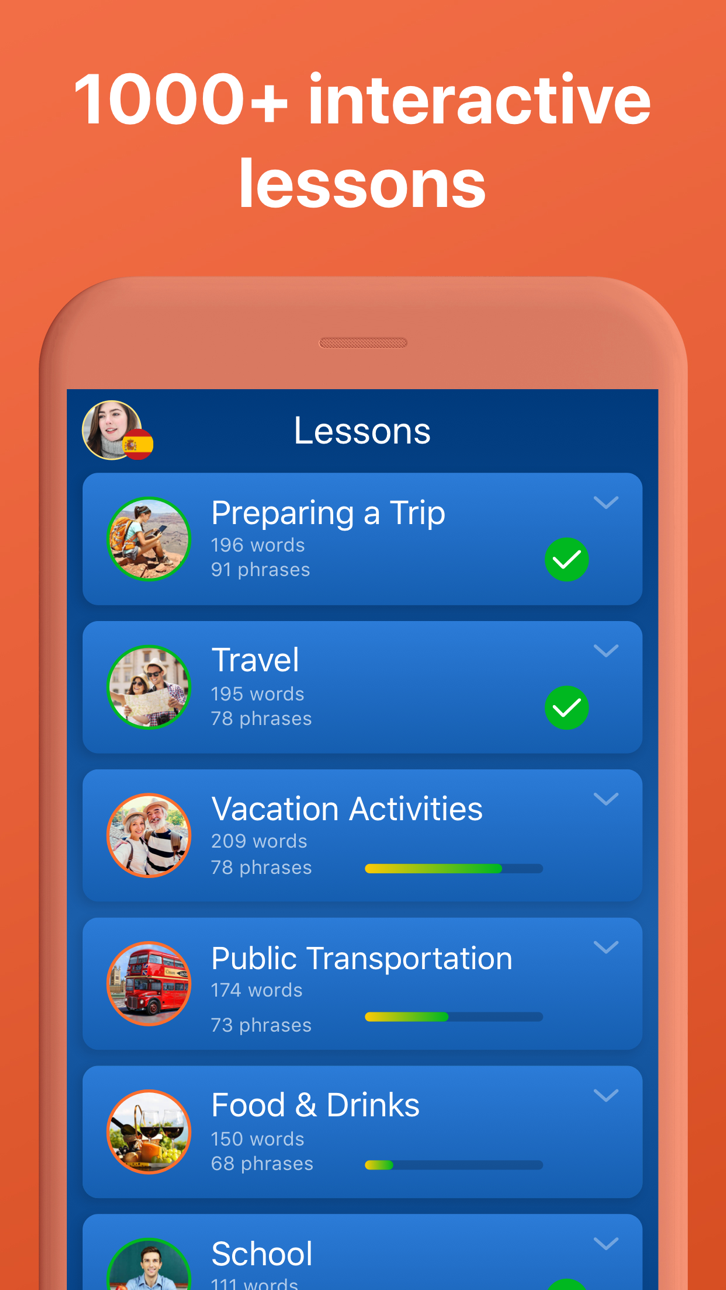
• 200+ practical language lessons (travel, work, family & more)
• 38 vocabulary builders for faster word recall
• 3000+ expert-developed lessons
• 260+ video lessons for advanced English learners
• 30+ Pearson-certified English tests to learn English easier
• 300+ business-focused language lessons
• 100+ native speaker conversations
• Verb conjugations and grammar explanations
• Offline mode for anytime learning
• Hands-free mode to learn on the go
• Designed by experts
PLEASE NOTE
You will need a subscription to get access to all of this app’s courses and features.
Subscription options:
1 month
12 months
Your subscription will automatically renew unless auto-renew is turned off at least 24-hours before the end of the current payment period.
Your iTunes account will be automatically charged at the same price for renewal within the 24-hour period prior to the end of the current payment period unless you change your subscription preferences in your Account Settings.
Payment will be charged to iTunes Account at confirmation of purchase.
Any unused portion of a free trial period, if offered, will be forfeited when the user purchases a subscription to that publication, where applicable.
You can manage your subscriptions through your Account Settings after purchase.
When a subscription is canceled, access to the app’s courses and features will expire at the end of the current payment period.
Privacy Policy: www.mondly.com/privacy
Terms: www.mondly.com/terms
We welcome your feedback and suggestions at: [email protected]
Tangkapan layar © pemiliknya masing-masing · App Store


iOSGods tidak berafiliasi, tidak didukung, dan tidak disponsori oleh Apple Inc., Google LLC, maupun pengembang aplikasi yang terdaftar di sini. Apple, iOS, dan App Store adalah merek dagang Apple Inc. Android dan Google Play adalah merek dagang Google LLC. Semua nama aplikasi, ikon, gambar, dan merek dagang lainnya adalah milik pemiliknya masing-masing.

- iPhone atau iPad tanpa Jailbreak atau dengan Jailbreak.
- Sideloadly atau alternatifnya.
- Komputer dengan Windows/macOS/Linux dan iTunes terpasang.
LANGKAH 1: Unduh file .IPA yang sudah di-hack dari tautan di atas ke komputer Anda. Untuk mengunduhnya dari iOSGods App, silakan lihat Tutorial Mengunduh IPA dari iOSGods App kami yang dilengkapi contoh video.
LANGKAH 2: Unduh Sideloadly dan pasang di Windows atau Mac Anda.
LANGKAH 3: Buka Sideloadly di komputer Anda, sambungkan perangkat iOS Anda, dan tunggu hingga nama perangkat Anda muncul di Sideloadly.
LANGKAH 4: Setelah iDevice Anda terdeteksi, seret file .IPA yang sudah dimodifikasi dan lepaskan ke dalam aplikasi Sideloadly.
LANGKAH 5: Masukkan email Apple Account Anda, lalu tekan "Start". Anda kemudian akan diminta memasukkan kata sandi. Silakan isi informasi yang diminta.
LANGKAH 6: Tunggu hingga Sideloadly selesai melakukan sideloading/pemasangan IPA yang di-hack. Jika terjadi masalah saat pemasangan, silakan baca catatan di bawah ini.
LANGKAH 7: Setelah pemasangan selesai dan Anda melihat aplikasi di Layar Beranda, Anda perlu masuk ke Pengaturan → Umum → Profil / VPN & Manajemen Perangkat. Setelah itu, ketuk email yang Anda masukkan pada langkah 6, lalu ketuk "Percayai [email protected]".
LANGKAH 8: Sekarang buka Layar Beranda dan jalankan aplikasi yang baru saja dipasang; semuanya seharusnya berjalan normal. Anda mungkin perlu mengikuti petunjuk tambahan per aplikasi yang muncul di popup hack di dalam game.
CATATAN: Pada iOS/iPadOS 16 dan yang lebih baru, Anda harus mengaktifkan Mode Pengembang. Untuk akun Apple Developer gratis, Anda perlu mengulangi proses ini setiap 7 hari. Jika Anda memiliki pertanyaan atau masalah, silakan baca bagian FAQ Sideloadly di topik tersebut kami.
Hack Features:
- Inf Coins (Spend)
App Installation Instructions:
---------------------------------------------------------
----------------------------------------------------------
If you require more information or help, please read our Frequently Asked Questions topic on iOSGods.com.
----------------------------------------------------------
--------------------------------------------------