Inloggning krävs
Logga in med ditt iOSGods-konto för att fortsätta.
Logga in med ditt iOSGods-konto för att fortsätta.

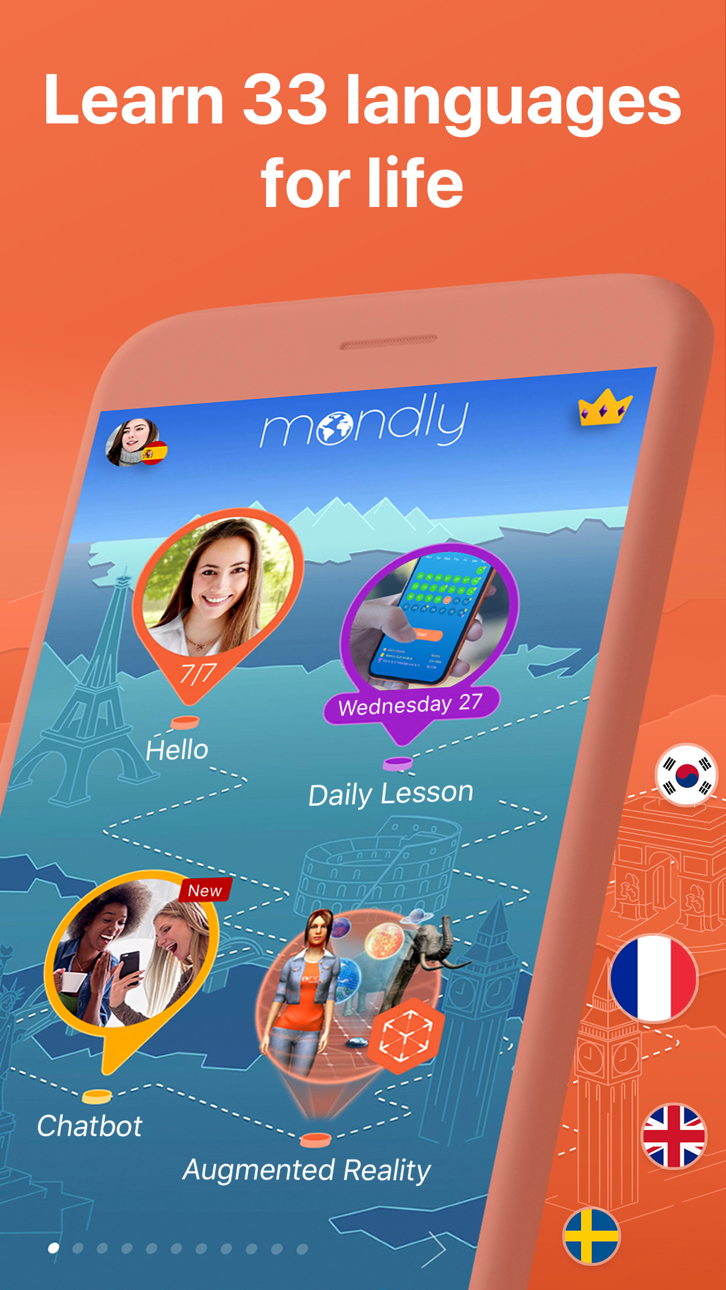
Lås upp premiumspråkinlärning på 33 språk med denna modifierade Mondly Mod IPA, vilket ger dig full åtkomst till alla lektioner, kurser och funktioner utan att betala. Lär dig spanska, franska, tyska, portugisiska, japanska, kinesiska och 27 andra språk genom dagliga interaktiva lektioner som bygger upp ordförråd, grammatik och konversationsförmåga på bara några minuter.
- Premium upplåst → få åtkomst till alla betalda lektioner och funktioner utan kostnad
Den här appen levereras även med iGameGod, vilket ger dig tillgång till Auto Touch för att automatisera repetitiva uppgifter, App Speed Manager för justerbar spelhastighet, värdesredigering med Memory Engine och fler kraftfulla verktyg för iOS-spel.
Ladda ner Mondly: Learn 33 Languages Modded modded IPA från länkarna ovan. Tryck på installationsknappen och följ instruktionerna för att installera denna iOS-apphack på iPhone, iPad eller Apple Silicon.
Behöver du mer hjälp? Se våra iOSGods-appens vanliga frågor för detaljerade svar och felsökningstips.
Lär dig engelska, spanska, franska, tyska, portugisiska, italienska, ryska, amerikansk engelska, norska, danska, svenska, koreanska, japanska, kinesiska, arabiska, holländska, thailändska, grekiska, rumänska, vietnamesiska, indonesiska, hindi, hebreiska, polska, bulgariska, tjeckiska, kroatiska, finska, persiska (farsi), ungerska, afrikaan och turkiska GRATIS.
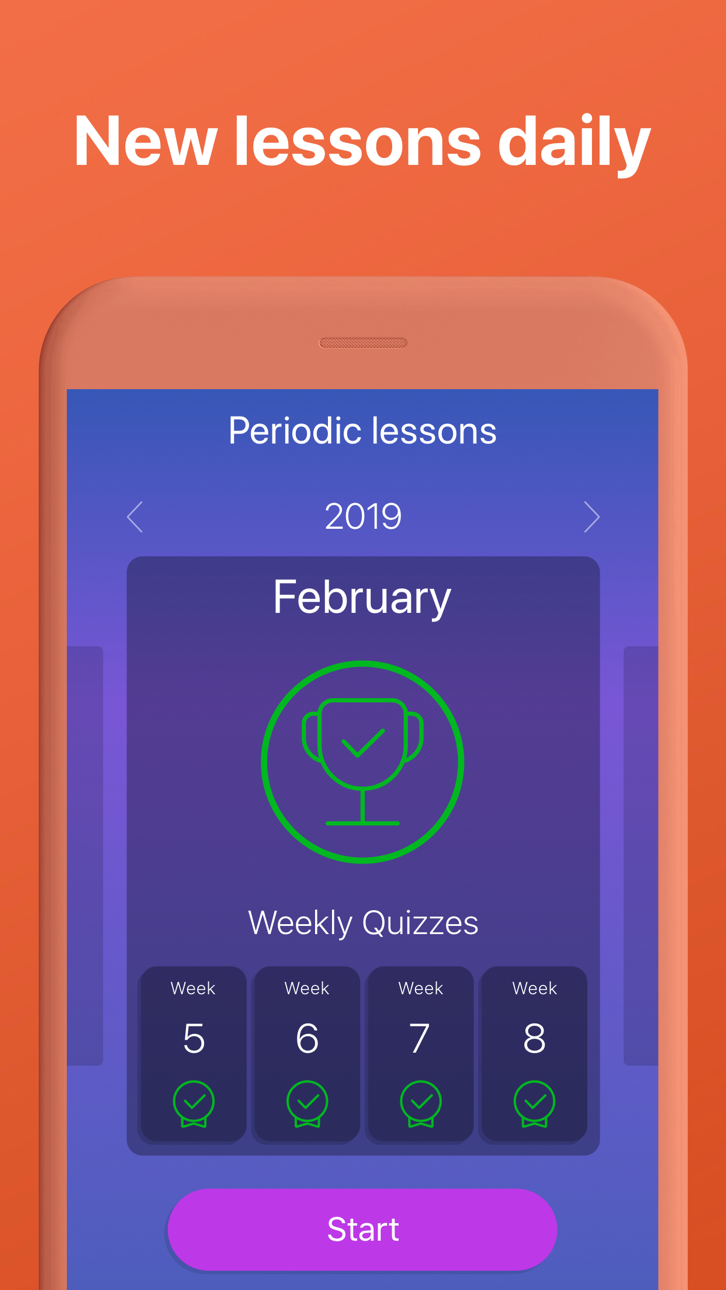
Lär dig språk med dagliga gratis lektioner. Låt Mondly lära dig språk snabbt och effektivt. På bara ett par minuter kommer du börja memorera nyckelord, bygga meningar, lära dig fraser och ta del i konversationer. Roliga språk lektioner förbättrar ditt ordförråd, din grammatik och ditt uttal på ett sätt som inga andra metoder för språkinlärning kan. Nybörjare eller avancerade studenter, resenär eller företagare med ett pressat schema? Appen fungerar för alla och anpassar dig snabbt till dina behov.
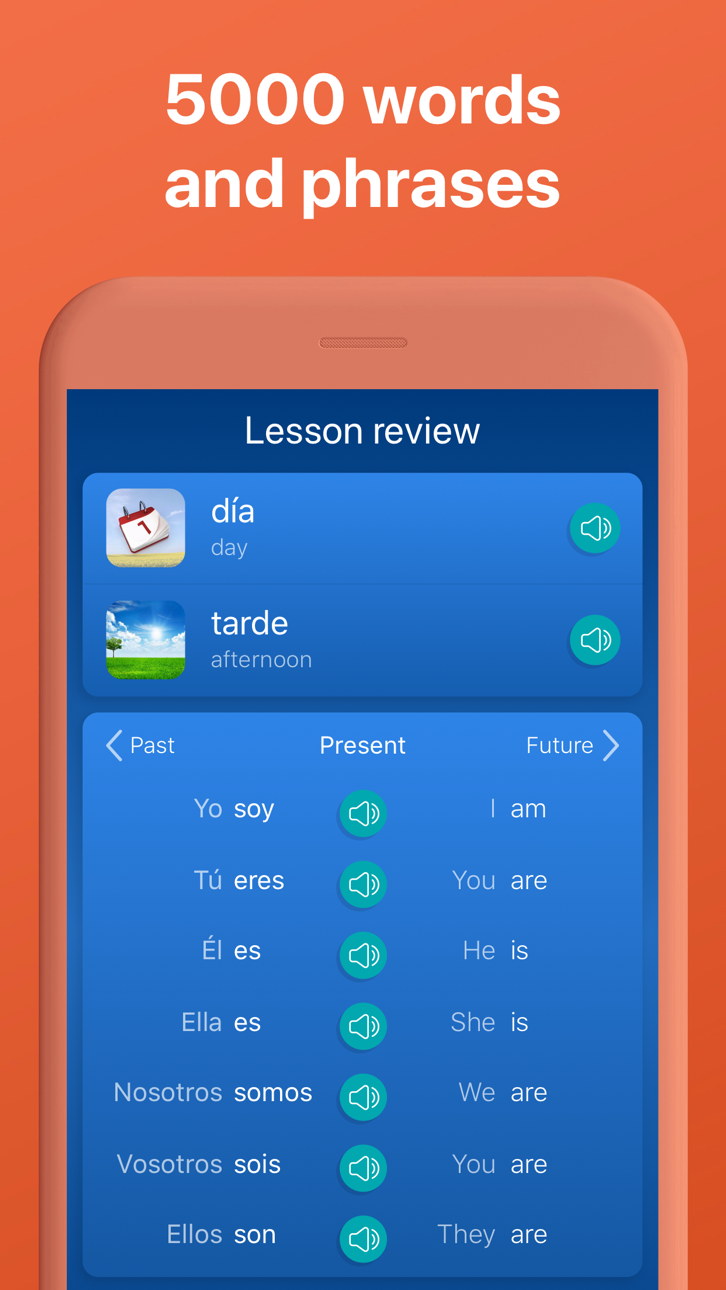
Utforska språkövningar för läsning, förståelse, skrift och tal, förstärkt med ett lexikon, en ‘verbböjare’ och toppmodern röstigenkänningsteknologi - det kommer kännas som om du har din personliga språklärare i fickan.
Hemligheten bakom språkinlärning
Minns du språklektionerna i skolan? Man började med hundratals grundläggande ord och uttryck, fortsatte med grammatik lektioner och efter en slutförd språkkurs kunde du knappt översätta en mening eller säga Hej! till en främling. Det är det traditionella sättet att lära sig ett språk på. Mondlys tillvägagångssätt skiljer sig från den vanliga språkkursen.
Så här ser framtidens språkkurser ut
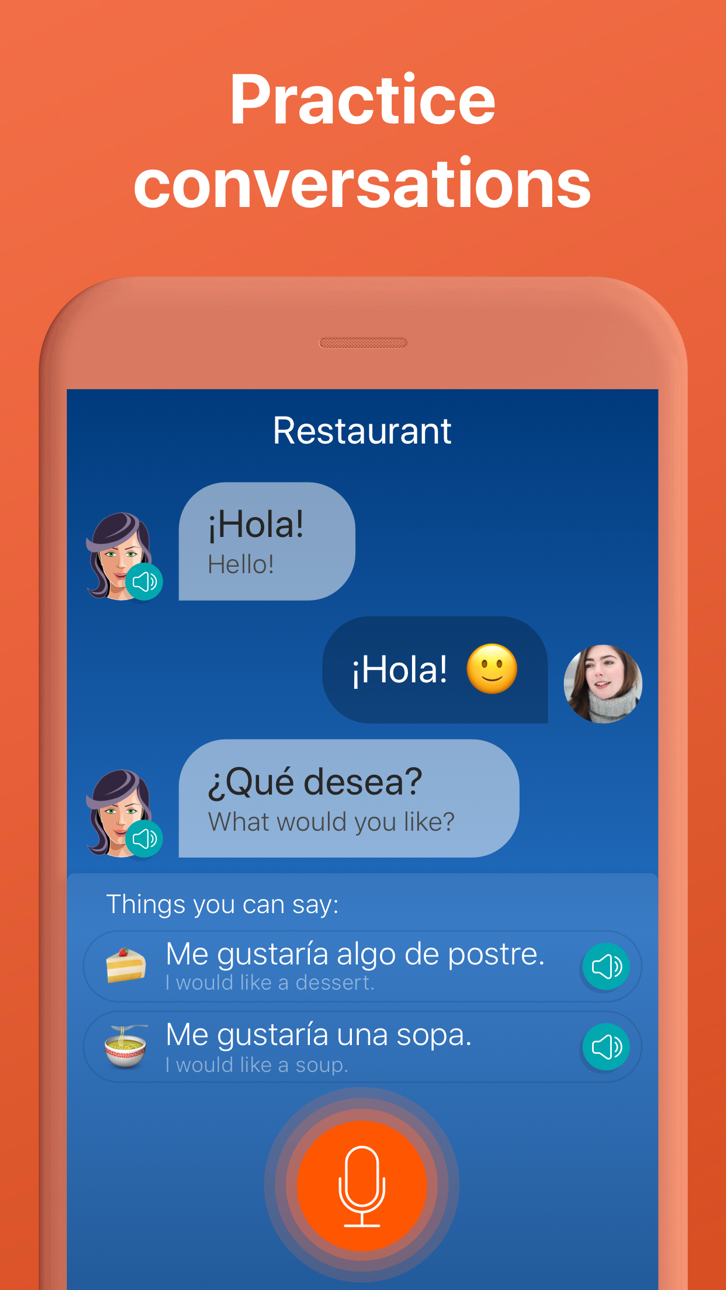
I appen börjar du med en grundläggande konversation mellan två personer. Du kommer snabbt börja memorera ord, använda dem till att bygga meningar och fraser, och efter en 45 minuters session kommer du kunna återuppbygga konversationen med din egen röst. Det är ett effektivt sätt att lära sig fraser på.
Här är de nyckelfaktorer som gör Mondly till en bra lärare:
Kristallklart ljud och professionella röstskådespelare. Lär dig korrekt uttal från konversationer mellan modersmålstalare.
Toppmodern röstigenkänning. Mondly förstår exakt hur den ska lyssna på dina ord och fraser. Positiv feedback får du endast om du pratar tydligt och korrekt. På så sätt förbättras ditt uttal.
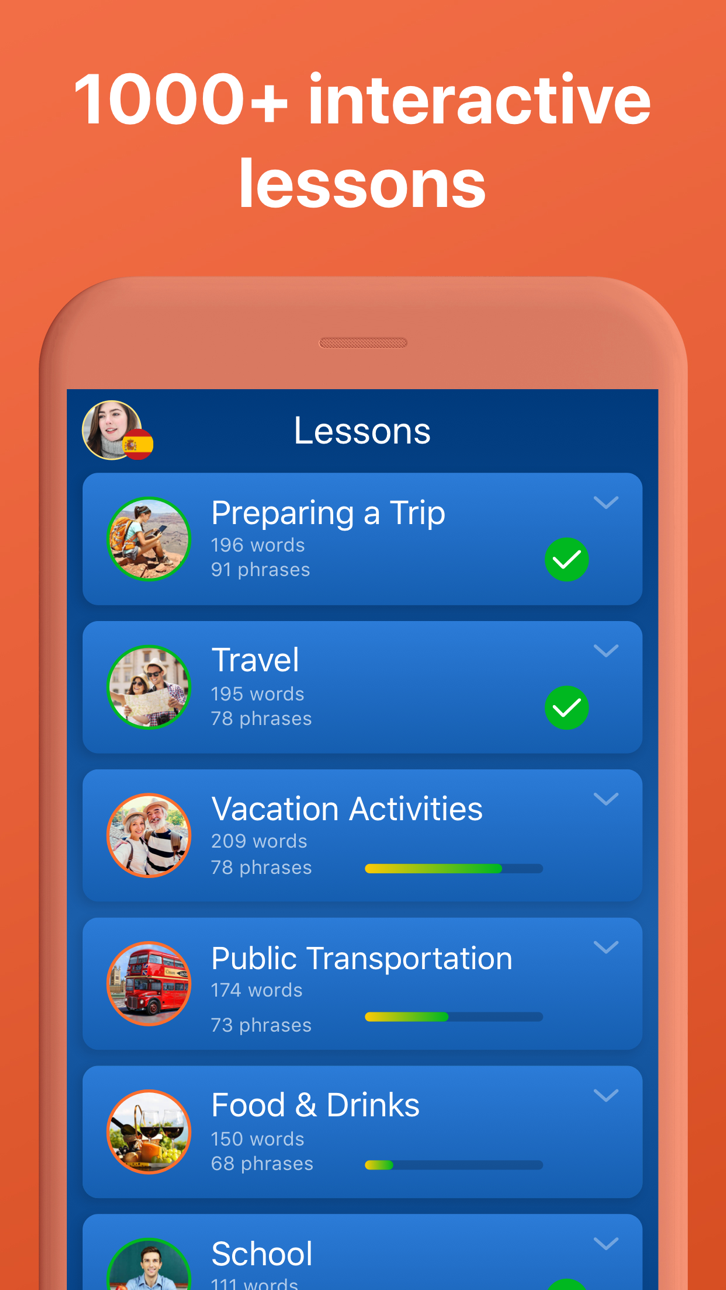
Användbara fraser för riktiga situationer. Att memorera hundratals ord är inte rätt sätt att lära sig språk på. Istället lär Mondly ut ordförråd genom att erbjuda dig nyckelord och -fraser. Appen bryter ner inlärningsprocessen till kortare lektioner och kombinerar dem i temainriktade paket.
Lär dig från konversationer. Konversation är den främsta anledning att ta denna gratis kurs. Den kommer hjälpa dig bygga upp ett ordförråd med användbara substantiv och verb.
Allt detta gör Mondly till det bästa sättet för dig att lära dig engelska, spanska, franska, tyska, portugisiska, italienska, ryska, amerikansk engelska, norska, danska, svenska, koreanska, japanska, kinesiska, arabiska, holländska, grekiska, thailändska, rumänska, vietnamesiska, indonesiska, hindi, hebreiska, polska, bulgariska, ukrainska, tjeckiska, kroatiska, finska, persiska (farsi), ungerska, afrikaan och turkiska GRATIS.
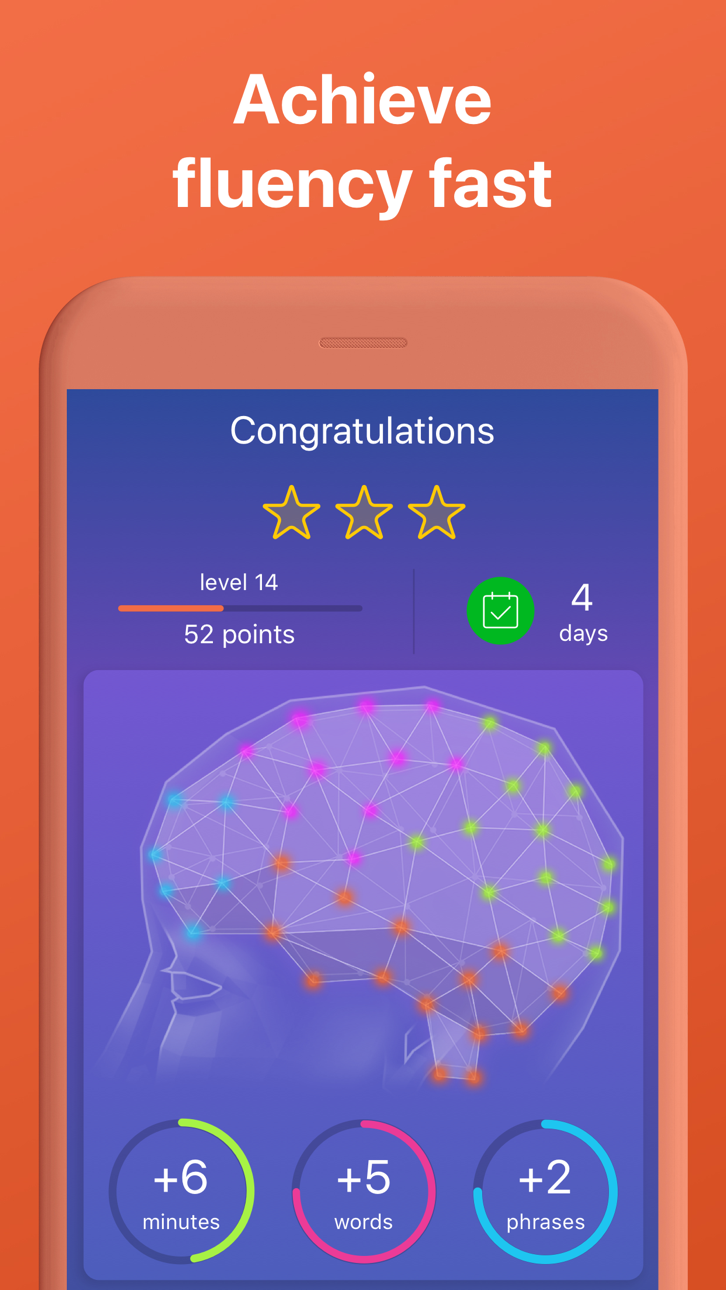
I slutet på dessa språkkurser kommer du kunna de 5000 mest användbara orden och fraserna och du kommer vara på god väg att lära dig ett nytt språk.
OBSERVERA
Varje abonnemang kommer att förnyas automatiskt såvida inte den automatiska förnyelsen stängs av minst 24 timmar innan den gällande betalningsperioden går ut. Betalningen förblir den samma och dras automatiskt från ditt iTunes-konto inom de sista 24 timmarna av din aktuella betalningsperiod, om du inte ändrar ditt abonnemang i dina iTunes kontoinställningar. Om abonnemanget sägs upp, upphör tillgången till appens kurser och funktioner när den nuvarande betalningsperioden är slut.
Integritetspolicy: www.mondly.com/privacy
Allmänna affärsvillkor: www.mondly.com/terms
Skärmbilder © respektive ägare · App Store


iOSGods är inte anslutet till, godkänt av eller sponsrat av Apple Inc., Google LLC eller utvecklarna av apparna som listas här. Apple, iOS och App Store är varumärken som tillhör Apple Inc. Android och Google Play är varumärken som tillhör Google LLC. Alla övriga appnamn, ikoner, bilder och varumärken tillhör sina respektive ägare.
- iPhone eller iPad utan jailbreak/jailad eller med jailbreak.
- Sideloadly eller alternativ.
- Dator med Windows/macOS/Linux och iTunes installerat.
STEG 1: Ladda ner den förhackade .IPA-filen från länken ovan till din dator. För att ladda ner från iOSGods App, se vår Guide för att ladda ner IPA i iOSGods App som även innehåller ett videoexempel.
STEG 2: Ladda ner Sideloadly och installera det på din Windows eller Mac.
STEG 3: Öppna Sideloadly på din dator, anslut din iOS-enhet och vänta tills enhetens namn visas i Sideloadly.
STEG 4: När din iEnhet känns igen drar du den moddade .IPA-filen du laddat ner och släpper den i Sideloadly-programmet.
STEG 5: Ange e-postadressen till ditt Apple Account och tryck sedan på ”Start”. Du ombeds sedan ange ditt lösenord. Fyll i de uppgifter som krävs.
STEG 6: Vänta tills Sideloadly är klar med att sideloada/installera den hackade IPA-filen. Om problem uppstår under installationen, läs noten nedan.
STEG 7: När installationen är klar och du ser appen på din hemskärm behöver du gå till Inställningar → Allmänt → Profiler / VPN & enhetshantering. Tryck där på e-postadressen du angav i steg 6 och tryck sedan på ”Lita på [email protected]”.
STEG 8: Gå nu till din hemskärm och öppna den nyligen installerade appen — allt ska fungera som det ska. Du kan behöva följa ytterligare app-specifika instruktioner i hackets popup inne i spelet.
OBS: På iOS/iPadOS 16 och senare måste du aktivera Utvecklarläge. För gratis Apple Developer-konton behöver du upprepa processen var sjunde dag. Om du har frågor eller problem, läs vår Sideloadly FAQ-avsnitt i tråden.
Hack Features:
- Inf Coins (Spend)
App Installation Instructions:
---------------------------------------------------------
----------------------------------------------------------
If you require more information or help, please read our Frequently Asked Questions topic on iOSGods.com.
----------------------------------------------------------
--------------------------------------------------