ต้องเข้าสู่ระบบ
เข้าสู่ระบบด้วยบัญชี iOSGods เพื่อดำเนินการต่อ
เข้าสู่ระบบด้วยบัญชี iOSGods เพื่อดำเนินการต่อ
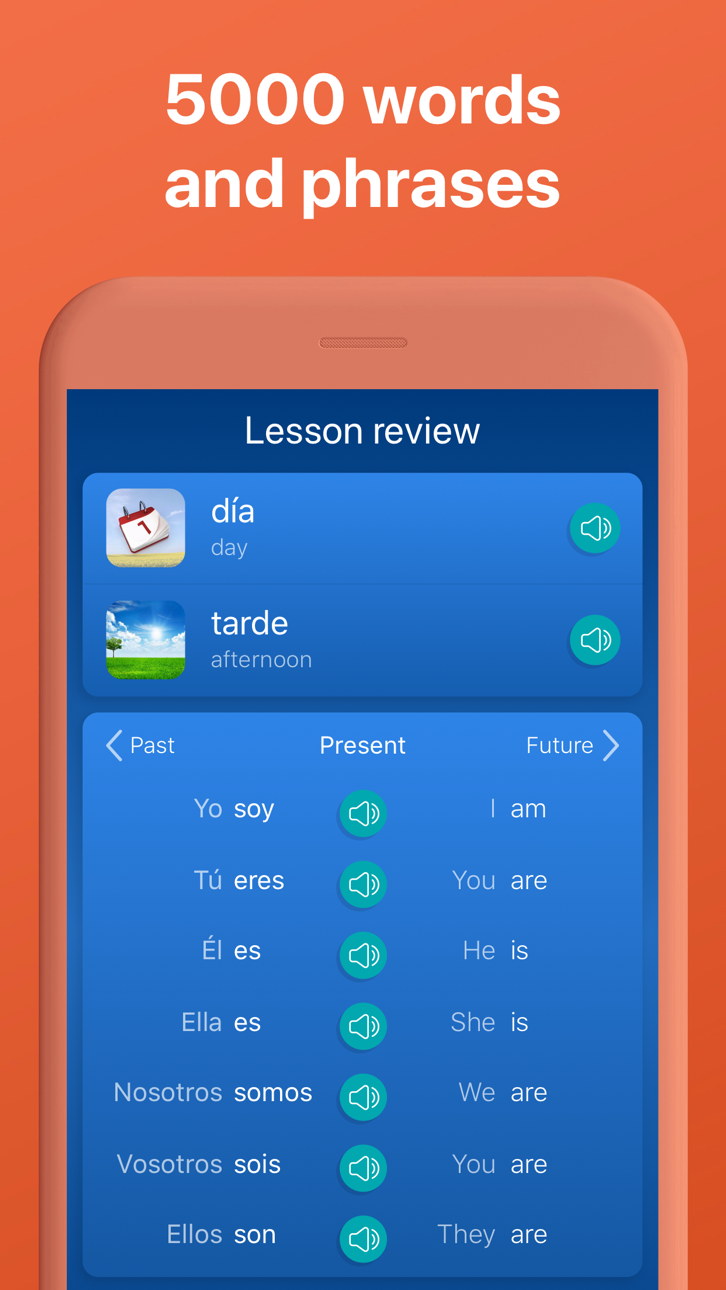
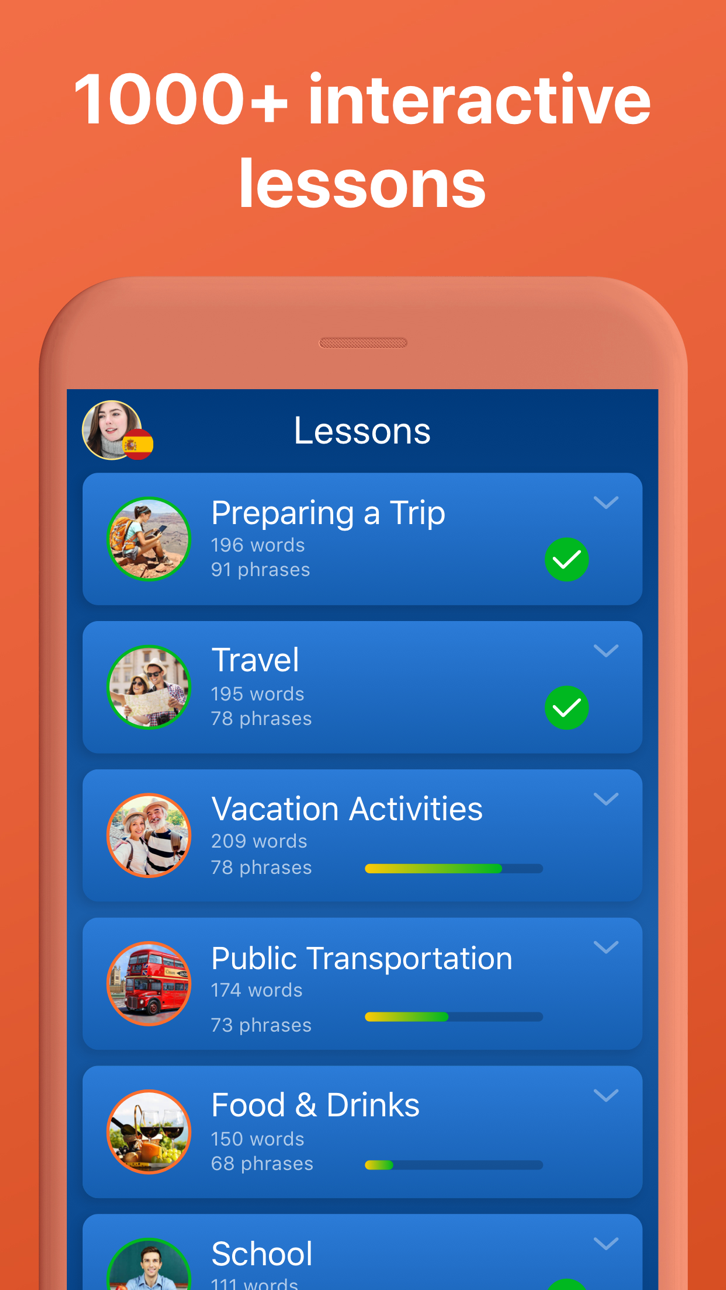
ปลดล็อกการเรียนรู้ภาษาระดับพรีเมียมในภาษา 33 ภาษาด้วย Mondly: Learn 33 Languages Modded Mod IPA นี้ ซึ่งให้คุณเข้าถึงบทเรียน หลักสูตร และฟีเจอร์ทั้งหมดได้อย่างเต็มที่โดยไม่ต้องจ่ายเงิน เรียนรู้ภาษาสเปน ฝรั่งเศส เยอรมัน โปรตุเกส ญี่ปุ่น จีน และภาษาอื่นอีก 27 ภาษาผ่านบทเรียนแบบโต้ตอบรายวันที่สร้างคำศัพท์ ไวยากรณ์ และทักษะการสนทนาในเพียงไม่กี่นาที
- พรีเมียมปลดล็อก → เข้าถึงบทเรียนและฟีเจอร์ที่เสียค่าใช้จ่ายทั้งหมดได้ฟรี
แอปนี้ยังมาพร้อมกับ iGameGod ซึ่งช่วยให้คุณเข้าถึง Auto Touch สำหรับการทำงานซ้ำ ๆ โดยอัตโนมัติ, App Speed Manager สำหรับปรับความเร็วของเกม, การแก้ไขค่าด้วย Memory Engine และเครื่องมือสำหรับเกม iOS ที่ทรงพลังอื่น ๆ อีกมากมาย
ดาวน์โหลด Mondly: Learn 33 Languages Modded modded IPA จากลิงก์ด้านบน แตะปุ่มติดตั้งและทำตามคำแนะนำบนหน้าจอเพื่อติดตั้งแฮ็กแอป iOS นี้บน iPhone, iPad หรือ Apple Silicon
ต้องการความช่วยเหลือเพิ่มเติม? ดู คำถามที่พบบ่อยของแอป iOSGods สำหรับคำตอบโดยละเอียดและเคล็ดลับการแก้ไขปัญหา
Your Passport to Fluency!
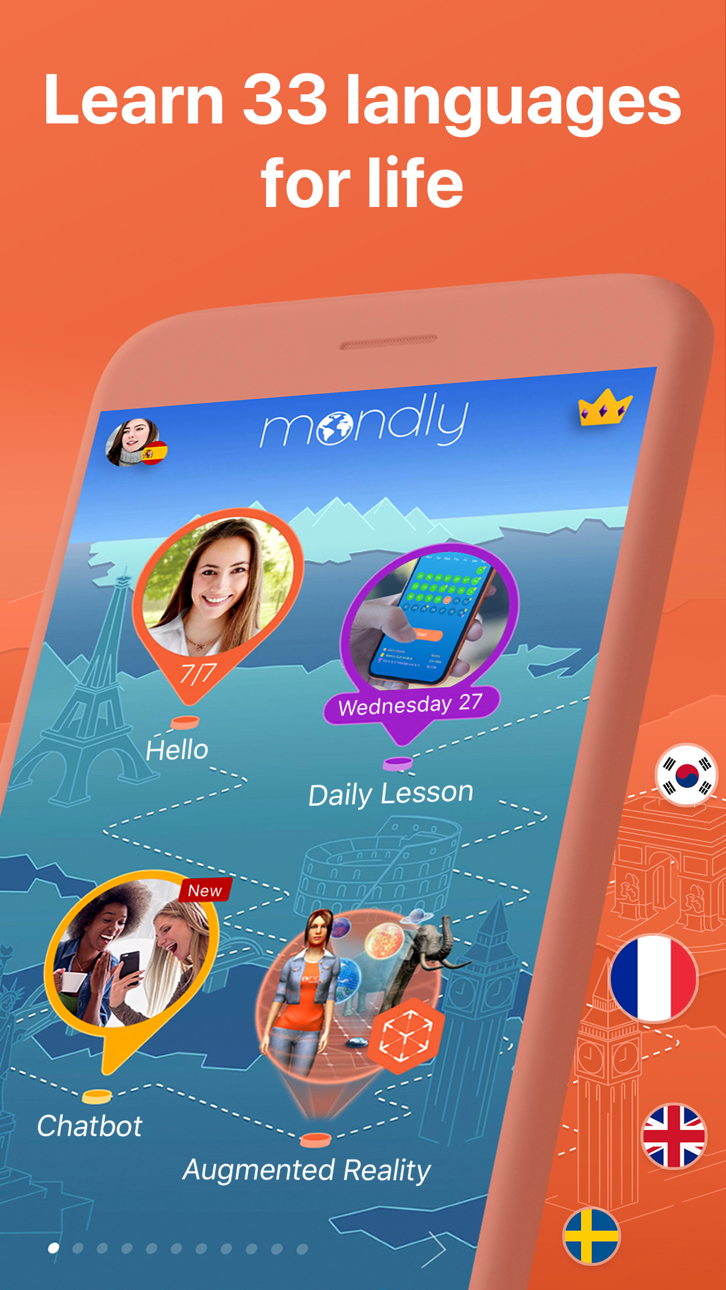
Join millions of learners who trust Mondly to make language learning easy and fun. Enjoy quick, interactive lessons that help you learn and speak with confidence. With smart technology and engaging content, learning a new language has never been easier.
With Mondly by Pearson you can learn 41 languages: Spanish, American English, British English, French, German, Portuguese, Italian, Russian, Norwegian, Danish, Dutch, Swedish, Arabic, Korean, Japanese, Chinese, Greek, Romanian, Vietnamese, Indonesian, Hindi, Hebrew, Polish, Bulgarian, Ukrainian, Hungarian, Czech, Croatian, Finnish, Persian (Farsi), Thai, Afrikaans, Turkish, Bengali, Catalan, Latin, Latvian, Lithuanian, Slovak, Tagalog and Urdu for FREE.
Apps we love & App of the day – Apple
“Mondly is like having a private tutor” – CNN
“The new way to learn languages” – Inc.
“A Practical approach to language learning likely to be widely adopted” - Forbes
-Start your journey to learn English and be fluent in English
Enjoy effective English courses designed for all levels. Whether you're a beginner or want to be fluent in English, our app helps you improve quickly. Practice daily with bite-sized lessons, realistic conversations, and smart feedback.
FUN & EFFECTIVE LEARNING
We mixed gamified content with real-world use. Each lesson is short, memorable, and helps you learn languages faster.
SPEECH RECOGNITION
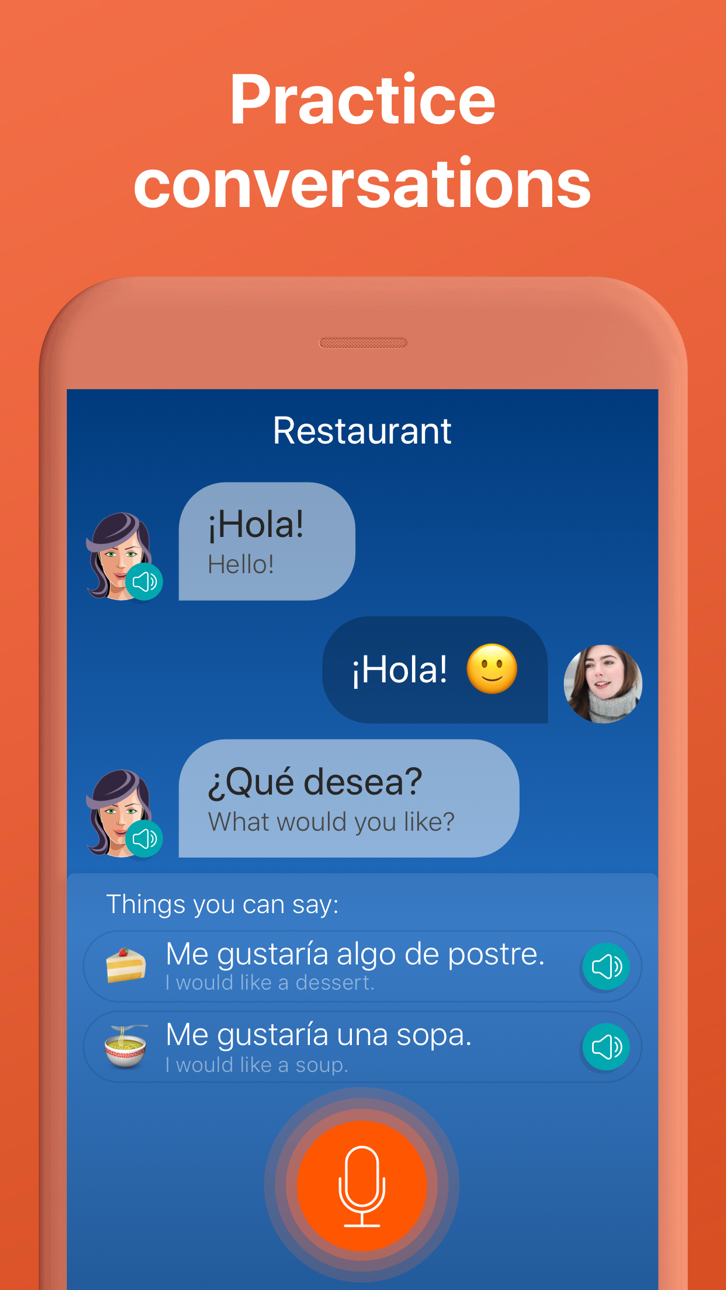
Practice pronunciation and learn in every lesson. Mondly listens and gives real-time feedback—just like a private language tutor.
REAL-LIFE CONVERSATIONS
Lessons mirror everyday conversations. You’ll learn phrases and grammar you can use immediately.
SMART ADAPTIVE LEARNING
Language learning lessons are designed to fit your learning style and pace.
GRAMMAR & VOCABULARY TOOLS
Expand vocabulary with daily exercises and integrated grammar tips that enhance your language learning.
IMMERSIVE AUDIO
Content 100+ dialogues from native speakers let you learn proper pronunciation and natural flow.
PROGRESS TRACKING
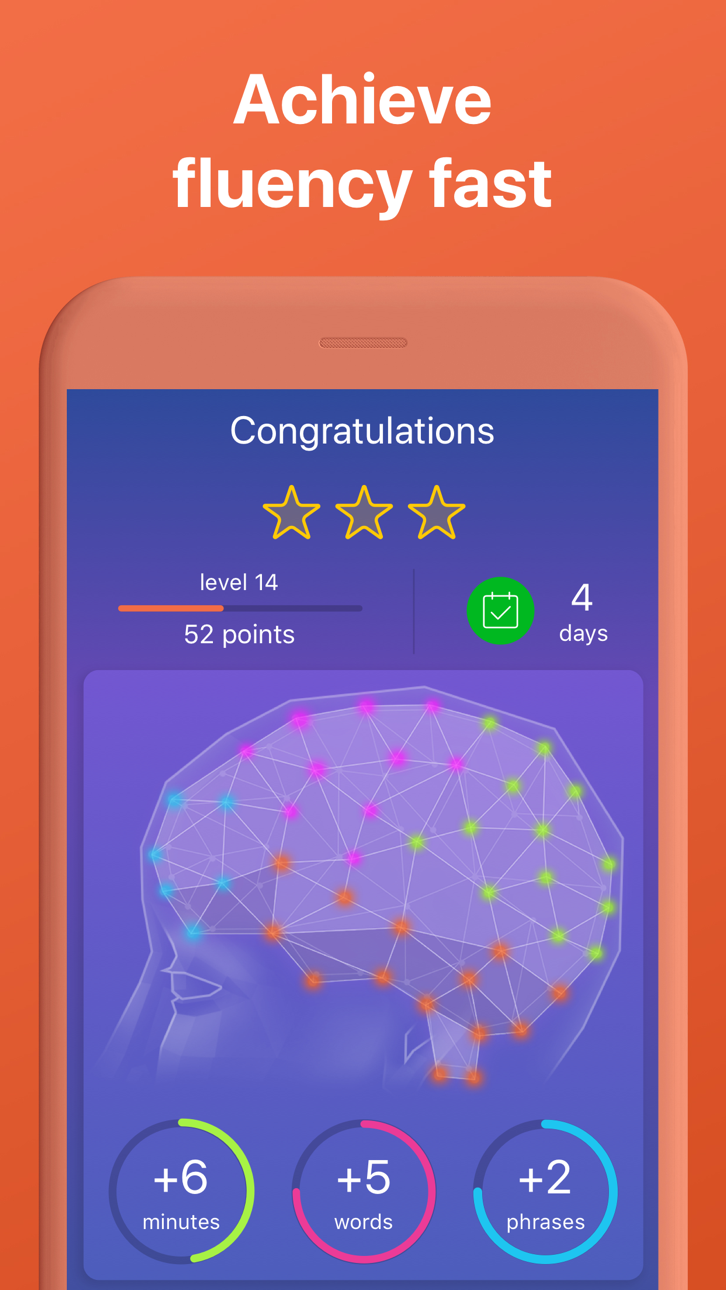
Track your learning progress with smart stats. See where you need to learn more.
SOCIAL MOTIVATION
Challenge friends or learners worldwide. Stay motivated with global rankings and competitive streaks.
App Highlights – What You Get With Mondly
• Daily language lessons to build confidence
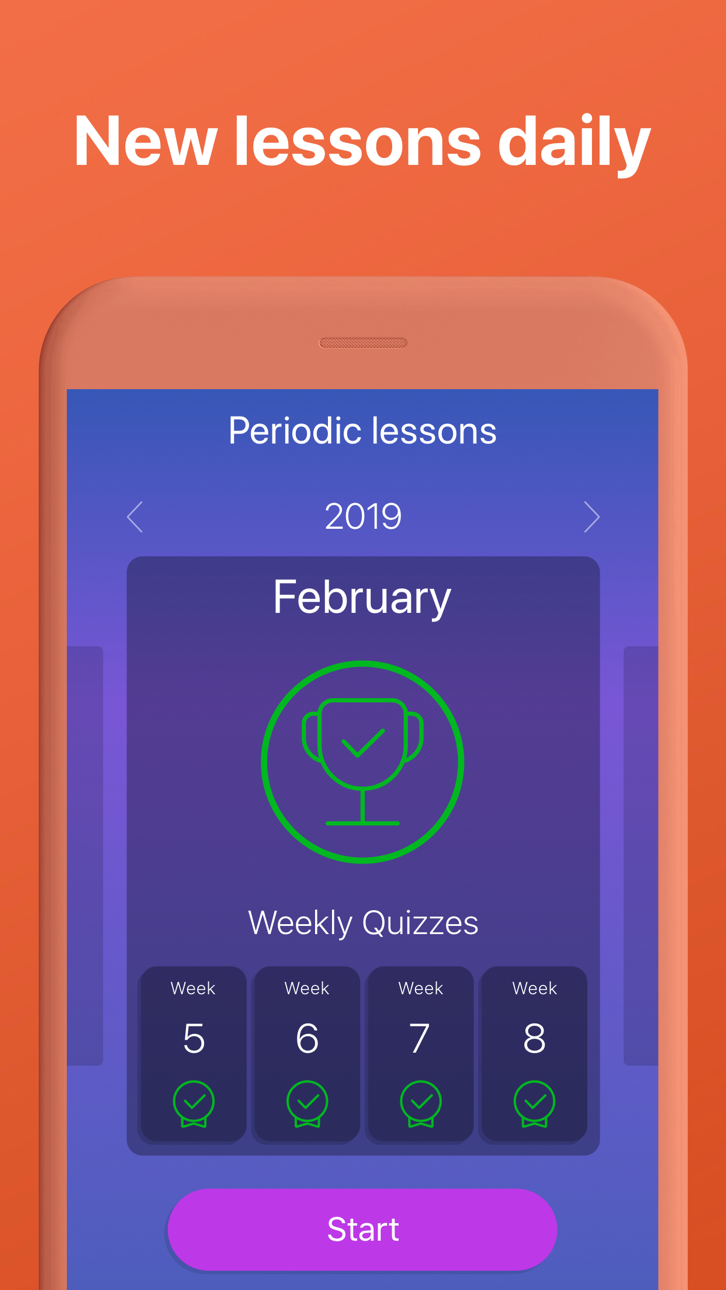
• Weekly quizzes & monthly challenges
• 41 full language courses – 1320 combinations
• 200+ practical language lessons (travel, work, family & more)
• 38 vocabulary builders for faster word recall
• 3000+ expert-developed lessons
• 260+ video lessons for advanced English learners
• 30+ Pearson-certified English tests to learn English easier
• 300+ business-focused language lessons
• 100+ native speaker conversations
• Verb conjugations and grammar explanations
• Offline mode for anytime learning
• Hands-free mode to learn on the go
• Designed by experts
PLEASE NOTE
You will need a subscription to get access to all of this app’s courses and features.
Subscription options:
1 month
12 months
Your subscription will automatically renew unless auto-renew is turned off at least 24-hours before the end of the current payment period.
Your iTunes account will be automatically charged at the same price for renewal within the 24-hour period prior to the end of the current payment period unless you change your subscription preferences in your Account Settings.
Payment will be charged to iTunes Account at confirmation of purchase.
Any unused portion of a free trial period, if offered, will be forfeited when the user purchases a subscription to that publication, where applicable.
You can manage your subscriptions through your Account Settings after purchase.
When a subscription is canceled, access to the app’s courses and features will expire at the end of the current payment period.
Privacy Policy: www.mondly.com/privacy
Terms: www.mondly.com/terms
We welcome your feedback and suggestions at: [email protected]
ภาพหน้าจอ © เจ้าของแต่ละราย · App Store


iOSGods ไม่มีความเกี่ยวข้อง ไม่ได้รับการรับรอง และไม่ได้รับการสนับสนุนจาก Apple Inc., Google LLC หรือผู้พัฒนาแอปที่แสดงไว้ที่นี่ Apple, iOS และ App Store เป็นเครื่องหมายการค้าของ Apple Inc. Android และ Google Play เป็นเครื่องหมายการค้าของ Google LLC ชื่อแอป ไอคอน ภาพ และเครื่องหมายการค้าอื่นทั้งหมดเป็นทรัพย์สินของเจ้าของแต่ละราย

- iPhone หรือ iPad ที่ไม่ได้เจลเบรก/ไม่ได้เจลเบรก หรือเจลเบรกแล้ว
- Sideloadly หรือทางเลือกอื่น
- คอมพิวเตอร์ที่ใช้ Windows/macOS/Linux และติดตั้ง iTunes ไว้
ขั้นตอนที่ 1: ดาวน์โหลดไฟล์ .IPA ที่แฮกไว้ล่วงหน้าจากลิงก์ด้านบนลงในคอมพิวเตอร์ของคุณ หากต้องการดาวน์โหลดจากแอป iOSGods โปรดดู วิธีดาวน์โหลด IPA ในแอป iOSGods ซึ่งมีตัวอย่างวิดีโอประกอบ
ขั้นตอนที่ 2: ดาวน์โหลด Sideloadly แล้วติดตั้งบน Windows หรือ Mac ของคุณ
ขั้นตอนที่ 3: เปิด Sideloadly บนคอมพิวเตอร์ เชื่อมต่ออุปกรณ์ iOS แล้วรอจนกว่าชื่ออุปกรณ์ของคุณจะปรากฏใน Sideloadly
ขั้นตอนที่ 4: เมื่อ iDevice ของคุณถูกตรวจพบแล้ว ให้ลากไฟล์ .IPA ที่ม็อดมาวางลงในโปรแกรม Sideloadly
ขั้นตอนที่ 5: กรอกอีเมล Apple Account ของคุณ จากนั้นกด "Start" ระบบจะถามรหัสผ่าน กรอกข้อมูลที่จำเป็นให้เรียบร้อย
ขั้นตอนที่ 6: รอจนกว่า Sideloadly จะ sideload/ติดตั้งไฟล์ IPA ที่แฮกเสร็จ หากเกิดปัญหาระหว่างติดตั้ง โปรดอ่านหมายเหตุด้านล่าง
ขั้นตอนที่ 7: เมื่อการติดตั้งเสร็จสิ้นและเห็นแอปบนหน้าจอหลักแล้ว ให้ไปที่ การตั้งค่า → ทั่วไป → โปรไฟล์ / VPN และการจัดการอุปกรณ์ จากนั้นแตะที่อีเมลที่คุณกรอกในขั้นตอนที่ 6 แล้วแตะ "เชื่อถือ [email protected]"
ขั้นตอนที่ 8: จากนั้นไปที่หน้าจอหลักและเปิดแอปที่ติดตั้งใหม่ ทุกอย่างควรทำงานได้ปกติ คุณอาจต้องทำตามคำแนะนำเพิ่มเติมเฉพาะแอปในป๊อปอัปของม็อดในเกม
หมายเหตุ: สำหรับ iOS/iPadOS 16 ขึ้นไป คุณต้อง เปิดโหมดนักพัฒนา (Developer Mode) สำหรับบัญชี Apple Developer แบบฟรี คุณต้องทำขั้นตอนนี้ซ้ำทุก 7 วัน หากมีคำถามหรือพบปัญหา โปรดอ่าน หัวข้อ FAQ ของ Sideloadly ในกระทู้
Hack Features:
- Inf Coins (Spend)
App Installation Instructions:
---------------------------------------------------------
----------------------------------------------------------
If you require more information or help, please read our Frequently Asked Questions topic on iOSGods.com.
----------------------------------------------------------
--------------------------------------------------