Accesso richiesto
Accedi con il tuo account iOSGods per continuare.
Hack Features:
- PREMIUM
Questa app include iGameGod, che ti offre accesso ad Auto Touch per automatizzare attività ripetitive, App Speed Manager per regolare la velocità di gioco, modifica dei valori con Memory Engine e altri potenti strumenti per giochi iOS.
Scarica Mondly: Learn 33 Languages Modded modded IPA dai link sopra. Tocca il pulsante di installazione e segui le istruzioni per installare questo hack iOS sul tuo iPhone, iPad o Mac con Apple Silicon.
Hai bisogno di altro aiuto? Consulta le nostre Domande frequenti sull'app iOSGods per risposte dettagliate e consigli per la risoluzione dei problemi.
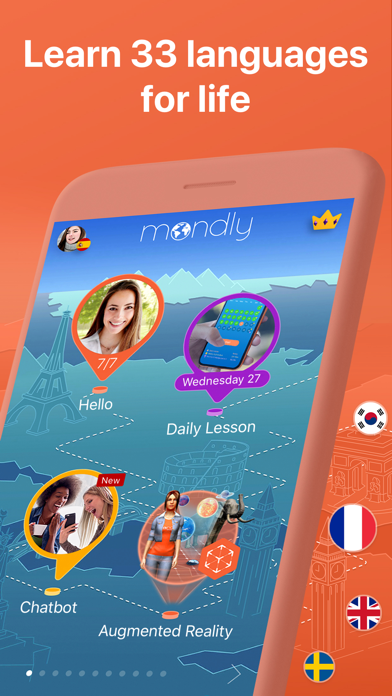
With Mondly you can learn 33 languages: Spanish, American English, British English, French, German, Portuguese, Italian, Russian, Norwegian, Danish, Dutch, Swedish, Arabic, Korean, Japanese, Chinese, Greek, Romanian, Vietnamese, Indonesian, Hindi, Hebrew, Polish, Bulgarian, Ukrainian, Hungarian, Czech, Croatian, Finnish, Persian (Farsi), Thai, Afrikaans and Turkish for FREE.
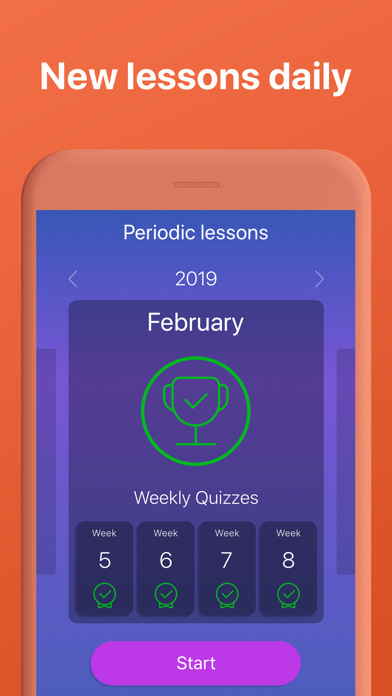
Learn languages with free lessons daily.
In just minutes you’ll start memorizing core words, form sentences, learn phrases and take part in conversations.
Fun language lessons improve your vocabulary, grammar and pronunciation like no other language learning method. Beginner or advanced learner, traveler or business professional with a tight schedule?
Explore language exercises for reading, listening, writing and speaking, enhanced with a dictionary, verb conjugator and state-of-the-art speech recognition technology - you’ll feel like having your own tutor in your pocket.
Download the language learning pill today and enjoy the benefits of learning a new language for life.
Here are the key features that make Mondly a great tutor for you:
• Crystal-clear audio and professional voice actors. Learn pronunciation from conversations between native speakers.
• State-of-the-art Speech Recognition. Mondly knows how to listen to your words and phrases. You will only get a positive feedback if you speak clearly and correctly.
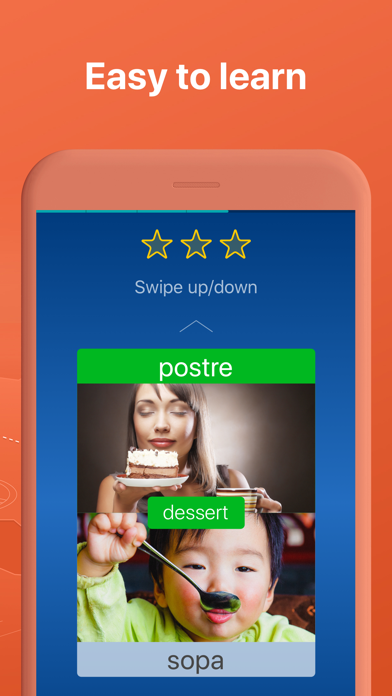
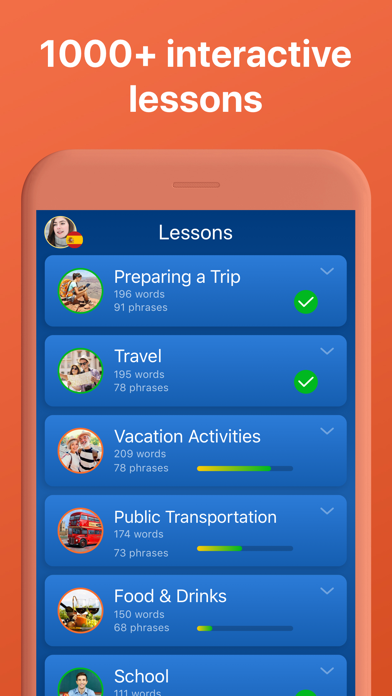
• Useful phrases for real situations. Memorizing hundreds of isolated words is not the way to go when it comes to learning languages. Mondly teaches you vocabulary through core words and phrases. The app breaks the learning process down into short lessons and puts them into themed packs.
• Learn from conversations. Conversation is the main reason to take this free course. It will help you build a core vocabulary with widely-used nouns and verbs.
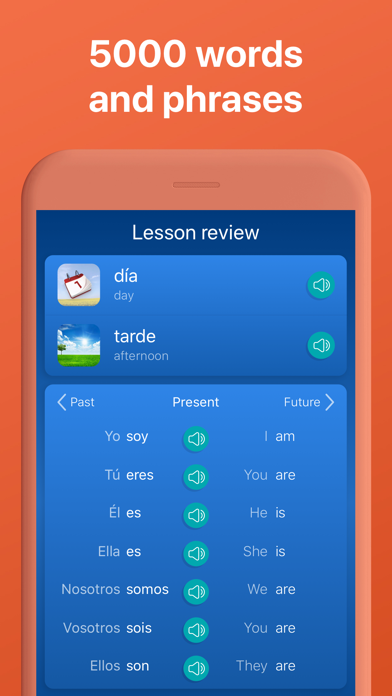
• Verb conjugations. Learn more from this course. Tap the verbs and get the full conjugation, including the translation. It’s faster and better than a dictionary.
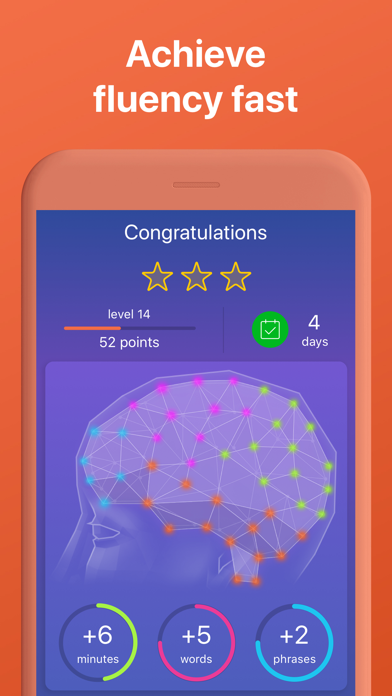
• Advanced Statistics. The App uses intelligent reporting, so you can always follow your progress. Build your vocabulary step by step and become better.
All these make Mondly the best way to learn Spanish, American English, British English, French, German, Portuguese, Italian, Russian, Norwegian, Danish, Swedish, Korean, Japanese, Chinese, Greek, Romanian, Vietnamese, Indonesian, Hindi, Hebrew, Polish, Bulgarian, Ukrainian, Czech, Croatian, Finnish, Persian (Farsi), Afrikaans and Turkish for FREE.
At the end of these language lessons, you will master the most useful 5000 words and phrases and you will be on the fast lane to learning a new language.
PLEASE NOTE
You will need a subscription in order to get access to all of this app’s courses and features.
Subscription options:
- One-monthly subscription for $US9.99 (or the equivalent in local currency), automatically renewed until canceled.
- One-yearly subscription for $US47.99 (or the equivalent in local currency), automatically renewed until canceled.
Your subscription will automatically renew unless auto-renew is turned off at least 24-hours before the end of the current payment period.
Your iTunes account will be automatically charged at the same price for renewal within the 24-hour period prior to the end of the current payment period unless you change your subscription preferences in your Account Settings.
Payment will be charged to iTunes Account at confirmation of purchase.
Any unused portion of a free trial period, if offered, will be forfeited when the user purchases a subscription to that publication, where applicable.
You can manage your subscriptions through your Account Settings after purchase.
When a subscription is canceled, access to the app’s courses and features will expire at the end of the current payment period.
Privacy Policy: www.mondly.com/privacy
Terms: www.mondly.com/terms
We welcome your feedback and suggestions at: ios[at]mondly[dot]com
- iPhone o iPad non jailbroken/jailed oppure jailbroken.
- Sideloadly o alternative.
- Computer con Windows/macOS/Linux con iTunes installato.
PASSO 1: Scarica il file .IPA pre-modificato dal link sopra sul tuo computer. Per scaricarlo dall'iOSGods App, consulta il nostro Tutorial download IPA dell'iOSGods App, che include un esempio video.
PASSO 2: Scarica Sideloadly e installalo sul tuo Windows o Mac.
PASSO 3: Apri Sideloadly sul tuo computer, collega il tuo dispositivo iOS e attendi finché il nome del dispositivo non appare in Sideloadly.
PASSO 4: Una volta riconosciuto il tuo iDevice, trascina il file .IPA moddato che hai scaricato e rilascialo nell'applicazione Sideloadly.
PASSO 5: Inserisci l'email del tuo Apple Account, poi premi “Start”. Ti verrà quindi chiesto di inserire la password. Procedi e fornisci le informazioni richieste.
PASSO 6: Attendi che Sideloadly completi il sideload/installazione dell'IPA modificata. Se ci sono problemi durante l'installazione, leggi la nota qui sotto.
PASSO 7: Una volta completata l'installazione e vista l'app sulla schermata Home, dovrai andare in Impostazioni → Generali → Profili / Gestione VPN e dispositivi. Una volta lì, tocca l'email inserita al passo 6 e poi tocca “Autorizza [email protected]”.
PASSO 8: Ora vai sulla schermata Home e apri l'app appena installata: tutto dovrebbe funzionare correttamente. Potrebbe essere necessario seguire ulteriori istruzioni specifiche all'interno del popup dell'hack nel gioco.
NOTA: Per iOS/iPadOS 16 e versioni successive, devi attivare la Modalità sviluppatore. Per gli account Apple Developer gratuiti, dovrai ripetere questa procedura ogni 7 giorni. Se hai domande o problemi, leggi la nostra sezione FAQ Sideloadly del topic.