تسجيل الدخول مطلوب
سجّل الدخول بحساب iOSGods للمتابعة.
سجّل الدخول بحساب iOSGods للمتابعة.
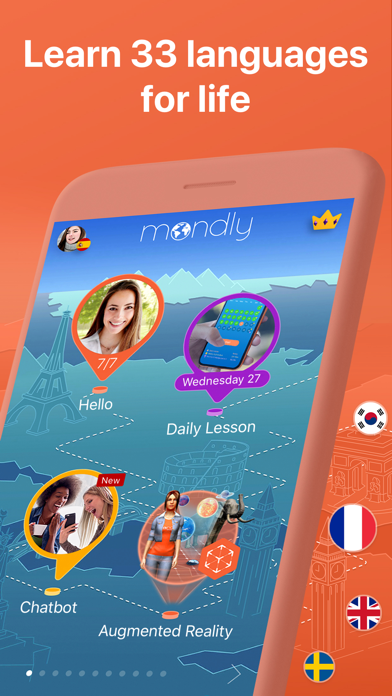
افتح تعلم اللغات المتقدم عبر 33 لغة مع هذا Mondly Mod IPA المعدل، مما يمنحك الوصول الكامل إلى جميع الدروس والدورات والميزات دون الدفع. تعلم الإسبانية والفرنسية والألمانية والبرتغالية واليابانية والصينية و27 لغة أخرى من خلال دروس تفاعلية يومية تبني المفردات والقواعد ومهارات المحادثة في دقائق.
- الوصول المتقدم مفتوح → الوصول إلى جميع الدروس والميزات المدفوعة بدون تكلفة
يأتي هذا التطبيق أيضًا مع iGameGod، مما يتيح لك الوصول إلى Auto Touch لأتمتة المهام المتكررة، وApp Speed Manager لضبط سرعة اللعب، وتعديل القيم عبر Memory Engine، والمزيد من أدوات ألعاب iOS القوية.
قم بتنزيل Mondly: Learn 33 Languages Modded modded IPA من الروابط أعلاه. اضغط على زر التثبيت واتبع التعليمات لتثبيت هذا التعديل لـ iOS على iPhone أو iPad أو Apple Silicon.
هل تحتاج إلى مزيد من المساعدة؟ راجع الأسئلة الشائعة لتطبيق iOSGods للحصول على إجابات مفصلة ونصائح لاستكشاف الأخطاء.
Your Passport to Fluency!
Join millions of learners who trust Mondly to make language learning easy and fun. Enjoy quick, interactive lessons that help you learn and speak with confidence. With smart technology and engaging content, learning a new language has never been easier.
With Mondly by Pearson you can learn 41 languages: Spanish, American English, British English, French, German, Portuguese, Italian, Russian, Norwegian, Danish, Dutch, Swedish, Arabic, Korean, Japanese, Chinese, Greek, Romanian, Vietnamese, Indonesian, Hindi, Hebrew, Polish, Bulgarian, Ukrainian, Hungarian, Czech, Croatian, Finnish, Persian (Farsi), Thai, Afrikaans, Turkish, Bengali, Catalan, Latin, Latvian, Lithuanian, Slovak, Tagalog and Urdu for FREE.
Apps we love & App of the day – Apple
“Mondly is like having a private tutor” – CNN
“The new way to learn languages” – Inc.
“A Practical approach to language learning likely to be widely adopted” - Forbes
-Start your journey to learn English and be fluent in English
Enjoy effective English courses designed for all levels. Whether you're a beginner or want to be fluent in English, our app helps you improve quickly. Practice daily with bite-sized lessons, realistic conversations, and smart feedback.
FUN & EFFECTIVE LEARNING
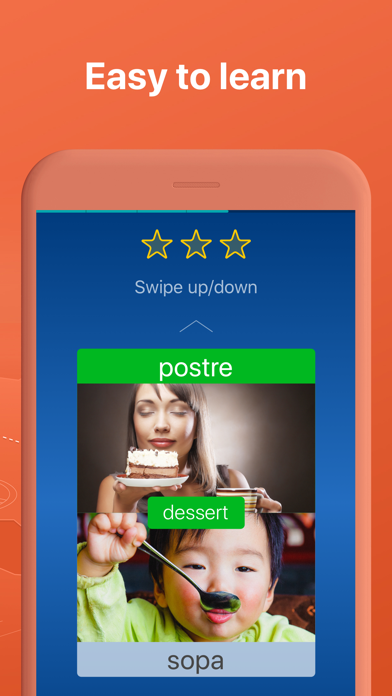
We mixed gamified content with real-world use. Each lesson is short, memorable, and helps you learn languages faster.
SPEECH RECOGNITION
Practice pronunciation and learn in every lesson. Mondly listens and gives real-time feedback—just like a private language tutor.
REAL-LIFE CONVERSATIONS
Lessons mirror everyday conversations. You’ll learn phrases and grammar you can use immediately.
SMART ADAPTIVE LEARNING
Language learning lessons are designed to fit your learning style and pace.
GRAMMAR & VOCABULARY TOOLS
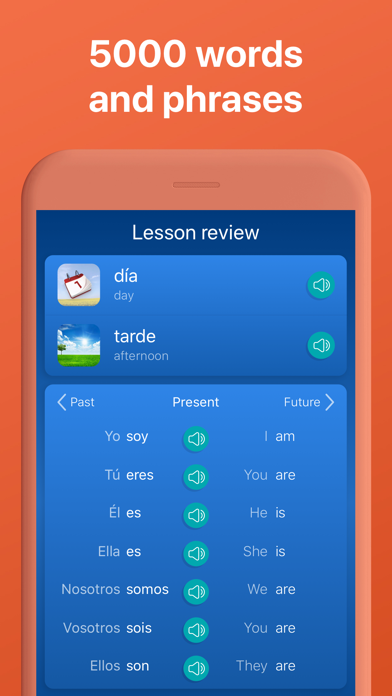
Expand vocabulary with daily exercises and integrated grammar tips that enhance your language learning.
IMMERSIVE AUDIO
Content 100+ dialogues from native speakers let you learn proper pronunciation and natural flow.
PROGRESS TRACKING
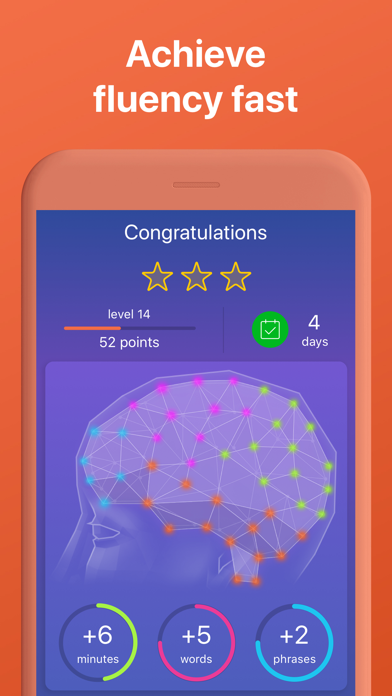
Track your learning progress with smart stats. See where you need to learn more.
SOCIAL MOTIVATION
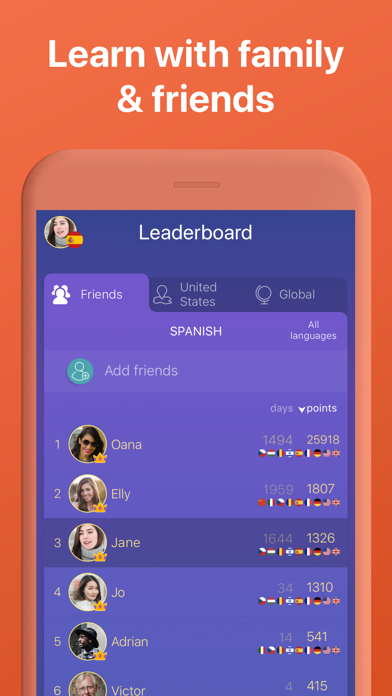
Challenge friends or learners worldwide. Stay motivated with global rankings and competitive streaks.
App Highlights – What You Get With Mondly
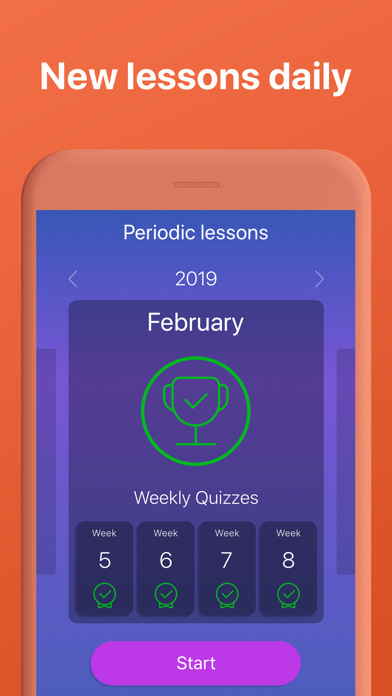
• Daily language lessons to build confidence
• Weekly quizzes & monthly challenges
• 41 full language courses – 1320 combinations
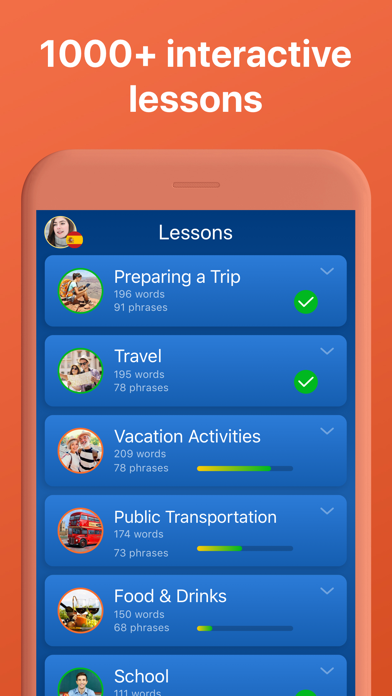
• 200+ practical language lessons (travel, work, family & more)
• 38 vocabulary builders for faster word recall
• 3000+ expert-developed lessons
• 260+ video lessons for advanced English learners
• 30+ Pearson-certified English tests to learn English easier
• 300+ business-focused language lessons
• 100+ native speaker conversations
• Verb conjugations and grammar explanations
• Offline mode for anytime learning
• Hands-free mode to learn on the go
• Designed by experts
PLEASE NOTE
You will need a subscription to get access to all of this app’s courses and features.
Subscription options:
1 month
12 months
Your subscription will automatically renew unless auto-renew is turned off at least 24-hours before the end of the current payment period.
Your iTunes account will be automatically charged at the same price for renewal within the 24-hour period prior to the end of the current payment period unless you change your subscription preferences in your Account Settings.
Payment will be charged to iTunes Account at confirmation of purchase.
Any unused portion of a free trial period, if offered, will be forfeited when the user purchases a subscription to that publication, where applicable.
You can manage your subscriptions through your Account Settings after purchase.
When a subscription is canceled, access to the app’s courses and features will expire at the end of the current payment period.
Privacy Policy: www.mondly.com/privacy
Terms: www.mondly.com/terms
We welcome your feedback and suggestions at: [email protected]

- iPhone أو iPad بجيلبريك أو بدون جيلبريك.
- Sideloadly أو بدائلها.
- كمبيوتر يعمل بنظام Windows/macOS/Linux مع تثبيت iTunes.
الخطوة 1: قم بتنزيل ملف .IPA المعدّل مسبقًا من الرابط أعلاه إلى الكمبيوتر الخاص بك. للتنزيل من تطبيق iOSGods App، اطلع على دليل تنزيل IPA من تطبيق iOSGods App الذي يتضمن مثالًا بالفيديو.
الخطوة 2: قم بتنزيل Sideloadly وتثبيته على جهاز Windows أو Mac.
الخطوة 3: افتح Sideloadly على الكمبيوتر، ووصّل جهاز iOS الخاص بك، وانتظر حتى يظهر اسم جهازك داخل Sideloadly.
الخطوة 4: بمجرد التعرّف على جهاز iDevice الخاص بك، اسحب ملف .IPA المعدّل الذي قمت بتنزيله وأفلِته داخل تطبيق Sideloadly.
الخطوة 5: أدخل البريد الإلكتروني لحساب Apple Account الخاص بك، ثم اضغط على «Start». سيُطلب منك بعد ذلك إدخال كلمة المرور. تابع وأدخل المعلومات المطلوبة.
الخطوة 6: انتظر حتى ينتهي Sideloadly من تحميل/تثبيت ملف IPA المعدّل. في حال واجهت أي مشاكل أثناء التثبيت، يرجى قراءة الملاحظة أدناه.
الخطوة 7: بعد اكتمال التثبيت ورؤية التطبيق على الشاشة الرئيسية، انتقل إلى Settings → General → Profiles / VPN & Device Management. ثم اضغط على البريد الإلكتروني الذي أدخلته في الخطوة 6، ثم اضغط على «الوثوق بـ [email protected]».
الخطوة 8: الآن انتقل إلى الشاشة الرئيسية وافتح التطبيق الذي تم تثبيته للتو وسيعمل كل شيء بشكل صحيح. قد تحتاج إلى اتباع تعليمات إضافية خاصة بكل تطبيق داخل النافذة المنبثقة للتعديل أثناء اللعب.
ملاحظة: بدءًا من iOS/iPadOS 16 وما بعده، يجب تفعيل وضع المطور (Developer Mode). بالنسبة لحسابات Apple Developer المجانية، ستحتاج إلى تكرار هذه العملية كل 7 أيام. إذا كانت لديك أي أسئلة أو مشاكل، يرجى قراءة قسم الأسئلة الشائعة حول Sideloadly في الموضوع.