Accesso richiesto
Accedi con il tuo account iOSGods per continuare.
Accedi con il tuo account iOSGods per continuare.
Sblocca tutti i 240+ pacchetti linguistici e dizionari con questo Slovoed Mod IPA modificato, ottenendo accesso istantaneo alla più completa libreria di riferimento multilingue del mondo senza restrizioni di acquisto. Slovoed dictionaries offre ricerca avanzata, apprendimento e funzioni di traduzione in oltre 40 lingue, ora completamente sbloccate per un'esplorazione e uno studio senza interruzioni.
- Tutti i Pacchetti Linguistici Sbloccati → accedi a ogni dizionario e lingua senza restrizioni
Questa app include anche iGameGod, che ti offre accesso ad Auto Touch per automatizzare attività ripetitive, App Speed Manager per regolare la velocità di gioco, modifica dei valori con Memory Engine e altri potenti strumenti per giochi iOS.
Scarica Slovoed dictionaries Modded modded IPA dai link sopra. Tocca il pulsante di installazione e segui le istruzioni per installare questo hack iOS sul tuo iPhone, iPad o Mac con Apple Silicon.
Hai bisogno di altro aiuto? Consulta le nostre Domande frequenti sull'app iOSGods per risposte dettagliate e consigli per la risoluzione dei problemi.
#1 DICTIONARY TECHNOLOGY IN THE WORLD
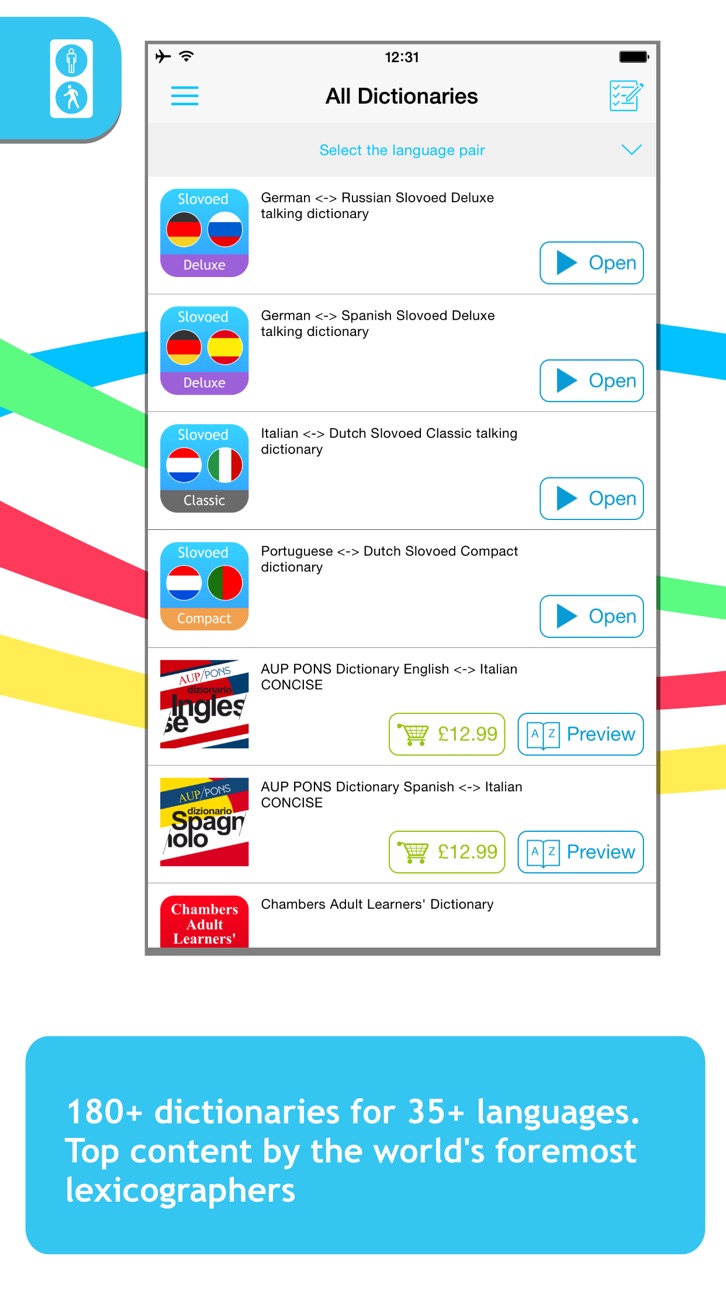
240+ dictionaries for 40+ languages at one place!
Each dictionary has full wordlist and 100 sample articles for preview.
_____
Slovoed app grants you access to the whole Slovoed universe with over 220+ dictionaries with a free preview option and lets you experience the most advanced search methods, learning and translation features.
Now you can be sure that a chosen dictionary, you are willing to get, complies with the desired language level and vocabulary.
SLOVOED IS A TEAM PLAYER
• NEW for iOS 9! “Slide Over” multitasking feature support gives you the ability to look up words in Slovoed dictionary without having to close the primary app you are in.
• NEW for iOS 9! “Split View” multitasking feature support will increase your productivity. Now you can work in the dictionary and another app at the same time.
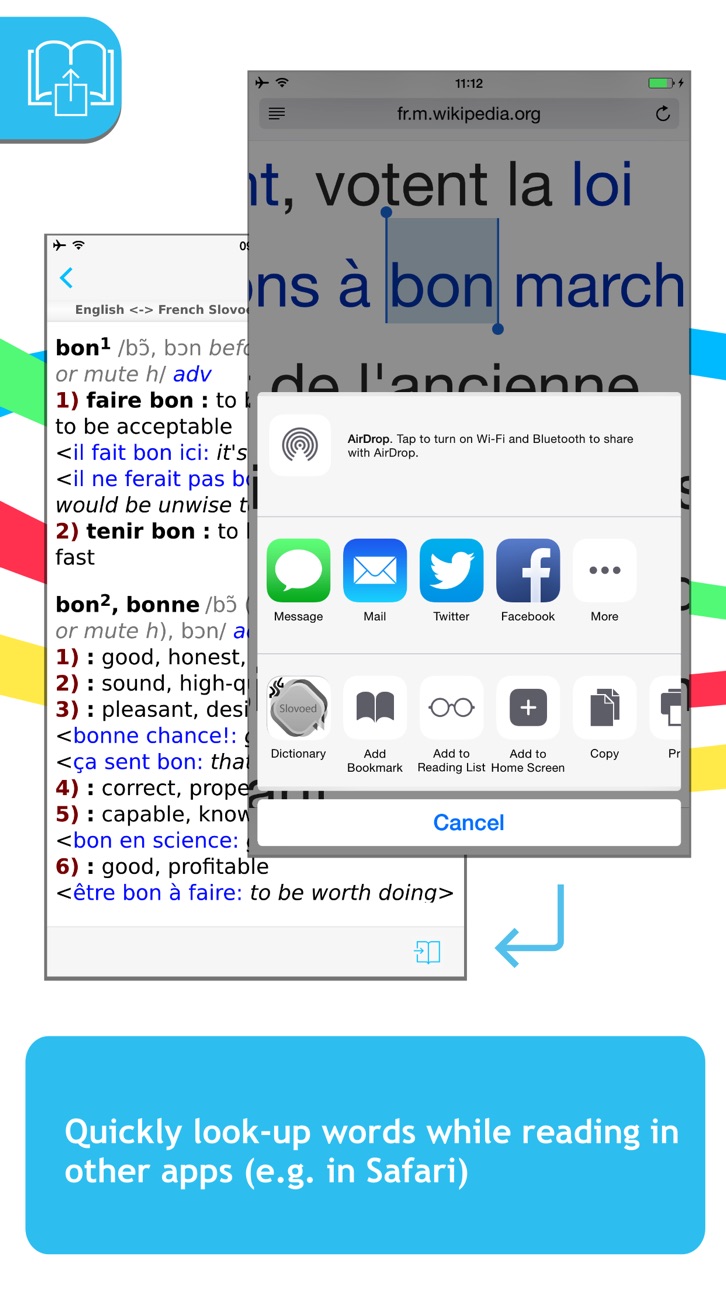
• NEW for iOS 9! Support “Share” function. Reading news, e-mails or Safari sites in other languages has never been easier. Copy the text, send it to Slovoed and you will get the translations one by one.
TRY SMART SLOVOED TRANSLATION ENGINE
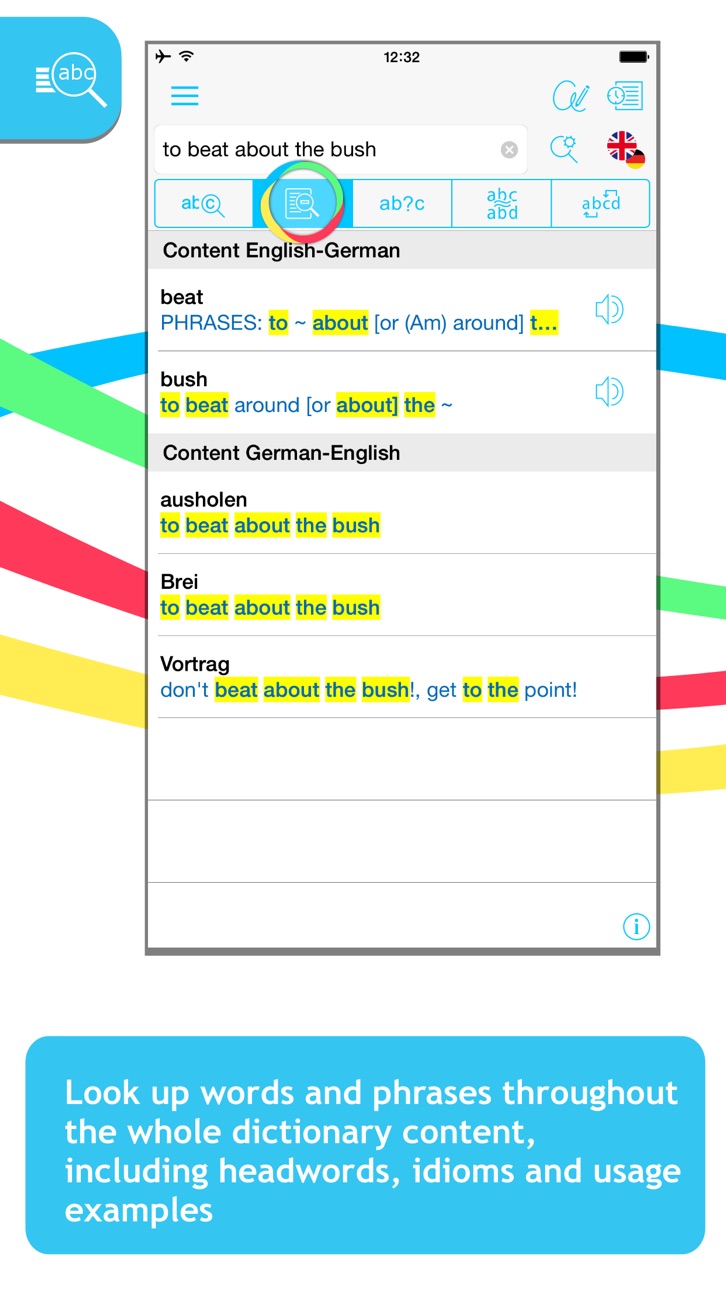
• Full text search allows you to look up words more efficiently throughout the whole dictionary content, including headwords, idioms and usage examples.
• NEW! Search within the article - the easier way to look through large entries.
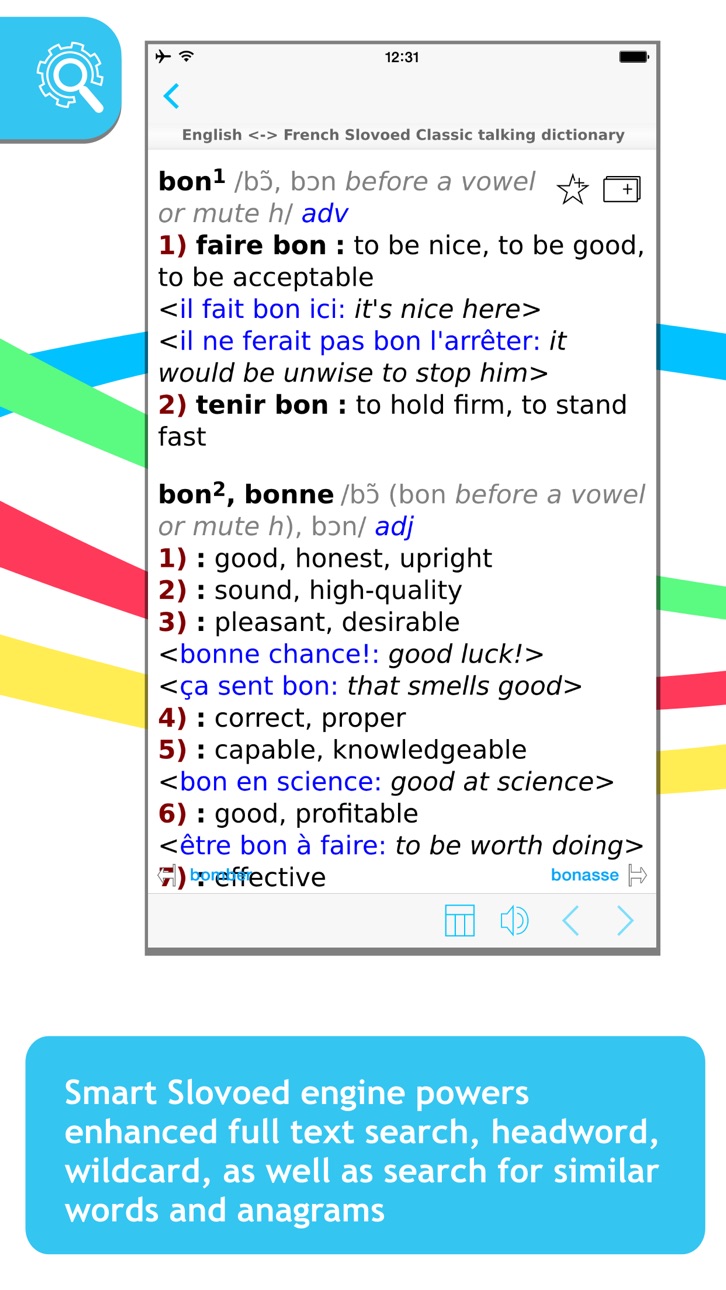
• Similar words search will help you in case of misspelling.
• Wildcard search is needed if you are unsure of the exact word spelling. “?”, “*” symbols are used to replace unknown letters.
• Search for anagrams, e.g. tab-bat. Simply because learning is fun.
• Built-in morphology module translates the word from any of its grammatical forms (for German, English, French, Spanish and Russian).
• Cross-reference between words.
• Multiple clipboard look up. Copy text you need and get the translation of the words when you open Slovoed.
LEARN LANGUAGES WITH SLOVOED
• Word pronunciations spoken by native speakers (for German, English, French, Spanish, Italian, Chinese and Russian).
• Full linguistic information – with declension and conjugation tables (for English, French, Spanish and Russian).
• Tables of English and German irregular verbs.
• Favorites make the access to frequently searched entries simple.
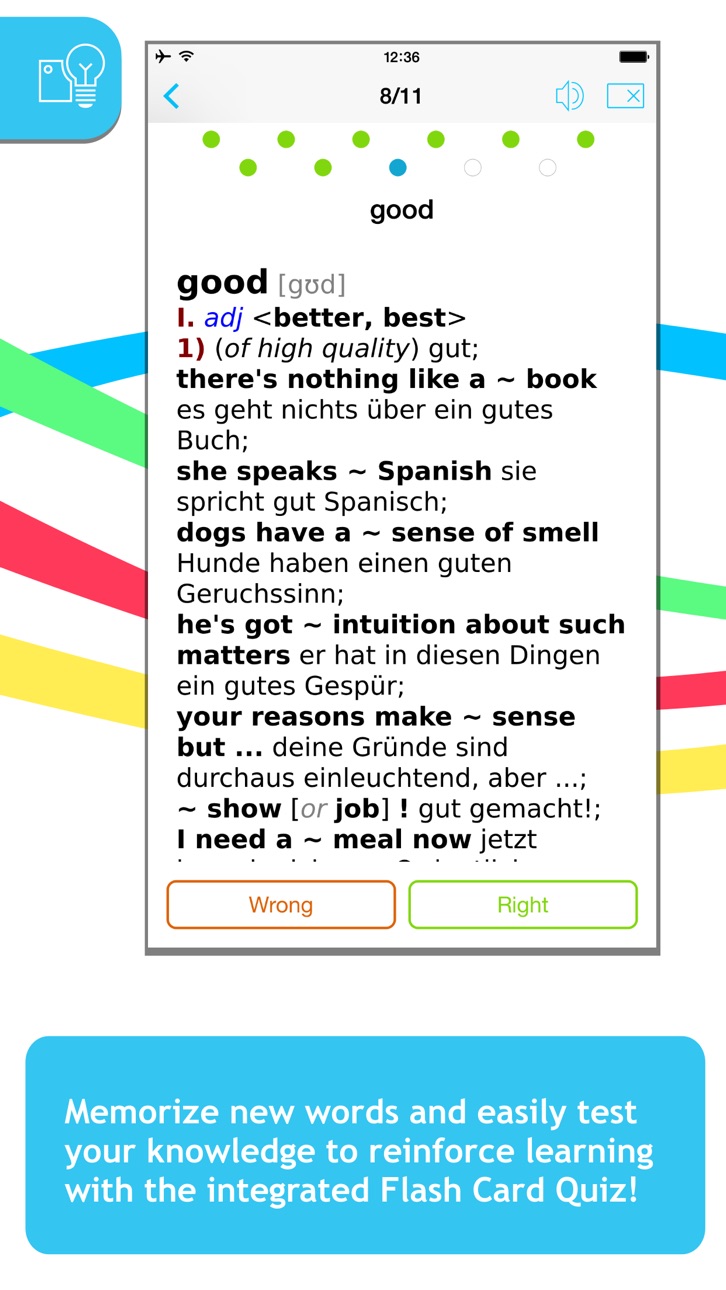
• Flash Card Quiz – worldwide known way of learning a foreign language.
ENJOY THE MOST COMFORTABLE WORK
• NEW! Manage components of all purchased dictionaries to save free space of your device, for example, you can delete a sound module of the language you are not using.
• PenReader multilingual handwriting recognition to enter your queries with comfort.
• Works OFFLINE once downloaded.
• Handy Converter to convert foreign measurements on the go.
MY SLOVOED GIVES YOU THE WORLD
• Do you represent an international company and need to establish effective communication between employees around the world?
• Are you running a private translation agency?
• Or do you head a transcontinental network of hotels and tourist accommodations?
My Slovoed is a totally new approach to organizing and keeping your dictionaries at one place. We offer individual care, qualified support, implementation services… and much more!
To learn more about My Slovoed dictionary technology, please go to http://slovoed.com/corporate
---------
About Paragon Software
Paragon Software is a leading reference app developer. Its mobile product portfolio includes more than 1500 electronic dictionaries, encyclopedias and phrase books in the widest combination of over 40 languages, with databases provided by the world’s leading publishing houses, such as Duden, Langenscheidt, Cambridge University Press, Oxford University Press, PONS, Van Dale, VOX, and others.
www.slovoed.com
Screenshot © rispettivi proprietari · App Store


iOSGods non è affiliata, approvata né sponsorizzata da Apple Inc., Google LLC o dagli sviluppatori delle app elencate qui. Apple, iOS e App Store sono marchi di Apple Inc. Android e Google Play sono marchi di Google LLC. Tutti gli altri nomi delle app, icone, immagini e marchi appartengono ai rispettivi proprietari.
- iPhone o iPad non jailbroken/jailed oppure jailbroken.
- Sideloadly o alternative.
- Computer con Windows/macOS/Linux con iTunes installato.
PASSO 1: Scarica il file .IPA pre-modificato dal link sopra sul tuo computer. Per scaricarlo dall'iOSGods App, consulta il nostro Tutorial download IPA dell'iOSGods App, che include un esempio video.
PASSO 2: Scarica Sideloadly e installalo sul tuo Windows o Mac.
PASSO 3: Apri Sideloadly sul tuo computer, collega il tuo dispositivo iOS e attendi finché il nome del dispositivo non appare in Sideloadly.
PASSO 4: Una volta riconosciuto il tuo iDevice, trascina il file .IPA moddato che hai scaricato e rilascialo nell'applicazione Sideloadly.
PASSO 5: Inserisci l'email del tuo Apple Account, poi premi “Start”. Ti verrà quindi chiesto di inserire la password. Procedi e fornisci le informazioni richieste.
PASSO 6: Attendi che Sideloadly completi il sideload/installazione dell'IPA modificata. Se ci sono problemi durante l'installazione, leggi la nota qui sotto.
PASSO 7: Una volta completata l'installazione e vista l'app sulla schermata Home, dovrai andare in Impostazioni → Generali → Profili / Gestione VPN e dispositivi. Una volta lì, tocca l'email inserita al passo 6 e poi tocca “Autorizza [email protected]”.
PASSO 8: Ora vai sulla schermata Home e apri l'app appena installata: tutto dovrebbe funzionare correttamente. Potrebbe essere necessario seguire ulteriori istruzioni specifiche all'interno del popup dell'hack nel gioco.
NOTA: Per iOS/iPadOS 16 e versioni successive, devi attivare la Modalità sviluppatore. Per gli account Apple Developer gratuiti, dovrai ripetere questa procedura ogni 7 giorni. Se hai domande o problemi, leggi la nostra sezione FAQ Sideloadly del topic.
Game Name iOS Mod IPA is an action adventure game enhanced with powerful gameplay boosts and quality-of-life improvements. Win battles faster, earn rewards quicker, and enjoy uninterrupted play without ads.
- Unlimited Gold - spend freely to unlock premium content
- Damage Multiplier - deal significantly more damage in combat
- Defense Multiplier - take less damage and survive longer
- Reward Multiplier - earn more loot from every battle
- Max Level - instantly reach the highest player rank
- No Ads - play without interruptions or advertisements
This app also comes with iGameGod, giving you access to Auto Touch to automate repetitive tasks, App Speed Manager for adjustable gameplay speed, Memory Engine value editing, and more powerful iOS game tools.
Scarica Game Name Mod IPA dai link sopra. Tocca il pulsante di installazione e segui le istruzioni per installare questo hack iOS sul tuo iPhone, iPad o Mac con Apple Silicon.
Hai bisogno di altro aiuto Consulta le nostre Domande frequenti sull'app iOSGods per risposte dettagliate e consigli per la risoluzione dei problemi.
----------------------------------------------------------
--------------------------------------------------