ログインが必要
iOSGodsアカウントでサインインして続けてください。
Hack Features:
- PRO
このアプリにはiGameGodが搭載されており、繰り返し作業を自動化するAuto Touch、ゲーム速度を調整できるApp Speed Manager、Memory Engineによる値の編集など、強力なiOSゲーム用ツールをご利用いただけます。
djay - DJ App & AI Mixer Hack modded IPAを上のリンクからダウンロードします。インストールボタンをタップし、画面の指示に従ってiPhone、iPad、Apple SiliconにこのiOSアプリハックをインストールします。
さらにヘルプが必要ですか? 詳しい回答とトラブルシューティングはiOSGodsアプリ よくある質問をご覧ください。
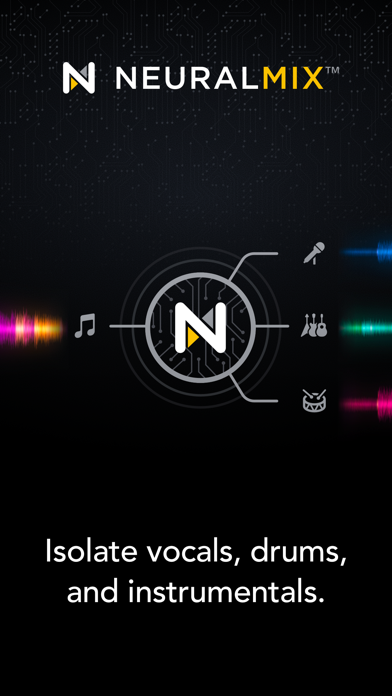
*** Introducing Neural Mix™: Algoriddim's revolutionary technology to deconstruct and mix music based on cutting edge AI. Isolate vocals, drums, and instrumentals in real-time - for the first time ever! ***
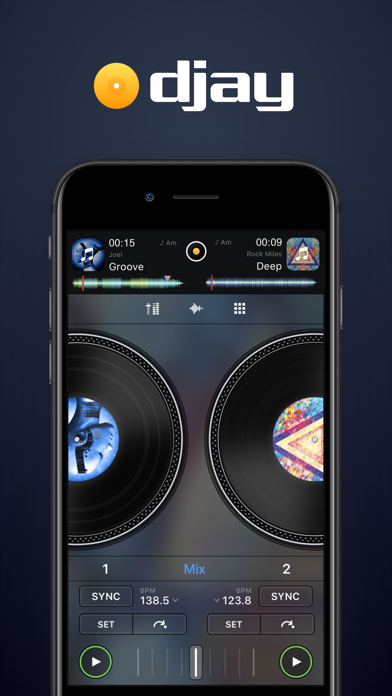
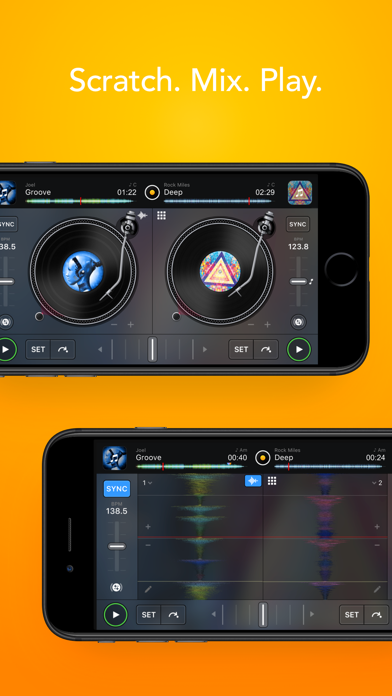
djay transforms your iOS device into a full-featured DJ and music production system. Seamlessly integrated with your music library, djay allows you to mix your favorite songs and playlists. You can perform live, remix tracks, or enable Automix mode to let djay create a seamless mix for you automatically. Whether you are a professional DJ or a beginner who just loves to play with music, djay offers you the most intuitive yet powerful DJ experience on an iPad or iPhone.
MUSIC LIBRARY
- My Music, TIDAL Premium, SoundCloud Go+, Beatport LINK, Beatsource LINK, Files, and more*
*NOTE: As of July 1, 2020, Spotify will no longer be playable through 3rd party DJ apps. Please visit algoriddim.com/streaming-migration to learn how to migrate to a new supported service.
NEURAL MIX™
• Isolate vocals, drums, and instrumentals
• Remix drums, bass lines, melodies, and vocals of two songs
• Solo, swap and mute switches
• Fade between the instrumental and acappella of a song
• AI multi-track waveforms
MUSIC PRODUCTION TOOLS
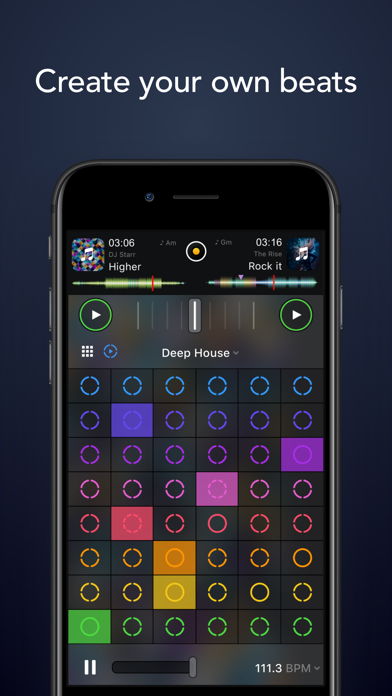
• Sequencer: create beats on top of your music live
• Looper: remix your music with up to 48 loops per track
• Beat-matched sequencing of drums and samples
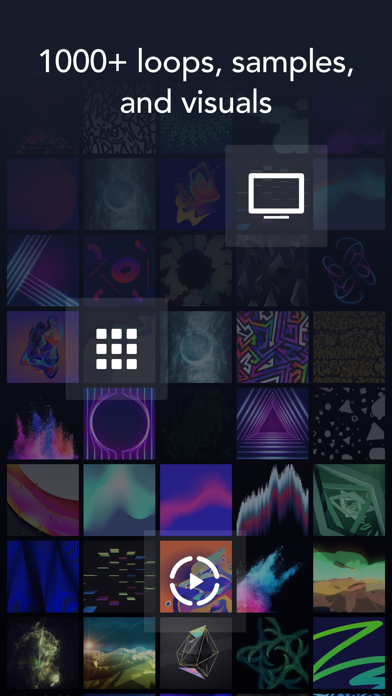
• Extensive content library with hundreds of loops and samples.
AUTOMIX AI
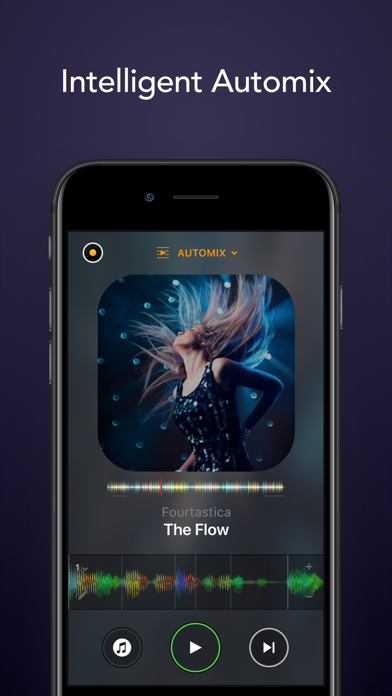
• Automatic mixes based on artificial intelligence
• Queue and Playlist automation
HARDWARE INTEGRATION
• Plug-and-play integration of over 50 MIDI controllers by Pioneer DJ, Reloop, Numark, Denon DJ, and more
• Advanced MIDI Learn to map any class-compliant MIDI controller
• Support for Bluetooth audio and MIDI
• Support for multi-channel USB audio interfaces and video output
NEW AUDIO ENGINE
• Ableton Link integration
• Sync Mode
• Post-fader FX
• High-res waveforms
BUILT FOR iOS
• Accessible via VoiceOver
• Airplay, Live Photos, Apple Watch, and iCloud integration
• 3D Touch, Haptic Feedback, Drag & Drop, Keyboard Shortcuts
• Multi-Tasking: Slide Over and Split View support
Top features of the optional Pro subscription include:
• Unlimited access to an extensive library of samples, loops, FX, and visuals
• Neural Mix™
• Sampler & Looper
• Automix AI
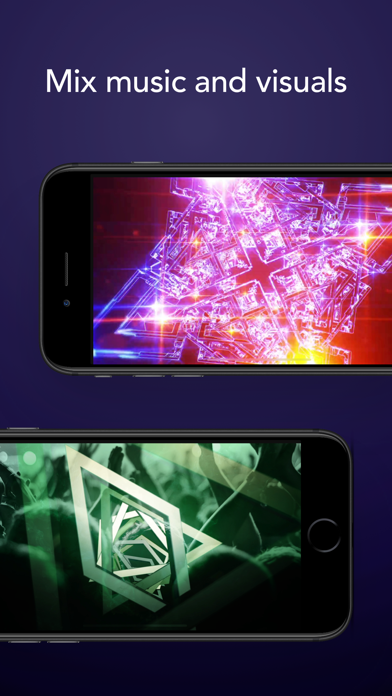
• Video Mixing
• Music Visualizers
• Single Deck mode
• 4-Deck mode
• Advanced media library editing
• Pre-cueing with headphones
• Hardware integration (MIDI controllers, multi-channel audio interfaces)
• Subscribe once, access unlimited djay Pro content and features across all of your iOS devices
• 7-day free trial: free access to all djay Pro content and features for one week, cancel anytime
Subscription Information
• Subscribe to get unlimited access to all PRO features, loops, FX, sounds, and visuals
• Free trial subscription is automatically renewed unless cancelled 24 hours before the renewal
• Payment will be charged to iTunes Account at confirmation of purchase
• Account will be charged for renewal within 24-hours prior to the end of the current period, at the same price
• No cancellation of the current subscription is allowed during active subscription period
• Subscriptions may be managed by the user and auto-renewal may be turned off by going to the user’s Account Settings after purchase
Privacy Policy: https://www.algoriddim.com/privacy
Streaming service availability and pricing may vary depending on country, currency and service.
djay is compatible with any iPhone or iPad running iOS 12.2 or later.
For the best experience when using Neural Mix we recommend using an iOS device with an Apple Bionic chip. For the full list of Neural Mix supported devices please visit our web site.
- 脱獄/Jailed済みまたは脱獄済みのiPhoneまたはiPad。
- Sideloadlyまたは代替手段。
- iTunesがインストールされているWindows/macOS/Linuxを実行しているコンピュータ。
ステップ1: 上のリンクから事前にハックされた.IPAファイルをコンピュータにダウンロードします。iOSGodsアプリからダウンロードする方法は、ビデオ例付きのiOSGodsアプリIPAダウンロードチュートリアルをご覧ください。
ステップ2: SideloadlyをダウンロードしてWindowsまたはMacにインストールします。
ステップ3: コンピュータでSideloadlyを開き、iOSデバイスを接続して、デバイス名がSideloadlyに表示されるまで待ちます。
ステップ4: iDeviceが認識されたら、ダウンロードしたModされた.IPAファイルをSideloadlyアプリにドラッグ&ドロップします。
ステップ5: Apple Accountのメールアドレスを入力し、「Start」を押します。次にパスワードの入力を求められます。必要な情報を入力してください。
ステップ6: Sideloadlyがハックされたipaのサイドロード/インストールを完了するのを待ちます。インストール中に問題が発生した場合は、以下の注意事項をお読みください。
ステップ7: インストールが完了し、ホーム画面にアプリが表示されたら、設定 → 一般 → プロファイル / VPNとデバイス管理に移動する必要があります。そこで、ステップ6で入力したメールをタップし、「Trust [email protected]」をタップします。
ステップ8: ホーム画面に戻り、新しくインストールされたアプリを開けば、すべて正常に動作するはずです。ゲーム内のハックのポップアップで、アプリごとの追加指示に従う必要がある場合があります。
注意: iOS/iPadOS 16以降では、デベロッパモードを有効にするが必要です。無料のApple Developerアカウントの場合、このプロセスを7日ごとに繰り返す必要があります。質問や問題がある場合は、トピックのSideloadly FAQセクションをお読みください。