تسجيل الدخول مطلوب
سجّل الدخول بحساب iOSGods للمتابعة.
سجّل الدخول بحساب iOSGods للمتابعة.

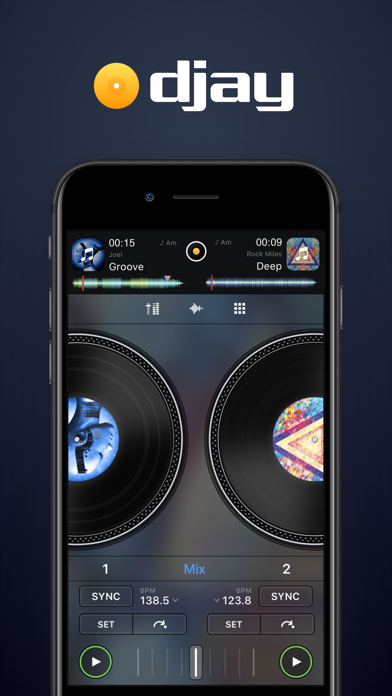
تطبيق DJ وخلاط ذكي يفتح ميزات PRO، حيث يحول جهاز iOS الخاص بك إلى نظام إنتاج موسيقى متكامل مع تقنية Neural Mix. عزل الأصوات والطبول والموسيقى الآلية في الوقت الفعلي، ومزج أغانيك المفضلة بسلاسة، والأداء المباشرة أو تفعيل وضع الخلط التلقائي للمزج الآلي، كل ذلك مع الوصول المميز عبر هذا Mod IPA.
- PRO → يفتح ميزات DJ والإنتاج المتقدمة
يأتي هذا التطبيق أيضًا مع iGameGod، مما يتيح لك الوصول إلى Auto Touch لأتمتة المهام المتكررة، وApp Speed Manager لضبط سرعة اللعب، وتعديل القيم عبر Memory Engine، والمزيد من أدوات ألعاب iOS القوية.
قم بتنزيل djay - DJ App & AI Mixer Hack modded IPA من الروابط أعلاه. اضغط على زر التثبيت واتبع التعليمات لتثبيت هذا التعديل لـ iOS على iPhone أو iPad أو Apple Silicon.
هل تحتاج إلى مزيد من المساعدة؟ راجع الأسئلة الشائعة لتطبيق iOSGods للحصول على إجابات مفصلة ونصائح لاستكشاف الأخطاء.
*** Ahora con integración de Spotify y Apple Music ***
¡Bienvenido a djay! La app de DJ nº 1 y ganadora de múltiples Apple Design Awards te permite empezar a mezclar tu música favorita al instante. Conecta tu cuenta de Spotify o Apple Music para acceder a millones de canciones y crear tus propias mezclas de DJ en muy poco tiempo, directamente dentro de djay.
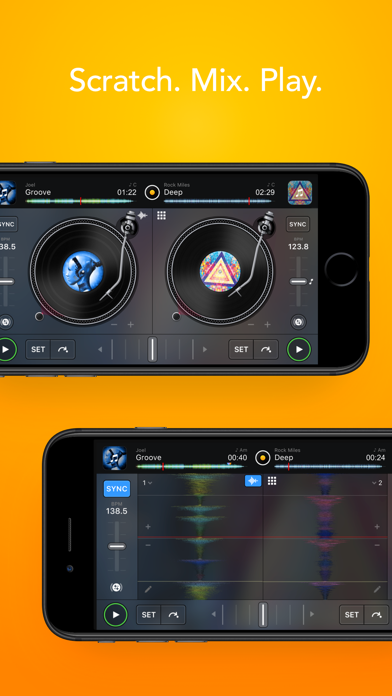
djay transforma tu dispositivo iOS en un sistema de DJ completo. Perfectamente integrado con tu biblioteca musical, djay te permite mezclar tus canciones y listas favoritas. Puedes actuar en vivo, remezclar temas o activar el modo Automix para que djay genere automáticamente una mezcla continua. Tanto si eres un DJ profesional como si estás empezando y simplemente te encanta experimentar con la música, djay te ofrece la experiencia de DJ más intuitiva y potente disponible en iOS.
INTEGRACIÓN DE SPOTIFY
• Acceso al catálogo completo de música de Spotify
• Tus playlists, selecciones editoriales y más, integradas sin interrupciones
• Potentes herramientas de búsqueda para explorar el extenso catálogo de Spotify
INTEGRACIÓN DE APPLE MUSIC
• Acceso a más de 100 millones de canciones
• Tu biblioteca: toda tu música integrada de forma fluida
• Potentes funciones de búsqueda en el amplio catálogo de Apple Music
• Match: recomendaciones basadas en la canción que estés reproduciendo
• Añade canciones y listas a tu biblioteca de Apple Music directamente desde djay
BIBLIOTECA MULTIMEDIA AVANZADA
• Spotify: millones de canciones + tus playlists (suscripción Premium)
• Apple Music: millones de canciones + tu biblioteca personal en la nube (suscripción Apple Music)
• TIDAL: millones de temas y videoclips en alta calidad (TIDAL DJ Extension)
• SoundCloud: millones de temas underground y premium (SoundCloud Go+)
• Beatport: millones de pistas de música electrónica (suscripciones Beatport avanzadas)
• Beatsource: millones de pistas de open-format (suscripción Beatsource)
• Archivos: acceso a archivos en la nube (Dropbox, etc.), en tu dispositivo iOS o en discos externos
• Mi colección: gestión avanzada de playlists y edición de metadatos
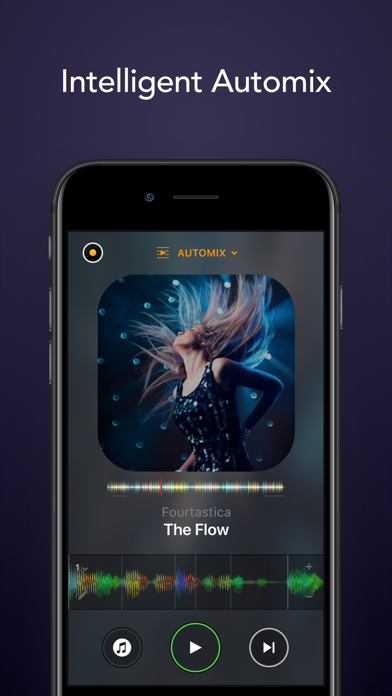
AUTOMIX
• Mezclas automáticas con sincronización de tempo
• Automatización de colas y playlists
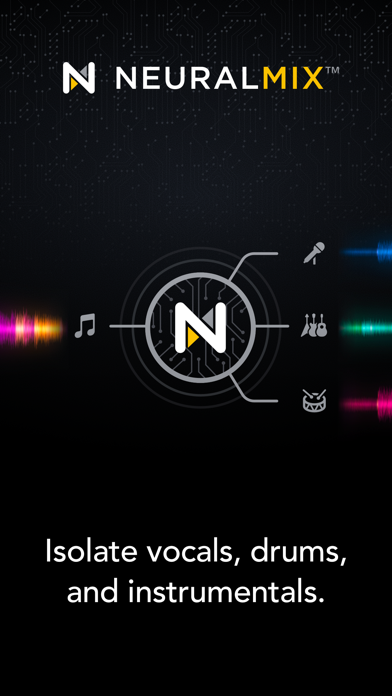
NEURAL MIX™
• Aísla voces, baterías e instrumentales en tiempo real
(no disponible con Apple Music o Spotify)
HERRAMIENTAS DE PRODUCCIÓN MUSICAL
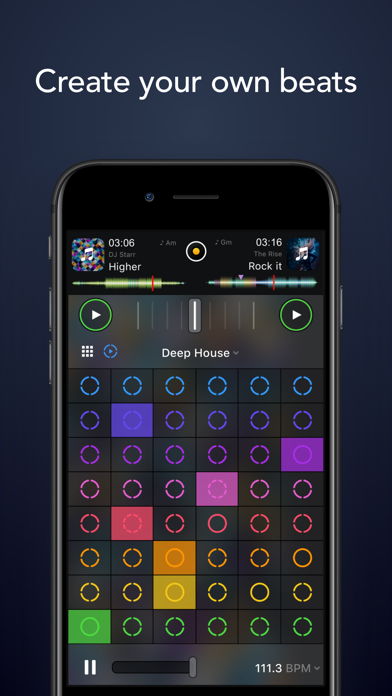
• Secuenciador: crea ritmos sobre tus canciones en vivo
• Looper: remezcla tu música con hasta 48 loops por pista
• Secuenciación sincronizada de baterías y samples
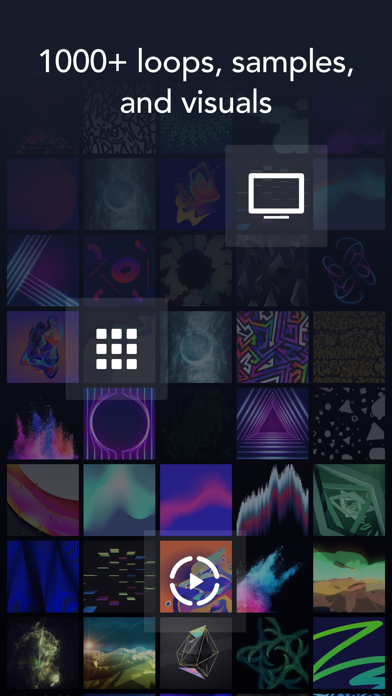
• Extensa biblioteca con más de 1000 loops y samples
INTEGRACIÓN DE HARDWARE
• Integración plug-and-play con más de 100 controladores MIDI
• Sistema de Vinilo Digital (DVS)
• Compatibilidad con audio y MIDI por Bluetooth
• Compatibilidad con interfaces de audio USB multicanal y salida de vídeo
MOTOR DE AUDIO AVANZADO
• Integración con Ableton Link
• Mezclador de alta calidad, filtros, EQ e isolator
• Time-stretching y pitch-shifting avanzados
• Más de 40 efectos de audio integrados
• Grabación en vivo
ANÁLISIS DE AUDIO AVANZADO
• Fluid Beat Grid: el motor de detección de tempo y sincronización más avanzado del mundo
• Detección de tonalidad
• Forma de onda en color
• Auto-Gain
DISEÑADO PARA iOS
• Accesible con VoiceOver
• Integración con AirPlay, Apple Watch y iCloud
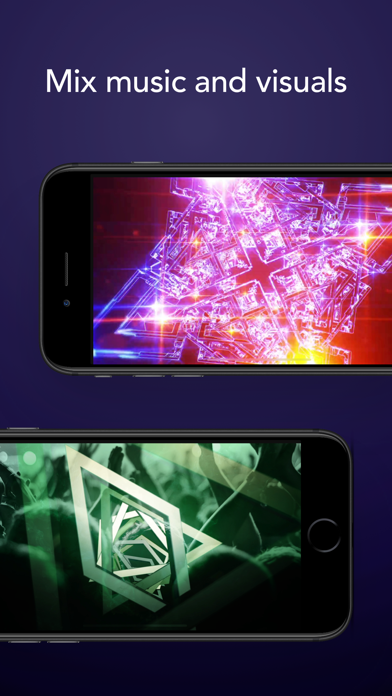
La suscripción opcional PRO te permite usar djay Pro en todos tus dispositivos Mac y iOS con una sola suscripción, con acceso a todas las funciones PRO y a más de 1000 loops, samples y visuales. Cancela cuando quieras.
Se requiere una suscripción de streaming compatible y una conexión a internet para acceder a canciones desde un servicio de streaming en djay. No es posible grabar canciones reproducidas desde servicios de streaming. Neural Mix no está disponible al usar Apple Music o Spotify. Algunas canciones pueden no estar disponibles en tu cuenta o país. La disponibilidad y precios de los servicios de streaming pueden variar según el país, la moneda y el proveedor.
- iPhone أو iPad بجيلبريك أو بدون جيلبريك.
- Sideloadly أو بدائلها.
- كمبيوتر يعمل بنظام Windows/macOS/Linux مع تثبيت iTunes.
الخطوة 1: قم بتنزيل ملف .IPA المعدّل مسبقًا من الرابط أعلاه إلى الكمبيوتر الخاص بك. للتنزيل من تطبيق iOSGods App، اطلع على دليل تنزيل IPA من تطبيق iOSGods App الذي يتضمن مثالًا بالفيديو.
الخطوة 2: قم بتنزيل Sideloadly وتثبيته على جهاز Windows أو Mac.
الخطوة 3: افتح Sideloadly على الكمبيوتر، ووصّل جهاز iOS الخاص بك، وانتظر حتى يظهر اسم جهازك داخل Sideloadly.
الخطوة 4: بمجرد التعرّف على جهاز iDevice الخاص بك، اسحب ملف .IPA المعدّل الذي قمت بتنزيله وأفلِته داخل تطبيق Sideloadly.
الخطوة 5: أدخل البريد الإلكتروني لحساب Apple Account الخاص بك، ثم اضغط على «Start». سيُطلب منك بعد ذلك إدخال كلمة المرور. تابع وأدخل المعلومات المطلوبة.
الخطوة 6: انتظر حتى ينتهي Sideloadly من تحميل/تثبيت ملف IPA المعدّل. في حال واجهت أي مشاكل أثناء التثبيت، يرجى قراءة الملاحظة أدناه.
الخطوة 7: بعد اكتمال التثبيت ورؤية التطبيق على الشاشة الرئيسية، انتقل إلى Settings → General → Profiles / VPN & Device Management. ثم اضغط على البريد الإلكتروني الذي أدخلته في الخطوة 6، ثم اضغط على «الوثوق بـ [email protected]».
الخطوة 8: الآن انتقل إلى الشاشة الرئيسية وافتح التطبيق الذي تم تثبيته للتو وسيعمل كل شيء بشكل صحيح. قد تحتاج إلى اتباع تعليمات إضافية خاصة بكل تطبيق داخل النافذة المنبثقة للتعديل أثناء اللعب.
ملاحظة: بدءًا من iOS/iPadOS 16 وما بعده، يجب تفعيل وضع المطور (Developer Mode). بالنسبة لحسابات Apple Developer المجانية، ستحتاج إلى تكرار هذه العملية كل 7 أيام. إذا كانت لديك أي أسئلة أو مشاكل، يرجى قراءة قسم الأسئلة الشائعة حول Sideloadly في الموضوع.