تسجيل الدخول مطلوب
سجّل الدخول بحساب iOSGods للمتابعة.
سجّل الدخول بحساب iOSGods للمتابعة.

تطبيق DJ وخلاط ذكي يفتح ميزات PRO، حيث يحول جهاز iOS الخاص بك إلى نظام إنتاج موسيقى متكامل مع تقنية Neural Mix. عزل الأصوات والطبول والموسيقى الآلية في الوقت الفعلي، ومزج أغانيك المفضلة بسلاسة، والأداء المباشرة أو تفعيل وضع الخلط التلقائي للمزج الآلي، كل ذلك مع الوصول المميز عبر هذا Mod IPA.
- PRO → يفتح ميزات DJ والإنتاج المتقدمة
يأتي هذا التطبيق أيضًا مع iGameGod، مما يتيح لك الوصول إلى Auto Touch لأتمتة المهام المتكررة، وApp Speed Manager لضبط سرعة اللعب، وتعديل القيم عبر Memory Engine، والمزيد من أدوات ألعاب iOS القوية.
قم بتنزيل djay - DJ App & AI Mixer Hack modded IPA من الروابط أعلاه. اضغط على زر التثبيت واتبع التعليمات لتثبيت هذا التعديل لـ iOS على iPhone أو iPad أو Apple Silicon.
هل تحتاج إلى مزيد من المساعدة؟ راجع الأسئلة الشائعة لتطبيق iOSGods للحصول على إجابات مفصلة ونصائح لاستكشاف الأخطاء.
*** Now with Spotify and Apple Music integration ***
Welcome to djay! The #1 DJ app and winner of multiple Apple Design Awards lets you start mixing your favorite music instantly. Connect your Spotify or Apple Music account to access millions of songs and create your own DJ mixes in no time – right inside djay.
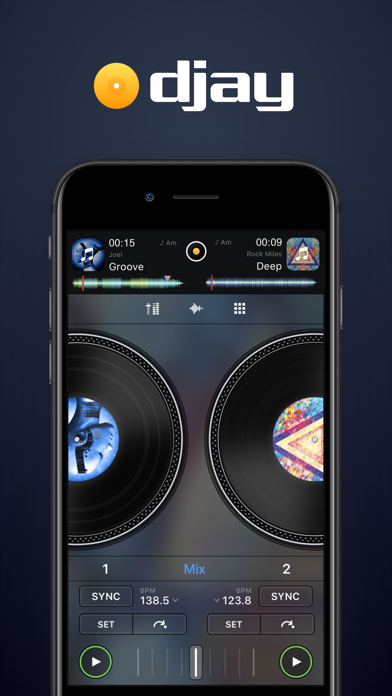
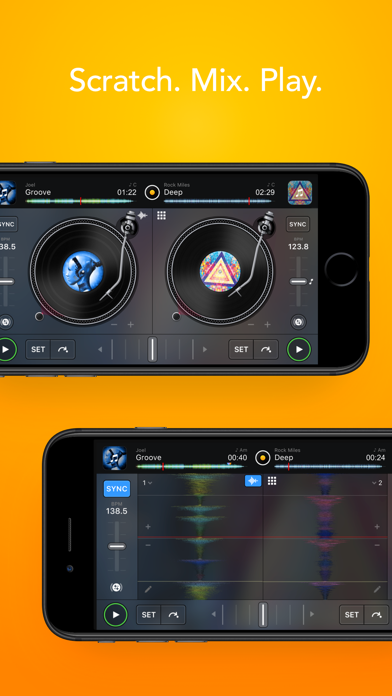
djay transforms your iOS device into a full-featured DJ system. Seamlessly integrated with your music library, djay allows you to mix your favorite songs and playlists. You can perform live, remix tracks, or enable Automix mode to let djay create a seamless mix for you automatically. Whether you are a professional DJ or a beginner who just loves to play with music, djay offers you the most intuitive yet powerful DJ experience on an iOS device.
SPOTIFY INTEGRATION
• Access to the full Spotify music catalog
• Your playlists, editorial selections, and more seamlessly integrated
• Powerful search capabilities for the vast music catalog of Spotify
APPLE MUSIC INTEGRATION
• Access to over 100 million songs
• Your library: all your music seamlessly integrated
• Powerful search capabilities for the vast music catalog of Apple Music
• Match: recommendations based on the currently playing song
• Add songs and playlists o your Apple Music library right from within djay
ADVANCED MEDIA LIBRARY
• Spotify: Millions of tracks + your own playlists (Spotify Premium subscription)
• Apple Music: Millions of tracks + your personal library in the cloud (Apple Music subscription)
• TIDAL: Millions of tracks, music videos, high quality sound (TIDAL DJ Extension)
• SoundCloud: Millions of underground and premium tracks (SoundCloud Go+)
• Beatport: Millions of electronic music tracks (Beatport Advanced Subscriptions)
• Beatsource: Millions of open-format music tracks (Beatsource Subscription)
• Files: access files in the cloud (e.g. Dropbox), on your iOS device, or on external hard drives seamlessly
• My Collection: Powerful playlists management and meta data editing
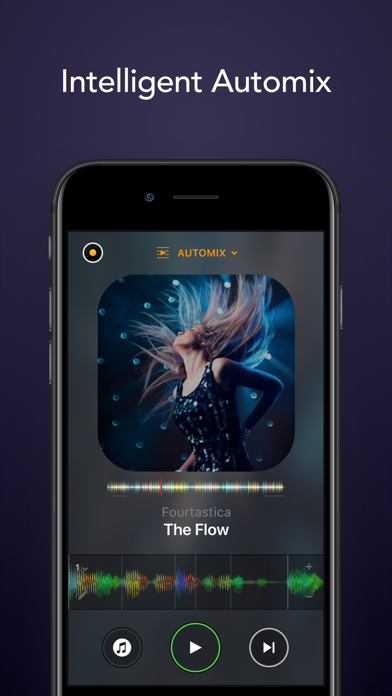
AUTOMIX
• Automatic, beat-matched mixes
• Queue and Playlist automation
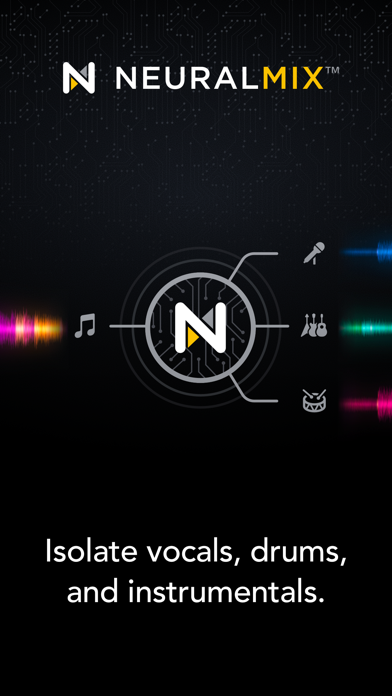
NEURAL MIX™
• Isolate vocals, drums, and instrumentals in real time (not available with Apple Music or Spotify)
MUSIC PRODUCTION TOOLS
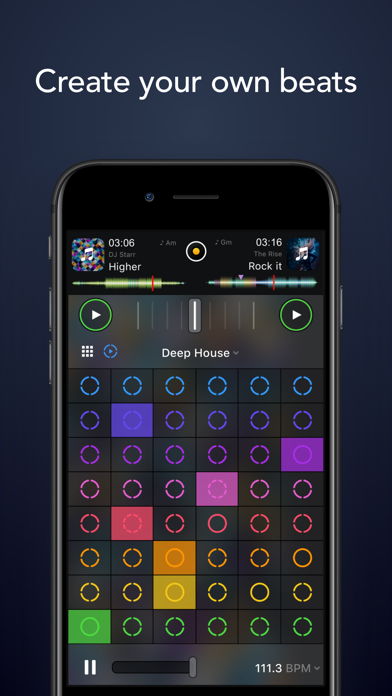
• Sequencer: create beats on top of your music live
• Looper: remix your music with up to 48 loops per track
• Beat-matched sequencing of drums and samples
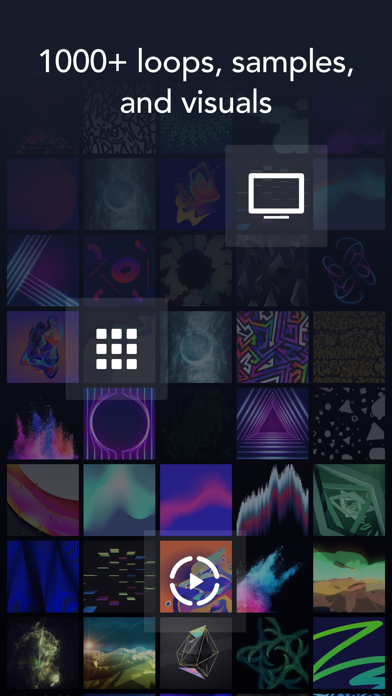
• Extensive content library with 1000+ loops and samples.
HARDWARE INTEGRATION
• Plug-and-play integration with 100+ MIDI controllers by Pioneer DJ, AlphaTheta, Reloop, Hercules, Numark, Denon DJ
• Digital Vinyl System (DVS) Integration
• Advanced MIDI Learn to map any class-compliant MIDI controller
• Support for Bluetooth audio and MIDI
• Support for multi-channel USB audio interfaces and video output
POWERFUL AUDIO ENGINE
• Ableton Link integration
• High-quality mixer, filter, EQ, isolator, and limiter
• Advanced time-stretching and pitch shifting
• Over 40 built-in audio effects
• Live recording
ADVANCED AUDIO ANALYSIS
• Fluid Beat Grid: the world’s most sophisticated beat detection and sync engine
• Key detection
• Colored waveforms
• Auto-Gain
BUILT FOR iOS
• Accessible via VoiceOver
• Airplay, Apple Watch, and iCloud integration
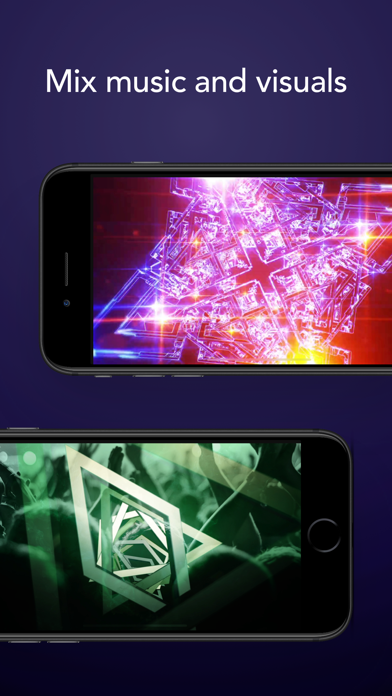
The optional PRO subscription allows you to subscribe once and use djay Pro across all your Mac and iOS devices, including access to all PRO features, as well as 1000+ loops, samples, and visuals. Cancel anytime.
A supported streaming subscription and an internet connection are required to access songs from a streaming service in djay. No recording available for streamed songs. Neural Mix cannot be used when streaming from Apple Music or Spotify. Specific songs may not be available or accessible on your account or in your country. Streaming service availability and pricing may vary depending on country, currency and service.
- iPhone أو iPad بجيلبريك أو بدون جيلبريك.
- Sideloadly أو بدائلها.
- كمبيوتر يعمل بنظام Windows/macOS/Linux مع تثبيت iTunes.
الخطوة 1: قم بتنزيل ملف .IPA المعدّل مسبقًا من الرابط أعلاه إلى الكمبيوتر الخاص بك. للتنزيل من تطبيق iOSGods App، اطلع على دليل تنزيل IPA من تطبيق iOSGods App الذي يتضمن مثالًا بالفيديو.
الخطوة 2: قم بتنزيل Sideloadly وتثبيته على جهاز Windows أو Mac.
الخطوة 3: افتح Sideloadly على الكمبيوتر، ووصّل جهاز iOS الخاص بك، وانتظر حتى يظهر اسم جهازك داخل Sideloadly.
الخطوة 4: بمجرد التعرّف على جهاز iDevice الخاص بك، اسحب ملف .IPA المعدّل الذي قمت بتنزيله وأفلِته داخل تطبيق Sideloadly.
الخطوة 5: أدخل البريد الإلكتروني لحساب Apple Account الخاص بك، ثم اضغط على «Start». سيُطلب منك بعد ذلك إدخال كلمة المرور. تابع وأدخل المعلومات المطلوبة.
الخطوة 6: انتظر حتى ينتهي Sideloadly من تحميل/تثبيت ملف IPA المعدّل. في حال واجهت أي مشاكل أثناء التثبيت، يرجى قراءة الملاحظة أدناه.
الخطوة 7: بعد اكتمال التثبيت ورؤية التطبيق على الشاشة الرئيسية، انتقل إلى Settings → General → Profiles / VPN & Device Management. ثم اضغط على البريد الإلكتروني الذي أدخلته في الخطوة 6، ثم اضغط على «الوثوق بـ [email protected]».
الخطوة 8: الآن انتقل إلى الشاشة الرئيسية وافتح التطبيق الذي تم تثبيته للتو وسيعمل كل شيء بشكل صحيح. قد تحتاج إلى اتباع تعليمات إضافية خاصة بكل تطبيق داخل النافذة المنبثقة للتعديل أثناء اللعب.
ملاحظة: بدءًا من iOS/iPadOS 16 وما بعده، يجب تفعيل وضع المطور (Developer Mode). بالنسبة لحسابات Apple Developer المجانية، ستحتاج إلى تكرار هذه العملية كل 7 أيام. إذا كانت لديك أي أسئلة أو مشاكل، يرجى قراءة قسم الأسئلة الشائعة حول Sideloadly في الموضوع.