Inloggen vereist
Log in met je iOSGods-account om door te gaan.
Hack Features:
- Unlocked All Courses (Turn on from Mod Menu first)
NOTE: You need to login into your Simply Piano account for it to work. Guest account won't work. If you have crash issue, use Sideloadly
https://www.youtube.com/watch?v=hjbi8BsBLi8
Download Simply Piano: Learn Piano Fast iOS Mod IPA via de bovenstaande links. Tik op de installatieknop en volg de instructies om deze iOS-app-hack op je iPhone, iPad of Apple Silicon te installeren.
Meer hulp nodig? Bekijk onze Veelgestelde vragen over de iOSGods-app voor uitgebreide antwoorden en probleemoplossingstips.
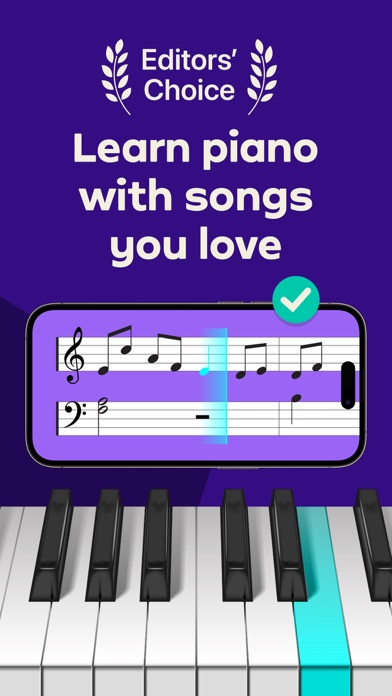
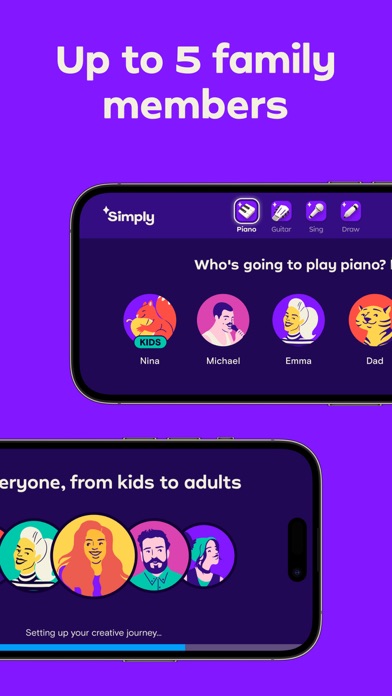
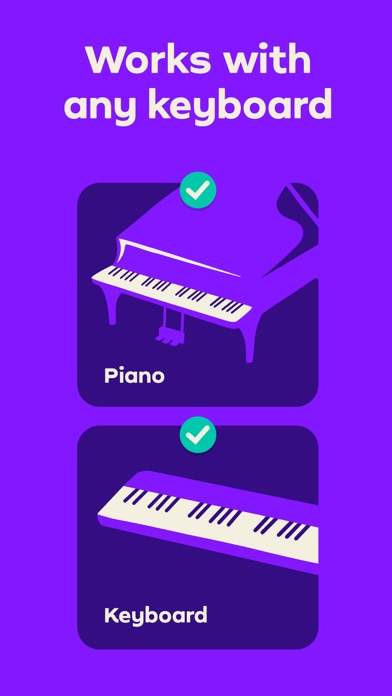
Simply Piano is a fast and fun way to learn piano, from beginner to pro. Works with any piano or keyboard. Chosen as one of the best iPhone apps.
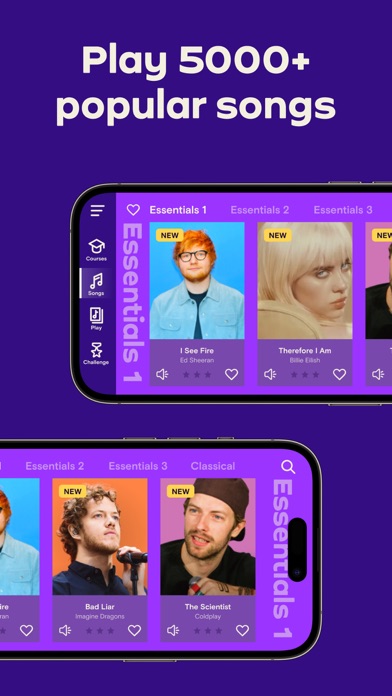
- Tons of fun songs like Imagine, Chandelier, All Of Me and Counting Stars, also J.S. Bach
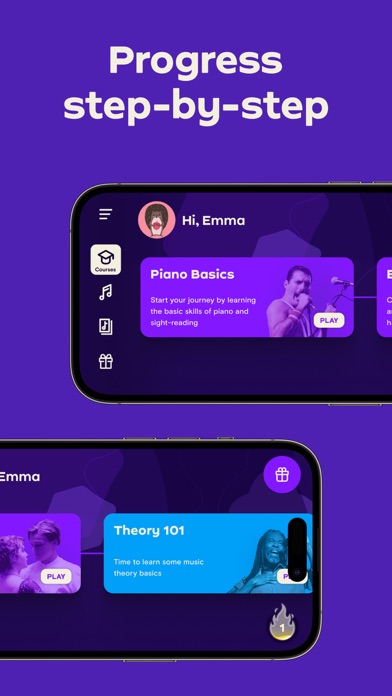
- Includes courses for different musical tastes and playing levels
- Learn the basics step-by-step from reading sheet music to playing with both hands
- Slow down library songs to choose your own pace for easy learning
- Personalized 5-Min Workouts ensuring you progress fast and always succeed
- Suitable for all ages, no previous knowledge required to learn piano
No Piano? Try the Touch Courses with 3D Touch to turn your device into an on-screen keyboard!
How it works:
- Place your device (iPhone/iPad/iPod) on your acoustic/MIDI piano or keyboard and play; the app will immediately recognize what you are playing
- Get instant feedback on your playing to quickly learn and improve your piano skills
- Discover the magic of music with fun songs in the Library and complete courses to start sounding like a pro
How the Subscription Works:
- All app users can play two free courses. Upgrade to a premium subscription package at any time.
- Subscribers will receive full access to ALL courses. New courses and songs added every month!
- All recurring subscriptions will auto-renew unless auto-renewal is turned off at least 24 hours before the end of the current period.
- Account will be charged for renewal within 24-hours prior to the end of the current period, at the cost of the chosen package.
- Any unused portion of a free trial period, if offered, will be forfeited when the user purchases a subscription to that publication, where applicable.
- Subscriptions may be managed by the user and auto-renewal may be turned off by going to the user's Account Settings after purchase.
- Your subscription is for your iTunes account and can be used on your iOS device.
- Payments will be charged to your iTunes account at confirmation of purchase.
- Subscriptions cannot be cancelled during the active subscription period.
Simply Piano is developed by Simply, creators of award-winning apps Simply Guitar, Simply Sing, Piano Maestro and Piano Dust Buster. Created by music educators, the apps are used by tens of thousands of music teachers worldwide with over 1 million songs learned every week. Simply are experts in creating educational and fun music apps for learning piano quickly and easily.
Awards & Recognition -
- ""EMI’s Innovation Challenge”
- ""World Summit Award"", by the United Nations
- “Best Tools for Beginners”, NAMM
- ""Best Tablet Game"", GameIS
- “Parents' Choice Award”
- “Golden App”, Apps for Homeschooling
Have questions, feedback or suggestions? Reach out to us via the in-app chat, just tap on Settings and ‘Have a Question’
Enjoy Playing!
privacy policy: https://www.hellosimply.com/legal/privacy
terms of use: https://www.hellosimply.com/legal/terms
- Niet-jailbroken/jailed of jailbroken iPhone of iPad.
- Sideloadly of alternatieven.
- Computer met Windows/macOS/Linux en iTunes geïnstalleerd.
STAP 1: Download het vooraf gehackte .IPA-bestand via de link hierboven naar uw computer. Om het te downloaden vanuit de iOSGods App, bekijk onze iOSGods App IPA-downloadhandleiding met een videovoorbeeld.
STAP 2: Download Sideloadly en installeer het op uw Windows of Mac.
STAP 3: Open Sideloadly op uw computer, sluit uw iOS-apparaat aan en wacht tot de naam van uw apparaat in Sideloadly verschijnt.
STAP 4: Zodra uw iDevice is herkend, sleept u het gedownloade gemodde .IPA-bestand naar de Sideloadly-applicatie.
STAP 5: Voer het e-mailadres van uw Apple Account in en druk op “Start”. U wordt vervolgens gevraagd om uw wachtwoord in te voeren. Geef de gevraagde informatie op.
STAP 6: Wacht tot Sideloadly het sideloaden/installeren van de gehackte IPA heeft voltooid. Als er problemen zijn tijdens de installatie, lees dan onderstaande opmerking.
STAP 7: Zodra de installatie is voltooid en u de app op uw beginscherm ziet, gaat u naar Instellingen → Algemeen → Profielen / VPN- en apparaatbeheer. Tik daar op het e-mailadres dat u in stap 6 hebt ingevoerd en tik vervolgens op “Vertrouw [email protected]”.
STAP 8: Ga nu naar uw beginscherm en open de zojuist geïnstalleerde app; alles zou correct moeten werken. Mogelijk moet u verdere app-specifieke instructies volgen in de hack-popup in het spel.
OPMERKING: Op iOS/iPadOS 16 en later moet u Ontwikkelaarsmodus inschakelen. Voor gratis Apple Developer-accounts moet u dit proces elke 7 dagen herhalen. Als u vragen of problemen hebt, lees dan onze Sideloadly FAQ-sectie van het onderwerp.