تسجيل الدخول مطلوب
سجّل الدخول بحساب iOSGods للمتابعة.
Hack Features:
- Unlocked All Courses (Turn on from Mod Menu first)
NOTE: You need to login into your Simply Piano account for it to work. Guest account won't work. If you have crash issue, use Sideloadly
https://www.youtube.com/watch?v=hjbi8BsBLi8
قم بتنزيل Simply Piano: Learn Piano Fast iOS Mod IPA من الروابط أعلاه. اضغط على زر التثبيت واتبع التعليمات لتثبيت هذا التعديل لـ iOS على iPhone أو iPad أو Apple Silicon.
هل تحتاج إلى مزيد من المساعدة؟ راجع الأسئلة الشائعة لتطبيق iOSGods للحصول على إجابات مفصلة ونصائح لاستكشاف الأخطاء.
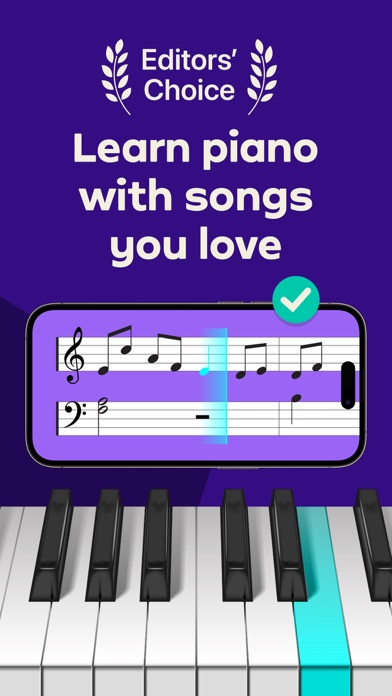
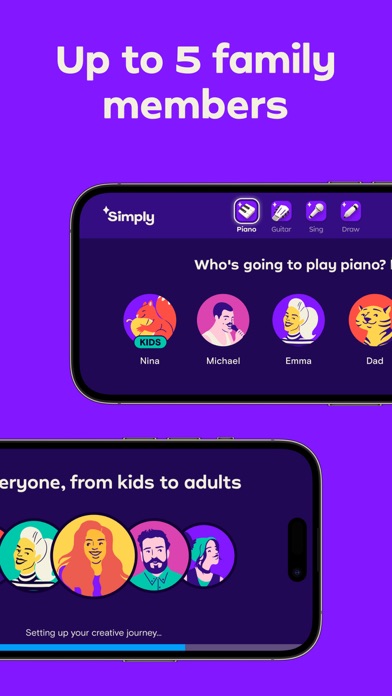
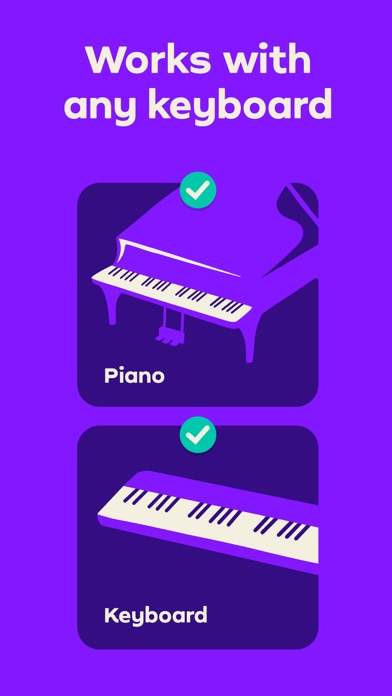
Simply Piano is a fast and fun way to learn piano, from beginner to pro. Works with any piano or keyboard. Chosen as one of the best iPhone apps.
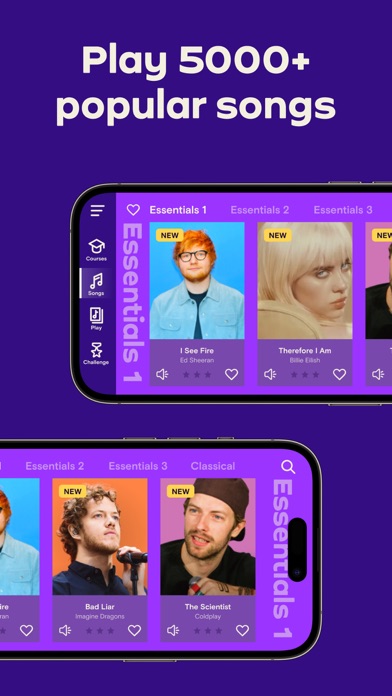
- Tons of fun songs like Imagine, Chandelier, All Of Me and Counting Stars, also J.S. Bach
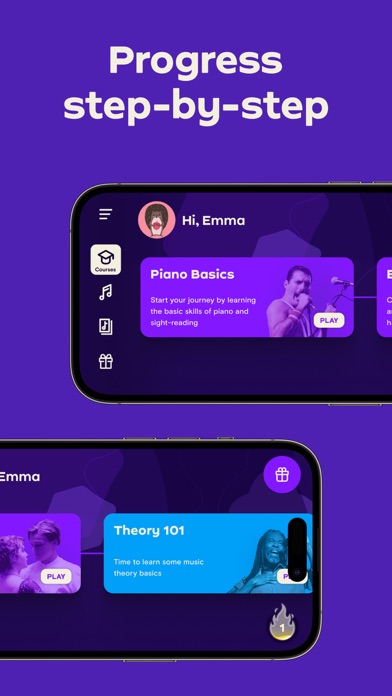
- Includes courses for different musical tastes and playing levels
- Learn the basics step-by-step from reading sheet music to playing with both hands
- Slow down library songs to choose your own pace for easy learning
- Personalized 5-Min Workouts ensuring you progress fast and always succeed
- Suitable for all ages, no previous knowledge required to learn piano
No Piano? Try the Touch Courses with 3D Touch to turn your device into an on-screen keyboard!
How it works:
- Place your device (iPhone/iPad/iPod) on your acoustic/MIDI piano or keyboard and play; the app will immediately recognize what you are playing
- Get instant feedback on your playing to quickly learn and improve your piano skills
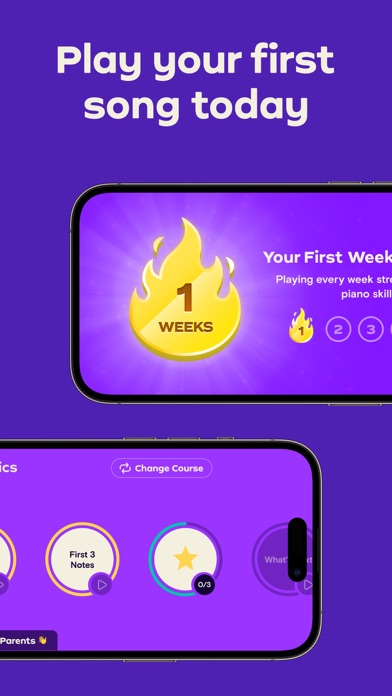
- Discover the magic of music with fun songs in the Library and complete courses to start sounding like a pro
How the Subscription Works:
- All app users can play two free courses. Upgrade to a premium subscription package at any time.
- Subscribers will receive full access to ALL courses. New courses and songs added every month!
- All recurring subscriptions will auto-renew unless auto-renewal is turned off at least 24 hours before the end of the current period.
- Account will be charged for renewal within 24-hours prior to the end of the current period, at the cost of the chosen package.
- Any unused portion of a free trial period, if offered, will be forfeited when the user purchases a subscription to that publication, where applicable.
- Subscriptions may be managed by the user and auto-renewal may be turned off by going to the user's Account Settings after purchase.
- Your subscription is for your iTunes account and can be used on your iOS device.
- Payments will be charged to your iTunes account at confirmation of purchase.
- Subscriptions cannot be cancelled during the active subscription period.
Simply Piano is developed by Simply, creators of award-winning apps Simply Guitar, Simply Sing, Piano Maestro and Piano Dust Buster. Created by music educators, the apps are used by tens of thousands of music teachers worldwide with over 1 million songs learned every week. Simply are experts in creating educational and fun music apps for learning piano quickly and easily.
Awards & Recognition -
- ""EMI’s Innovation Challenge”
- ""World Summit Award"", by the United Nations
- “Best Tools for Beginners”, NAMM
- ""Best Tablet Game"", GameIS
- “Parents' Choice Award”
- “Golden App”, Apps for Homeschooling
Have questions, feedback or suggestions? Reach out to us via the in-app chat, just tap on Settings and ‘Have a Question’
Enjoy Playing!
privacy policy: https://www.hellosimply.com/legal/privacy
terms of use: https://www.hellosimply.com/legal/terms
- iPhone أو iPad بجيلبريك أو بدون جيلبريك.
- Sideloadly أو بدائلها.
- كمبيوتر يعمل بنظام Windows/macOS/Linux مع تثبيت iTunes.
الخطوة 1: قم بتنزيل ملف .IPA المعدّل مسبقًا من الرابط أعلاه إلى الكمبيوتر الخاص بك. للتنزيل من تطبيق iOSGods App، اطلع على دليل تنزيل IPA من تطبيق iOSGods App الذي يتضمن مثالًا بالفيديو.
الخطوة 2: قم بتنزيل Sideloadly وتثبيته على جهاز Windows أو Mac.
الخطوة 3: افتح Sideloadly على الكمبيوتر، ووصّل جهاز iOS الخاص بك، وانتظر حتى يظهر اسم جهازك داخل Sideloadly.
الخطوة 4: بمجرد التعرّف على جهاز iDevice الخاص بك، اسحب ملف .IPA المعدّل الذي قمت بتنزيله وأفلِته داخل تطبيق Sideloadly.
الخطوة 5: أدخل البريد الإلكتروني لحساب Apple Account الخاص بك، ثم اضغط على «Start». سيُطلب منك بعد ذلك إدخال كلمة المرور. تابع وأدخل المعلومات المطلوبة.
الخطوة 6: انتظر حتى ينتهي Sideloadly من تحميل/تثبيت ملف IPA المعدّل. في حال واجهت أي مشاكل أثناء التثبيت، يرجى قراءة الملاحظة أدناه.
الخطوة 7: بعد اكتمال التثبيت ورؤية التطبيق على الشاشة الرئيسية، انتقل إلى Settings → General → Profiles / VPN & Device Management. ثم اضغط على البريد الإلكتروني الذي أدخلته في الخطوة 6، ثم اضغط على «الوثوق بـ [email protected]».
الخطوة 8: الآن انتقل إلى الشاشة الرئيسية وافتح التطبيق الذي تم تثبيته للتو وسيعمل كل شيء بشكل صحيح. قد تحتاج إلى اتباع تعليمات إضافية خاصة بكل تطبيق داخل النافذة المنبثقة للتعديل أثناء اللعب.
ملاحظة: بدءًا من iOS/iPadOS 16 وما بعده، يجب تفعيل وضع المطور (Developer Mode). بالنسبة لحسابات Apple Developer المجانية، ستحتاج إلى تكرار هذه العملية كل 7 أيام. إذا كانت لديك أي أسئلة أو مشاكل، يرجى قراءة قسم الأسئلة الشائعة حول Sideloadly في الموضوع.