需要登入
請使用您的 iOSGods 帳戶登入以繼續。
Hack Features:
- Unlocked All Courses (Turn on from Mod Menu first)
NOTE: You need to login into your Simply Piano account for it to work. Guest account won't work. If you have crash issue, use Sideloadly
https://www.youtube.com/watch?v=hjbi8BsBLi8
從上方連結下載 Simply Piano: Learn Piano Fast iOS Mod IPA。點選安裝按鈕並依照畫面指示在 iPhone、iPad 或 Apple Silicon 上安裝此 iOS 應用程式修改版。
需要更多協助?請查看我們的 iOSGods 應用程式常見問題 以獲得詳細解答與疑難排解。
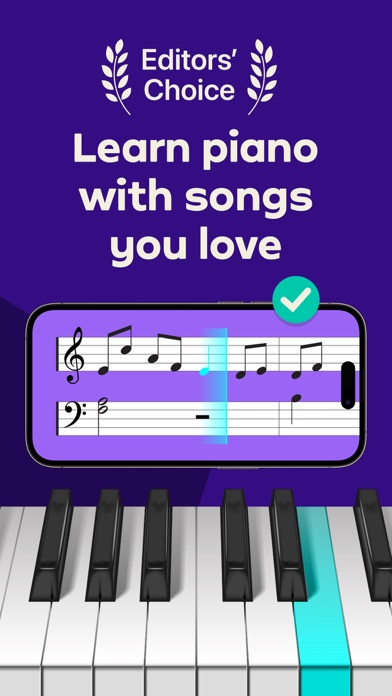
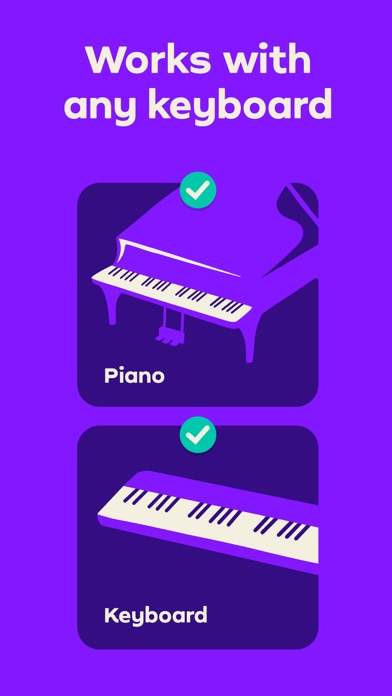
Simply Piano is a fast and fun way to learn piano, from beginner to pro. Works with any piano or keyboard. Chosen as one of the best iPhone apps.
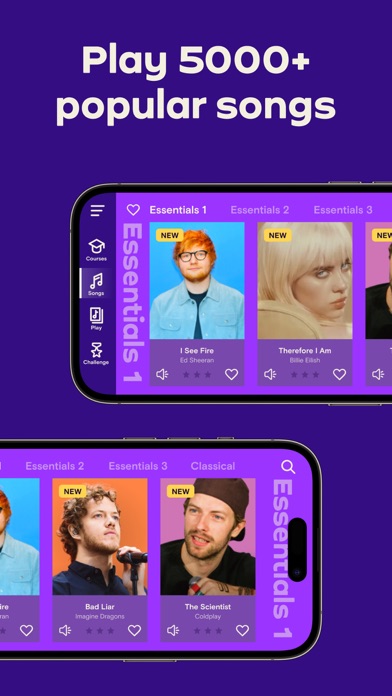
- Tons of fun songs like Imagine, Chandelier, All Of Me and Counting Stars, also J.S. Bach
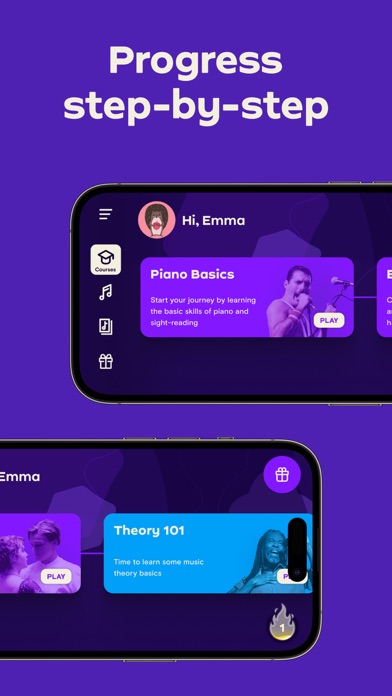
- Includes courses for different musical tastes and playing levels
- Learn the basics step-by-step from reading sheet music to playing with both hands
- Slow down library songs to choose your own pace for easy learning
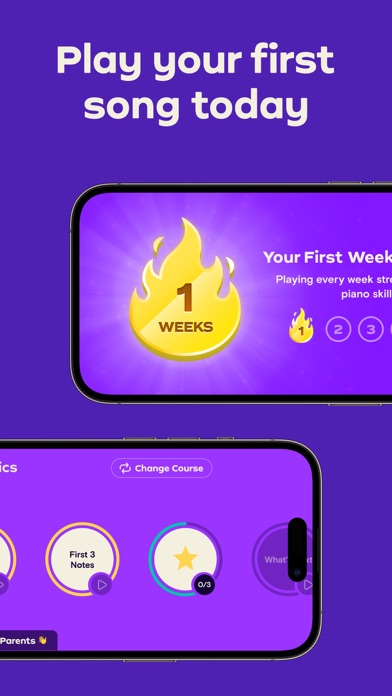
- Personalized 5-Min Workouts ensuring you progress fast and always succeed
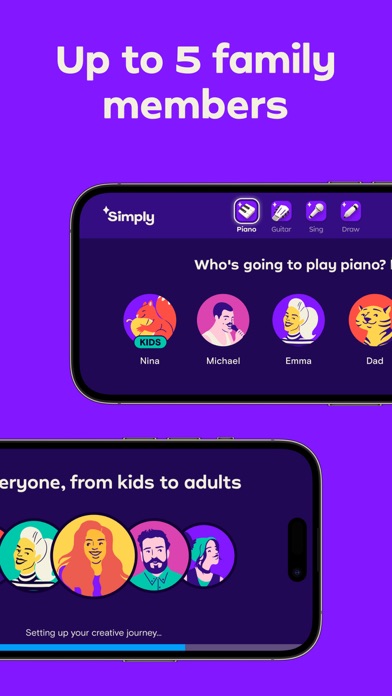
- Suitable for all ages, no previous knowledge required to learn piano
No Piano? Try the Touch Courses with 3D Touch to turn your device into an on-screen keyboard!
How it works:
- Place your device (iPhone/iPad/iPod) on your acoustic/MIDI piano or keyboard and play; the app will immediately recognize what you are playing
- Get instant feedback on your playing to quickly learn and improve your piano skills
- Discover the magic of music with fun songs in the Library and complete courses to start sounding like a pro
How the Subscription Works:
- All app users can play two free courses. Upgrade to a premium subscription package at any time.
- Subscribers will receive full access to ALL courses. New courses and songs added every month!
- All recurring subscriptions will auto-renew unless auto-renewal is turned off at least 24 hours before the end of the current period.
- Account will be charged for renewal within 24-hours prior to the end of the current period, at the cost of the chosen package.
- Any unused portion of a free trial period, if offered, will be forfeited when the user purchases a subscription to that publication, where applicable.
- Subscriptions may be managed by the user and auto-renewal may be turned off by going to the user's Account Settings after purchase.
- Your subscription is for your iTunes account and can be used on your iOS device.
- Payments will be charged to your iTunes account at confirmation of purchase.
- Subscriptions cannot be cancelled during the active subscription period.
Simply Piano is developed by Simply, creators of award-winning apps Simply Guitar, Simply Sing, Piano Maestro and Piano Dust Buster. Created by music educators, the apps are used by tens of thousands of music teachers worldwide with over 1 million songs learned every week. Simply are experts in creating educational and fun music apps for learning piano quickly and easily.
Awards & Recognition -
- ""EMI’s Innovation Challenge”
- ""World Summit Award"", by the United Nations
- “Best Tools for Beginners”, NAMM
- ""Best Tablet Game"", GameIS
- “Parents' Choice Award”
- “Golden App”, Apps for Homeschooling
Have questions, feedback or suggestions? Reach out to us via the in-app chat, just tap on Settings and ‘Have a Question’
Enjoy Playing!
privacy policy: https://www.hellosimply.com/legal/privacy
terms of use: https://www.hellosimply.com/legal/terms
- 未越獄/受限或已越獄的 iPhone 或 iPad。
- Sideloadly 或替代方案。
- 執行 Windows/macOS/Linux 且已安裝 iTunes 的電腦。
步驟 1: 透過上方連結將已破解的 .IPA 檔案下載到您的電腦。若要從 iOSGods App 下載,請參閱我們的 iOSGods App IPA 下載教學,其中包含影片範例。
步驟 2: 下載 Sideloadly 並將其安裝在您的 Windows 或 Mac 上。
步驟 3: 在電腦上開啟 Sideloadly,連接您的 iOS 裝置,並等待裝置名稱出現在 Sideloadly 中。
步驟 4: 當 Sideloadly 辨識到您的 iOS 裝置後,將下載好的修改版 .IPA 檔案拖曳並放到 Sideloadly 應用程式中。
步驟 5: 輸入您的 Apple Account 電子郵件,然後按下「Start」。系統會要求您輸入密碼,請依指示提供所需資訊。
步驟 6: 等待 Sideloadly 完成已破解 IPA 的旁載/安裝。如果安裝過程中發生問題,請閱讀下方的注意事項。
步驟 7: 安裝完成並在主畫面上看到該應用程式後,您需要前往 設定 → 一般 → 描述檔 / VPN 與裝置管理。進入後,點選您在步驟 6 中輸入的電子郵件,然後點選「信任 [email protected]」。
步驟 8: 現在回到主畫面並開啟新安裝的應用程式,一切應該都能正常運作。您可能需要依照遊戲內破解彈出視窗中的進一步指示操作。
注意: 在 iOS/iPadOS 16 及更新版本上,您必須 啟用開發者模式。若使用免費的 Apple Developer 帳號,您將需要每 7 天重複此程序。如有任何疑問或問題,請閱讀我們的 主題中的 Sideloadly 常見問題區段。