تسجيل الدخول مطلوب
سجّل الدخول بحساب iOSGods للمتابعة.
سجّل الدخول بحساب iOSGods للمتابعة.
Hack Features
- Free Paid App
يأتي هذا التطبيق أيضًا مع iGameGod، مما يتيح لك الوصول إلى Auto Touch لأتمتة المهام المتكررة، وApp Speed Manager لضبط سرعة اللعب، وتعديل القيم عبر Memory Engine، والمزيد من أدوات ألعاب iOS القوية.
قم بتنزيل Camera+ 2 modded IPA من الروابط أعلاه. اضغط على زر التثبيت واتبع التعليمات لتثبيت هذا التعديل لـ iOS على iPhone أو iPad أو Apple Silicon.
هل تحتاج إلى مزيد من المساعدة؟ راجع الأسئلة الشائعة لتطبيق iOSGods للحصول على إجابات مفصلة ونصائح لاستكشاف الأخطاء.
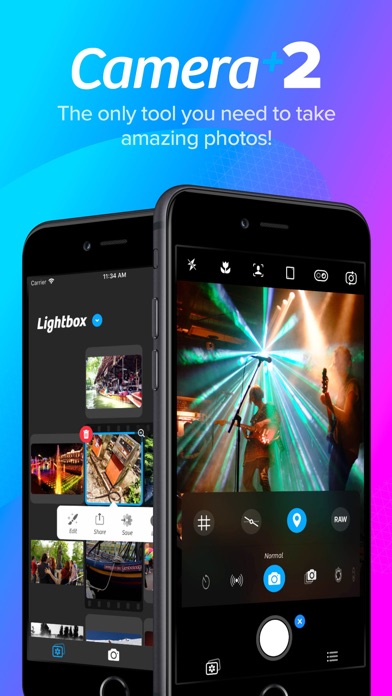
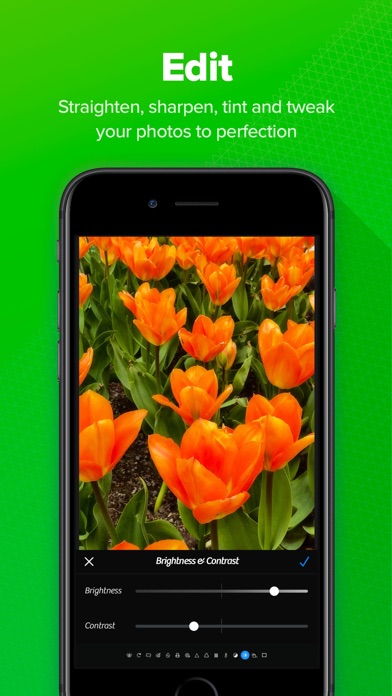
Camera+ is the most advanced and powerful photo capturing and editing app available. With intuitive camera presets, a variety of built-in filters, flexible editing tools, and integration with your photo library, Camera+ lets you produce stunning photos as you unleash your inner artist.
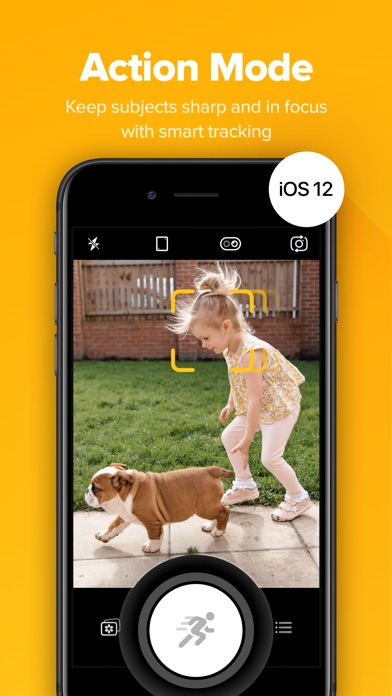
Camera+ offers a range of capture presets for specific purposes, including Auto mode for a simple interface, Manual and RAW modes for full control, Slow Shutter for long exposures, Macro for getting up close, and Action for tracking and capturing fast-moving subjects. Magic ML uses machine learning sorcery to automatically edit and improve your photos as you shoot. Our newest capture preset, UltraRes, allows you to intelligently upscale images using AI. With a variety of shooting assist options and different shutter modes that include Smile mode, Stabilizer, Burst, and Timer, Camera+ makes it easy to capture the perfect shot.
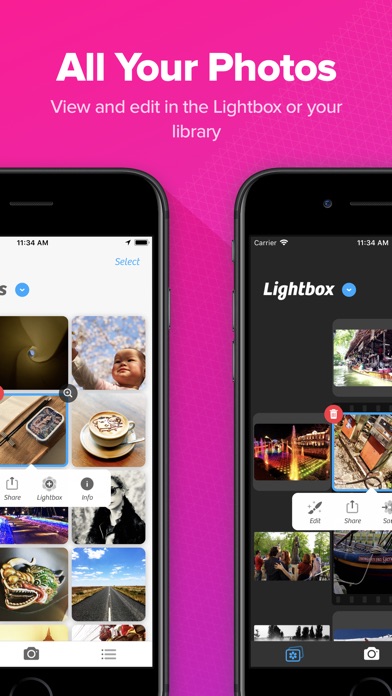
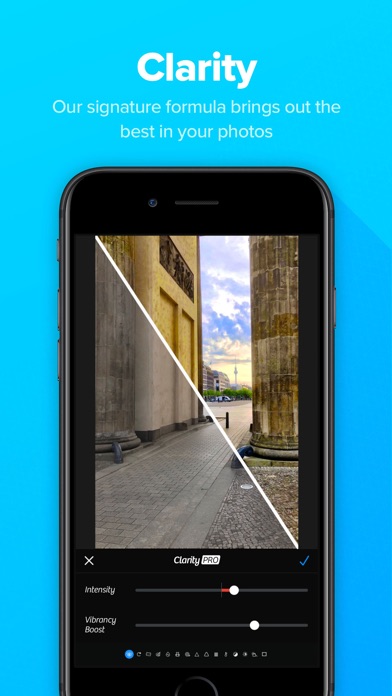
Camera+ features a range of tools to fine-tune the exposure, boost shadows, sharpen your photos, and more. RAW image editing provides maximum flexibility for editing, and allows you to save and edit images with exacting precision. In addition, Camera+ offers integration with your photo library, allowing you to edit photos in place rather than importing and exporting them.
Thank you for considering Camera+ for your photo capturing and editing needs. You can review our:
Privacy Policy: https://www.heavyplumbapps.com/privacy-policy-apps.html
Terms of Use: https://www.heavyplumbapps.com/Service_Terms.html
- iPhone أو iPad بجيلبريك أو بدون جيلبريك.
- Sideloadly أو بدائلها.
- كمبيوتر يعمل بنظام Windows/macOS/Linux مع تثبيت iTunes.
الخطوة 1: قم بتنزيل ملف .IPA المعدّل مسبقًا من الرابط أعلاه إلى الكمبيوتر الخاص بك. للتنزيل من تطبيق iOSGods App، اطلع على دليل تنزيل IPA من تطبيق iOSGods App الذي يتضمن مثالًا بالفيديو.
الخطوة 2: قم بتنزيل Sideloadly وتثبيته على جهاز Windows أو Mac.
الخطوة 3: افتح Sideloadly على الكمبيوتر، ووصّل جهاز iOS الخاص بك، وانتظر حتى يظهر اسم جهازك داخل Sideloadly.
الخطوة 4: بمجرد التعرّف على جهاز iDevice الخاص بك، اسحب ملف .IPA المعدّل الذي قمت بتنزيله وأفلِته داخل تطبيق Sideloadly.
الخطوة 5: أدخل البريد الإلكتروني لحساب Apple Account الخاص بك، ثم اضغط على «Start». سيُطلب منك بعد ذلك إدخال كلمة المرور. تابع وأدخل المعلومات المطلوبة.
الخطوة 6: انتظر حتى ينتهي Sideloadly من تحميل/تثبيت ملف IPA المعدّل. في حال واجهت أي مشاكل أثناء التثبيت، يرجى قراءة الملاحظة أدناه.
الخطوة 7: بعد اكتمال التثبيت ورؤية التطبيق على الشاشة الرئيسية، انتقل إلى Settings → General → Profiles / VPN & Device Management. ثم اضغط على البريد الإلكتروني الذي أدخلته في الخطوة 6، ثم اضغط على «الوثوق بـ [email protected]».
الخطوة 8: الآن انتقل إلى الشاشة الرئيسية وافتح التطبيق الذي تم تثبيته للتو وسيعمل كل شيء بشكل صحيح. قد تحتاج إلى اتباع تعليمات إضافية خاصة بكل تطبيق داخل النافذة المنبثقة للتعديل أثناء اللعب.
ملاحظة: بدءًا من iOS/iPadOS 16 وما بعده، يجب تفعيل وضع المطور (Developer Mode). بالنسبة لحسابات Apple Developer المجانية، ستحتاج إلى تكرار هذه العملية كل 7 أيام. إذا كانت لديك أي أسئلة أو مشاكل، يرجى قراءة قسم الأسئلة الشائعة حول Sideloadly في الموضوع.