Anmeldung erforderlich
Melde dich mit deinem iOSGods-Konto an, um fortzufahren.
Melde dich mit deinem iOSGods-Konto an, um fortzufahren.
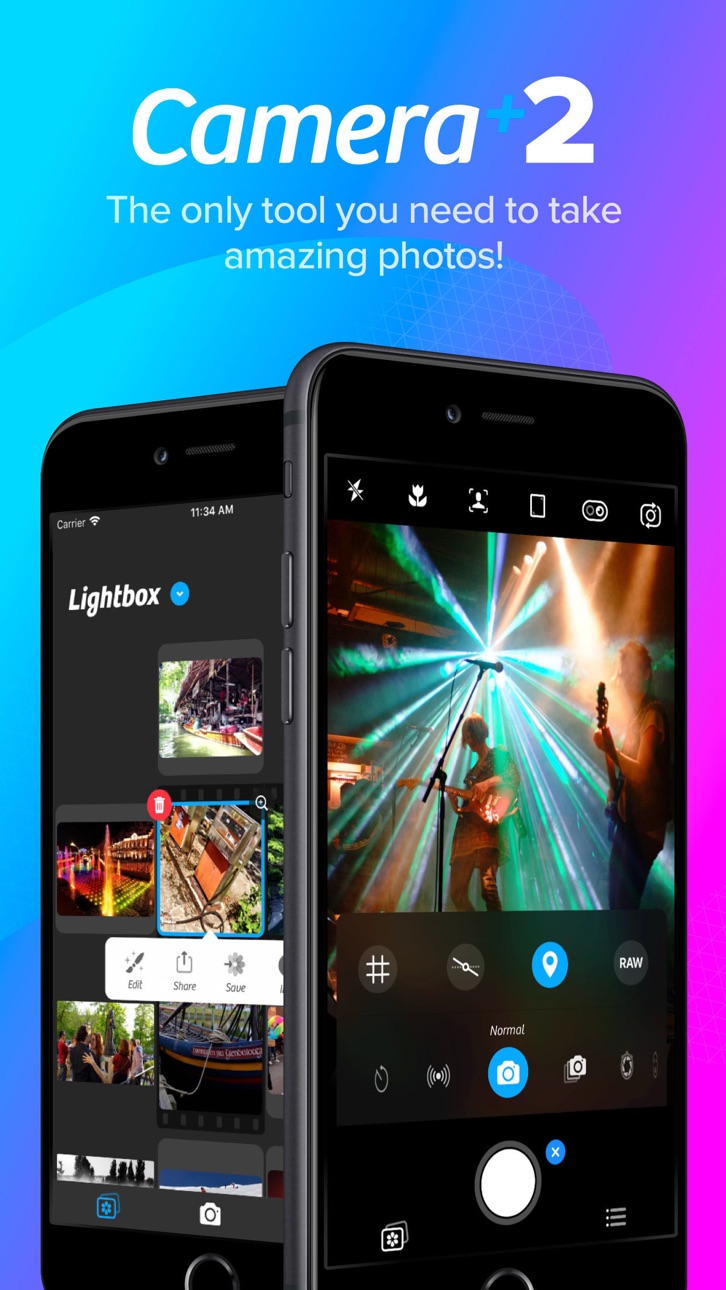
Kostenloser Zugriff auf die Premium-Fototools von Camera+ 2 entsperrt die vollständige kostenpflichtige App als Mod IPA und gibt dir professionelle Kamerasteuerungen und Bearbeitungsfunktionen ohne den App Store-Preis. Camera+ 2 ist eine leistungsstarke Fotografie-App, die sowohl für gelegentliche Fotografen als auch für erfahrene Fotografen entwickelt wurde und mit manuellen Steuerelementen, RAW-Erfassung, Tiefenbearbeitung und kreativen Filtern ausgestattet ist, um deine mobile Fotografie zu verbessern.
- Kostenlose kostenpflichtige App → vollständiger Premium-Zugriff entsperrt
Diese App wird zusätzlich mit iGameGod geliefert und bietet dir Zugriff auf Auto Touch zur Automatisierung sich wiederholender Aufgaben, App Speed Manager für eine anpassbare Spielgeschwindigkeit, Memory Engine zur Wertbearbeitung und weitere leistungsstarke iOS-Spielwerkzeuge.
Lade Camera+ 2 modded IPA über die obigen Links herunter. Tippe auf den Installations-Button und folge den Anweisungen, um diese iOS-App auf deinem iPhone, iPad oder Apple Silicon zu installieren.
Brauchst du mehr Hilfe? In unseren iOSGods App häufig gestellten Fragen findest du ausführliche Antworten und Tipps zur Fehlerbehebung.
Capture breathtaking photos, unlock professional camera controls, and edit every detail with precision. Camera+ combines a powerful DSLR-style camera, advanced AI tools, RAW photography, and professional editing features into one complete photography app.
Whether you're a casual photographer, content creator, traveler, social media enthusiast, or photography professional, Camera+ gives you everything you need to take stunning photos and transform them into masterpieces.
From manual camera controls and RAW capture to AI-powered image enhancement and advanced editing tools, Camera+ helps you create professional-quality photos directly from your iPhone.
► WHY CAMERA+ IS DIFFERENT
Unlike basic camera apps, Camera+ gives you complete creative control over every shot.
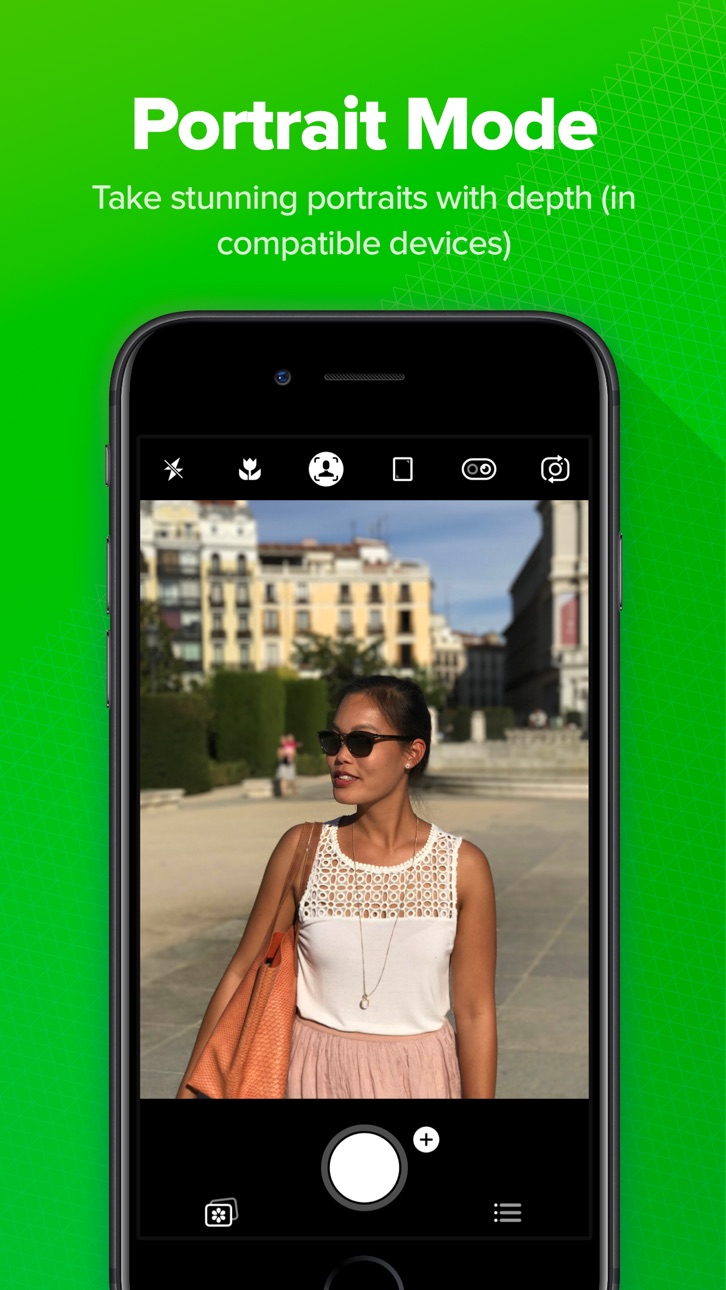
Choose from multiple shooting modes designed for specific photography scenarios, including Manual Mode, RAW Capture, Slow Shutter, Macro Photography, Action Photography, and AI-powered enhancement tools. Whether you're shooting landscapes, portraits, night scenes, sports, pets, food, or travel photography, Camera+ adapts to your style.
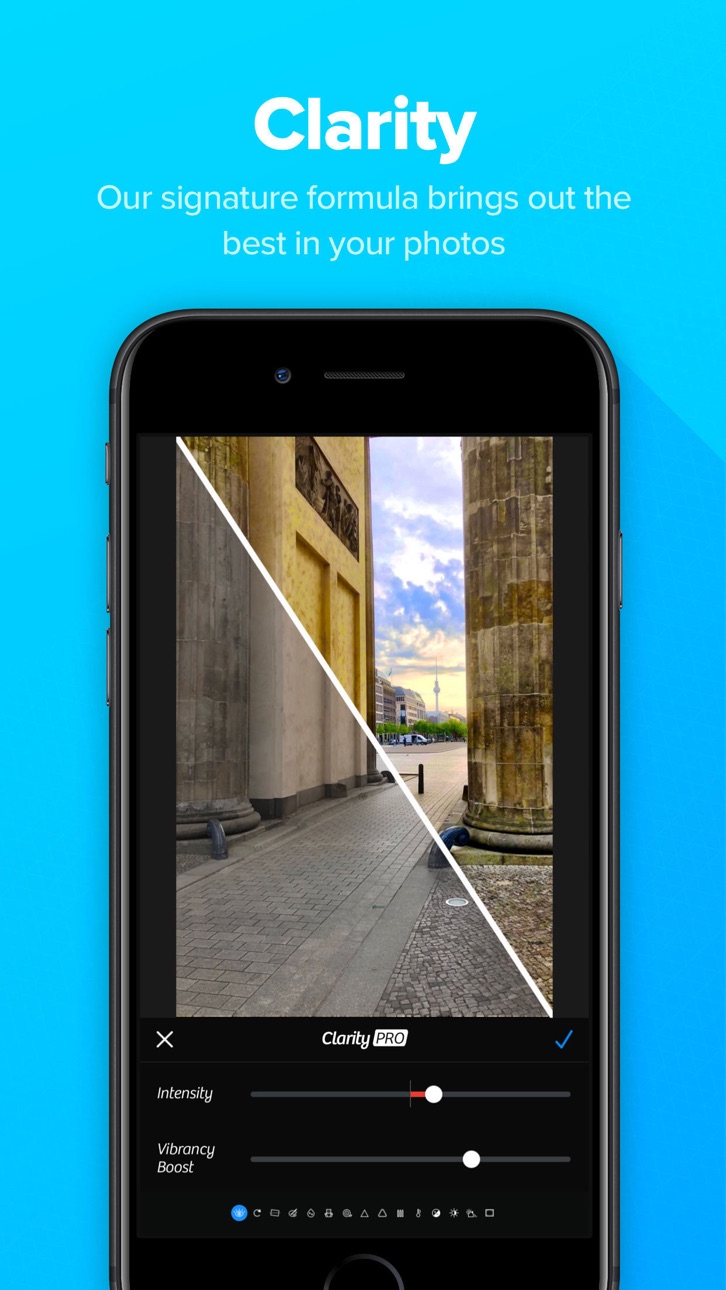
Our intelligent photography engine combines powerful camera technology with machine learning to help you capture sharper, brighter, and more detailed images. Advanced AI tools automatically optimize your photos while preserving natural colors and realistic details.
Camera+ isn't just a camera app—it's a complete photography studio that fits in your pocket.
► KEY FEATURES
► RAW Photography
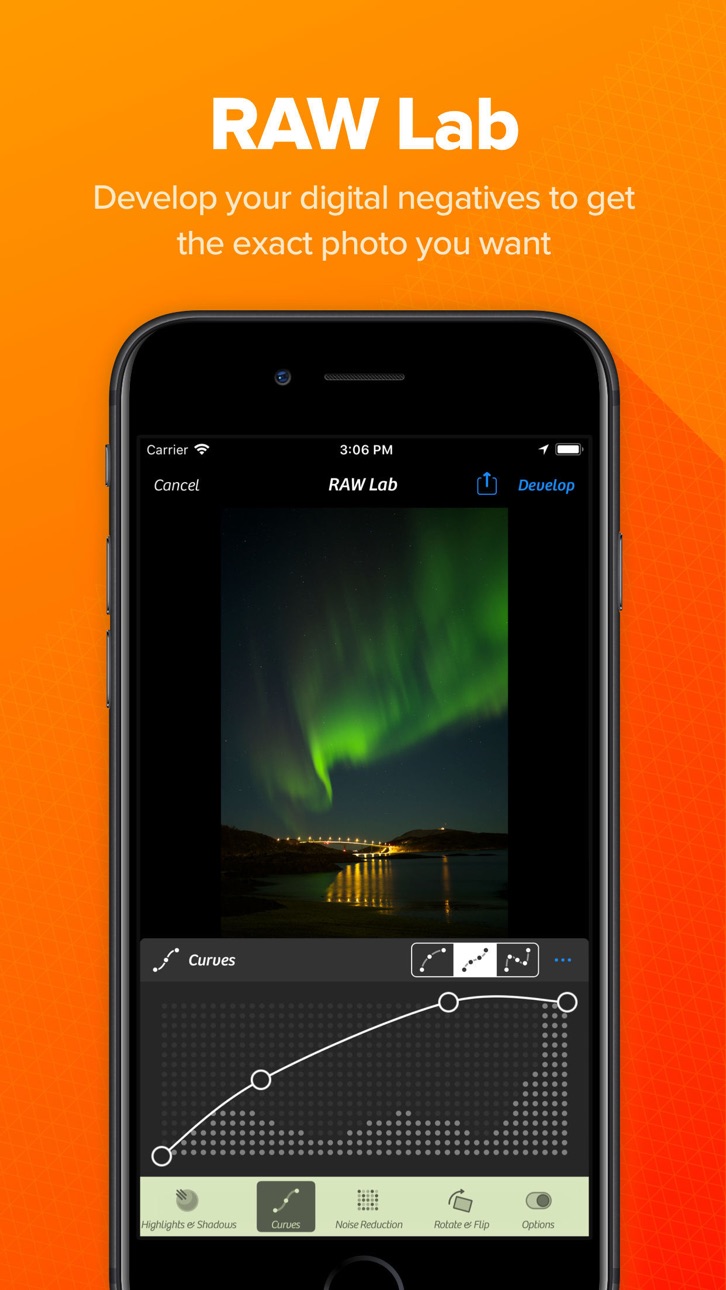
Capture and edit RAW photos for maximum image quality and flexibility.
RAW image support allows you to:
• Preserve more image data
• Recover highlights and shadows
• Achieve greater color accuracy
• Perform professional-grade editing
• Maintain maximum detail
Create stunning images with complete editing freedom.
► UltraRes AI Upscaling
Enhance your photos using advanced artificial intelligence.
UltraRes intelligently analyzes and upscales images to improve:
• Image resolution
• Fine details
• Sharpness
• Texture quality
• Overall clarity
Bring older photos back to life or prepare images for high-quality sharing and printing.
► Magic ML Auto Enhancement
Let AI do the work for you.
Magic ML automatically improves your photos while you shoot by optimizing:
• Exposure
• Contrast
• Brightness
• Color balance
• Sharpness
• Dynamic range
► Get professional-looking results instantly.
Specialized Capture Modes
Auto Mode
Simple, intuitive photography for everyday moments.
Every feature is designed to improve your photography experience and help you achieve better results.
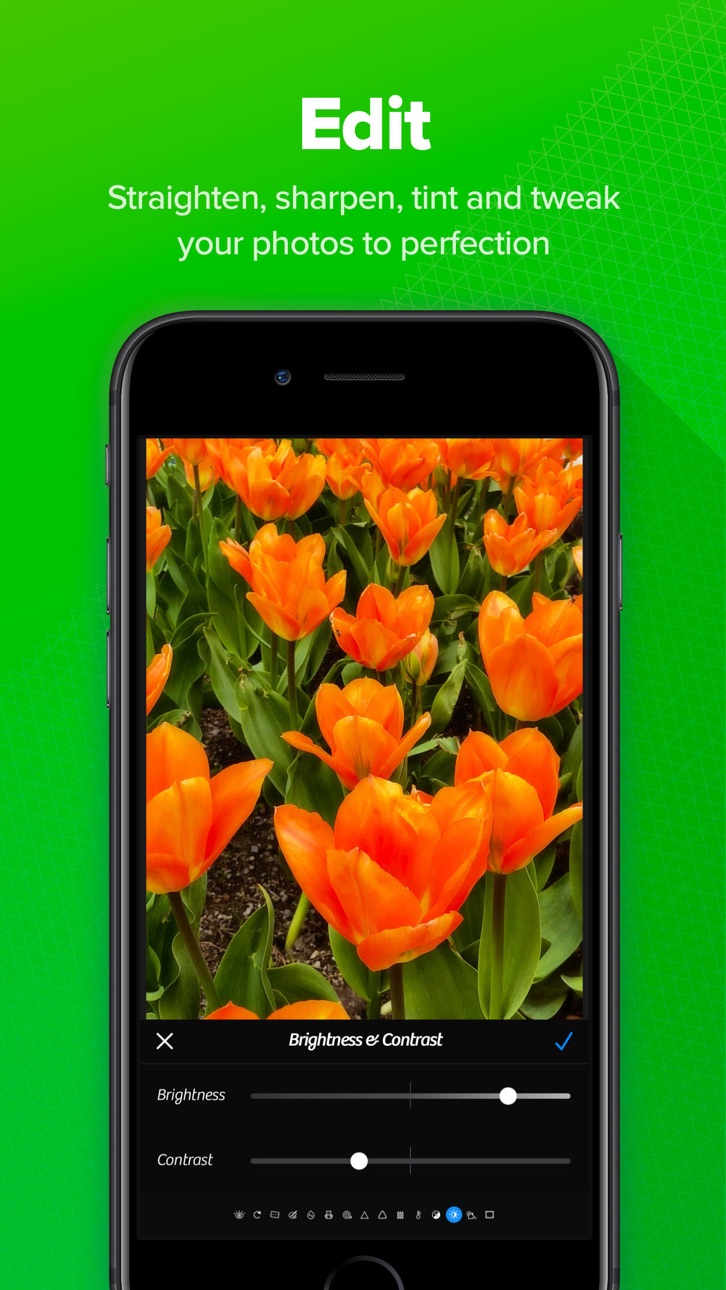
► Powerful Photo Editing Tools
Transform your photos with professional editing capabilities.
► Professional Filters
Apply beautiful filters and creative effects to instantly enhance your photos.
Choose from a wide range of professionally designed looks for:
• Portrait photography
• Travel photos
• Landscapes
• Street photography
• Social media content
► RAW Editing
Professional photographers will appreciate advanced RAW editing tools that preserve image quality while providing maximum flexibility.
Edit with confidence while maintaining complete control over every detail.
Seamless Photo Library Integration
Work directly with your existing photo collection.
► Camera+ integrates smoothly with your photo library, allowing you to:
• Edit photos in place
• Organize images efficiently
• Save storage space
• Maintain a streamlined workflow
• Access your entire photo collection instantly
No complicated importing or exporting required.
Whether you're capturing everyday memories or creating professional content, Camera+ provides the tools you need to achieve exceptional results.
Download Camera+ today and experience one of the most powerful camera and photo editing apps available for iPhone.
Screenshots © der jeweiligen Inhaber · App Store


iOSGods ist nicht mit Apple Inc., Google LLC oder den Entwicklern der hier aufgeführten Apps verbunden und wird von ihnen weder unterstützt noch gesponsert. Apple, iOS und App Store sind Marken von Apple Inc. Android und Google Play sind Marken von Google LLC. Alle weiteren App-Namen, Symbole, Grafiken und Marken gehören ihren jeweiligen Inhabern.
- Nicht-Jailbroken/Jailed oder Jailbroken iPhone oder iPad.
- Sideloadly oder Alternativen.
- Computer mit Windows/macOS/Linux und installiertem iTunes.
SCHRITT 1: Lade die vorinstallierte .IPA-Datei über den obigen Link auf deinen Computer herunter. Zum Herunterladen aus der iOSGods-App siehe unser iOSGods App IPA Download-Tutorial mit Videobeispiel.
SCHRITT 2: Lade Sideloadly herunter und installiere es auf deinem Windows oder Mac.
SCHRITT 3: Öffne Sideloadly auf deinem Computer, verbinde dein iOS-Gerät und warte, bis dein Gerätename in Sideloadly erscheint.
SCHRITT 4: Sobald dein iDevice erkannt wird, ziehe die heruntergeladene gemoddete .IPA-Datei in die Sideloadly-Anwendung.
SCHRITT 5: Gib deine Apple-Account-E-Mail ein und drücke „Start". Du wirst dann nach deinem Passwort gefragt. Gib die erforderlichen Informationen ein.
SCHRITT 6: Warte, bis Sideloadly das Sideloading/Installieren der gehackten IPA abgeschlossen hat. Bei Problemen während der Installation lies bitte den Hinweis unten.
SCHRITT 7: Sobald die Installation abgeschlossen ist und die App auf deinem Home-Bildschirm angezeigt wird, musst du zu Einstellungen → Allgemein → Profile / VPN & Geräteverwaltung gehen. Tippe dort auf die E-Mail, die du in Schritt 6 eingegeben hast, und dann auf „Trust [email protected]".
SCHRITT 8: Gehe nun zu deinem Home-Bildschirm und öffne die neu installierte App – alles sollte einwandfrei funktionieren. Möglicherweise musst du weitere App-spezifische Anweisungen im Hack-Popup im Spiel befolgen.
HINWEIS: iOS/iPadOS 16 und höher: Du musst den Entwicklermodus aktivieren. Bei kostenlosen Apple Developer-Accounts musst du diesen Vorgang alle 7 Tage wiederholen. Bei Fragen oder Problemen lies bitte unsere Sideloadly-FAQ-Sektion im Thema.
Game Name iOS Mod IPA is an action adventure game enhanced with powerful gameplay boosts and quality-of-life improvements. Win battles faster, earn rewards quicker, and enjoy uninterrupted play without ads.
- Unlimited Gold - spend freely to unlock premium content
- Damage Multiplier - deal significantly more damage in combat
- Defense Multiplier - take less damage and survive longer
- Reward Multiplier - earn more loot from every battle
- Max Level - instantly reach the highest player rank
- No Ads - play without interruptions or advertisements
This app also comes with iGameGod, giving you access to Auto Touch to automate repetitive tasks, App Speed Manager for adjustable gameplay speed, Memory Engine value editing, and more powerful iOS game tools.
Lade Game Name Mod IPA über die obigen Links herunter. Tippe auf den Installations-Button und folge den Anweisungen, um diese iOS-App auf deinem iPhone, iPad oder Apple Silicon zu installieren.
Brauchst du mehr Hilfe In unseren iOSGods App häufig gestellten Fragen findest du ausführliche Antworten und Tipps zur Fehlerbehebung.
----------------------------------------------------------
--------------------------------------------------