Потрібен вхід
Увійдіть у свій обліковий запис iOSGods, щоб продовжити.
Увійдіть у свій обліковий запис iOSGods, щоб продовжити.
Безплатний доступ до преміум-інструментів фотографії Camera+ 2 розблоковує повну платну програму як Mod IPA, надаючи вам професійні елементи керування камерою та функції редагування без ціни App Store. Camera+ 2 - це потужна програма для фотографії, розроблена як для випадкових фотографів, так і для досвідчених фотографів, заповнена ручними елементами керування, захопленням RAW, редагуванням глибини та творчими фільтрами для підвищення якості мобільної фотографії.
- Безплатна платна програма → повний доступ до преміум-версії розблокований
Цей застосунок також постачається з iGameGod, який надає доступ до Auto Touch для автоматизації повторюваних дій, App Speed Manager для регулювання швидкості гри, редагування значень за допомогою Memory Engine та інших потужних інструментів для iOS-ігор.
Завантажте Camera+ 2 modded IPA за посиланнями вище. Натисніть кнопку встановлення та дотримуйтесь інструкцій, щоб встановити цей хак iOS на iPhone, iPad або Apple Silicon.
Потрібна додаткова допомога? Перегляньте наш Поширені запитання про застосунок iOSGods для детальних відповідей та порад з усунення несправностей.
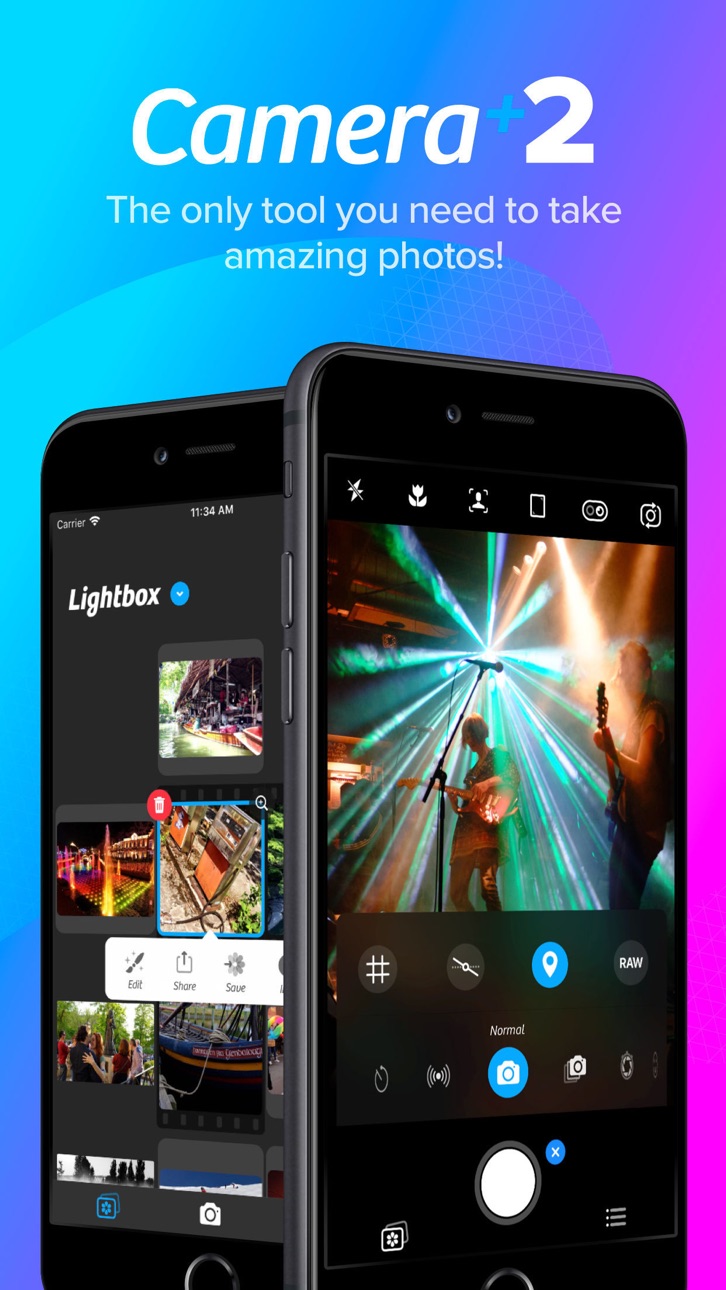
Capture breathtaking photos, unlock professional camera controls, and edit every detail with precision. Camera+ combines a powerful DSLR-style camera, advanced AI tools, RAW photography, and professional editing features into one complete photography app.
Whether you're a casual photographer, content creator, traveler, social media enthusiast, or photography professional, Camera+ gives you everything you need to take stunning photos and transform them into masterpieces.
From manual camera controls and RAW capture to AI-powered image enhancement and advanced editing tools, Camera+ helps you create professional-quality photos directly from your iPhone.
► WHY CAMERA+ IS DIFFERENT
Unlike basic camera apps, Camera+ gives you complete creative control over every shot.
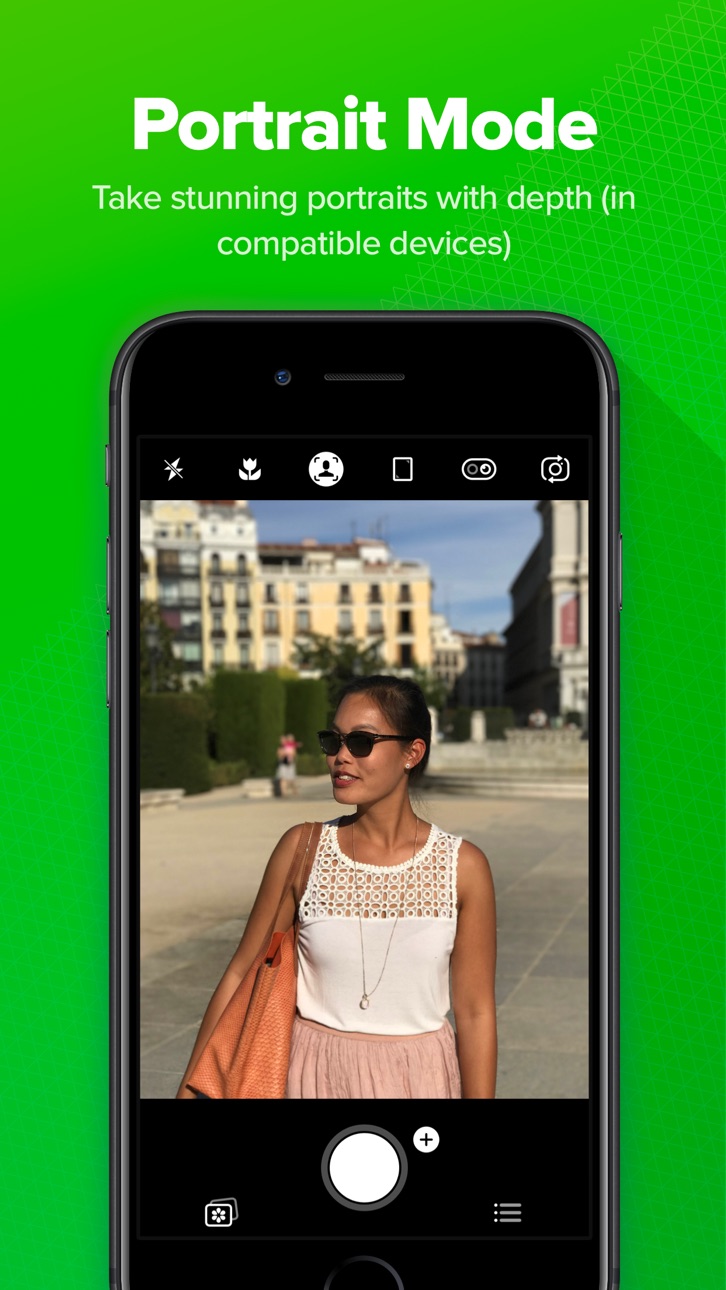
Choose from multiple shooting modes designed for specific photography scenarios, including Manual Mode, RAW Capture, Slow Shutter, Macro Photography, Action Photography, and AI-powered enhancement tools. Whether you're shooting landscapes, portraits, night scenes, sports, pets, food, or travel photography, Camera+ adapts to your style.
Our intelligent photography engine combines powerful camera technology with machine learning to help you capture sharper, brighter, and more detailed images. Advanced AI tools automatically optimize your photos while preserving natural colors and realistic details.
Camera+ isn't just a camera app—it's a complete photography studio that fits in your pocket.
► KEY FEATURES
► RAW Photography
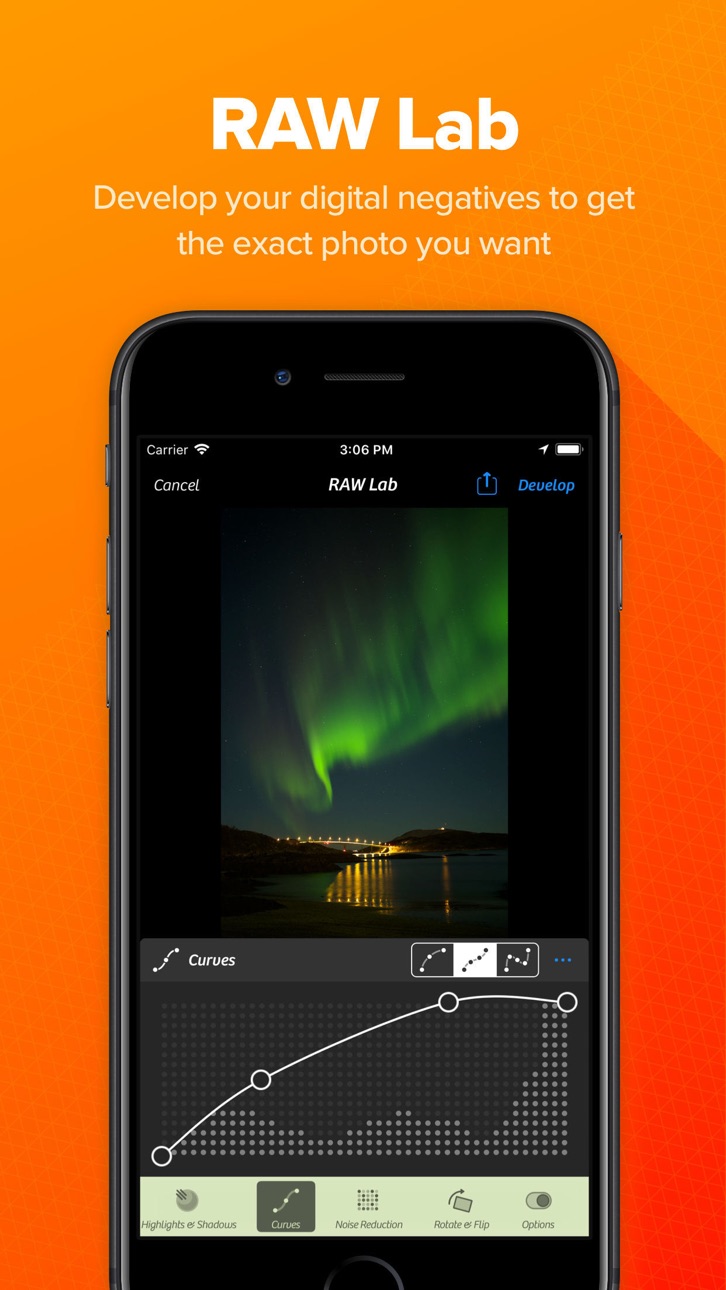
Capture and edit RAW photos for maximum image quality and flexibility.
RAW image support allows you to:
• Preserve more image data
• Recover highlights and shadows
• Achieve greater color accuracy
• Perform professional-grade editing
• Maintain maximum detail
Create stunning images with complete editing freedom.
► UltraRes AI Upscaling
Enhance your photos using advanced artificial intelligence.
UltraRes intelligently analyzes and upscales images to improve:
• Image resolution
• Fine details
• Sharpness
• Texture quality
• Overall clarity
Bring older photos back to life or prepare images for high-quality sharing and printing.
► Magic ML Auto Enhancement
Let AI do the work for you.
Magic ML automatically improves your photos while you shoot by optimizing:
• Exposure
• Contrast
• Brightness
• Color balance
• Sharpness
• Dynamic range
► Get professional-looking results instantly.
Specialized Capture Modes
Auto Mode
Simple, intuitive photography for everyday moments.
Every feature is designed to improve your photography experience and help you achieve better results.
► Powerful Photo Editing Tools
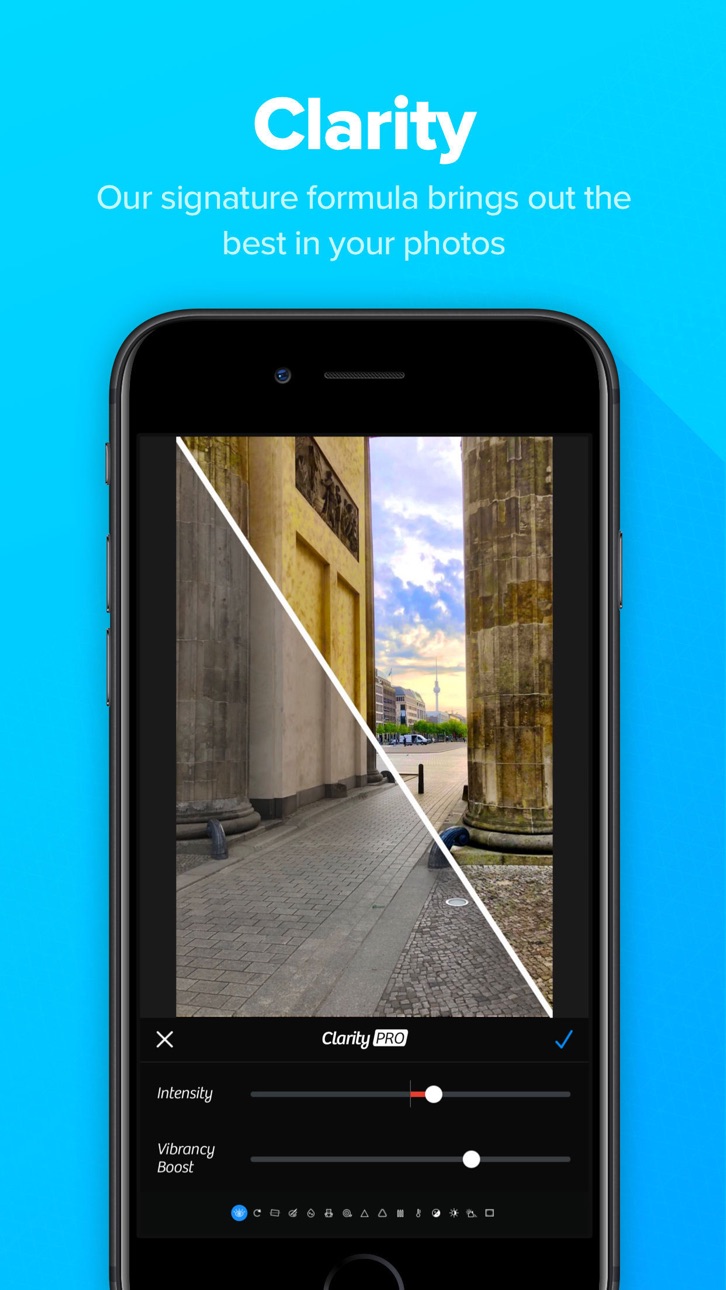
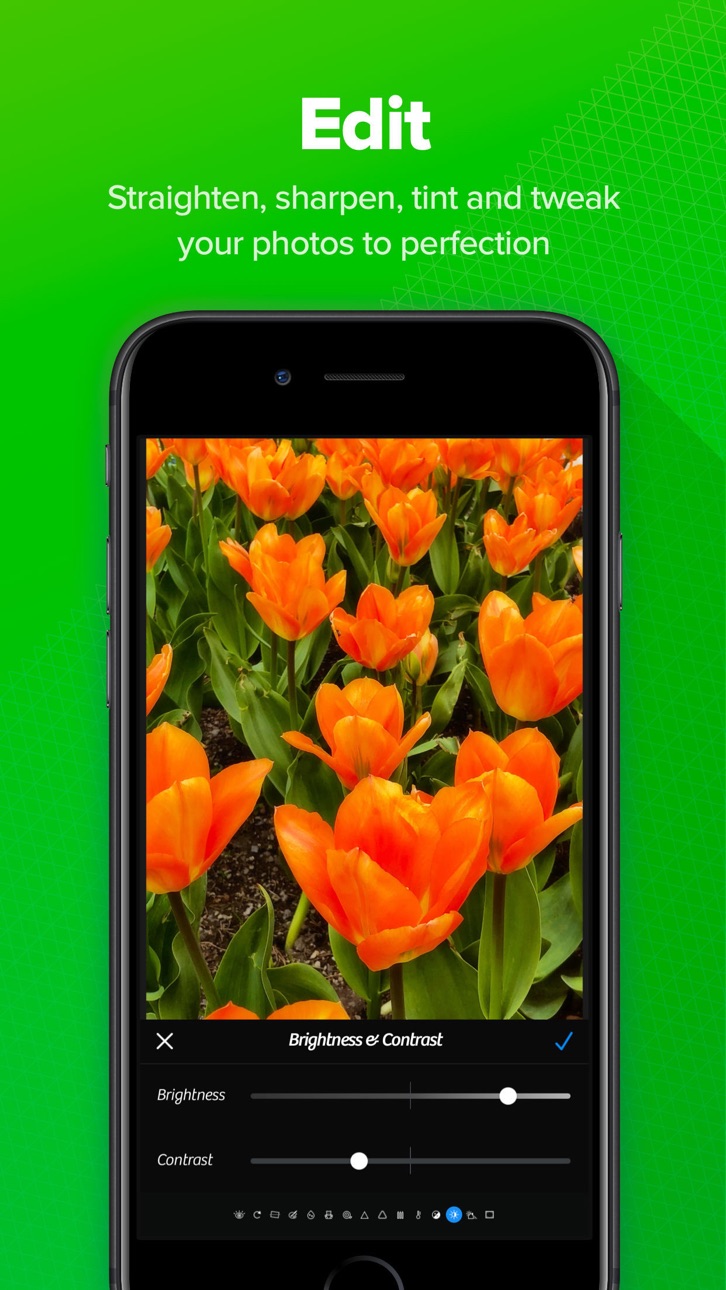
Transform your photos with professional editing capabilities.
► Professional Filters
Apply beautiful filters and creative effects to instantly enhance your photos.
Choose from a wide range of professionally designed looks for:
• Portrait photography
• Travel photos
• Landscapes
• Street photography
• Social media content
► RAW Editing
Professional photographers will appreciate advanced RAW editing tools that preserve image quality while providing maximum flexibility.
Edit with confidence while maintaining complete control over every detail.
Seamless Photo Library Integration
Work directly with your existing photo collection.
► Camera+ integrates smoothly with your photo library, allowing you to:
• Edit photos in place
• Organize images efficiently
• Save storage space
• Maintain a streamlined workflow
• Access your entire photo collection instantly
No complicated importing or exporting required.
Whether you're capturing everyday memories or creating professional content, Camera+ provides the tools you need to achieve exceptional results.
Download Camera+ today and experience one of the most powerful camera and photo editing apps available for iPhone.
Знімки екрана © їхніх власників · App Store


iOSGods не пов’язана з Apple Inc., Google LLC або розробниками перелічених тут застосунків, не схвалена та не спонсорується ними. Apple, iOS і App Store — торгові марки Apple Inc. Android і Google Play — торгові марки Google LLC. Усі інші назви застосунків, іконки, зображення й торгові марки належать їхнім власникам.
- iPhone або iPad без джейлбрейку/у заводському стані або з джейлбрейком.
- Sideloadly або альтернативи.
- Комп'ютер під керуванням Windows/macOS/Linux із встановленим iTunes.
КРОК 1: Завантажте попередньо зламаний .IPA-файл за посиланням вище на свій комп'ютер. Щоб завантажити з iOSGods App, перегляньте наш Посібник із завантаження IPA в iOSGods App, який містить відеоприклад.
КРОК 2: Завантажте Sideloadly і встановіть його на своєму Windows або Mac.
КРОК 3: Відкрийте Sideloadly на комп'ютері, підключіть свій iOS-пристрій і зачекайте, поки назва пристрою з'явиться у Sideloadly.
КРОК 4: Коли ваш iDevice буде розпізнано, перетягніть завантажений модифікований .IPA-файл і відпустіть його в застосунок Sideloadly.
КРОК 5: Введіть електронну пошту вашого Apple Account, потім натисніть «Start». Після цього вас попросять ввести пароль. Введіть необхідні дані.
КРОК 6: Зачекайте, доки Sideloadly завершить sideload/встановлення зламаного IPA. Якщо під час встановлення виникнуть проблеми, прочитайте примітку нижче.
КРОК 7: Коли встановлення завершено й ви побачите застосунок на головному екрані, перейдіть до Налаштування → Загальні → Профілі / VPN і керування пристроєм. Там натисніть на електронну пошту, яку ви ввели на кроці 6, а потім натисніть «Довіряти [email protected]».
КРОК 8: Тепер перейдіть на головний екран і відкрийте щойно встановлений застосунок — усе має працювати належним чином. Можливо, доведеться виконати додаткові інструкції для конкретного застосунку в спливаючому вікні хака в грі.
ПРИМІТКА: У iOS/iPadOS 16 і пізніших версіях потрібно увімкнути режим розробника. Для безкоштовних облікових записів Apple Developer цей процес доведеться повторювати кожні 7 днів. Якщо у вас є запитання або проблеми, прочитайте наш розділ FAQ зі Sideloadly у темі.
Game Name iOS Mod IPA is an action adventure game enhanced with powerful gameplay boosts and quality-of-life improvements. Win battles faster, earn rewards quicker, and enjoy uninterrupted play without ads.
- Unlimited Gold - spend freely to unlock premium content
- Damage Multiplier - deal significantly more damage in combat
- Defense Multiplier - take less damage and survive longer
- Reward Multiplier - earn more loot from every battle
- Max Level - instantly reach the highest player rank
- No Ads - play without interruptions or advertisements
This app also comes with iGameGod, giving you access to Auto Touch to automate repetitive tasks, App Speed Manager for adjustable gameplay speed, Memory Engine value editing, and more powerful iOS game tools.
Завантажте Game Name Mod IPA за посиланнями вище. Натисніть кнопку встановлення та дотримуйтесь інструкцій, щоб встановити цей хак iOS на iPhone, iPad або Apple Silicon.
Потрібна додаткова допомога Перегляньте наш Поширені запитання про застосунок iOSGods для детальних відповідей та порад з усунення несправностей.
----------------------------------------------------------
--------------------------------------------------