Giriş Gerekli
Devam etmek için iOSGods hesabınızla giriş yapın.
Devam etmek için iOSGods hesabınızla giriş yapın.
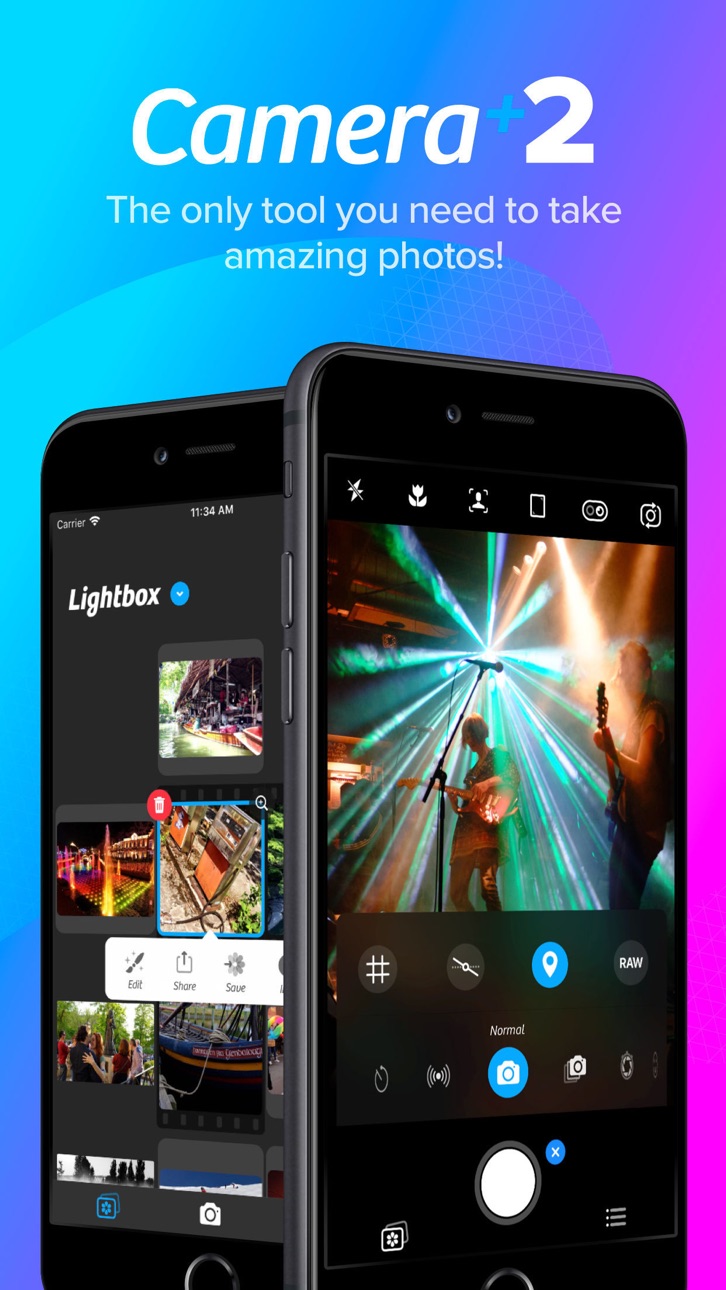
Camera+ 2'nin premium fotoğraf araçlarına ücretsiz erişim, tam ücretli uygulamayı Mod IPA olarak açar ve App Store fiyatı ödemeden profesyonel düzey kamera kontrolleri ile düzenleme özellikleri sunar. Camera+ 2, manuel kontroller, RAW yakalama, derinlik düzenleme ve yaratıcı filtrelerle mobil fotoğrafçılığınızı yükseltmek için tasarlanmış, hem casual fotoğrafçılar hem de deneyimli fotoğrafçılar için güçlü bir fotoğraf uygulamasıdır.
- Ücretsiz Ücretli Uygulama → tam premium erişim açılmış
Bu uygulama ayrıca, tekrar eden görevleri otomatikleştirmek için Auto Touch, ayarlanabilir oyun hızı için App Speed Manager, Memory Engine ile değer düzenleme ve daha pek çok güçlü iOS oyun aracına erişim sağlayan iGameGod ile birlikte gelir.
Yukarıdaki bağlantılardan Camera+ 2 modded IPA indirin. Yükle düğmesine dokunup ekrandaki yönergeleri izleyerek bu iOS uygulama hack'ini iPhone, iPad veya Apple Silicon'a yükleyin.
Daha fazla yardıma mı ihtiyacınız var? Ayrıntılı yanıtlar ve sorun giderme ipuçları için iOSGods Uygulaması Sık Sorulan Sorular sayfamıza bakın.
Capture breathtaking photos, unlock professional camera controls, and edit every detail with precision. Camera+ combines a powerful DSLR-style camera, advanced AI tools, RAW photography, and professional editing features into one complete photography app.
Whether you're a casual photographer, content creator, traveler, social media enthusiast, or photography professional, Camera+ gives you everything you need to take stunning photos and transform them into masterpieces.
From manual camera controls and RAW capture to AI-powered image enhancement and advanced editing tools, Camera+ helps you create professional-quality photos directly from your iPhone.
► WHY CAMERA+ IS DIFFERENT
Unlike basic camera apps, Camera+ gives you complete creative control over every shot.
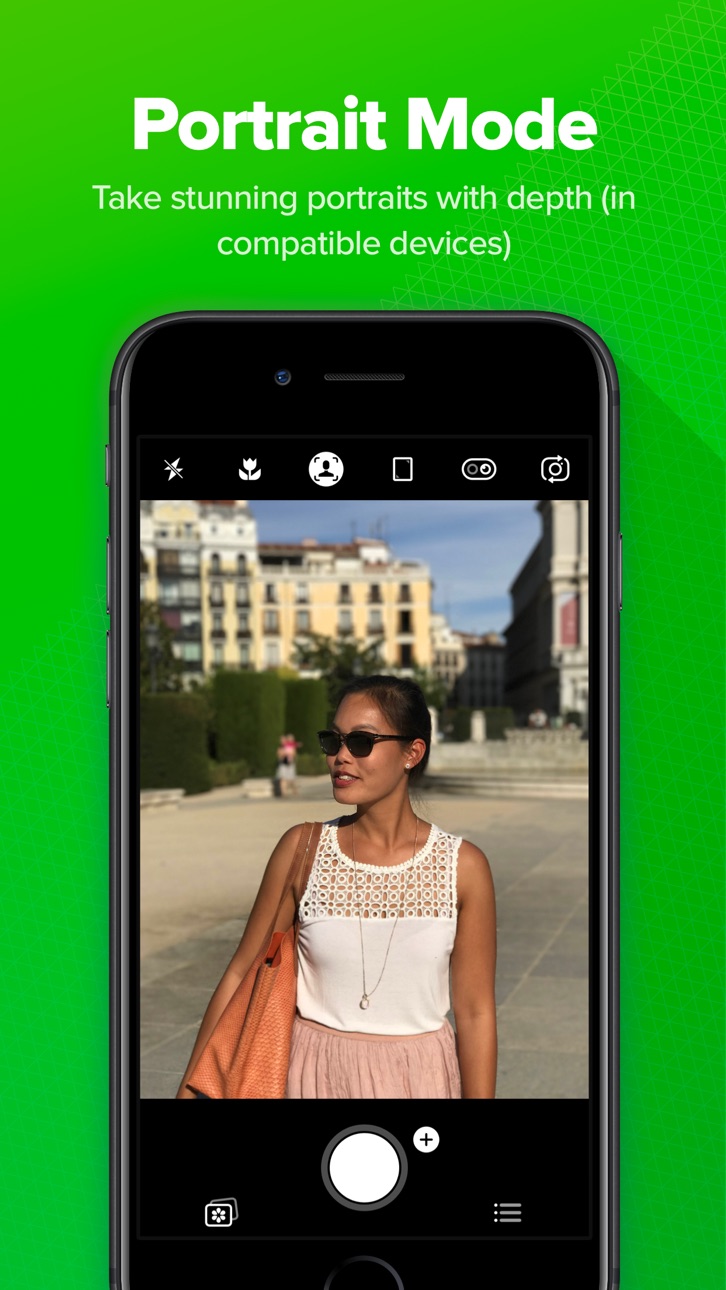
Choose from multiple shooting modes designed for specific photography scenarios, including Manual Mode, RAW Capture, Slow Shutter, Macro Photography, Action Photography, and AI-powered enhancement tools. Whether you're shooting landscapes, portraits, night scenes, sports, pets, food, or travel photography, Camera+ adapts to your style.
Our intelligent photography engine combines powerful camera technology with machine learning to help you capture sharper, brighter, and more detailed images. Advanced AI tools automatically optimize your photos while preserving natural colors and realistic details.
Camera+ isn't just a camera app—it's a complete photography studio that fits in your pocket.
► KEY FEATURES
► RAW Photography
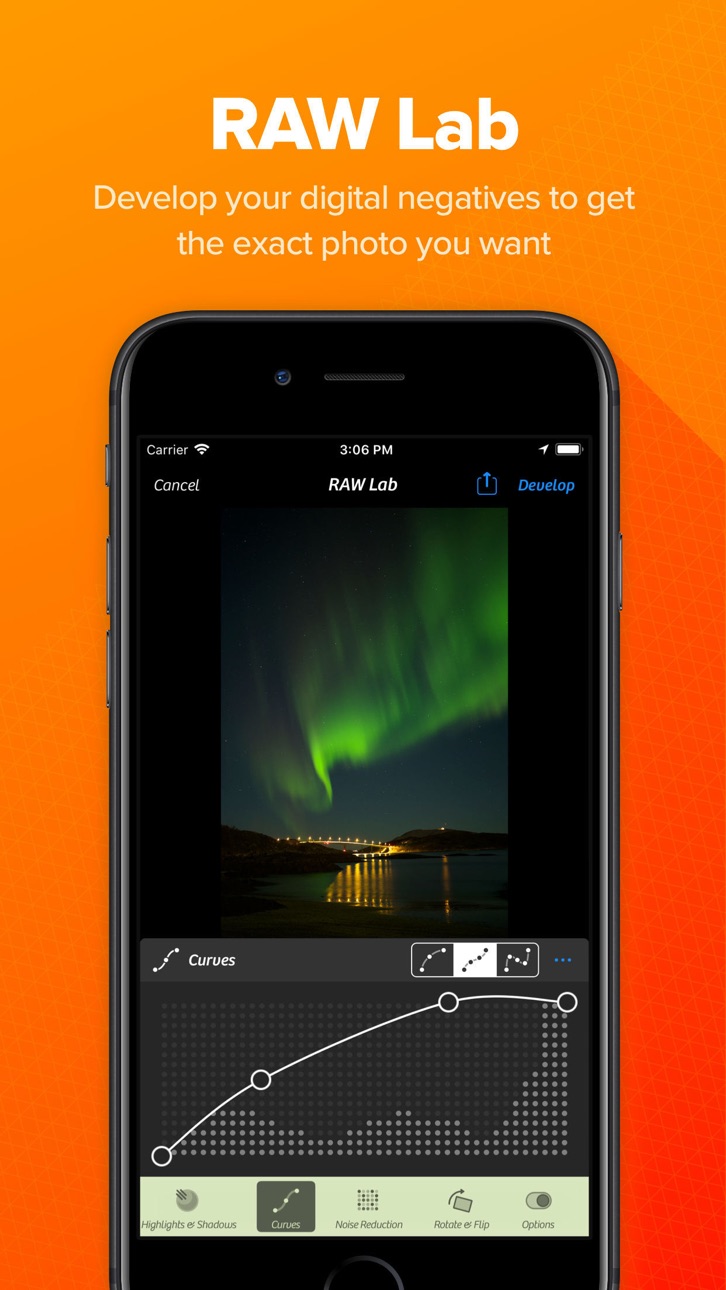
Capture and edit RAW photos for maximum image quality and flexibility.
RAW image support allows you to:
• Preserve more image data
• Recover highlights and shadows
• Achieve greater color accuracy
• Perform professional-grade editing
• Maintain maximum detail
Create stunning images with complete editing freedom.
► UltraRes AI Upscaling
Enhance your photos using advanced artificial intelligence.
UltraRes intelligently analyzes and upscales images to improve:
• Image resolution
• Fine details
• Sharpness
• Texture quality
• Overall clarity
Bring older photos back to life or prepare images for high-quality sharing and printing.
► Magic ML Auto Enhancement
Let AI do the work for you.
Magic ML automatically improves your photos while you shoot by optimizing:
• Exposure
• Contrast
• Brightness
• Color balance
• Sharpness
• Dynamic range
► Get professional-looking results instantly.
Specialized Capture Modes
Auto Mode
Simple, intuitive photography for everyday moments.
Every feature is designed to improve your photography experience and help you achieve better results.
► Powerful Photo Editing Tools
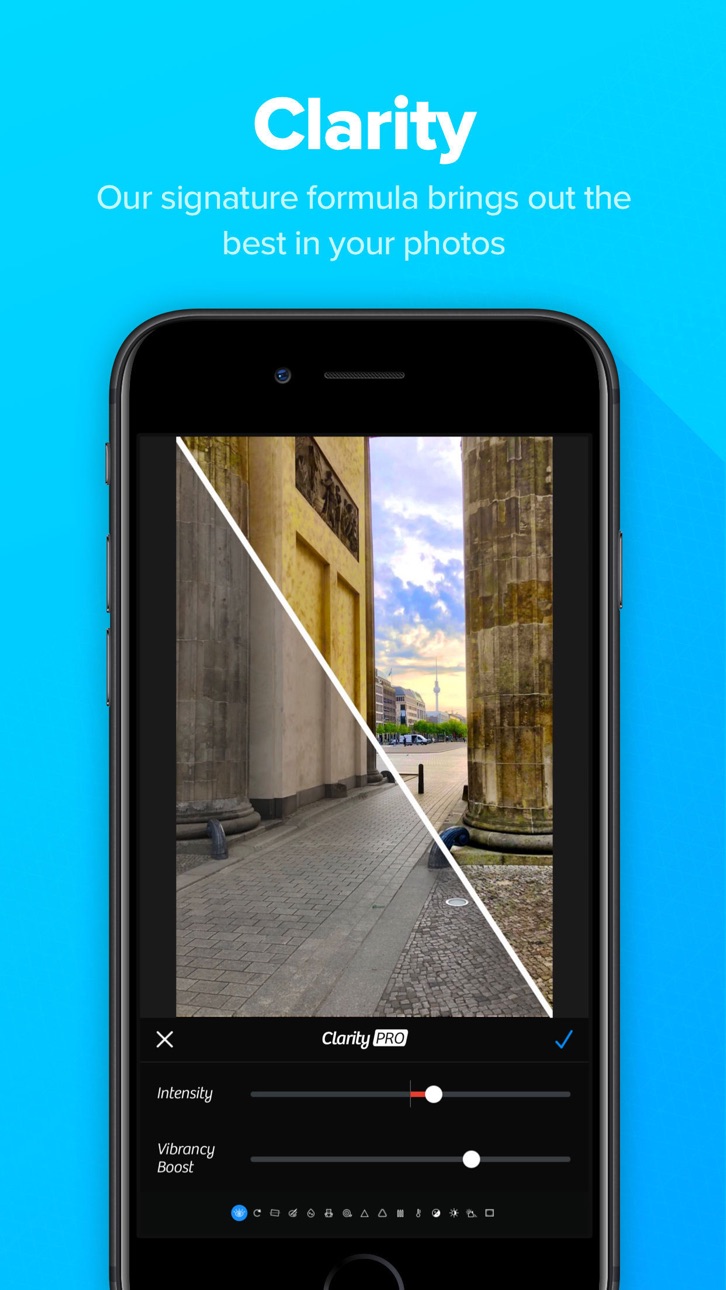
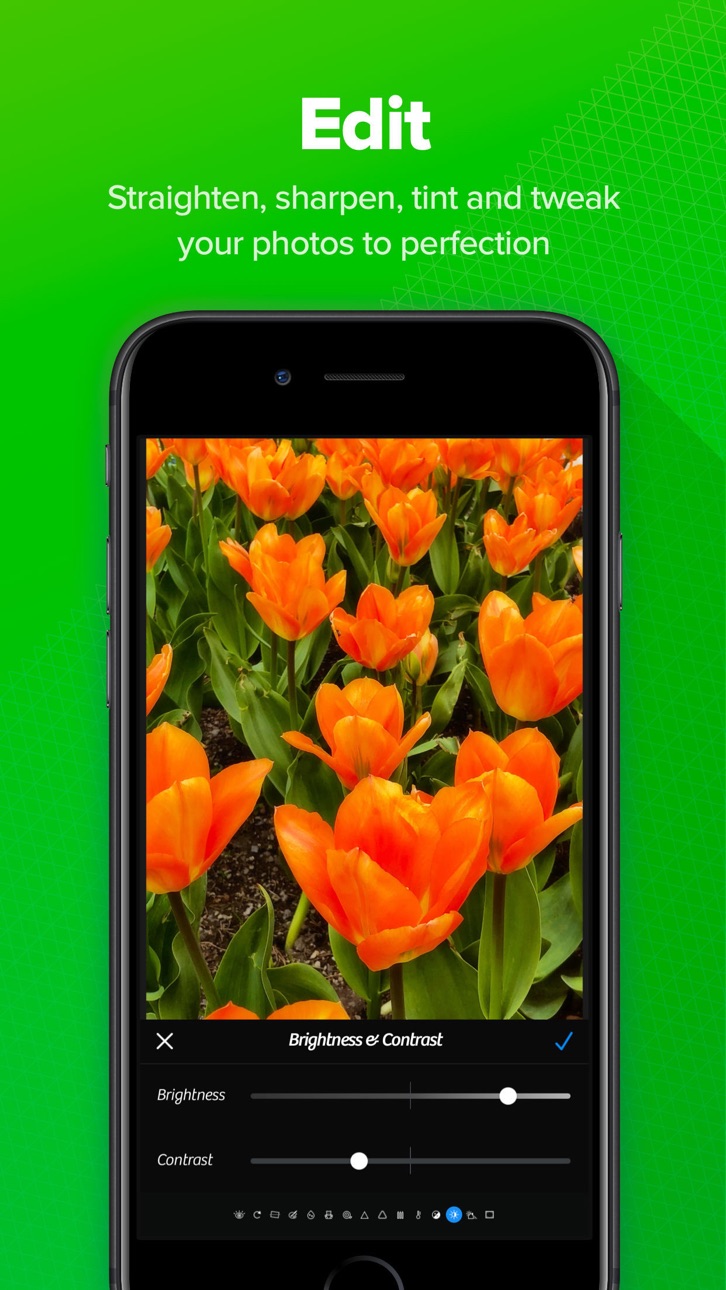
Transform your photos with professional editing capabilities.
► Professional Filters
Apply beautiful filters and creative effects to instantly enhance your photos.
Choose from a wide range of professionally designed looks for:
• Portrait photography
• Travel photos
• Landscapes
• Street photography
• Social media content
► RAW Editing
Professional photographers will appreciate advanced RAW editing tools that preserve image quality while providing maximum flexibility.
Edit with confidence while maintaining complete control over every detail.
Seamless Photo Library Integration
Work directly with your existing photo collection.
► Camera+ integrates smoothly with your photo library, allowing you to:
• Edit photos in place
• Organize images efficiently
• Save storage space
• Maintain a streamlined workflow
• Access your entire photo collection instantly
No complicated importing or exporting required.
Whether you're capturing everyday memories or creating professional content, Camera+ provides the tools you need to achieve exceptional results.
Download Camera+ today and experience one of the most powerful camera and photo editing apps available for iPhone.
Ekran görüntüleri © ilgili sahipleri · App Store


iOSGods; Apple Inc., Google LLC veya burada listelenen uygulamaların geliştiricileriyle bağlantılı değildir, onlar tarafından onaylanmamış ve desteklenmemiştir. Apple, iOS ve App Store, Apple Inc. şirketinin ticari markalarıdır. Android ve Google Play, Google LLC şirketinin ticari markalarıdır. Diğer tüm uygulama adları, simgeler, görseller ve ticari markalar ilgili sahiplerine aittir.
- Jailbreak'siz/normal ya da jailbreak'li iPhone veya iPad.
- Sideloadly veya alternatifleri.
- iTunes yüklü Windows/macOS/Linux çalıştıran bir bilgisayar.
ADIM 1: Yukarıdaki bağlantıdan önceden hacklenmiş .IPA dosyasını bilgisayarınıza indirin. iOSGods App üzerinden indirmek için video örneği de içeren iOSGods App IPA İndirme Kılavuzu bölümümüze göz atın.
ADIM 2: Sideloadly indirin ve Windows veya Mac'inize kurun.
ADIM 3: Bilgisayarınızda Sideloadly'yi açın, iOS cihazınızı bağlayın ve cihaz adınız Sideloadly'de görünene kadar bekleyin.
ADIM 4: iCihazınız tanındıktan sonra, indirdiğiniz modlu .IPA dosyasını sürükleyip Sideloadly uygulamasına bırakın.
ADIM 5: Apple Account e-posta adresinizi girin ve ardından "Start" düğmesine basın. Sonrasında sizden şifreniz istenecektir. Gerekli bilgileri girin.
ADIM 6: Sideloadly'nin hacklenmiş IPA'yı sideload edip yüklemesini bekleyin. Yükleme sırasında bir sorun olursa lütfen aşağıdaki notu okuyun.
ADIM 7: Yükleme tamamlandıktan ve uygulamayı Ana Ekranınızda gördükten sonra Ayarlar → Genel → Profiller / VPN ve Cihaz Yönetimi bölümüne gitmelisiniz. Burada 6. adımda girdiğiniz e-postaya dokunun ve ardından "[email protected]'a Güven" seçeneğine dokunun.
ADIM 8: Şimdi Ana Ekranınıza gidin ve yeni yüklediğiniz uygulamayı açın; her şey sorunsuz çalışmalıdır. Oyun içindeki hack açılır penceresinde uygulamaya özel ek talimatları takip etmeniz gerekebilir.
NOT: iOS/iPadOS 16 ve sonrasında Geliştirici Modu'nu etkinleştirmeniz gerekir. Ücretsiz Apple Developer hesapları için bu işlemi her 7 günde bir tekrarlamanız gerekir. Sorularınız veya sorunlarınız varsa konunun Sideloadly SSS bölümünü okuyun.
Game Name iOS Mod IPA is an action adventure game enhanced with powerful gameplay boosts and quality-of-life improvements. Win battles faster, earn rewards quicker, and enjoy uninterrupted play without ads.
- Unlimited Gold - spend freely to unlock premium content
- Damage Multiplier - deal significantly more damage in combat
- Defense Multiplier - take less damage and survive longer
- Reward Multiplier - earn more loot from every battle
- Max Level - instantly reach the highest player rank
- No Ads - play without interruptions or advertisements
This app also comes with iGameGod, giving you access to Auto Touch to automate repetitive tasks, App Speed Manager for adjustable gameplay speed, Memory Engine value editing, and more powerful iOS game tools.
Yukarıdaki bağlantılardan Game Name Mod IPA indirin. Yükle düğmesine dokunup ekrandaki yönergeleri izleyerek bu iOS uygulama hack'ini iPhone, iPad veya Apple Silicon'a yükleyin.
Daha fazla yardıma mı ihtiyacınız var Ayrıntılı yanıtlar ve sorun giderme ipuçları için iOSGods Uygulaması Sık Sorulan Sorular sayfamıza bakın.
----------------------------------------------------------
--------------------------------------------------