ต้องเข้าสู่ระบบ
เข้าสู่ระบบด้วยบัญชี iOSGods เพื่อดำเนินการต่อ
เข้าสู่ระบบด้วยบัญชี iOSGods เพื่อดำเนินการต่อ
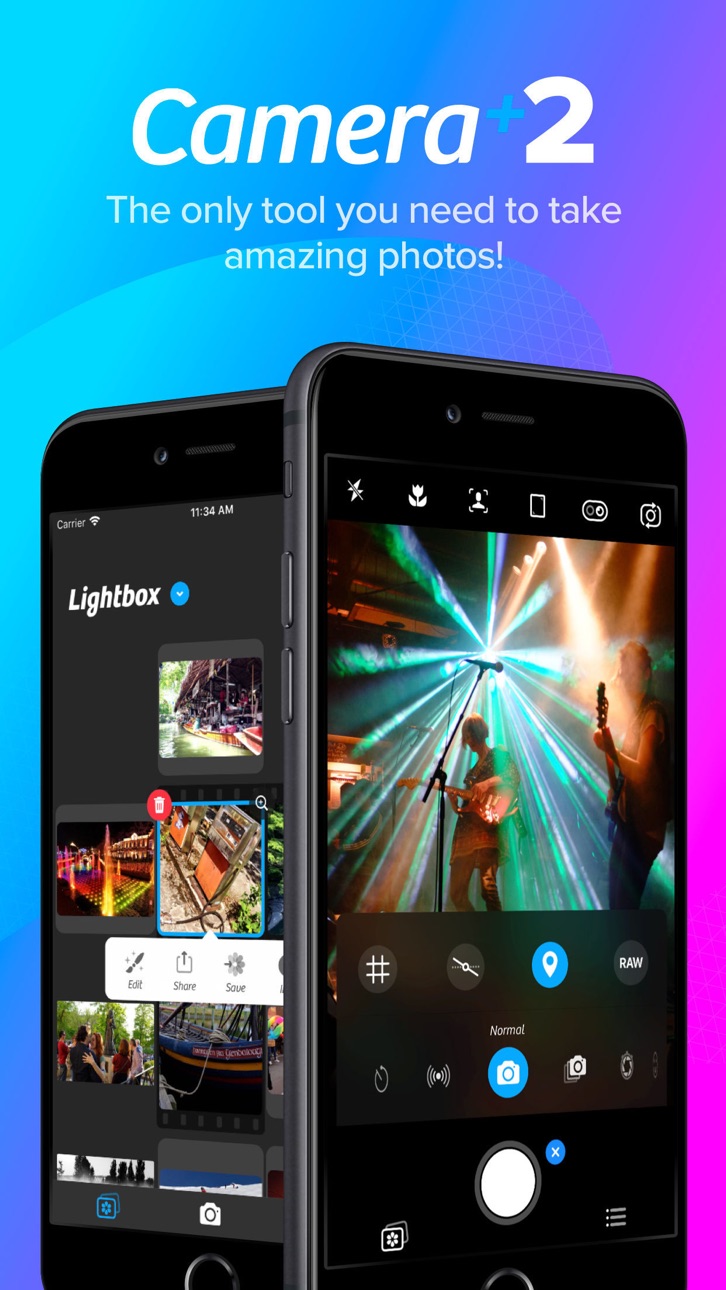
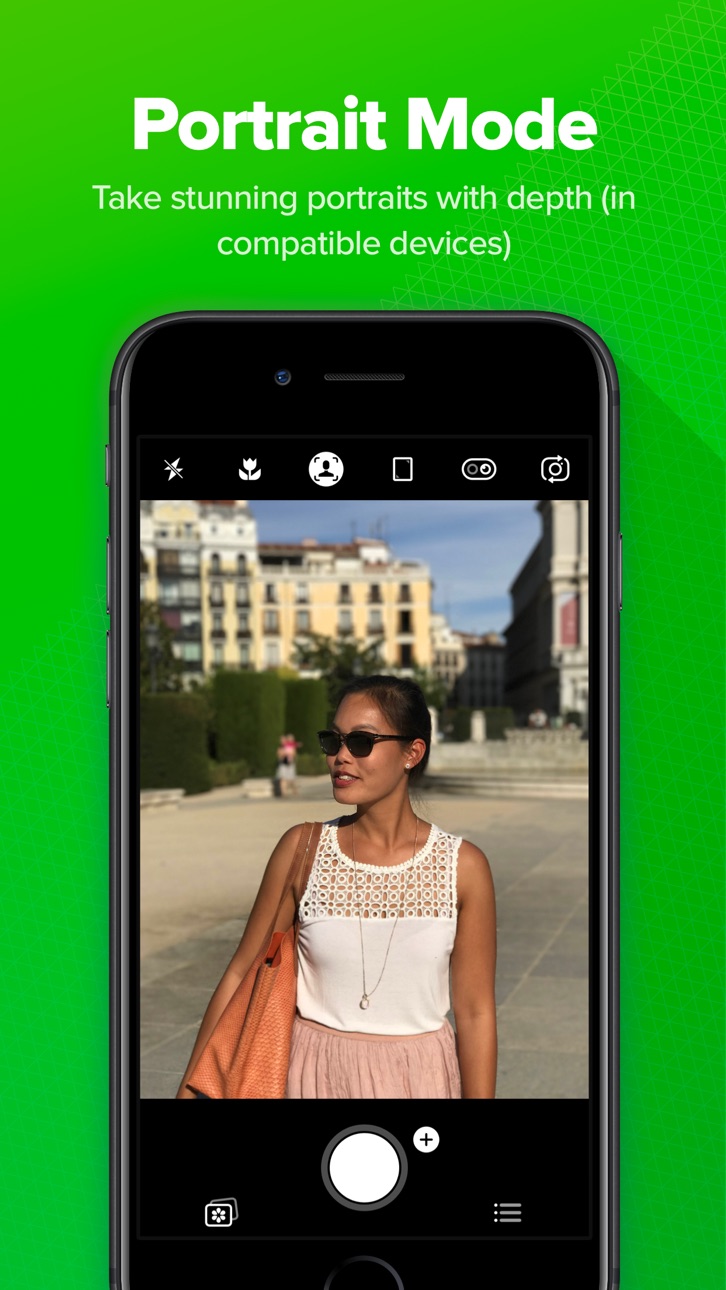
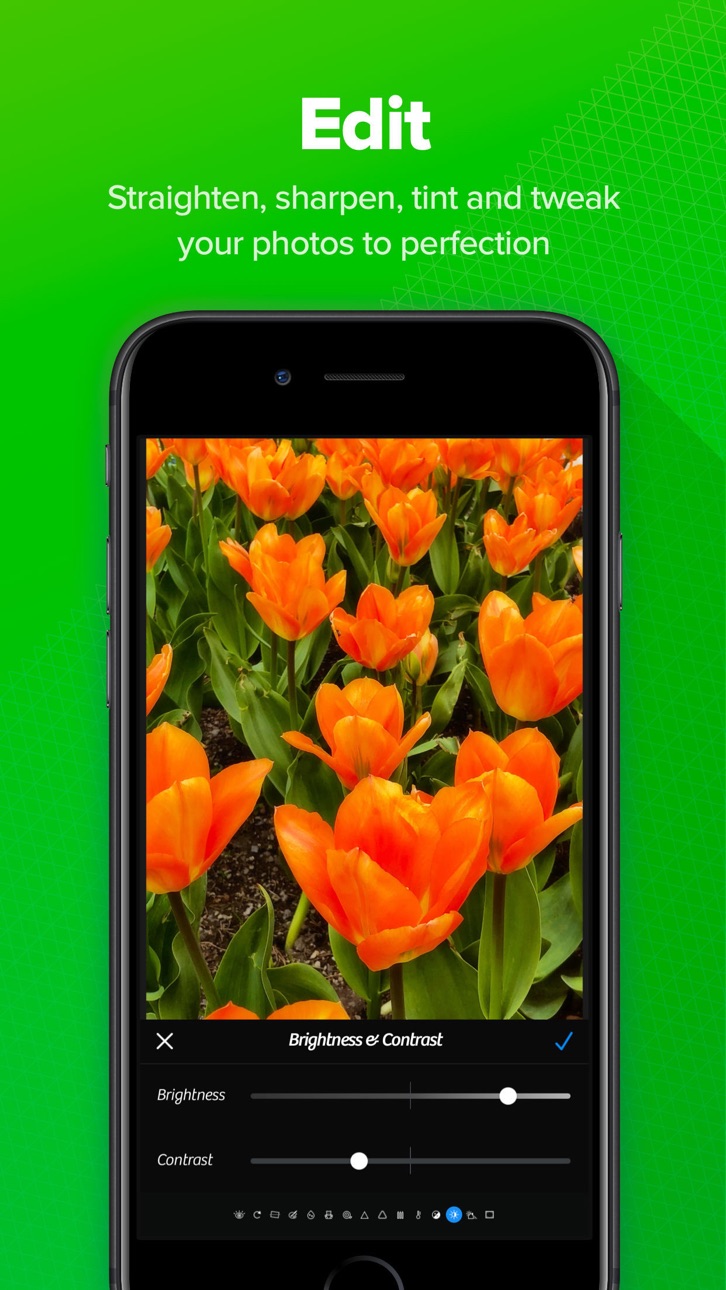
การเข้าถึงฟรีไปยังเครื่องมือถ่ายภาพพรีเมียมของ Camera+ 2 ปลดล็อกแอปพลิเคชันที่จ่ายเต็มรูปแบบเป็น Mod IPA ให้คุณได้รับการควบคุมกล้องระดับมืออาชีพและฟีเจอร์การแก้ไขโดยไม่ต้องจ่ายราคา App Store Camera+ 2 เป็นแอปพลิเคชันถ่ายภาพที่มีประสิทธิภาพซึ่งออกแบบมาสำหรับผู้ถ่ายภาพทั้งมือใหม่และมืออาชีพ พร้อมด้วยการควบคุมด้วยตนเอง การจับภาพ RAW การแก้ไขความลึก และตัวกรองสร้างสรรค์เพื่อยกระดับการถ่ายภาพบนมือถือของคุณ
- แอปพลิเคชันที่จ่ายเต็มรูปแบบฟรี → ปลดล็อกการเข้าถึงพรีเมียมแบบเต็ม
แอปนี้ยังมาพร้อมกับ iGameGod ซึ่งช่วยให้คุณเข้าถึง Auto Touch สำหรับการทำงานซ้ำ ๆ โดยอัตโนมัติ, App Speed Manager สำหรับปรับความเร็วของเกม, การแก้ไขค่าด้วย Memory Engine และเครื่องมือสำหรับเกม iOS ที่ทรงพลังอื่น ๆ อีกมากมาย
ดาวน์โหลด Camera+ 2 modded IPA จากลิงก์ด้านบน แตะปุ่มติดตั้งและทำตามคำแนะนำบนหน้าจอเพื่อติดตั้งแฮ็กแอป iOS นี้บน iPhone, iPad หรือ Apple Silicon
ต้องการความช่วยเหลือเพิ่มเติม? ดู คำถามที่พบบ่อยของแอป iOSGods สำหรับคำตอบโดยละเอียดและเคล็ดลับการแก้ไขปัญหา
Capture breathtaking photos, unlock professional camera controls, and edit every detail with precision. Camera+ combines a powerful DSLR-style camera, advanced AI tools, RAW photography, and professional editing features into one complete photography app.
Whether you're a casual photographer, content creator, traveler, social media enthusiast, or photography professional, Camera+ gives you everything you need to take stunning photos and transform them into masterpieces.
From manual camera controls and RAW capture to AI-powered image enhancement and advanced editing tools, Camera+ helps you create professional-quality photos directly from your iPhone.
► WHY CAMERA+ IS DIFFERENT
Unlike basic camera apps, Camera+ gives you complete creative control over every shot.
Choose from multiple shooting modes designed for specific photography scenarios, including Manual Mode, RAW Capture, Slow Shutter, Macro Photography, Action Photography, and AI-powered enhancement tools. Whether you're shooting landscapes, portraits, night scenes, sports, pets, food, or travel photography, Camera+ adapts to your style.
Our intelligent photography engine combines powerful camera technology with machine learning to help you capture sharper, brighter, and more detailed images. Advanced AI tools automatically optimize your photos while preserving natural colors and realistic details.
Camera+ isn't just a camera app—it's a complete photography studio that fits in your pocket.
► KEY FEATURES
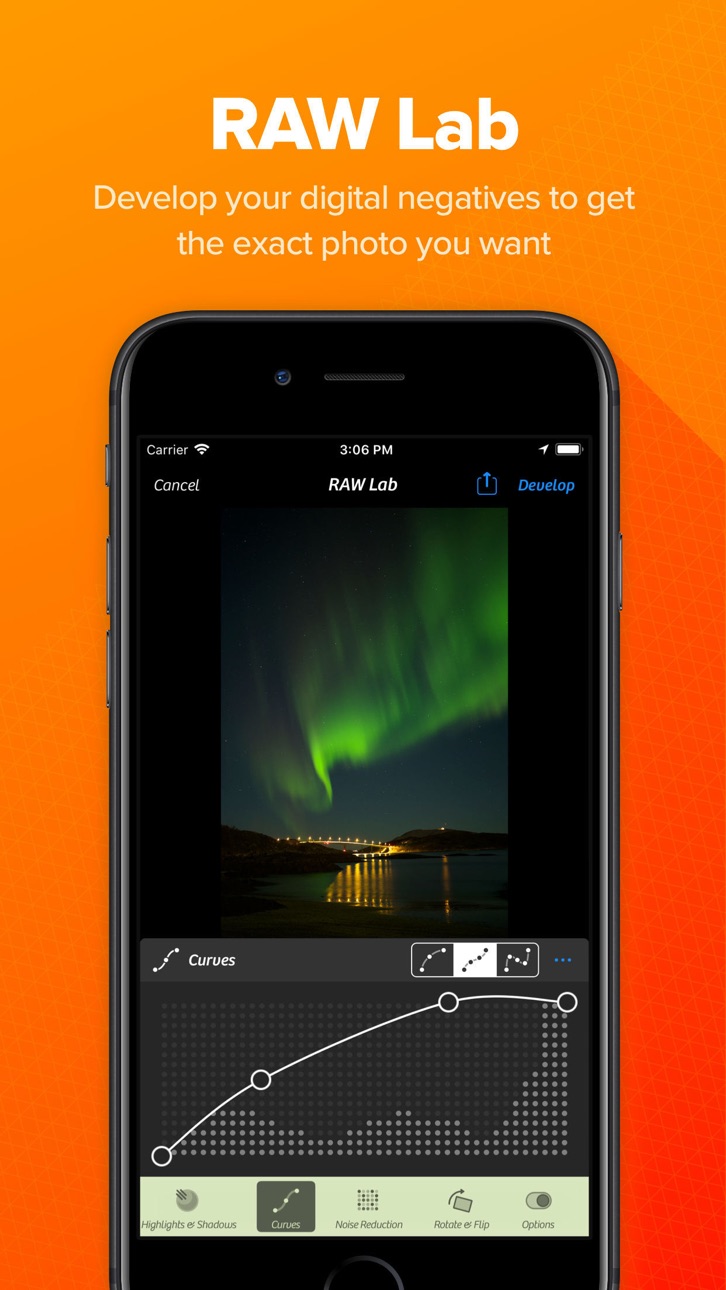
► RAW Photography
Capture and edit RAW photos for maximum image quality and flexibility.
RAW image support allows you to:
• Preserve more image data
• Recover highlights and shadows
• Achieve greater color accuracy
• Perform professional-grade editing
• Maintain maximum detail
Create stunning images with complete editing freedom.
► UltraRes AI Upscaling
Enhance your photos using advanced artificial intelligence.
UltraRes intelligently analyzes and upscales images to improve:
• Image resolution
• Fine details
• Sharpness
• Texture quality
• Overall clarity
Bring older photos back to life or prepare images for high-quality sharing and printing.
► Magic ML Auto Enhancement
Let AI do the work for you.
Magic ML automatically improves your photos while you shoot by optimizing:
• Exposure
• Contrast
• Brightness
• Color balance
• Sharpness
• Dynamic range
► Get professional-looking results instantly.
Specialized Capture Modes
Auto Mode
Simple, intuitive photography for everyday moments.
Every feature is designed to improve your photography experience and help you achieve better results.
► Powerful Photo Editing Tools
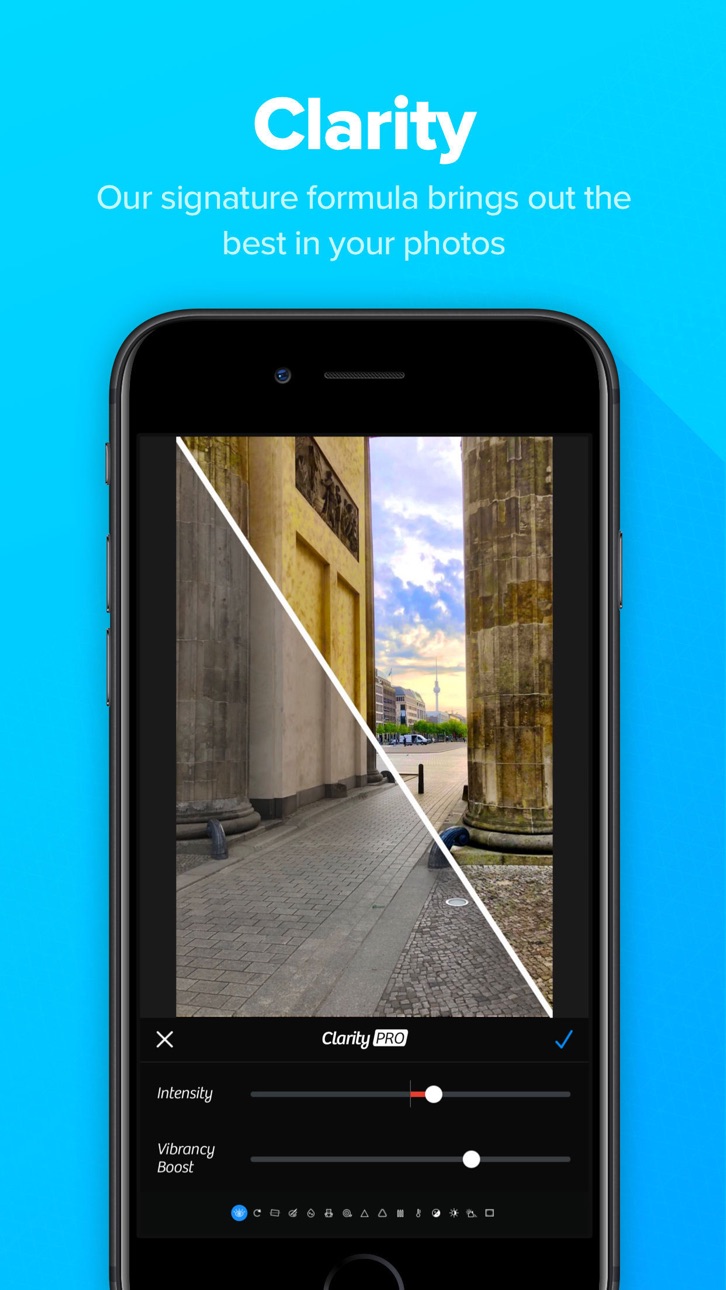
Transform your photos with professional editing capabilities.
► Professional Filters
Apply beautiful filters and creative effects to instantly enhance your photos.
Choose from a wide range of professionally designed looks for:
• Portrait photography
• Travel photos
• Landscapes
• Street photography
• Social media content
► RAW Editing
Professional photographers will appreciate advanced RAW editing tools that preserve image quality while providing maximum flexibility.
Edit with confidence while maintaining complete control over every detail.
Seamless Photo Library Integration
Work directly with your existing photo collection.
► Camera+ integrates smoothly with your photo library, allowing you to:
• Edit photos in place
• Organize images efficiently
• Save storage space
• Maintain a streamlined workflow
• Access your entire photo collection instantly
No complicated importing or exporting required.
Whether you're capturing everyday memories or creating professional content, Camera+ provides the tools you need to achieve exceptional results.
Download Camera+ today and experience one of the most powerful camera and photo editing apps available for iPhone.
ภาพหน้าจอ © เจ้าของแต่ละราย · App Store


iOSGods ไม่มีความเกี่ยวข้อง ไม่ได้รับการรับรอง และไม่ได้รับการสนับสนุนจาก Apple Inc., Google LLC หรือผู้พัฒนาแอปที่แสดงไว้ที่นี่ Apple, iOS และ App Store เป็นเครื่องหมายการค้าของ Apple Inc. Android และ Google Play เป็นเครื่องหมายการค้าของ Google LLC ชื่อแอป ไอคอน ภาพ และเครื่องหมายการค้าอื่นทั้งหมดเป็นทรัพย์สินของเจ้าของแต่ละราย
- iPhone หรือ iPad ที่ไม่ได้เจลเบรก/ไม่ได้เจลเบรก หรือเจลเบรกแล้ว
- Sideloadly หรือทางเลือกอื่น
- คอมพิวเตอร์ที่ใช้ Windows/macOS/Linux และติดตั้ง iTunes ไว้
ขั้นตอนที่ 1: ดาวน์โหลดไฟล์ .IPA ที่แฮกไว้ล่วงหน้าจากลิงก์ด้านบนลงในคอมพิวเตอร์ของคุณ หากต้องการดาวน์โหลดจากแอป iOSGods โปรดดู วิธีดาวน์โหลด IPA ในแอป iOSGods ซึ่งมีตัวอย่างวิดีโอประกอบ
ขั้นตอนที่ 2: ดาวน์โหลด Sideloadly แล้วติดตั้งบน Windows หรือ Mac ของคุณ
ขั้นตอนที่ 3: เปิด Sideloadly บนคอมพิวเตอร์ เชื่อมต่ออุปกรณ์ iOS แล้วรอจนกว่าชื่ออุปกรณ์ของคุณจะปรากฏใน Sideloadly
ขั้นตอนที่ 4: เมื่อ iDevice ของคุณถูกตรวจพบแล้ว ให้ลากไฟล์ .IPA ที่ม็อดมาวางลงในโปรแกรม Sideloadly
ขั้นตอนที่ 5: กรอกอีเมล Apple Account ของคุณ จากนั้นกด "Start" ระบบจะถามรหัสผ่าน กรอกข้อมูลที่จำเป็นให้เรียบร้อย
ขั้นตอนที่ 6: รอจนกว่า Sideloadly จะ sideload/ติดตั้งไฟล์ IPA ที่แฮกเสร็จ หากเกิดปัญหาระหว่างติดตั้ง โปรดอ่านหมายเหตุด้านล่าง
ขั้นตอนที่ 7: เมื่อการติดตั้งเสร็จสิ้นและเห็นแอปบนหน้าจอหลักแล้ว ให้ไปที่ การตั้งค่า → ทั่วไป → โปรไฟล์ / VPN และการจัดการอุปกรณ์ จากนั้นแตะที่อีเมลที่คุณกรอกในขั้นตอนที่ 6 แล้วแตะ "เชื่อถือ [email protected]"
ขั้นตอนที่ 8: จากนั้นไปที่หน้าจอหลักและเปิดแอปที่ติดตั้งใหม่ ทุกอย่างควรทำงานได้ปกติ คุณอาจต้องทำตามคำแนะนำเพิ่มเติมเฉพาะแอปในป๊อปอัปของม็อดในเกม
หมายเหตุ: สำหรับ iOS/iPadOS 16 ขึ้นไป คุณต้อง เปิดโหมดนักพัฒนา (Developer Mode) สำหรับบัญชี Apple Developer แบบฟรี คุณต้องทำขั้นตอนนี้ซ้ำทุก 7 วัน หากมีคำถามหรือพบปัญหา โปรดอ่าน หัวข้อ FAQ ของ Sideloadly ในกระทู้
Game Name iOS Mod IPA is an action adventure game enhanced with powerful gameplay boosts and quality-of-life improvements. Win battles faster, earn rewards quicker, and enjoy uninterrupted play without ads.
- Unlimited Gold - spend freely to unlock premium content
- Damage Multiplier - deal significantly more damage in combat
- Defense Multiplier - take less damage and survive longer
- Reward Multiplier - earn more loot from every battle
- Max Level - instantly reach the highest player rank
- No Ads - play without interruptions or advertisements
This app also comes with iGameGod, giving you access to Auto Touch to automate repetitive tasks, App Speed Manager for adjustable gameplay speed, Memory Engine value editing, and more powerful iOS game tools.
ดาวน์โหลด Game Name Mod IPA จากลิงก์ด้านบน แตะปุ่มติดตั้งและทำตามคำแนะนำบนหน้าจอเพื่อติดตั้งแฮ็กแอป iOS นี้บน iPhone, iPad หรือ Apple Silicon
ต้องการความช่วยเหลือเพิ่มเติม ดู คำถามที่พบบ่อยของแอป iOSGods สำหรับคำตอบโดยละเอียดและเคล็ดลับการแก้ไขปัญหา
----------------------------------------------------------
--------------------------------------------------