تسجيل الدخول مطلوب
سجّل الدخول بحساب iOSGods للمتابعة.
Hack Features:
- Free Paid App
قم بتنزيل Camera+ 2 modded IPA من الروابط أعلاه. اضغط على زر التثبيت واتبع التعليمات لتثبيت هذا التعديل لـ iOS على iPhone أو iPad أو Apple Silicon.
هل تحتاج إلى مزيد من المساعدة؟ راجع الأسئلة الشائعة لتطبيق iOSGods للحصول على إجابات مفصلة ونصائح لاستكشاف الأخطاء.
Whether you’re a seasoned photographer or someone who’s barely touched a camera, Camera+ 2 will make you love taking photos.
Camera+ 2 is the best and most powerful camera app available. A complete rewrite of the original Camera+ that sold over 14 million copies, Camera+ 2 is better, faster and stronger than ever.
A lot of things have happened in the 8 years since we first released the original Camera+. iPhone cameras have improved dramatically - not only in terms of sheer optical quality, but also in the array of technical and creative tools they provide. Manual controls, RAW capture, depth editing are a few of the capabilities whose presence in a mobile phone was unthinkable just a couple of years ago.
We decided it was time to rebuild Camera+ to prepare for the next 10 years of mobile photography. We rewrote everything from scratch to create a solid and modern foundation on which to incorporate the advances we'll see coming with every new iPhone release. The result of that effort is Camera+ 2, and we are incredibly proud of it. It preserves the personality of the classic app you love, and it will enable us to continue in our mission to provide you with the best and easiest to use tools to express your creativity and personality. We hope you like using Camera+ 2 as much as we loved creating it.
Here are some of the best features in Camera+ 2.
Everything Included
Camera+ 2 supports and adapts to iPhone and iPad. Use the same shooting and editing tools consistently across all your devices, and take advantage of multitasking in iPad. All features, filters and tools are included in your purchase for all platforms - no in-app purchases required.
Manual Controls
Photographers that need absolute control over their shots can use Camera+ 2’s advanced manual controls to select the precise settings they need. Shutter speed, ISO and White Balance can be selected using on-screen wheels and controls. In dual-lens devices, you can easily select Wide or Tele depending on your needs. The good thing about our manual controls is that they don't have to be present on-screen if you don't need them, so casual photographers are equally welcome.
RAW Capture and Editing
Enable RAW capture to get the exact image captured by the sensor at its full precision, to get the maximum flexibility while editing. Use our built-in RAW Editor to develop RAW images, or edit them on your computer with the tools you already use.
Depth Capture and Editing
In compatible devices (those with dual cameras, currently the iPhone 7 Plus, iPhone 8 Plus or iPhone X), a Depth-capture mode is available. When you enable depth capture in Camera+ 2, the depth information is saved alongside the image, and the adjustments in The Lab section of the editor can be selectively applied to distant or close subjects.
Shooting Modes
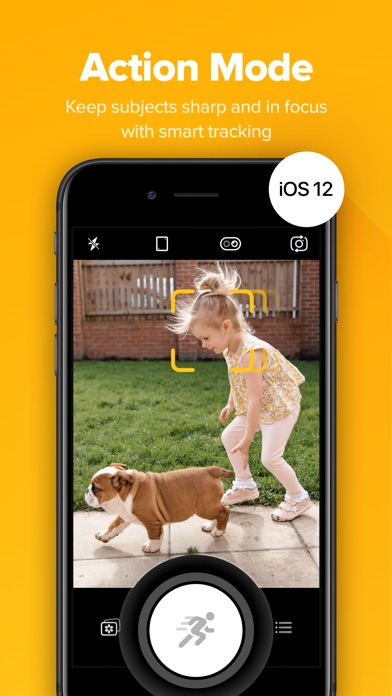
Use the Smile mode to allow Camera+ 2 to detect smiles and shoot for you, or the Stabilizer mode to shoot only when your iPhone is steady enough to produce a sharp picture. The Slow Shutter mode provides you with the means to take long exposures, even in daylight. Burst and Timer modes complete our comprehensive offering of shooting modes for specialized purposes.
Best Photo Library Integration
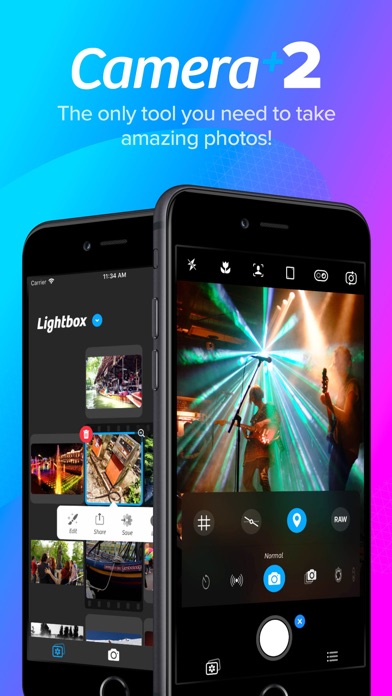
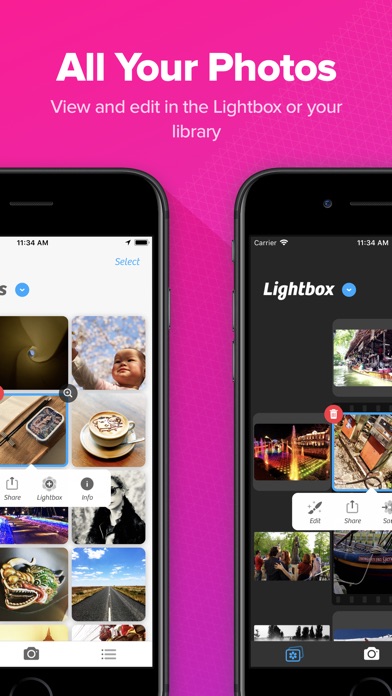
Camera+ 2 editing tools can now be easily used on all the photos in your Photo Library. Switch between the Photo Library and the Lightbox by simply tapping a button. Or use drag and drop gestures on the iPad to copy or share photos. Files and iTunes integration are also available, so you can easily transfer pictures to your computer or other apps.
Faster and More Efficient
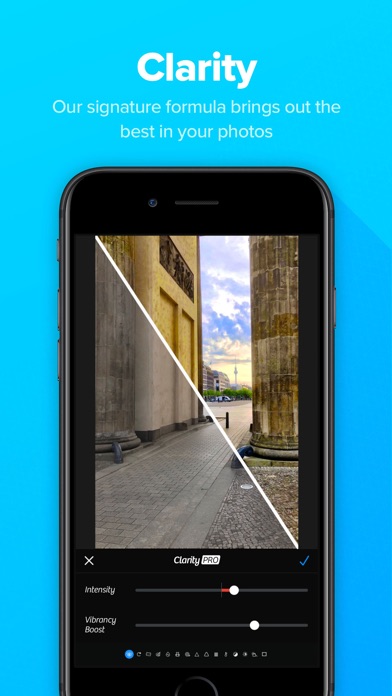
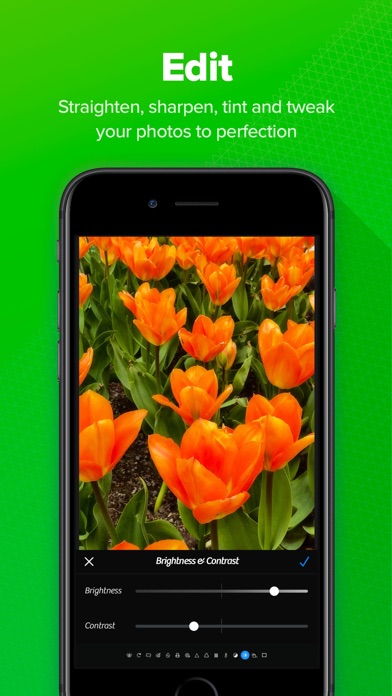
All-new editing tools rewritten from scratch take full advantage of the newest image processing technologies of iOS 11. We could discuss this at length but we think it suffices to say that we met our goal to make editing, sharing and exporting faster than ever.
- iPhone أو iPad بجيلبريك أو بدون جيلبريك.
- Sideloadly أو بدائلها.
- كمبيوتر يعمل بنظام Windows/macOS/Linux مع تثبيت iTunes.
الخطوة 1: قم بتنزيل ملف .IPA المعدّل مسبقًا من الرابط أعلاه إلى الكمبيوتر الخاص بك. للتنزيل من تطبيق iOSGods App، اطلع على دليل تنزيل IPA من تطبيق iOSGods App الذي يتضمن مثالًا بالفيديو.
الخطوة 2: قم بتنزيل Sideloadly وتثبيته على جهاز Windows أو Mac.
الخطوة 3: افتح Sideloadly على الكمبيوتر، ووصّل جهاز iOS الخاص بك، وانتظر حتى يظهر اسم جهازك داخل Sideloadly.
الخطوة 4: بمجرد التعرّف على جهاز iDevice الخاص بك، اسحب ملف .IPA المعدّل الذي قمت بتنزيله وأفلِته داخل تطبيق Sideloadly.
الخطوة 5: أدخل البريد الإلكتروني لحساب Apple Account الخاص بك، ثم اضغط على «Start». سيُطلب منك بعد ذلك إدخال كلمة المرور. تابع وأدخل المعلومات المطلوبة.
الخطوة 6: انتظر حتى ينتهي Sideloadly من تحميل/تثبيت ملف IPA المعدّل. في حال واجهت أي مشاكل أثناء التثبيت، يرجى قراءة الملاحظة أدناه.
الخطوة 7: بعد اكتمال التثبيت ورؤية التطبيق على الشاشة الرئيسية، انتقل إلى Settings → General → Profiles / VPN & Device Management. ثم اضغط على البريد الإلكتروني الذي أدخلته في الخطوة 6، ثم اضغط على «الوثوق بـ [email protected]».
الخطوة 8: الآن انتقل إلى الشاشة الرئيسية وافتح التطبيق الذي تم تثبيته للتو وسيعمل كل شيء بشكل صحيح. قد تحتاج إلى اتباع تعليمات إضافية خاصة بكل تطبيق داخل النافذة المنبثقة للتعديل أثناء اللعب.
ملاحظة: بدءًا من iOS/iPadOS 16 وما بعده، يجب تفعيل وضع المطور (Developer Mode). بالنسبة لحسابات Apple Developer المجانية، ستحتاج إلى تكرار هذه العملية كل 7 أيام. إذا كانت لديك أي أسئلة أو مشاكل، يرجى قراءة قسم الأسئلة الشائعة حول Sideloadly في الموضوع.