Требуется вход
Войдите в учётную запись iOSGods, чтобы продолжить.
Hack Features:
- PREMIUM
Скачайте Boom: Music Player & Equalizer Modded modded IPA по ссылкам выше. Нажмите кнопку установки и следуйте инструкциям, чтобы установить этот хак iOS на iPhone, iPad или Mac с Apple Silicon.
Нужна помощь? Посмотрите наши Часто задаваемые вопросы по приложению iOSGods, чтобы получить подробные ответы и советы по устранению неполадок.
Best Bass Booster and equalizer App for your iPhone- The Boom App redefines the way you listen to music with Bass booster, a customizable 16-band equalizer & handcrafted presets. You can also experience the magic of 3D surround sound and feel your tunes come to life on any headphones.
Boomin’ Features:
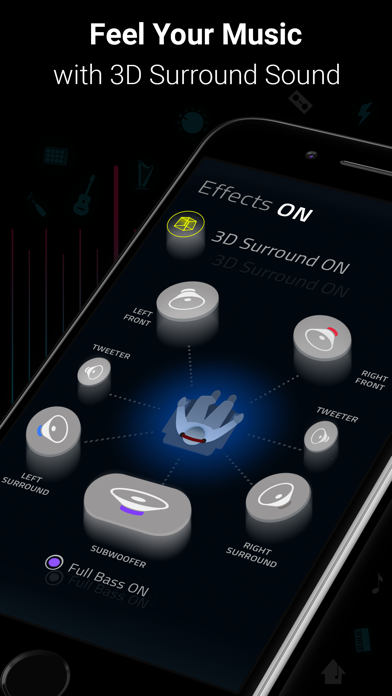
- 3D Surround Sound: Patent-pending technology, amazing audio on any headphones.
- Bass Booster: Amp-up your music and feel every beat come to life
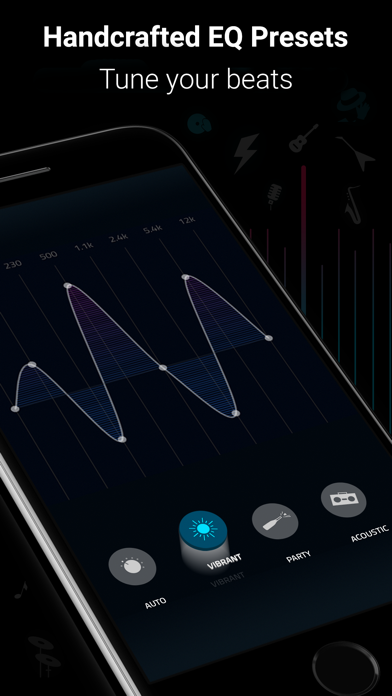
- 29 Handcrafted EQ Presets: Dubstep, pop & many more presets.
- 16-band Custom Equalizer: Craft your own Equalizer to enjoy your music in your way
- Stream Spotify & TIDAL with Boom: Incredible listening experience from the leading streaming services.
- Stream 40K Radio Stations and Podcast Worldwide: Improved audio output on your favorite stations
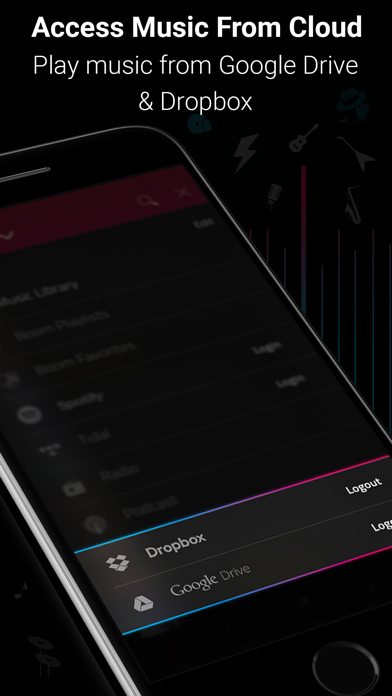
- Multiple Library Access: Access phone music and music stored on Dropbox & Google Drive too!
- Beautiful, User-Friendly Interface: Clean, minimal and easy to use interface
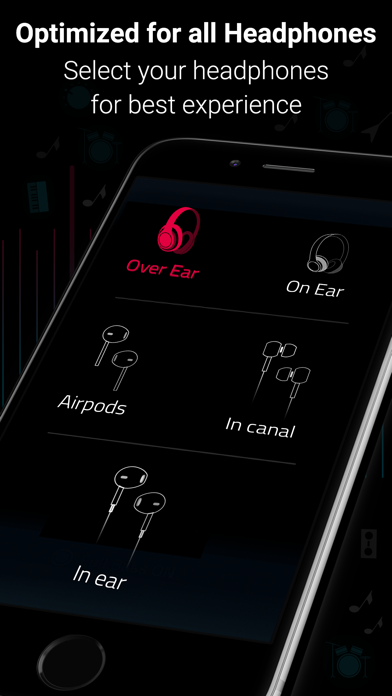
- Enhances All Headphones: Get an amazing listening experience on any headphones
Subscription Details:
You can enjoy Boom for free with our 7-day trial version. Get unrestricted access to all features and experience the magic of vibrant audio output for free.
• Your credit card will be charged through your iTunes Account after the purchase confirmation.
• Automatic renewal unless auto-renew is turned off 24-hours before the end of the current period.
• iTunes Account will be charged for renewal within 24-hours prior to the end of the current period.
• You can manage your subscriptions and you may turn off the auto-renewal by going to the iTunes Account Settings after purchase.
• No cancellation is allowed during an active subscription period.
• Any unused portion of a free trial period will be forfeited when you purchase a subscription.
Boomin’ reviews:
“With a sleek and easy-to-use interface, Boom: Music Player with Magical Surround Sound lets you free your music of that compressed feel, breathing new life into every nuance of your favorite tracks — just the way the artists intended. This app boasts a range of features to deliver that edge, including a mind-blowing 3D Surround setting, equalizers and audio intensity effects designed to work with any headphones. Once you’ve heard your choicest tracks on Boom, there’ll be no going back.”
– App Store Editor.
Boom Privacy Policy and Terms of Service: https://www.globaldelight.com/boomformobile/ios/privacypolicy.php?lang=en
*** If you have a Mac, do check out Boom 3D for incredible 3D Surround Sound on the Mac App Store at http://apple.co/1Vjj4XR **
- iPhone или iPad без джейлбрейка/в обычном режиме или с джейлбрейком.
- Sideloadly или альтернативы.
- Компьютер с Windows/macOS/Linux и установленным iTunes.
ШАГ 1: Скачайте предварительно взломанный файл .IPA по ссылке выше на свой компьютер. Чтобы скачать его из приложения iOSGods, посмотрите наш Туториал по скачиванию IPA в приложении iOSGods, в котором есть видеопример.
ШАГ 2: Скачайте Sideloadly и установите его на Windows или Mac.
ШАГ 3: Откройте Sideloadly на компьютере, подключите iOS-устройство и дождитесь, пока его имя появится в Sideloadly.
ШАГ 4: Когда устройство будет распознано, перетащите скачанный модифицированный файл .IPA в окно Sideloadly.
ШАГ 5: Введите адрес электронной почты вашего Apple Account, затем нажмите «Start». После этого вас попросят ввести пароль. Укажите необходимые данные.
ШАГ 6: Дождитесь, пока Sideloadly завершит sideload/установку взломанного IPA. При возникновении проблем во время установки ознакомьтесь с примечанием ниже.
ШАГ 7: После завершения установки и появления приложения на главном экране перейдите в Настройки → Основные → Профили / VPN и управление устройством. Там нажмите на email, который вы ввели на шаге 6, а затем нажмите «Доверять [email protected]».
ШАГ 8: Теперь перейдите на главный экран и откройте установленное приложение — всё должно работать. Возможно, потребуется выполнить дополнительные инструкции в попапе мода внутри игры.
ПРИМЕЧАНИЕ: На iOS/iPadOS 16 и новее необходимо включить режим разработчика. Для бесплатных учётных записей Apple Developer этот процесс нужно повторять каждые 7 дней. Если возникнут вопросы или проблемы, ознакомьтесь с нашим разделом FAQ по Sideloadly в теме.