Inicio de sesión requerido
Inicia sesión con tu cuenta de iOSGods para continuar.
Inicia sesión con tu cuenta de iOSGods para continuar.
Boom es una aplicación de reproductor de música y ecualizador que transforma el audio de tu iPhone con un potenciador de bajos, sonido envolvente 3D y un ecualizador personalizable de 16 bandas. Este Mod IPA modificado desbloquea funciones premium, dándote acceso a todos los presets artesanales y personalización avanzada de sonido sin restricciones.
- Premium Desbloqueado → todas las funciones y presets disponibles
Esta app también incluye iGameGod, que te ofrece acceso a Auto Touch para automatizar tareas repetitivas, App Speed Manager para ajustar la velocidad del juego, edición de valores con Memory Engine y más potentes herramientas para juegos de iOS.
Descarga Boom: Music Player & Equalizer Modded modded IPA desde los enlaces de arriba. Toca el botón de instalación y sigue las instrucciones para instalar este hack iOS en tu iPhone, iPad o Mac con Apple Silicon.
¿Necesitas más ayuda? Consulta nuestras Preguntas frecuentes de la app iOSGods para respuestas detalladas y consejos de solución de problemas.
18 MILLION+ DOWNLOADS
Join millions of music lovers who have upgraded their iPhone audio with Boom. Enjoy deeper bass, immersive 3D surround sound, personalized Headphone EQ for 5,000+ headphone models, a powerful 16-band equalizer, and seamless offline music playback. Organize and enjoy your favorite tracks anytime, anywhere while experiencing richer, clearer, and more immersive sound. Once you hear your favorite songs with Boom, ordinary audio simply won't compare. Get your 7-day trial now!
■*** Why You'll Love Boom ***■
• 3D Surround Sound: Patented technology, amazing audio on any headphones.
• Bass Booster: Amp-up your music and feel every beat come to life
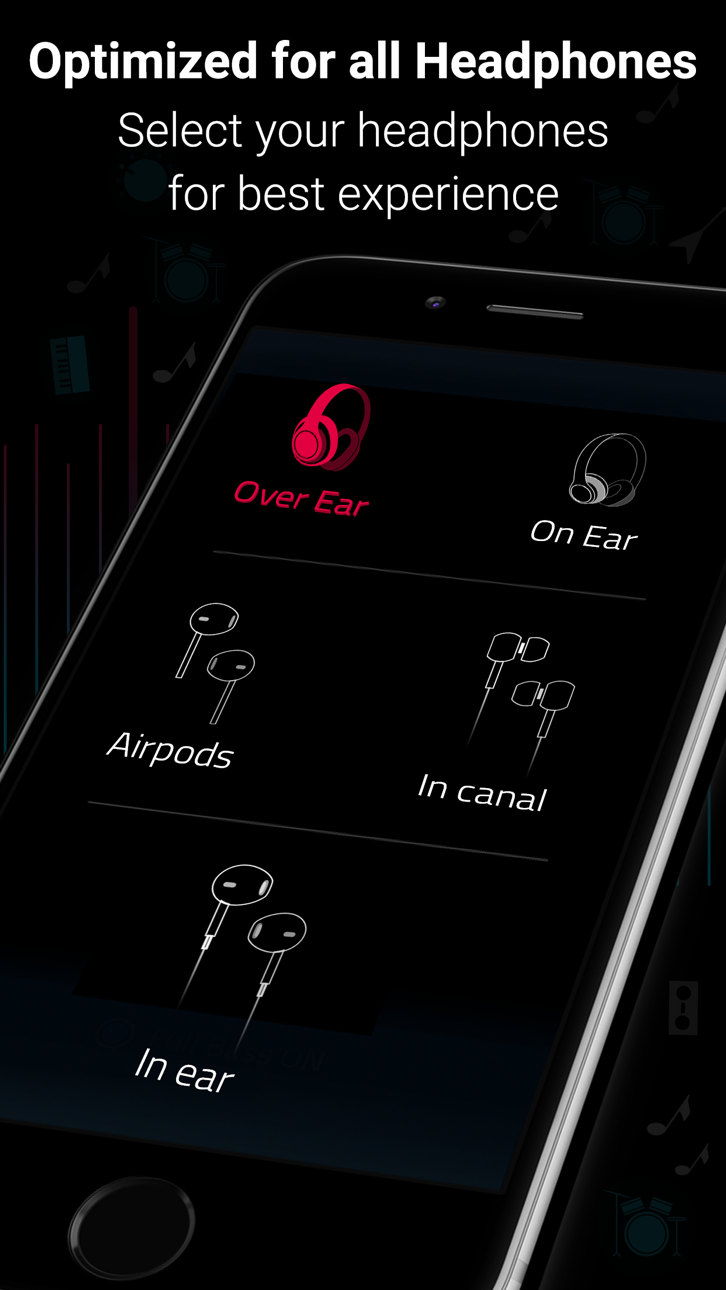
• Perfect Sound for Every Headphone: Automatically optimize sound for over 5,000 headphone models with the all-new Boom Headphone EQ.
• 29 Handcrafted EQ Presets: Dubstep, pop & many more presets.
• 8 or 16-band Custom Equalizer: Craft your own Equalizer to enjoy your music in your way
• TIDAL with Boom: Incredible listening experience from the leading streaming service.
• Stream 40K Radio Stations and Podcast Worldwide: Improved audio output on your favorite stations
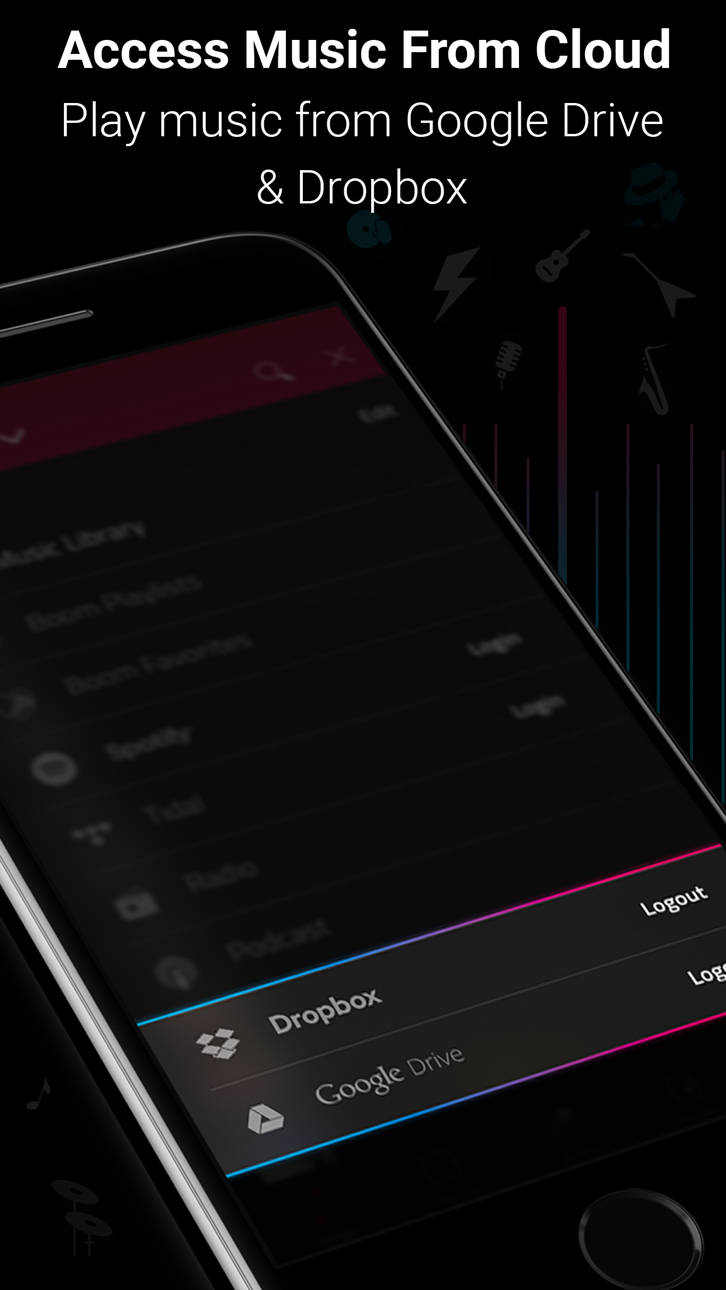
• Multiple Library Access: Access phone music and music stored on Dropbox & Google Drive too!
• Files support - To access songs stored on your phone or other cloud storage services such as OneDrive.
• Music Visualizer: Watch every beat come alive with stunning real-time visualizers.
• Synced Lyrics Support: Sing along with real-time lyrics or create and sync your own.
• Beautiful, User-Friendly Interface: Clean, minimal and easy to use interface
• Enhances All Headphones: Get an amazing listening experience on any headphones
• CarPlay Support - Access your music on a CarPlay compatible infotainment system when your phone is connected!
Offline Music Playback
■ Multiple ways to Add Music for Offline Listening.
* Transfer from Computer Upload songs wirelessly from a computer on the same network using the phone’s IP address.
* Import from Phone Import files or folders directly from the Files app, including audio from the Apple Music library.
■ Download from Web
* Download music directly from supported websites using an in-app browser, with support for link-based downloads (e.g., YouTube, SoundCloud, Bandcamp).
Subscription Details:
You can enjoy Boom for free with our 7-day trial version. Get unrestricted access to all features and experience the magic of vibrant audio output for free.
• Your credit card will be charged through your iTunes Account after the purchase confirmation.
• Automatic renewal unless auto-renew is turned off 24-hours before the end of the current period.
• iTunes Account will be charged for renewal within 24-hours prior to the end of the current period.
• You can manage your subscriptions and you may turn off the auto-renewal by going to your App Store Settings after purchase.
• No cancellation is allowed during an active subscription period.
• Any unused portion of a free trial period will be forfeited when you purchase a subscription.
Boomin’ reviews:
“With a sleek and easy-to-use interface, Boom: Music Player with Magical Surround Sound lets you free your music of that compressed feel, breathing new life into every nuance of your favorite tracks — just the way the artists intended. This app boasts a range of features to deliver that edge, including a mind-blowing 3D Surround setting, equalizers and audio intensity effects designed to work with any headphones. Once you’ve heard your choicest tracks on Boom, there’ll be no going back.”
■ App Store Editor ■
*** If you have a Mac, do check out Boom 3D for incredible 3D Surround Sound on the Mac App Store at http://apple.co/1Vjj4XR **
Boom Privacy Policy and Terms of Service: https://www.globaldelight.com/boomformobile/ios/privacypolicy.php?lang=en
Capturas © sus respectivos dueños · App Store


iOSGods no está afiliado, avalado ni patrocinado por Apple Inc., Google LLC ni por los desarrolladores de las apps que aparecen aquí. Apple, iOS y App Store son marcas comerciales de Apple Inc. Android y Google Play son marcas comerciales de Google LLC. Todos los demás nombres de apps, iconos, imágenes y marcas pertenecen a sus respectivos dueños.

- iPhone o iPad con o sin Jailbreak.
- Sideloadly u otras alternativas.
- Ordenador con Windows/macOS/Linux e iTunes instalado.
PASO 1: Descargue el archivo .IPA pre-modificado desde el enlace de arriba a su ordenador. Para descargarlo desde la iOSGods App, consulte nuestro Tutorial de descarga del IPA desde la iOSGods App, que incluye un ejemplo en vídeo.
PASO 2: Descargue Sideloadly e instálelo en su Windows o Mac.
PASO 3: Abra Sideloadly en su ordenador, conecte su dispositivo iOS y espere hasta que el nombre del dispositivo aparezca en Sideloadly.
PASO 4: Una vez que su iDevice sea reconocido, arrastre el archivo .IPA modificado que descargó y suéltelo en la aplicación Sideloadly.
PASO 5: Introduzca el correo electrónico de su Apple Account y, a continuación, pulse «Start». Le pedirá que introduzca su contraseña. Proporcione la información solicitada.
PASO 6: Espere a que Sideloadly termine de hacer sideload/instalar el IPA modificado. Si surgen problemas durante la instalación, por favor lea la nota a continuación.
PASO 7: Una vez completada la instalación y al ver la app en la pantalla de inicio, deberá ir a Ajustes → General → Perfiles / VPN y Gestión de Dispositivos. Una vez allí, toque el correo electrónico que introdujo en el paso 6 y, después, toque en «Confiar en [email protected]».
PASO 8: Ahora vaya a la pantalla de inicio y abra la app recién instalada; todo debería funcionar correctamente. Es posible que tenga que seguir instrucciones adicionales específicas de cada app dentro del popup del hack en el juego.
NOTA: En iOS/iPadOS 16 y posteriores, debe activar el Modo Desarrollador. Para cuentas gratuitas de Apple Developer, deberá repetir este proceso cada 7 días. Si tiene alguna pregunta o problema, lea nuestra sección de Preguntas Frecuentes de Sideloadly del tema.
Game Name iOS Mod IPA is an action adventure game enhanced with powerful gameplay boosts and quality-of-life improvements. Win battles faster, earn rewards quicker, and enjoy uninterrupted play without ads.
- Unlimited Gold - spend freely to unlock premium content
- Damage Multiplier - deal significantly more damage in combat
- Defense Multiplier - take less damage and survive longer
- Reward Multiplier - earn more loot from every battle
- Max Level - instantly reach the highest player rank
- No Ads - play without interruptions or advertisements
This app also comes with iGameGod, giving you access to Auto Touch to automate repetitive tasks, App Speed Manager for adjustable gameplay speed, Memory Engine value editing, and more powerful iOS game tools.
Descarga Game Name Mod IPA desde los enlaces de arriba. Toca el botón de instalación y sigue las instrucciones para instalar este hack iOS en tu iPhone, iPad o Mac con Apple Silicon.
¿Necesitas más ayuda Consulta nuestras Preguntas frecuentes de la app iOSGods para respuestas detalladas y consejos de solución de problemas.
----------------------------------------------------------
--------------------------------------------------