ログインが必要
iOSGodsアカウントでサインインして続けてください。
iOSGodsアカウントでサインインして続けてください。
Boomは、ベースブースター、3Dサラウンドサウンド、カスタマイズ可能な16バンドイコライザーであなたのiPhoneのオーディオを変換する音楽プレーヤーおよびイコライザーアプリです。このModded Mod IPAは、プレミアム機能をアンロックし、すべてのハンドクラフトプリセットと高度なサウンドカスタマイズに制限なくアクセスできます。
- プレミアムアンロック → すべての機能とプリセットが利用可能
このアプリにはiGameGodも搭載されており、繰り返し作業を自動化するAuto Touch、ゲーム速度を調整できるApp Speed Manager、Memory Engineによる値の編集など、強力なiOSゲーム用ツールをご利用いただけます。
Boom: Music Player & Equalizer Modded modded IPAを上のリンクからダウンロードします。インストールボタンをタップし、画面の指示に従ってiPhone、iPad、Apple SiliconにこのiOSアプリハックをインストールします。
さらにヘルプが必要ですか? 詳しい回答とトラブルシューティングはiOSGodsアプリ よくある質問をご覧ください。
18 MILLION+ DOWNLOADS
Join millions of music lovers who have upgraded their iPhone audio with Boom. Enjoy deeper bass, immersive 3D surround sound, personalized Headphone EQ for 5,000+ headphone models, a powerful 16-band equalizer, and seamless offline music playback. Organize and enjoy your favorite tracks anytime, anywhere while experiencing richer, clearer, and more immersive sound. Once you hear your favorite songs with Boom, ordinary audio simply won't compare. Get your 7-day trial now!
*** Why You'll Love Boom ***
• 3D Surround Sound: Patented technology, amazing audio on any headphones.
• Bass Booster: Amp-up your music and feel every beat come to life
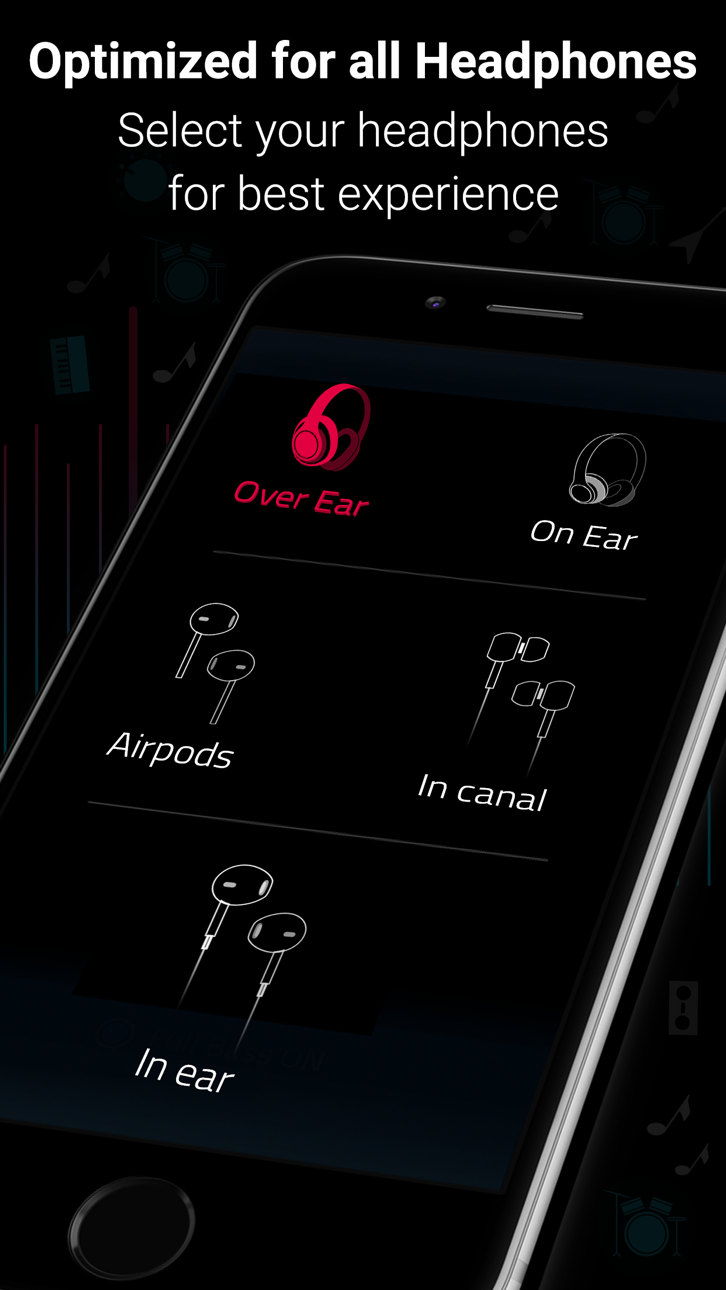
• Perfect Sound for Every Headphone: Automatically optimize sound for over 5,000 headphone models with the all-new Boom Headphone EQ.
• 29 Handcrafted EQ Presets: Dubstep, pop & many more presets.
• 8 or 16-band Custom Equalizer: Craft your own Equalizer to enjoy your music in your way
• TIDAL with Boom: Incredible listening experience from the leading streaming service.
• Stream 40K Radio Stations and Podcast Worldwide: Improved audio output on your favorite stations
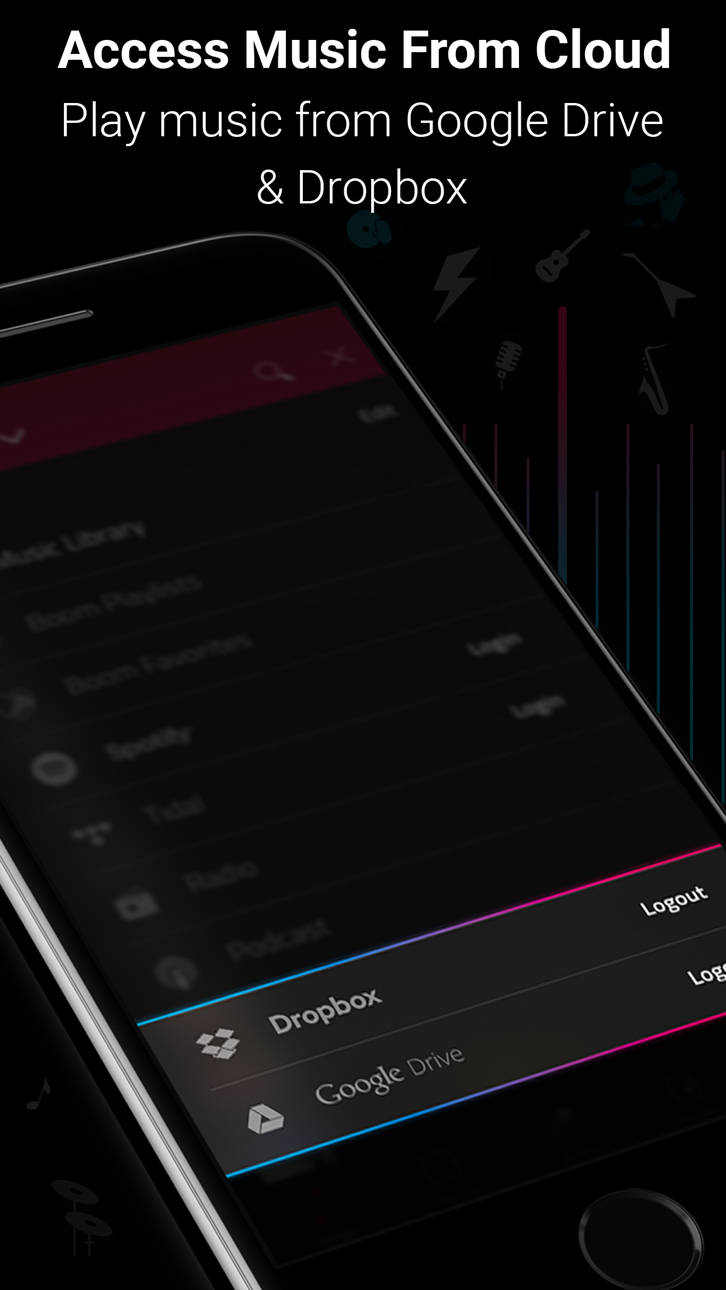
• Multiple Library Access: Access phone music and music stored on Dropbox & Google Drive too!
• Files support - To access songs stored on your phone or other cloud storage services such as OneDrive.
• Music Visualizer: Watch every beat come alive with stunning real-time visualizers.
• Synced Lyrics Support: Sing along with real-time lyrics or create and sync your own.
• Beautiful, User-Friendly Interface: Clean, minimal and easy to use interface
• Enhances All Headphones: Get an amazing listening experience on any headphones
• CarPlay Support - Access your music on a CarPlay compatible infotainment system when your phone is connected!
Offline Music Playback
■ Multiple ways to Add Music for Offline Listening.
* Transfer from Computer Upload songs wirelessly from a computer on the same network using the phone’s IP address.
* Import from Phone Import files or folders directly from the Files app, including audio from the Apple Music library.
■ Download from Web
* Download music directly from supported websites using an in-app browser, with support for link-based downloads (e.g., YouTube, SoundCloud, Bandcamp).
Subscription Details:
You can enjoy Boom for free with our 7-day trial version. Get unrestricted access to all features and experience the magic of vibrant audio output for free.
• Your credit card will be charged through your iTunes Account after the purchase confirmation.
• Automatic renewal unless auto-renew is turned off 24-hours before the end of the current period.
• iTunes Account will be charged for renewal within 24-hours prior to the end of the current period.
• You can manage your subscriptions and you may turn off the auto-renewal by going to your App Store Settings after purchase.
• No cancellation is allowed during an active subscription period.
• Any unused portion of a free trial period will be forfeited when you purchase a subscription.
Boomin’ reviews:
“With a sleek and easy-to-use interface, Boom: Music Player with Magical Surround Sound lets you free your music of that compressed feel, breathing new life into every nuance of your favorite tracks — just the way the artists intended. This app boasts a range of features to deliver that edge, including a mind-blowing 3D Surround setting, equalizers and audio intensity effects designed to work with any headphones. Once you’ve heard your choicest tracks on Boom, there’ll be no going back.”
– App Store Editor.
*** If you have a Mac, do check out Boom 3D for incredible 3D Surround Sound on the Mac App Store at http://apple.co/1Vjj4XR **
Boom Privacy Policy and Terms of Service: https://www.globaldelight.com/boomformobile/ios/privacypolicy.php?lang=en
スクリーンショット © 各権利者 · App Store


iOSGods は Apple Inc.、Google LLC、および掲載アプリの開発者と提携しておらず、承認や協賛も受けていません。Apple、iOS、App Store は Apple Inc. の商標です。Android および Google Play は Google LLC の商標です。その他のアプリ名、アイコン、画像、商標はすべて各権利者に帰属します。

- 脱獄/Jailed済みまたは脱獄済みのiPhoneまたはiPad。
- Sideloadlyまたは代替手段。
- iTunesがインストールされているWindows/macOS/Linuxを実行しているコンピュータ。
ステップ1: 上のリンクから事前にハックされた.IPAファイルをコンピュータにダウンロードします。iOSGodsアプリからダウンロードする方法は、ビデオ例付きのiOSGodsアプリIPAダウンロードチュートリアルをご覧ください。
ステップ2: SideloadlyをダウンロードしてWindowsまたはMacにインストールします。
ステップ3: コンピュータでSideloadlyを開き、iOSデバイスを接続して、デバイス名がSideloadlyに表示されるまで待ちます。
ステップ4: iDeviceが認識されたら、ダウンロードしたModされた.IPAファイルをSideloadlyアプリにドラッグ&ドロップします。
ステップ5: Apple Accountのメールアドレスを入力し、「Start」を押します。次にパスワードの入力を求められます。必要な情報を入力してください。
ステップ6: Sideloadlyがハックされたipaのサイドロード/インストールを完了するのを待ちます。インストール中に問題が発生した場合は、以下の注意事項をお読みください。
ステップ7: インストールが完了し、ホーム画面にアプリが表示されたら、設定 → 一般 → プロファイル / VPNとデバイス管理に移動する必要があります。そこで、ステップ6で入力したメールをタップし、「Trust [email protected]」をタップします。
ステップ8: ホーム画面に戻り、新しくインストールされたアプリを開けば、すべて正常に動作するはずです。ゲーム内のハックのポップアップで、アプリごとの追加指示に従う必要がある場合があります。
注意: iOS/iPadOS 16以降では、デベロッパモードを有効にするが必要です。無料のApple Developerアカウントの場合、このプロセスを7日ごとに繰り返す必要があります。質問や問題がある場合は、トピックのSideloadly FAQセクションをお読みください。
Game Name iOS Mod IPA is an action adventure game enhanced with powerful gameplay boosts and quality-of-life improvements. Win battles faster, earn rewards quicker, and enjoy uninterrupted play without ads.
- Unlimited Gold - spend freely to unlock premium content
- Damage Multiplier - deal significantly more damage in combat
- Defense Multiplier - take less damage and survive longer
- Reward Multiplier - earn more loot from every battle
- Max Level - instantly reach the highest player rank
- No Ads - play without interruptions or advertisements
This app also comes with iGameGod, giving you access to Auto Touch to automate repetitive tasks, App Speed Manager for adjustable gameplay speed, Memory Engine value editing, and more powerful iOS game tools.
Game Name Mod IPAを上のリンクからダウンロードします。インストールボタンをタップし、画面の指示に従ってiPhone、iPad、Apple SiliconにこのiOSアプリハックをインストールします。
さらにヘルプが必要ですか 詳しい回答とトラブルシューティングはiOSGodsアプリ よくある質問をご覧ください。
----------------------------------------------------------
--------------------------------------------------