Login Diperlukan
Masuk dengan akun iOSGods kamu untuk melanjutkan.
Hack Features:
- PREMIUM
Unduh Boom: Music Player & Equalizer Modded modded IPA dari tautan di atas. Ketuk tombol pasang dan ikuti petunjuk di layar untuk memasang hack iOS ini di iPhone, iPad, atau Apple Silicon.
Butuh bantuan lebih lanjut? Lihat Pertanyaan yang Sering Diajukan untuk Aplikasi iOSGods kami untuk jawaban dan tips lengkap.
Best Bass Booster and equalizer App for your iPhone- The Boom App redefines the way you listen to music with Bass booster, a customizable 16-band equalizer & handcrafted presets. You can also experience the magic of 3D surround sound and feel your tunes come to life on any headphones.
Boomin’ Features:
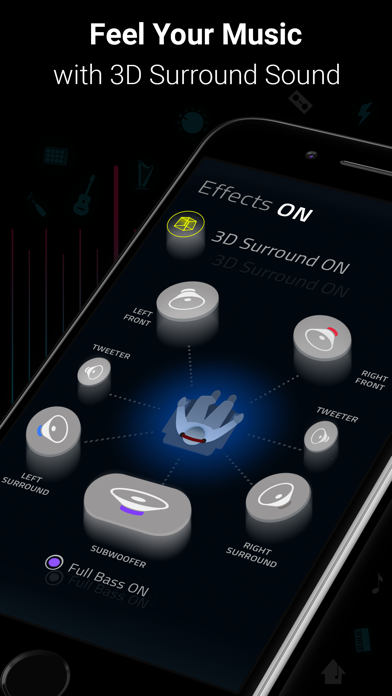
- 3D Surround Sound: Patent-pending technology, amazing audio on any headphones.
- Bass Booster: Amp-up your music and feel every beat come to life
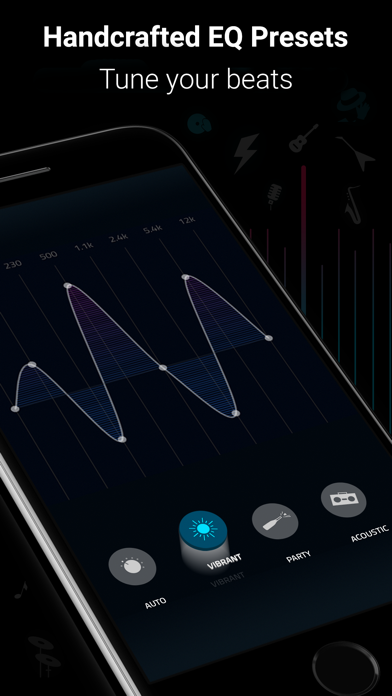
- 29 Handcrafted EQ Presets: Dubstep, pop & many more presets.
- 16-band Custom Equalizer: Craft your own Equalizer to enjoy your music in your way
- Stream Spotify & TIDAL with Boom: Incredible listening experience from the leading streaming services.
- Stream 40K Radio Stations and Podcast Worldwide: Improved audio output on your favorite stations
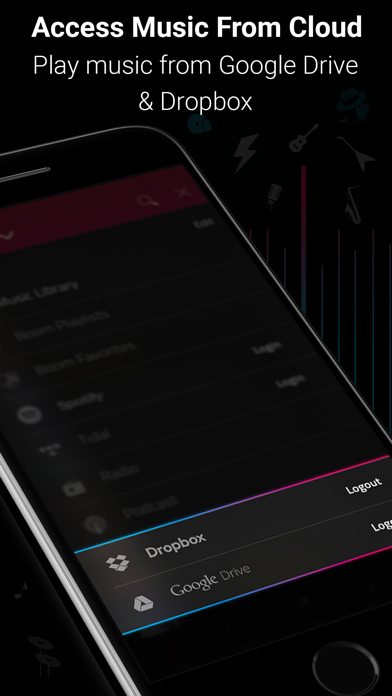
- Multiple Library Access: Access phone music and music stored on Dropbox & Google Drive too!
- Beautiful, User-Friendly Interface: Clean, minimal and easy to use interface
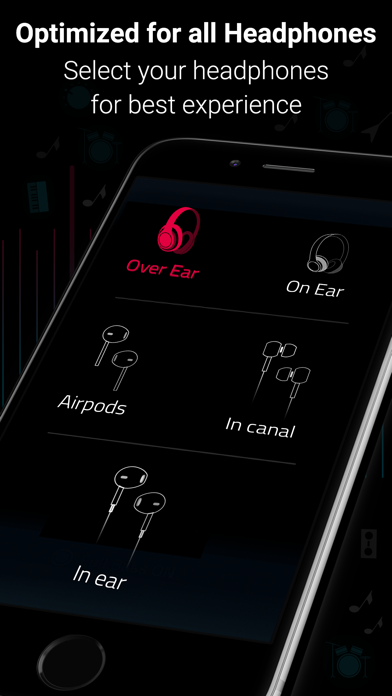
- Enhances All Headphones: Get an amazing listening experience on any headphones
Subscription Details:
You can enjoy Boom for free with our 7-day trial version. Get unrestricted access to all features and experience the magic of vibrant audio output for free.
• Your credit card will be charged through your iTunes Account after the purchase confirmation.
• Automatic renewal unless auto-renew is turned off 24-hours before the end of the current period.
• iTunes Account will be charged for renewal within 24-hours prior to the end of the current period.
• You can manage your subscriptions and you may turn off the auto-renewal by going to the iTunes Account Settings after purchase.
• No cancellation is allowed during an active subscription period.
• Any unused portion of a free trial period will be forfeited when you purchase a subscription.
Boomin’ reviews:
“With a sleek and easy-to-use interface, Boom: Music Player with Magical Surround Sound lets you free your music of that compressed feel, breathing new life into every nuance of your favorite tracks — just the way the artists intended. This app boasts a range of features to deliver that edge, including a mind-blowing 3D Surround setting, equalizers and audio intensity effects designed to work with any headphones. Once you’ve heard your choicest tracks on Boom, there’ll be no going back.”
– App Store Editor.
Boom Privacy Policy and Terms of Service: https://www.globaldelight.com/boomformobile/ios/privacypolicy.php?lang=en
*** If you have a Mac, do check out Boom 3D for incredible 3D Surround Sound on the Mac App Store at http://apple.co/1Vjj4XR **
- iPhone atau iPad tanpa Jailbreak atau dengan Jailbreak.
- Sideloadly atau alternatifnya.
- Komputer dengan Windows/macOS/Linux dan iTunes terpasang.
LANGKAH 1: Unduh file .IPA yang sudah di-hack dari tautan di atas ke komputer Anda. Untuk mengunduhnya dari iOSGods App, silakan lihat Tutorial Mengunduh IPA dari iOSGods App kami yang dilengkapi contoh video.
LANGKAH 2: Unduh Sideloadly dan pasang di Windows atau Mac Anda.
LANGKAH 3: Buka Sideloadly di komputer Anda, sambungkan perangkat iOS Anda, dan tunggu hingga nama perangkat Anda muncul di Sideloadly.
LANGKAH 4: Setelah iDevice Anda terdeteksi, seret file .IPA yang sudah dimodifikasi dan lepaskan ke dalam aplikasi Sideloadly.
LANGKAH 5: Masukkan email Apple Account Anda, lalu tekan "Start". Anda kemudian akan diminta memasukkan kata sandi. Silakan isi informasi yang diminta.
LANGKAH 6: Tunggu hingga Sideloadly selesai melakukan sideloading/pemasangan IPA yang di-hack. Jika terjadi masalah saat pemasangan, silakan baca catatan di bawah ini.
LANGKAH 7: Setelah pemasangan selesai dan Anda melihat aplikasi di Layar Beranda, Anda perlu masuk ke Pengaturan → Umum → Profil / VPN & Manajemen Perangkat. Setelah itu, ketuk email yang Anda masukkan pada langkah 6, lalu ketuk "Percayai [email protected]".
LANGKAH 8: Sekarang buka Layar Beranda dan jalankan aplikasi yang baru saja dipasang; semuanya seharusnya berjalan normal. Anda mungkin perlu mengikuti petunjuk tambahan per aplikasi yang muncul di popup hack di dalam game.
CATATAN: Pada iOS/iPadOS 16 dan yang lebih baru, Anda harus mengaktifkan Mode Pengembang. Untuk akun Apple Developer gratis, Anda perlu mengulangi proses ini setiap 7 hari. Jika Anda memiliki pertanyaan atau masalah, silakan baca bagian FAQ Sideloadly di topik tersebut kami.