Inloggen vereist
Log in met je iOSGods-account om door te gaan.
Log in met je iOSGods-account om door te gaan.

- PREMIUM
Deze app bevat ook iGameGod, waarmee je toegang krijgt tot Auto Touch om repetitieve taken te automatiseren, App Speed Manager voor een aanpasbare spelsnelheid, het bewerken van waarden met Memory Engine en andere krachtige iOS-gametools.
Download Unfold — Create Stories Modded modded IPA via de bovenstaande links. Tik op de installatieknop en volg de instructies om deze iOS-app-hack op je iPhone, iPad of Apple Silicon te installeren.
Meer hulp nodig? Bekijk onze Veelgestelde vragen over de iOSGods-app voor uitgebreide antwoorden en probleemoplossingstips.
— Stitch video clips together with Reels templates
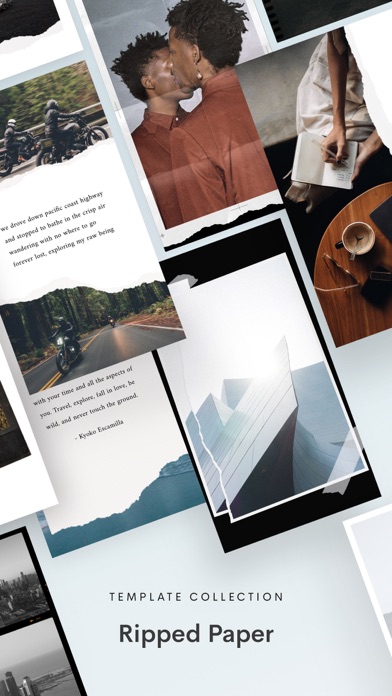
— Create with template collections like Film
— Remove any background with our AI editing tool
— Make a Bio Site for your new link in bio
— Edit your content with filters and effects
Reels Templates: Make trendsetting videos for social media in minutes. Pick an exclusive Reels template, add clips and photos, and let Unfold do the rest.
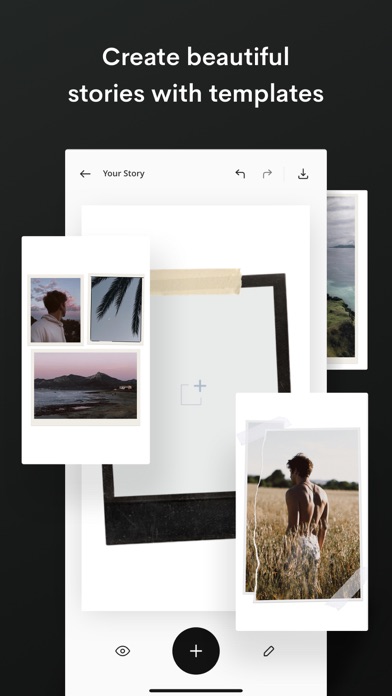
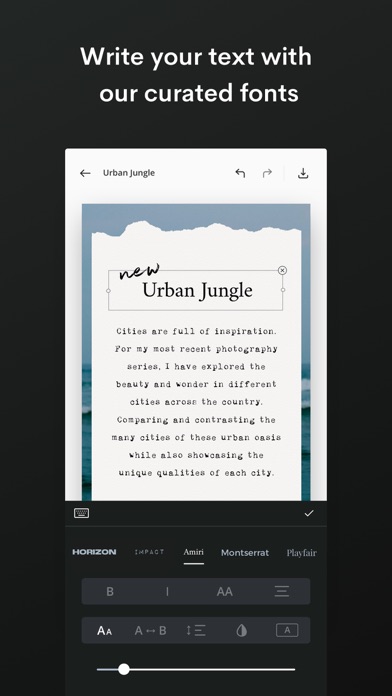
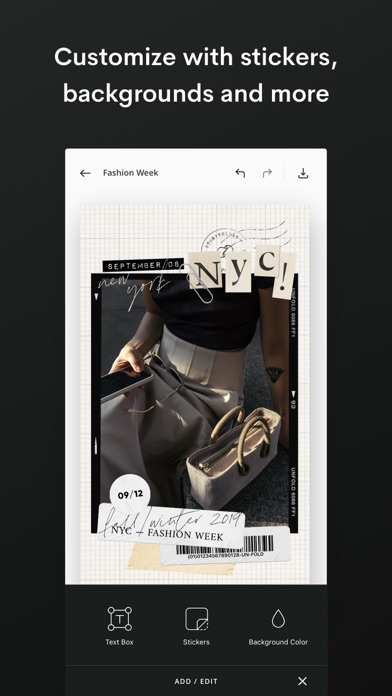
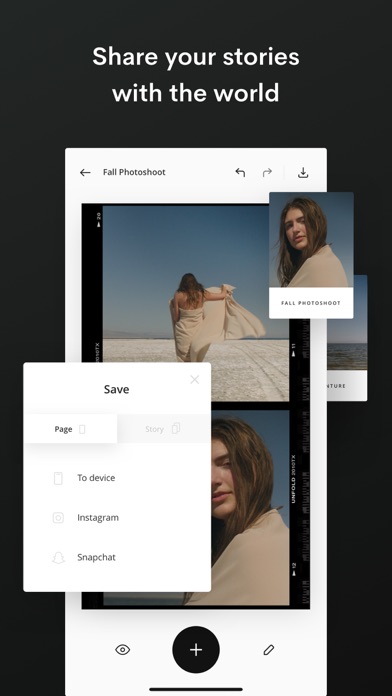
Story, Post, and Animated Templates: Create beautiful content for social with over 400+ templates to choose from. Add filters and effects to your photos directly within the template. Write your text with unique fonts and use advanced text tools. Select a background color or choose a texture. Then share your story with the world!
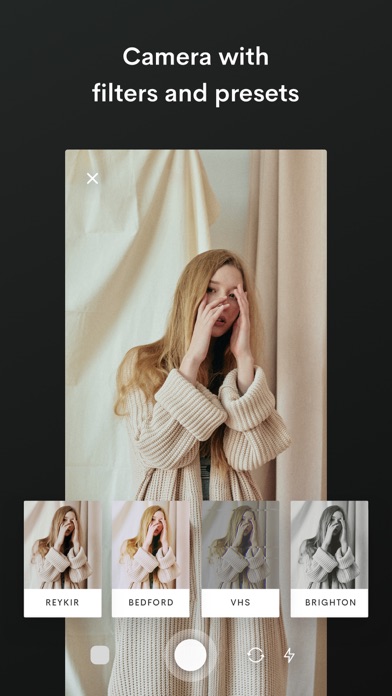
Advanced AI Editing Tools: Edit your photos and videos with our filters and effects. Choose from filters like Tulum and Canarias or effects like VHS and Glitch. Adjust your brightness, contrast, shadows, highlights, saturation, warmth and tint. You can even remove any background from your photos with our AI Background Removal Tool.
Bio Sites: Make your Bio Site, a beautiful hub for all your links to share in your social bios. You have more than one link, your bio should too.
About Unfold+:
· Hundreds of design templates for social
· Exclusive fonts, stickers, tools & sounds
· Filters and effects for photos/videos
· Customize your Bio Site URL
· AI photo editor
About Unfold Pro:
· Upload custom fonts to use in your stories
· Add your brand colors to your palette
· Sync your logos and stickers into the app
· Share your stories to the web with a stori.es link
· Remove the watermark from your Bio Site
Annual subscription billing will start after the trial period. After the 7 day free trial, this subscription will automatically auto-renew each year. Or if you choose a monthly subscription, your billing will start immediately and auto-renew each month. Subscriptions will automatically renew unless cancelled at least one day before the renewal date within 24 hours before the end of the current period. Payment will be charged to your Apple ID account at the confirmation of purchase. If you subscribe before a free trial ends, the remainder of the trial period will be forfeited. You can manage and cancel your subscription by going to your account settings in the App Store.
Privacy Policy —
https://squarespace.com/privacy
Terms of Service —
https://squarespace.com/terms-of-service
Unfold from Squarespace —
https://squarespace.com/marketing/unfold
Thanks for creating with Unfold! We'd love to hear from you. Message us on Instagram at @unfold.
- Niet-jailbroken/jailed of jailbroken iPhone of iPad.
- Sideloadly of alternatieven.
- Computer met Windows/macOS/Linux en iTunes geïnstalleerd.
STAP 1: Download het vooraf gehackte .IPA-bestand via de link hierboven naar uw computer. Om het te downloaden vanuit de iOSGods App, bekijk onze iOSGods App IPA-downloadhandleiding met een videovoorbeeld.
STAP 2: Download Sideloadly en installeer het op uw Windows of Mac.
STAP 3: Open Sideloadly op uw computer, sluit uw iOS-apparaat aan en wacht tot de naam van uw apparaat in Sideloadly verschijnt.
STAP 4: Zodra uw iDevice is herkend, sleept u het gedownloade gemodde .IPA-bestand naar de Sideloadly-applicatie.
STAP 5: Voer het e-mailadres van uw Apple Account in en druk op “Start”. U wordt vervolgens gevraagd om uw wachtwoord in te voeren. Geef de gevraagde informatie op.
STAP 6: Wacht tot Sideloadly het sideloaden/installeren van de gehackte IPA heeft voltooid. Als er problemen zijn tijdens de installatie, lees dan onderstaande opmerking.
STAP 7: Zodra de installatie is voltooid en u de app op uw beginscherm ziet, gaat u naar Instellingen → Algemeen → Profielen / VPN- en apparaatbeheer. Tik daar op het e-mailadres dat u in stap 6 hebt ingevoerd en tik vervolgens op “Vertrouw [email protected]”.
STAP 8: Ga nu naar uw beginscherm en open de zojuist geïnstalleerde app; alles zou correct moeten werken. Mogelijk moet u verdere app-specifieke instructies volgen in de hack-popup in het spel.
OPMERKING: Op iOS/iPadOS 16 en later moet u Ontwikkelaarsmodus inschakelen. Voor gratis Apple Developer-accounts moet u dit proces elke 7 dagen herhalen. Als u vragen of problemen hebt, lees dan onze Sideloadly FAQ-sectie van het onderwerp.