需要登入
請使用您的 iOSGods 帳戶登入以繼續。
請使用您的 iOSGods 帳戶登入以繼續。
使用這個 Unfold, Create Stories Modded 的破解版本建立令人驚艷的視覺故事,這是一款照片和影片應用程式,讓你使用 200 多個獲獎範本設計精美的敘事。此破解版本解鎖了高級功能,讓你可以存取完整的創意工具包,包括所有範本、精選字體、進階文字工具、獨特貼紙、Unfold 相機(具有 15 個濾鏡和效果)以及高解析度匯出,方便在各平台無縫分享。
- 高級版本已解鎖 → 存取所有範本、字體和獨家功能
此應用程式也內建 iGameGod,讓你可以使用 Auto Touch 自動執行重複操作、透過 App Speed Manager 調整遊戲速度、使用 Memory Engine 修改記憶體數值,以及更多強大的 iOS 遊戲工具。
從上方連結下載 Unfold — Create Stories Modded modded IPA。點選安裝按鈕並依照畫面指示在 iPhone、iPad 或 Apple Silicon 上安裝此 iOS 應用程式修改版。
需要更多協助?請查看我們的 iOSGods 應用程式常見問題 以獲得詳細解答與疑難排解。
— Stitch video clips together with Reels templates
— Create with template collections like Film
— Remove any background with our AI editing tool
— Make a Bio Site for your new link in bio
— Edit your content with filters and effects
Reels Templates: Make trendsetting videos for social media in minutes. Pick an exclusive Reels template, add clips and photos, and let Unfold do the rest.
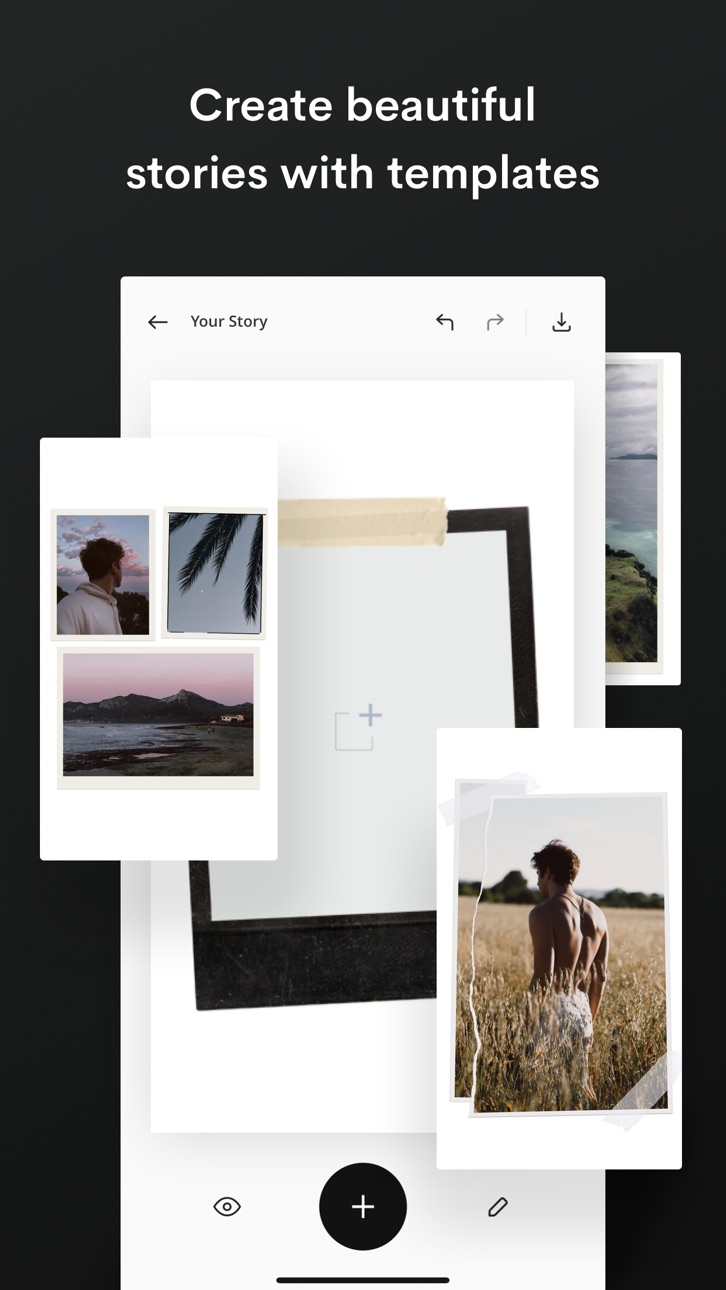
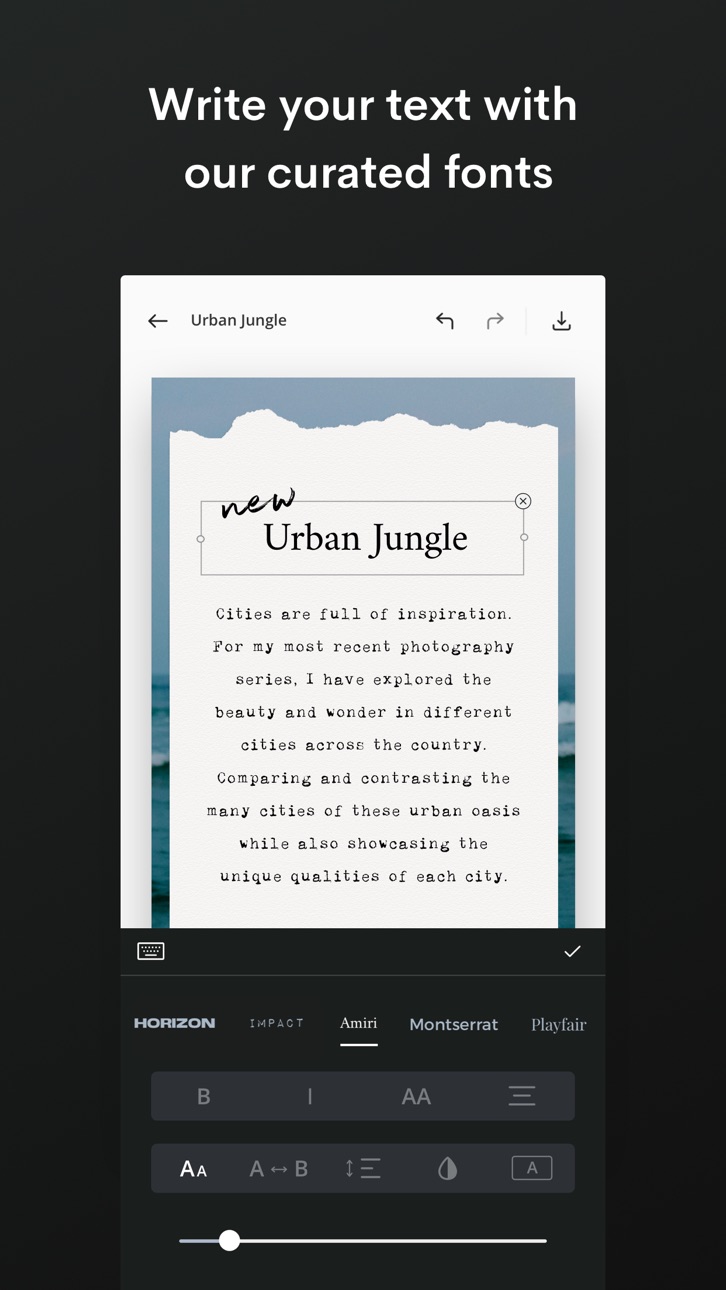
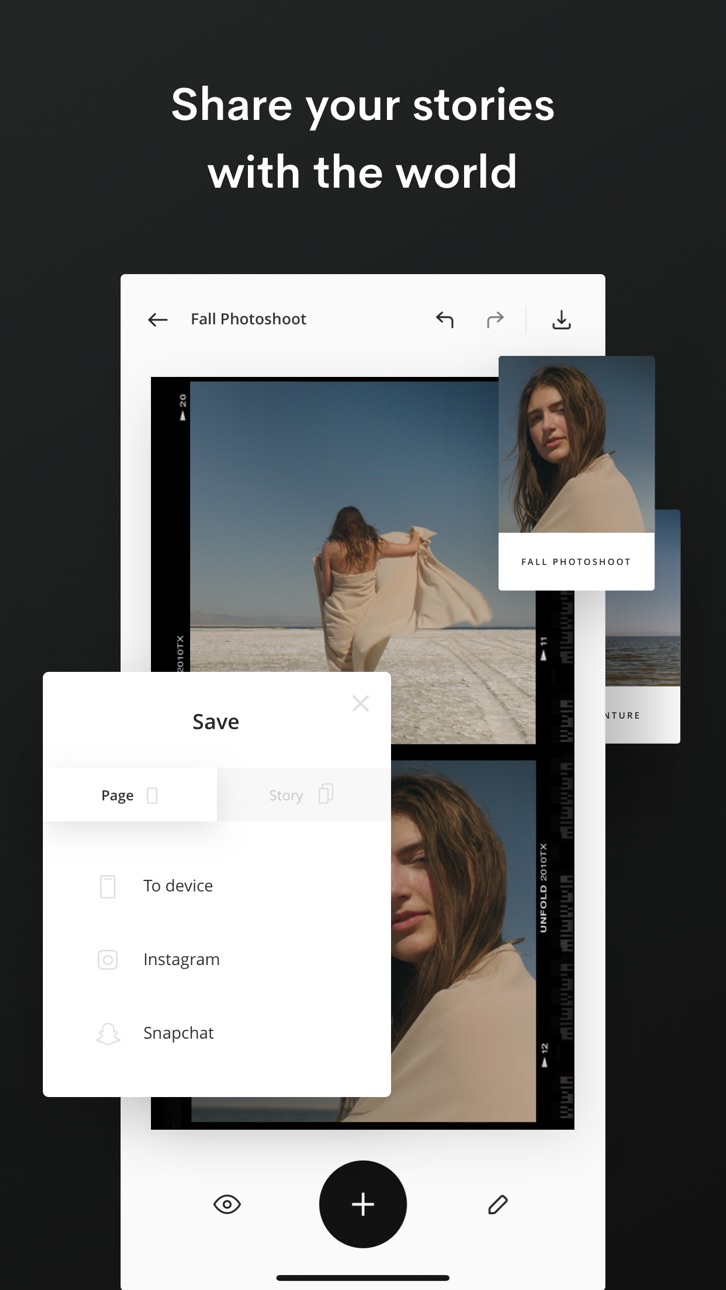
Story, Post, and Animated Templates: Create beautiful content for social with over 400+ templates to choose from. Add filters and effects to your photos directly within the template. Write your text with unique fonts and use advanced text tools. Select a background color or choose a texture. Then share your story with the world!
Advanced AI Editing Tools: Edit your photos and videos with our filters and effects. Choose from filters like Tulum and Canarias or effects like VHS and Glitch. Adjust your brightness, contrast, shadows, highlights, saturation, warmth and tint. You can even remove any background from your photos with our AI Background Removal Tool.
Bio Sites: Make your Bio Site, a beautiful hub for all your links to share in your social bios. You have more than one link, your bio should too.
About Unfold+:
· Hundreds of design templates for social
· Exclusive fonts, stickers, tools & sounds
· Filters and effects for photos/videos
· Customize your Bio Site URL
· AI photo editor
About Unfold Pro:
· Upload custom fonts to use in your stories
· Add your brand colors to your palette
· Sync your logos and stickers into the app
· Share your stories to the web with a stori.es link
· Remove the watermark from your Bio Site
Annual subscription billing will start after the trial period. After the 7 day free trial, this subscription will automatically auto-renew each year. Or if you choose a monthly subscription, your billing will start immediately and auto-renew each month. Subscriptions will automatically renew unless cancelled at least one day before the renewal date within 24 hours before the end of the current period. Payment will be charged to your Apple ID account at the confirmation of purchase. If you subscribe before a free trial ends, the remainder of the trial period will be forfeited. You can manage and cancel your subscription by going to your account settings in the App Store.
Unfold from Squarespace —
https://squarespace.com/marketing/unfold
Thanks for creating with Unfold! We'd love to hear from you. Message us on Instagram at @unfold.
螢幕截圖 © 各自所有者 · App Store


iOSGods 與 Apple Inc.、Google LLC 及此處列出應用程式的開發者並無關聯,亦未獲其認可或贊助。Apple、iOS 與 App Store 為 Apple Inc. 的商標。Android 與 Google Play 為 Google LLC 的商標。其他所有應用程式名稱、圖示、圖片與商標均屬其各自所有者。

- 未越獄/受限或已越獄的 iPhone 或 iPad。
- Sideloadly 或替代方案。
- 執行 Windows/macOS/Linux 且已安裝 iTunes 的電腦。
步驟 1: 透過上方連結將已破解的 .IPA 檔案下載到您的電腦。若要從 iOSGods App 下載,請參閱我們的 iOSGods App IPA 下載教學,其中包含影片範例。
步驟 2: 下載 Sideloadly 並將其安裝在您的 Windows 或 Mac 上。
步驟 3: 在電腦上開啟 Sideloadly,連接您的 iOS 裝置,並等待裝置名稱出現在 Sideloadly 中。
步驟 4: 當 Sideloadly 辨識到您的 iOS 裝置後,將下載好的修改版 .IPA 檔案拖曳並放到 Sideloadly 應用程式中。
步驟 5: 輸入您的 Apple Account 電子郵件,然後按下「Start」。系統會要求您輸入密碼,請依指示提供所需資訊。
步驟 6: 等待 Sideloadly 完成已破解 IPA 的旁載/安裝。如果安裝過程中發生問題,請閱讀下方的注意事項。
步驟 7: 安裝完成並在主畫面上看到該應用程式後,您需要前往 設定 → 一般 → 描述檔 / VPN 與裝置管理。進入後,點選您在步驟 6 中輸入的電子郵件,然後點選「信任 [email protected]」。
步驟 8: 現在回到主畫面並開啟新安裝的應用程式,一切應該都能正常運作。您可能需要依照遊戲內破解彈出視窗中的進一步指示操作。
注意: 在 iOS/iPadOS 16 及更新版本上,您必須 啟用開發者模式。若使用免費的 Apple Developer 帳號,您將需要每 7 天重複此程序。如有任何疑問或問題,請閱讀我們的 主題中的 Sideloadly 常見問題區段。
Game Name iOS Mod IPA is an action adventure game enhanced with powerful gameplay boosts and quality-of-life improvements. Win battles faster, earn rewards quicker, and enjoy uninterrupted play without ads.
- Unlimited Gold - spend freely to unlock premium content
- Damage Multiplier - deal significantly more damage in combat
- Defense Multiplier - take less damage and survive longer
- Reward Multiplier - earn more loot from every battle
- Max Level - instantly reach the highest player rank
- No Ads - play without interruptions or advertisements
This app also comes with iGameGod, giving you access to Auto Touch to automate repetitive tasks, App Speed Manager for adjustable gameplay speed, Memory Engine value editing, and more powerful iOS game tools.
從上方連結下載 Game Name Mod IPA。點選安裝按鈕並依照畫面指示在 iPhone、iPad 或 Apple Silicon 上安裝此 iOS 應用程式修改版。
需要更多協助請查看我們的 iOSGods 應用程式常見問題 以獲得詳細解答與疑難排解。
----------------------------------------------------------
--------------------------------------------------