ต้องเข้าสู่ระบบ
เข้าสู่ระบบด้วยบัญชี iOSGods เพื่อดำเนินการต่อ
เข้าสู่ระบบด้วยบัญชี iOSGods เพื่อดำเนินการต่อ
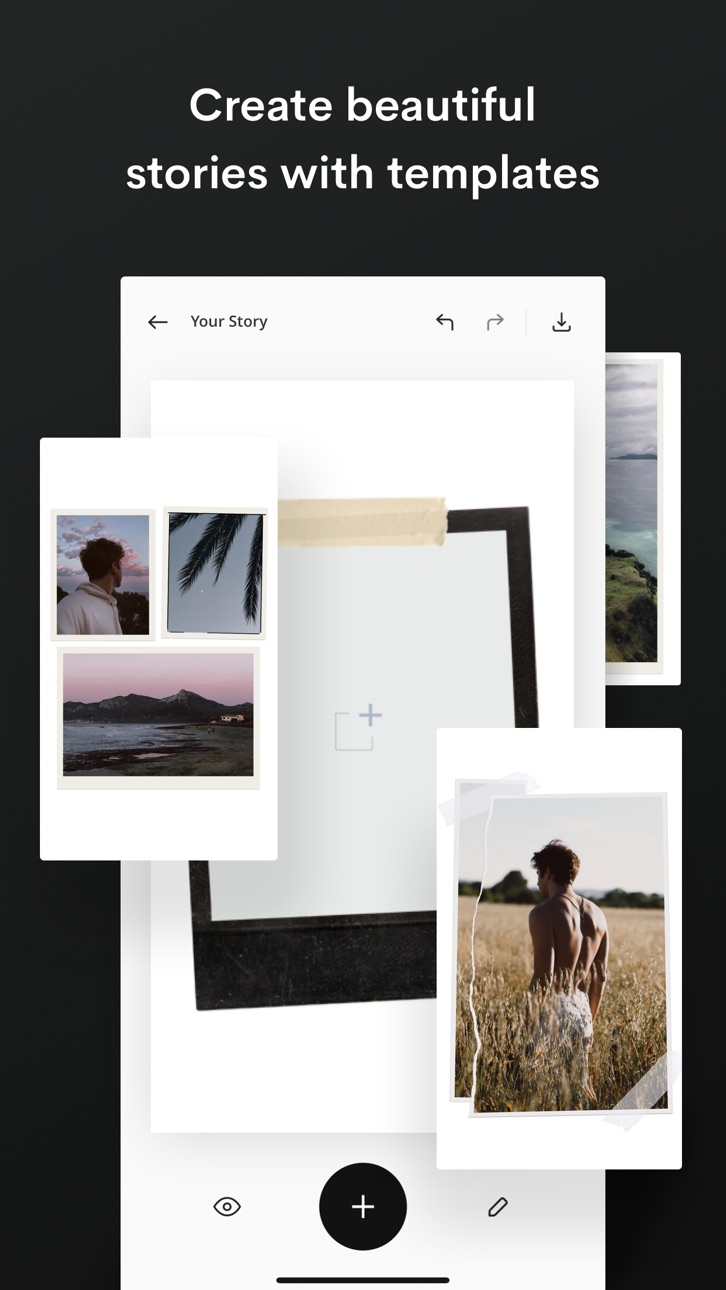
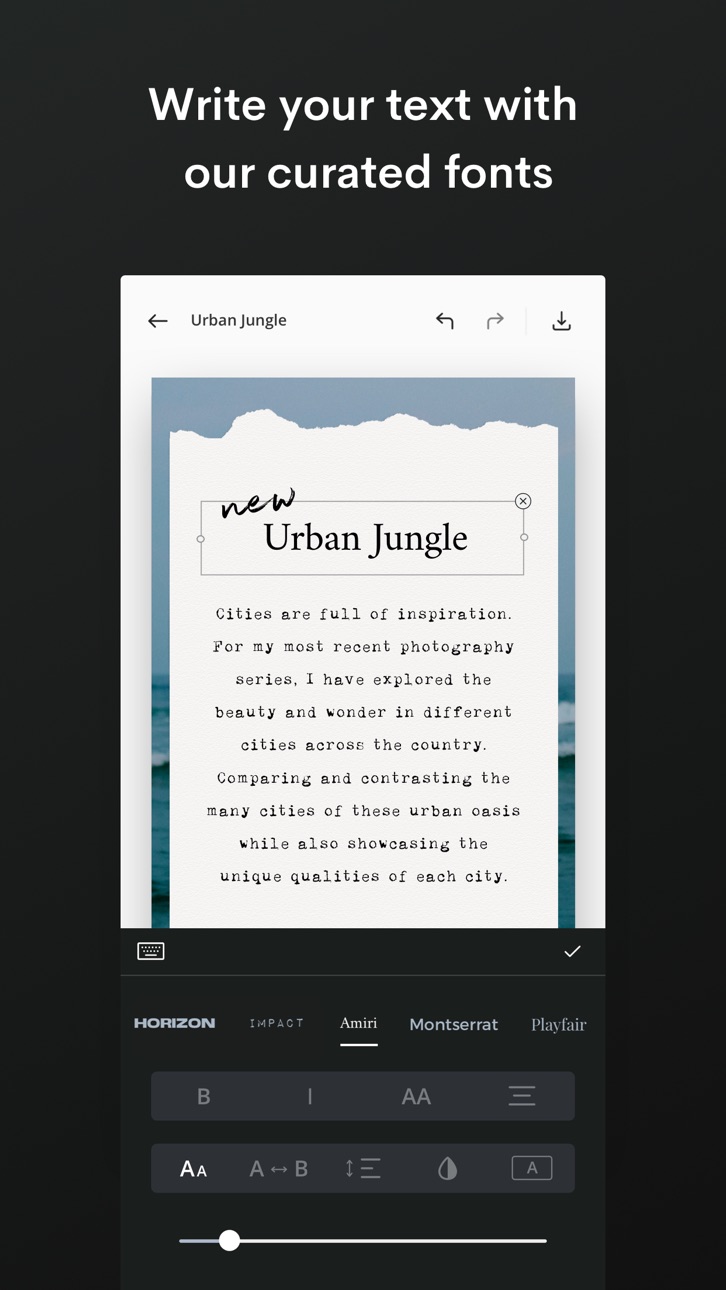
สร้างเรื่องราวภาพที่น่าทึ่งด้วยเวอร์ชันโกงของ Unfold ซึ่งเป็นแอปสำหรับรูปภาพและวิดีโอที่ให้คุณออกแบบเรื่องราวที่สวยงามโดยใช้เทมเพลตที่ได้รับรางวัลกว่า 200 รูปแบบ การ Hack นี้ปลดล็อกฟีเจอร์พรีเมียม ให้คุณเข้าถึงชุดเครื่องมือสร้างสรรค์ที่สมบูรณ์ รวมถึงเทมเพลตทั้งหมด ฟอนต์ที่คัดสรร เครื่องมือข้อความขั้นสูง สติกเกอร์ที่เป็นเอกลักษณ์ กล้อง Unfold พร้อมฟิลเตอร์และเอฟเฟกต์ 15 แบบ และการส่งออกความละเอียดสูงเพื่อการแชร์ที่ราบรื่นบนแพลตฟอร์มต่างๆ
- ปลดล็อกพรีเมียม → เข้าถึงเทมเพลตทั้งหมด ฟอนต์ และฟีเจอร์พิเศษ
แอปนี้ยังมาพร้อมกับ iGameGod ซึ่งช่วยให้คุณเข้าถึง Auto Touch สำหรับการทำงานซ้ำ ๆ โดยอัตโนมัติ, App Speed Manager สำหรับปรับความเร็วของเกม, การแก้ไขค่าด้วย Memory Engine และเครื่องมือสำหรับเกม iOS ที่ทรงพลังอื่น ๆ อีกมากมาย
ดาวน์โหลด Unfold — Create Stories Modded modded IPA จากลิงก์ด้านบน แตะปุ่มติดตั้งและทำตามคำแนะนำบนหน้าจอเพื่อติดตั้งแฮ็กแอป iOS นี้บน iPhone, iPad หรือ Apple Silicon
ต้องการความช่วยเหลือเพิ่มเติม? ดู คำถามที่พบบ่อยของแอป iOSGods สำหรับคำตอบโดยละเอียดและเคล็ดลับการแก้ไขปัญหา
— Stitch video clips together with Reels templates
— Create with template collections like Film
— Remove any background with our AI editing tool
— Make a Bio Site for your new link in bio
— Edit your content with filters and effects
Reels Templates: Make trendsetting videos for social media in minutes. Pick an exclusive Reels template, add clips and photos, and let Unfold do the rest.
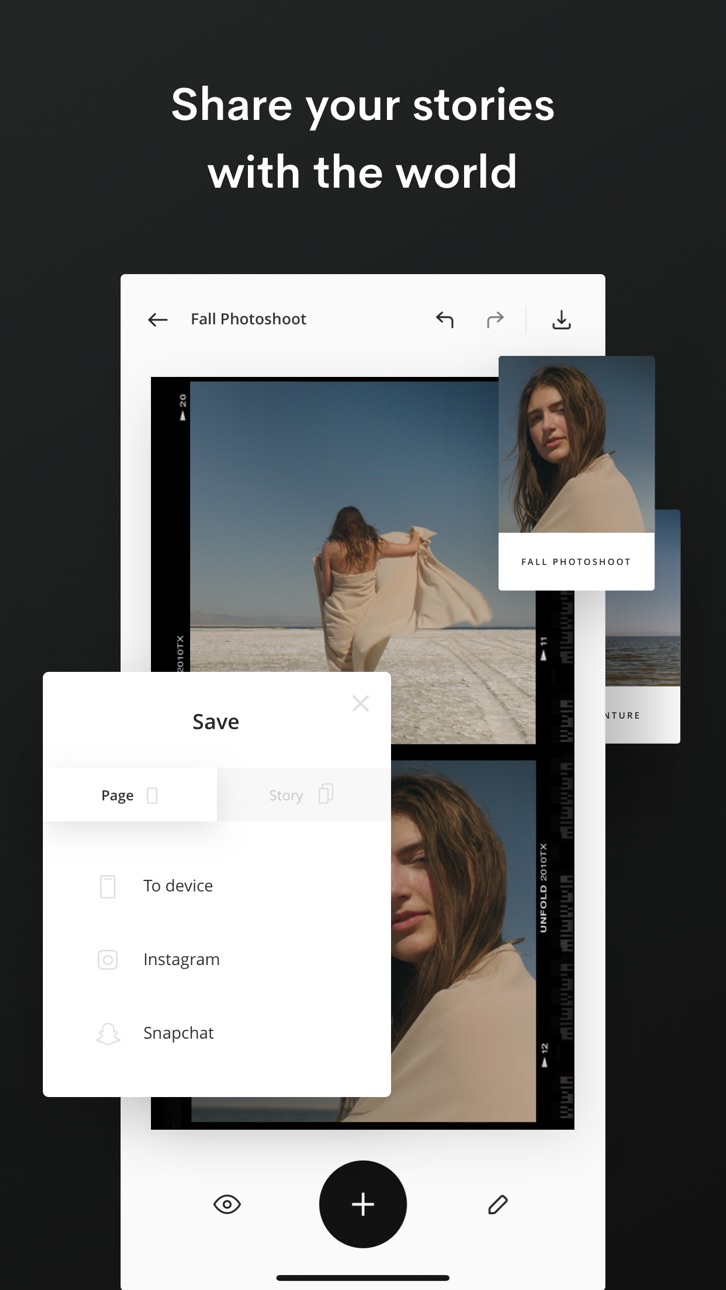
Story, Post, and Animated Templates: Create beautiful content for social with over 400+ templates to choose from. Add filters and effects to your photos directly within the template. Write your text with unique fonts and use advanced text tools. Select a background color or choose a texture. Then share your story with the world!
Advanced AI Editing Tools: Edit your photos and videos with our filters and effects. Choose from filters like Tulum and Canarias or effects like VHS and Glitch. Adjust your brightness, contrast, shadows, highlights, saturation, warmth and tint. You can even remove any background from your photos with our AI Background Removal Tool.
Bio Sites: Make your Bio Site, a beautiful hub for all your links to share in your social bios. You have more than one link, your bio should too.
About Unfold+:
· Hundreds of design templates for social
· Exclusive fonts, stickers, tools & sounds
· Filters and effects for photos/videos
· Customize your Bio Site URL
· AI photo editor
About Unfold Pro:
· Upload custom fonts to use in your stories
· Add your brand colors to your palette
· Sync your logos and stickers into the app
· Share your stories to the web with a stori.es link
· Remove the watermark from your Bio Site
Annual subscription billing will start after the trial period. After the 7 day free trial, this subscription will automatically auto-renew each year. Or if you choose a monthly subscription, your billing will start immediately and auto-renew each month. Subscriptions will automatically renew unless cancelled at least one day before the renewal date within 24 hours before the end of the current period. Payment will be charged to your Apple ID account at the confirmation of purchase. If you subscribe before a free trial ends, the remainder of the trial period will be forfeited. You can manage and cancel your subscription by going to your account settings in the App Store.
Unfold from Squarespace —
https://squarespace.com/marketing/unfold
Thanks for creating with Unfold! We'd love to hear from you. Message us on Instagram at @unfold.
ภาพหน้าจอ © เจ้าของแต่ละราย · App Store


iOSGods ไม่มีความเกี่ยวข้อง ไม่ได้รับการรับรอง และไม่ได้รับการสนับสนุนจาก Apple Inc., Google LLC หรือผู้พัฒนาแอปที่แสดงไว้ที่นี่ Apple, iOS และ App Store เป็นเครื่องหมายการค้าของ Apple Inc. Android และ Google Play เป็นเครื่องหมายการค้าของ Google LLC ชื่อแอป ไอคอน ภาพ และเครื่องหมายการค้าอื่นทั้งหมดเป็นทรัพย์สินของเจ้าของแต่ละราย

- iPhone หรือ iPad ที่ไม่ได้เจลเบรก/ไม่ได้เจลเบรก หรือเจลเบรกแล้ว
- Sideloadly หรือทางเลือกอื่น
- คอมพิวเตอร์ที่ใช้ Windows/macOS/Linux และติดตั้ง iTunes ไว้
ขั้นตอนที่ 1: ดาวน์โหลดไฟล์ .IPA ที่แฮกไว้ล่วงหน้าจากลิงก์ด้านบนลงในคอมพิวเตอร์ของคุณ หากต้องการดาวน์โหลดจากแอป iOSGods โปรดดู วิธีดาวน์โหลด IPA ในแอป iOSGods ซึ่งมีตัวอย่างวิดีโอประกอบ
ขั้นตอนที่ 2: ดาวน์โหลด Sideloadly แล้วติดตั้งบน Windows หรือ Mac ของคุณ
ขั้นตอนที่ 3: เปิด Sideloadly บนคอมพิวเตอร์ เชื่อมต่ออุปกรณ์ iOS แล้วรอจนกว่าชื่ออุปกรณ์ของคุณจะปรากฏใน Sideloadly
ขั้นตอนที่ 4: เมื่อ iDevice ของคุณถูกตรวจพบแล้ว ให้ลากไฟล์ .IPA ที่ม็อดมาวางลงในโปรแกรม Sideloadly
ขั้นตอนที่ 5: กรอกอีเมล Apple Account ของคุณ จากนั้นกด "Start" ระบบจะถามรหัสผ่าน กรอกข้อมูลที่จำเป็นให้เรียบร้อย
ขั้นตอนที่ 6: รอจนกว่า Sideloadly จะ sideload/ติดตั้งไฟล์ IPA ที่แฮกเสร็จ หากเกิดปัญหาระหว่างติดตั้ง โปรดอ่านหมายเหตุด้านล่าง
ขั้นตอนที่ 7: เมื่อการติดตั้งเสร็จสิ้นและเห็นแอปบนหน้าจอหลักแล้ว ให้ไปที่ การตั้งค่า → ทั่วไป → โปรไฟล์ / VPN และการจัดการอุปกรณ์ จากนั้นแตะที่อีเมลที่คุณกรอกในขั้นตอนที่ 6 แล้วแตะ "เชื่อถือ [email protected]"
ขั้นตอนที่ 8: จากนั้นไปที่หน้าจอหลักและเปิดแอปที่ติดตั้งใหม่ ทุกอย่างควรทำงานได้ปกติ คุณอาจต้องทำตามคำแนะนำเพิ่มเติมเฉพาะแอปในป๊อปอัปของม็อดในเกม
หมายเหตุ: สำหรับ iOS/iPadOS 16 ขึ้นไป คุณต้อง เปิดโหมดนักพัฒนา (Developer Mode) สำหรับบัญชี Apple Developer แบบฟรี คุณต้องทำขั้นตอนนี้ซ้ำทุก 7 วัน หากมีคำถามหรือพบปัญหา โปรดอ่าน หัวข้อ FAQ ของ Sideloadly ในกระทู้
Game Name iOS Mod IPA is an action adventure game enhanced with powerful gameplay boosts and quality-of-life improvements. Win battles faster, earn rewards quicker, and enjoy uninterrupted play without ads.
- Unlimited Gold - spend freely to unlock premium content
- Damage Multiplier - deal significantly more damage in combat
- Defense Multiplier - take less damage and survive longer
- Reward Multiplier - earn more loot from every battle
- Max Level - instantly reach the highest player rank
- No Ads - play without interruptions or advertisements
This app also comes with iGameGod, giving you access to Auto Touch to automate repetitive tasks, App Speed Manager for adjustable gameplay speed, Memory Engine value editing, and more powerful iOS game tools.
ดาวน์โหลด Game Name Mod IPA จากลิงก์ด้านบน แตะปุ่มติดตั้งและทำตามคำแนะนำบนหน้าจอเพื่อติดตั้งแฮ็กแอป iOS นี้บน iPhone, iPad หรือ Apple Silicon
ต้องการความช่วยเหลือเพิ่มเติม ดู คำถามที่พบบ่อยของแอป iOSGods สำหรับคำตอบโดยละเอียดและเคล็ดลับการแก้ไขปัญหา
----------------------------------------------------------
--------------------------------------------------