ログインが必要
iOSGodsアカウントでサインインして続けてください。
iOSGodsアカウントでサインインして続けてください。
このモッド版Unfold, Create Stories Modded を使って、素晴らしいビジュアルストーリーを作成しましょう。200以上の受賞歴のあるテンプレートを使用して、美しいナラティブをデザインできる写真・動画アプリです。このハックはプレミアム機能をアンロックし、すべてのテンプレート、厳選されたフォント、高度なテキストツール、ユニークなステッカー、15個のフィルターとエフェクトを備えたUnfold カメラ、そして各プラットフォーム間でのシームレスな共有のための高解像度エクスポート機能へのアクセスを提供します。
- プレミアム アンロック → すべてのテンプレート、フォント、および限定機能にアクセス可能
このアプリにはiGameGodも搭載されており、繰り返し作業を自動化するAuto Touch、ゲーム速度を調整できるApp Speed Manager、Memory Engineによる値の編集など、強力なiOSゲーム用ツールをご利用いただけます。
Unfold — Create Stories Modded modded IPAを上のリンクからダウンロードします。インストールボタンをタップし、画面の指示に従ってiPhone、iPad、Apple SiliconにこのiOSアプリハックをインストールします。
さらにヘルプが必要ですか? 詳しい回答とトラブルシューティングはiOSGodsアプリ よくある質問をご覧ください。
Your all-in-one toolkit to stand out on social. Whether you’re a brand, creator, or just here to have fun, Unfold gives you the tools you need to create elevated content, grow your audience, and monetize your social presence. Whatever you do, whatever you’re into—use Unfold to share your story.
MAKE TREND-SETTING CONTENT
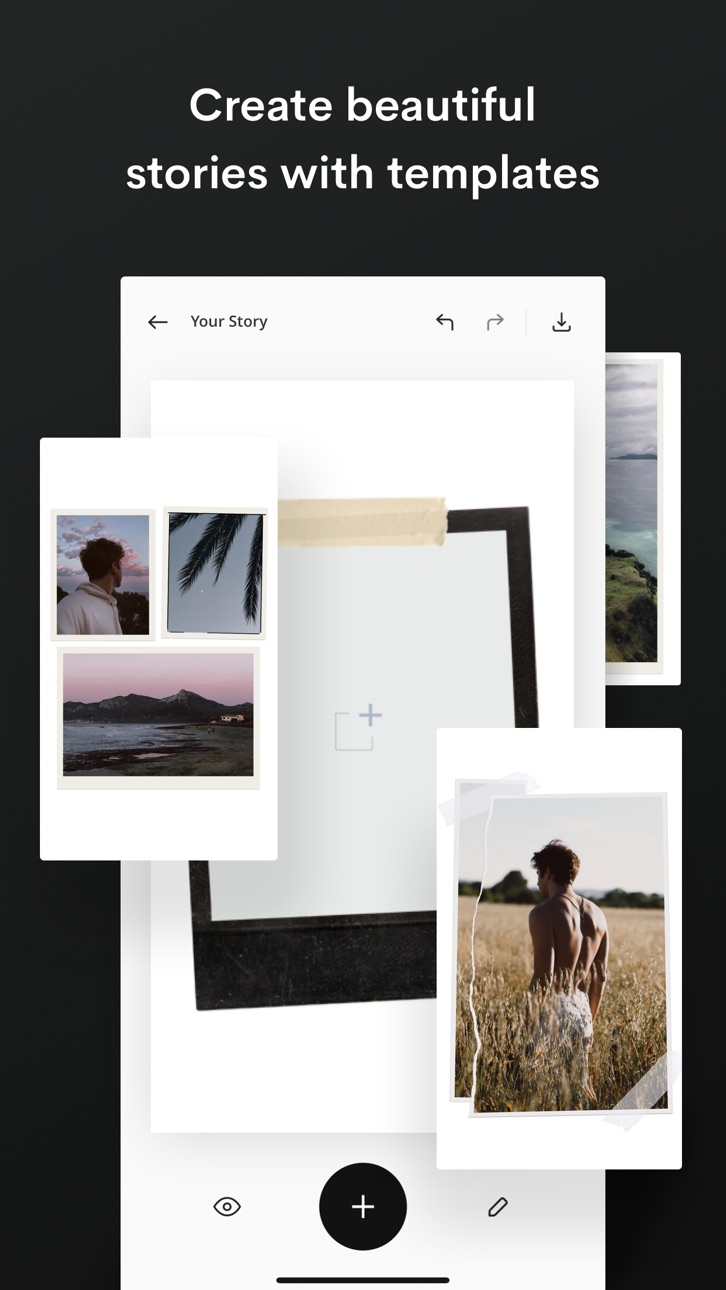
Express your creativity with award-winning photo & video templates, and design tools in the Unfold Studio.
- Scroll-stopping filters and effects for photo & video content
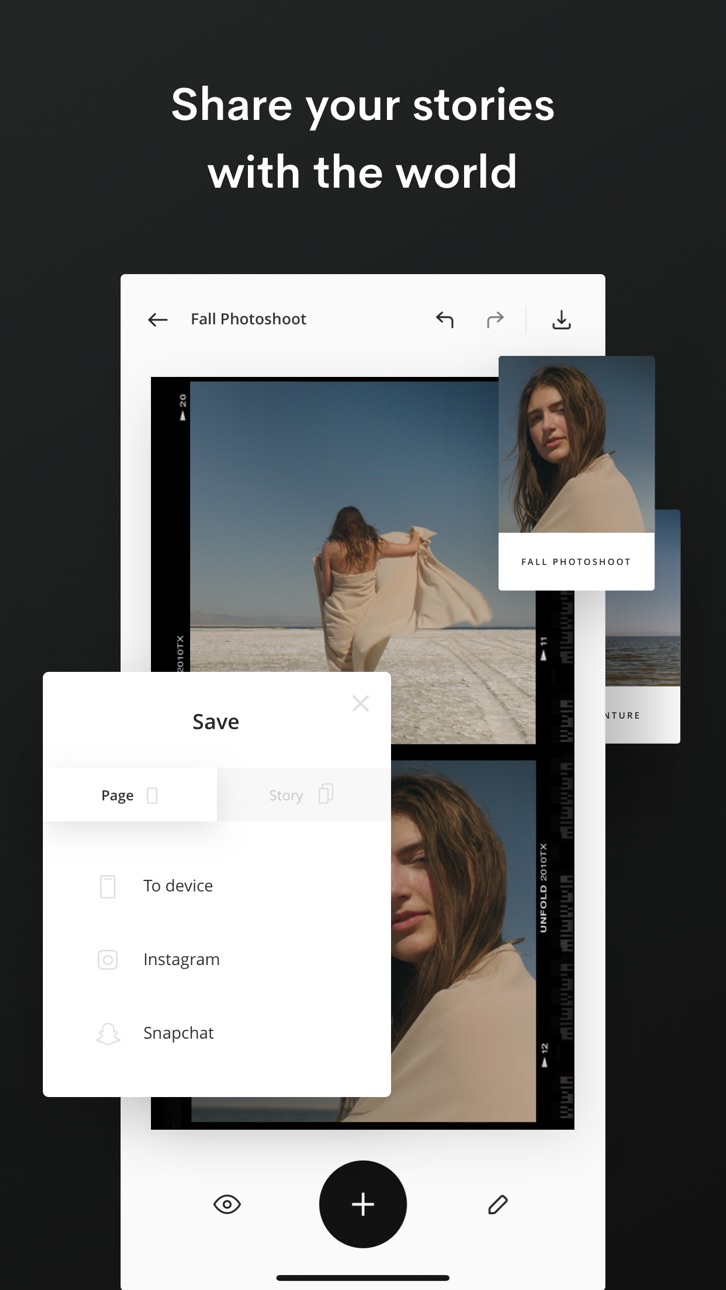
- Hundreds of templates for Instagram Stories, Instagram Posts, Instagram Reels, TikTok, Snapchat, Pinterest and Facebook
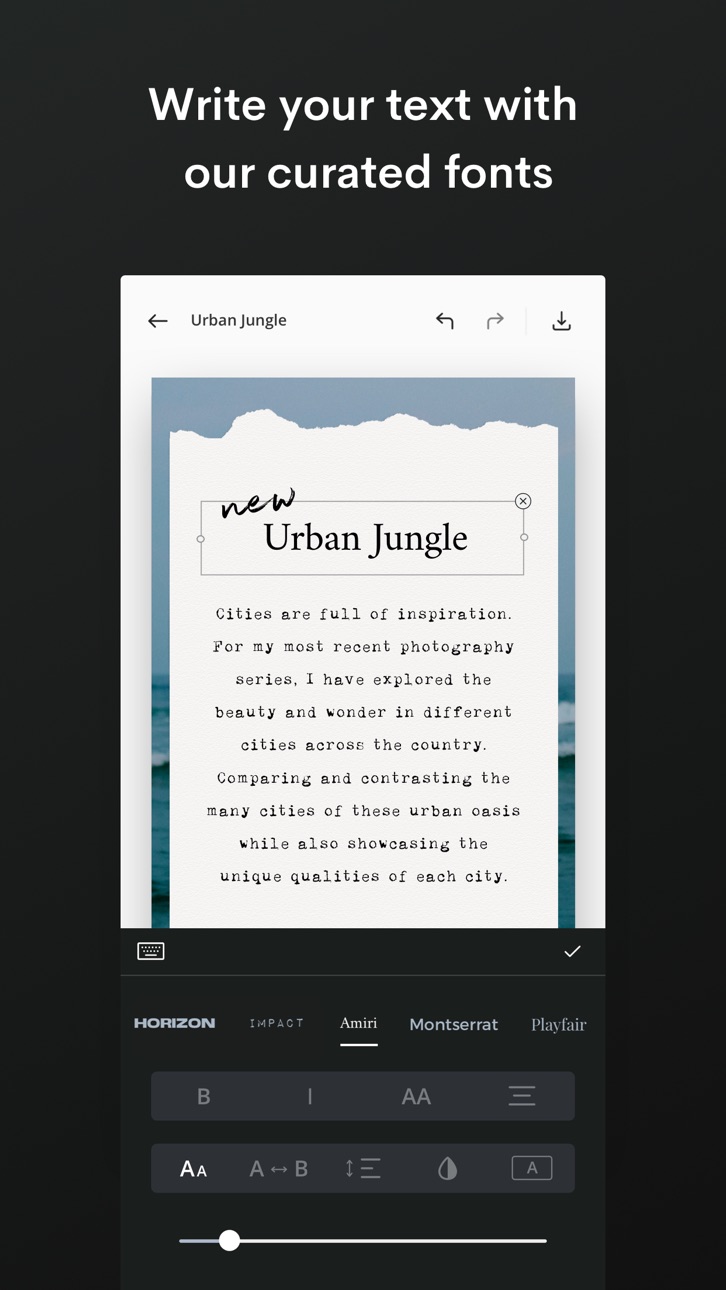
- Exclusive fonts and styles
- Royalty-free music and audio
- Professional-grade but easy-to-use editing tools
- AI content editing tools (e.g. background remover)
- Animated doodle brush
- Custom brand assets (Unfold Pro only)
MONETIZE YOUR CREATIVITY THROUGH YOUR LINK IN BIO
A Bio Site is a one-page, mobile-first website for your link in bio. Make yours in minutes and create more opportunities to grow your income.
- Claim your free Bio Site URL
- Sell digital products like guides, tutorials and gated content
- Crowdfund your next project
- Collect tips through your link in bio
- Connect to PayPal or Stripe for secure payments
- Feature products from your online store
- Capture your audience’s emails and phone numbers
- Showcase your portfolio and services
- Link to your other social channels
- Add your music or podcast from Spotify, Apple Music and more
- Stand out with on-brand templates and fonts
CHOOSE YOUR UNFOLD PLAN
Download the free version with fun features for everyday storytellers, or subscribe for advanced creative tools.
Unfold's Free Version: Easy-to-use tools to share your story with the world.
- Sample collection of templates (with watermark)
- Curation of royalty-free tracks
- Cool fonts and photo effects
- Photo & video editing tools
- Free Bio Site URL and builder
Unfold+: Unlock hundreds of templates and premium editing tools.
- 400+ social templates and layouts (no watermark)
- Premium filters and effects like Film, VHS and Glitch
- Exclusive fonts, styles and tools
- 100+ royalty-free tracks
- Premium video editing tools
Unfold Pro: Take your social media presence to the next level with pro-level features.
In addition to everything in Unfold+
- Access to Brand Kit to import your brand colors, fonts and logos
POPULAR IN UNFOLD
Creators are loving these features right now:
- Vintage film templates for Instagram Stories and Posts
- Cinematic fonts, titles and headings for TikTok and Insta Reels
- Seamless Instagram carousel templates
- Graphic video effects
- Yearly and monthly recap video templates
- Minimalist social media templates
- Fisheye effect
- Collage maker
- Retro photo and video effects like grain and VHS
- Inspiring quote templates
- Aesthetic link in bio website
- Animated social media templates
- Before and after social templates
AWARD-WINNING CREATIVE TOOLS
Apple’s Best of the Year
Google’s Best of the Year
Fast Company’s Innovation by Design
Apple’s App of the Day
UNFOLD YOUR CREATIVITY TODAY
Download the app to see why hundreds of thousands of creators all over the world use Unfold. Try the free version and upgrade to Unfold+ or Unfold Pro for advanced tools.
Unfold from Squarespace —
https://squarespace.com/marketing/unfold
Thanks for creating with Unfold! We'd love to hear from you. Message us on Instagram at @unfold.
スクリーンショット © 各権利者 · App Store


iOSGods は Apple Inc.、Google LLC、および掲載アプリの開発者と提携しておらず、承認や協賛も受けていません。Apple、iOS、App Store は Apple Inc. の商標です。Android および Google Play は Google LLC の商標です。その他のアプリ名、アイコン、画像、商標はすべて各権利者に帰属します。

- 脱獄/Jailed済みまたは脱獄済みのiPhoneまたはiPad。
- Sideloadlyまたは代替手段。
- iTunesがインストールされているWindows/macOS/Linuxを実行しているコンピュータ。
ステップ1: 上のリンクから事前にハックされた.IPAファイルをコンピュータにダウンロードします。iOSGodsアプリからダウンロードする方法は、ビデオ例付きのiOSGodsアプリIPAダウンロードチュートリアルをご覧ください。
ステップ2: SideloadlyをダウンロードしてWindowsまたはMacにインストールします。
ステップ3: コンピュータでSideloadlyを開き、iOSデバイスを接続して、デバイス名がSideloadlyに表示されるまで待ちます。
ステップ4: iDeviceが認識されたら、ダウンロードしたModされた.IPAファイルをSideloadlyアプリにドラッグ&ドロップします。
ステップ5: Apple Accountのメールアドレスを入力し、「Start」を押します。次にパスワードの入力を求められます。必要な情報を入力してください。
ステップ6: Sideloadlyがハックされたipaのサイドロード/インストールを完了するのを待ちます。インストール中に問題が発生した場合は、以下の注意事項をお読みください。
ステップ7: インストールが完了し、ホーム画面にアプリが表示されたら、設定 → 一般 → プロファイル / VPNとデバイス管理に移動する必要があります。そこで、ステップ6で入力したメールをタップし、「Trust [email protected]」をタップします。
ステップ8: ホーム画面に戻り、新しくインストールされたアプリを開けば、すべて正常に動作するはずです。ゲーム内のハックのポップアップで、アプリごとの追加指示に従う必要がある場合があります。
注意: iOS/iPadOS 16以降では、デベロッパモードを有効にするが必要です。無料のApple Developerアカウントの場合、このプロセスを7日ごとに繰り返す必要があります。質問や問題がある場合は、トピックのSideloadly FAQセクションをお読みください。
Game Name iOS Mod IPA is an action adventure game enhanced with powerful gameplay boosts and quality-of-life improvements. Win battles faster, earn rewards quicker, and enjoy uninterrupted play without ads.
- Unlimited Gold - spend freely to unlock premium content
- Damage Multiplier - deal significantly more damage in combat
- Defense Multiplier - take less damage and survive longer
- Reward Multiplier - earn more loot from every battle
- Max Level - instantly reach the highest player rank
- No Ads - play without interruptions or advertisements
This app also comes with iGameGod, giving you access to Auto Touch to automate repetitive tasks, App Speed Manager for adjustable gameplay speed, Memory Engine value editing, and more powerful iOS game tools.
Game Name Mod IPAを上のリンクからダウンロードします。インストールボタンをタップし、画面の指示に従ってiPhone、iPad、Apple SiliconにこのiOSアプリハックをインストールします。
さらにヘルプが必要ですか 詳しい回答とトラブルシューティングはiOSGodsアプリ よくある質問をご覧ください。
----------------------------------------------------------
--------------------------------------------------