Looking for the best way to learn a new language on your phone? Consider your search over. You’ve just discovered Busuu – the award-winning app that makes mastering languages easier, more entertaining and effective for all.
Whether you’re learning for a higher grade, a career boost, mind-blowing travel experiences or for better conversations with your loved ones, Busuu has got your back.
Jam-packed with first-rate features, we’re helping over 100 million people overcome their learning struggles, from lack of time and motivation to problems with grammar and vocab. We do this by helping our learners achieve their goals, one milestone at a time – and we want to do the same for you.
YOU’RE UP NEXT – DOWNLOAD THE APP NOW & TRY A FREE LESSON TODAY
================
How are we doing this? We’re glad you asked. Whether you’re learning on your iPad or iPhone, Busuu helps you...
– Master up to 12 languages
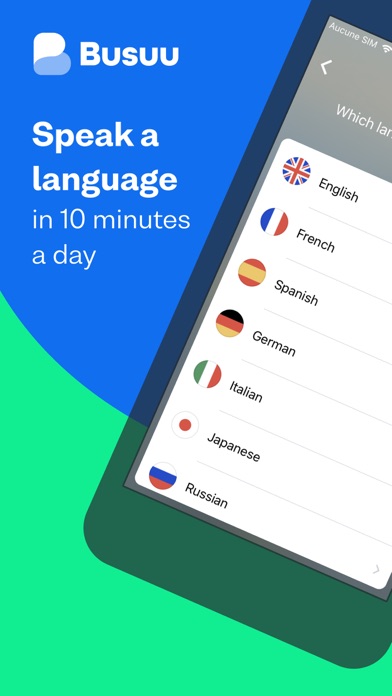
That’s right, 12! Learn English, French, Spanish, Italian, German, Chinese, Japanese, Portuguese (Brazilian), Polish, Russian, Arabic or Turkish with Busuu.
– Kiss goodbye to stressful timetabling
We’re serious. We organise your learning time for you with our Study Plan. Simply tell us when you want to study and for how long, then we’ll send you notifications to keep you on track.
– Ensure you never forget a word again
There’ll be no forgetting vocabulary on our watch. Avoid word memory blanks with the Vocabulary Review. It’ll help you revise, revise, revise and revise until the words stick.
– Master grammar, once and for all
Grammar. Everyone’s favourite topic. Well, it might be once you’ve tried our Grammar Review. From tough concepts like the subjunctive to the scary world of pronouns, we’ve got you covered.
– Master speaking with feedback from natives
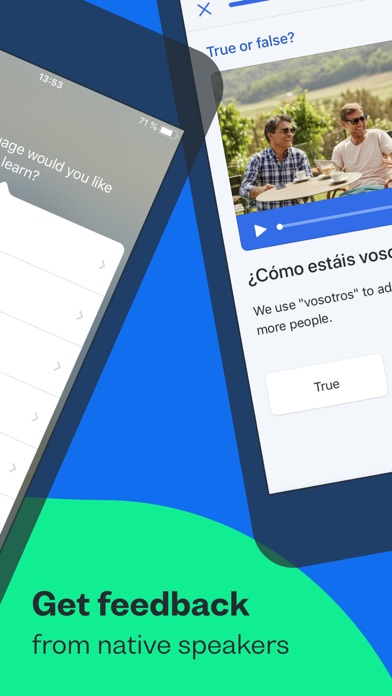
You learn a language to speak it, right? You’re in luck: with our Conversations feature, we’ll connect you with our community of 100 million native speakers. They’ll be more than happy to help.
– Progress from beginner to upper intermediate level
Learning from scratch? That’s cool with us. Or learning after a long break? That’s okay, too. Busuu helps you find your level and work your way up.
– Learn from the experts
Our award-winning online courses are created by our ingenious language experts. They know their stuff, and they know how to help you reach fluency.
– Show off achievements with official certificates
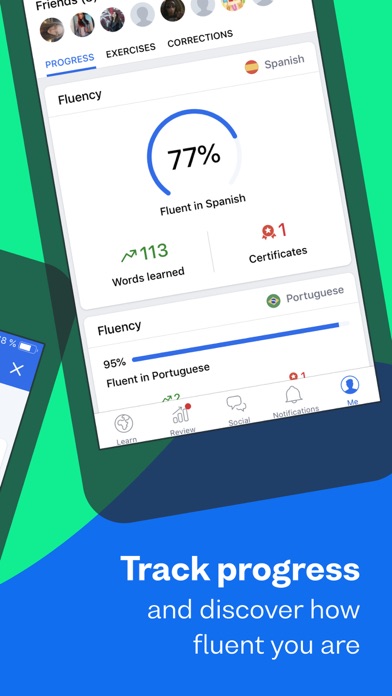
With our official McGraw-Hill Education language certificates, you’ll have ample proof of your language capabilities.
– Learn anytime, anywhere
Life can take you anywhere – and your learning should be no different. Download content on your iPad or iPhone and learn on the go with Offline Mode.
================
DON’T JUST TAKE OUR WORD FOR IT.
See what others have to say about Busuu:
● EDITOR RATING: EXCELLENT - PC MAG
● DtGV – Best Language App 2018
● 22 hours on Busuu = 1 college semester, according to a study
================
PLEASE NOTE
A lot of the features are free, but you will need a subscription in order to get access to all features of this app. Your subscription will automatically renew unless auto-renew is turned off at least 24-hours before the end of the current payment period. Your iTunes account will be automatically charged at the same price for renewal within the 24-hour period prior to the end of the current payment period unless you change your subscription preferences in your Account Settings.
You can manage your subscriptions through your Account Settings after purchase.
Privacy policy: https://www.busuu.com/en/privacy/
Terms of Service: https://www.busuu.com/en/terms/
在 iOS App Store 中查看