Anmeldung erforderlich
Melden Sie sich mit Ihrem iOSGods-Konto an, um fortzufahren.
Melden Sie sich mit Ihrem iOSGods-Konto an, um fortzufahren.
Schalte Premium-Sprachlernfunktionen in Busuu Language Learning Modded frei, einem kostenlosen Hack, der Bezahlschranken entfernt und vollständigen Zugriff auf alle Kurse, Lektionen und interaktiven Übungen gewährt. Beherrsche neue Sprachen ohne Abonnementbeschränkungen auf dieser preisgekrönten Plattform, der über 100 Millionen Lernende weltweit vertrauen.
- Premium → alle kostenpflichtigen Funktionen freigeschaltet
Diese App wird zusätzlich mit iGameGod geliefert und bietet Ihnen Zugriff auf Auto Touch zur Automatisierung sich wiederholender Aufgaben, App Speed Manager für eine anpassbare Spielgeschwindigkeit, Memory Engine zur Wertbearbeitung und weitere leistungsstarke iOS-Spielwerkzeuge.
Laden Sie Busuu Language Learning Modded modded IPA über die obigen Links herunter. Tippen Sie auf den Installations-Button und folgen Sie den Anweisungen, um diese iOS-App auf Ihrem iPhone, iPad oder Apple Silicon zu installieren.
Brauchen Sie mehr Hilfe? In unseren iOSGods App häufig gestellten Fragen finden Sie ausführliche Antworten und Tipps zur Fehlerbehebung.
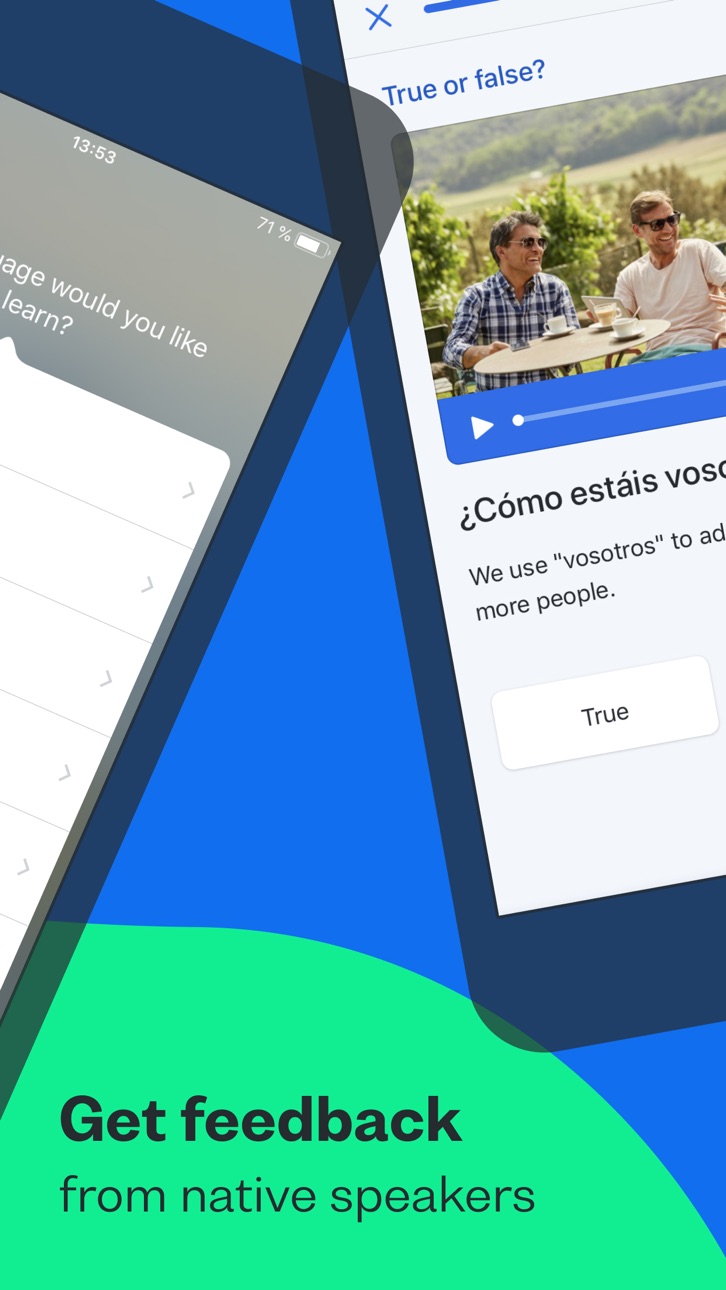
Busuu helps you communicate with confidence from day one. Combine expertly designed language lessons with feedback and tips from our global community of native speakers and harness the power of learning together.
Looking for the best way to learn a new language on your phone? You’ve just discovered it, with Busuu, a Chegg service – we’re the app that makes learning new languages easier, more fun and more effective for all.
Whether you’re learning to get confident having new conversations, for a higher grade, a career boost, or for mind-blowing travel experiences, Busuu’s got your back.
We’re already helping millions of people overcome their learning struggles, from lack of time and motivation to problems with grammar and vocab. We help our learners achieve their goals, one milestone at a time – and we want to do the same for you.
DOWNLOAD THE APP NOW FOR FREE LANGUAGE LEARNING
================
How are we doing this? We’re glad you asked. Whether you’re learning on your iPad or iPhone, Busuu helps you…
– Learn up to 14 languages
That’s right, 14! We’ve got complete courses in English, French, Spanish, Italian, German, Chinese, Korean, Japanese, Portuguese (Brazilian), Polish, Russian, Arabic, Dutch or Turkish with Busuu.
– Master languages with real people
You want to learn the relevant language, right? You’re in luck: we’ll connect you with our community of native speakers so you can get localised language knowledge and support. Feel even better when you help other learners in return.
– Learn from the experts
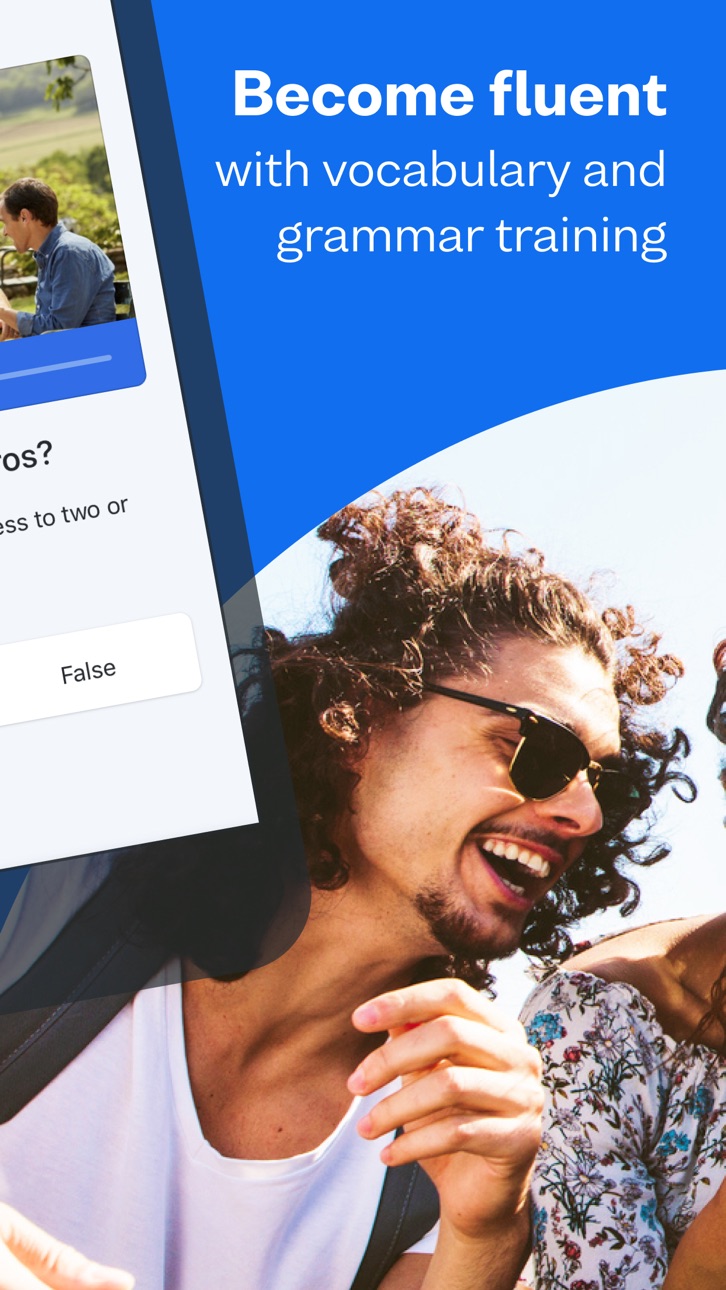
Busuu’s online courses are created by our ingenious language experts. Learn step-by-step with bite-sized lessons, plenty of practise and lots of opportunities to test your progress.
– Say hello to useful language skills
Learn the language that will really take you places! With regularly updated content, video flashcards featuring real people and useful cultural tips, you’ll be fully immersed in no time.
– Kiss goodbye to stressful timetabling
We’re serious. We organise your learning time for you with a personalised Study Plan. Simply tell us when you want to study and for how long, and we’ll send you notifications to keep you on track.
– Revise with ease
There’ll be no forgetting on our watch. Smart Review cleverly saves all the grammar and vocab you learn in lessons and stores them in one handy place, so you can make those tricky words and rules stick.
– Show off achievements with official certificates
With our Busuu language certificates, you’ll have actual proof of your language capabilities.
– Access specialised courses for language lovers
You’ve learned the basics, and now you’re hungry for more. Learn about manga, advance your pronunciation or add travel-specific phrases to your skillset, plus much more.
================
DON’T JUST TAKE OUR WORD FOR IT.
See what others have to say about Busuu:
● EDITOR RATING: EXCELLENT - PC MAG
● Named 'Best Buy' language learning app by the Independent in 2021
● Language Learning App of the Year at the EdTech Breakthrough Awards 2020
================
PLEASE NOTE
A lot of the features are free, but you will need a subscription in order to get access to all features of this app. Your subscription will automatically renew unless auto-renew is turned off at least 24-hours before the end of the current payment period. Your iTunes account will be automatically charged at the same price for renewal within the 24-hour period prior to the end of the current payment period unless you change your subscription preferences in your Account Settings.
You can manage your subscriptions through your Account Settings after purchase.
Screenshots © der jeweiligen Inhaber · App Store



iOSGods ist nicht mit Apple Inc., Google LLC oder den Entwicklern der hier aufgeführten Apps verbunden und wird von ihnen weder unterstützt noch gesponsert. Apple, iOS und App Store sind Marken von Apple Inc. Android und Google Play sind Marken von Google LLC. Alle weiteren App-Namen, Symbole, Grafiken und Marken gehören ihren jeweiligen Inhabern.
- Nicht-Jailbroken/Jailed oder Jailbroken iPhone oder iPad.
- Sideloadly oder Alternativen.
- Computer mit Windows/macOS/Linux und installiertem iTunes.
SCHRITT 1: Laden Sie die vorinstallierte .IPA-Datei über den obigen Link auf Ihren Computer herunter. Zum Herunterladen aus der iOSGods-App siehe unser iOSGods App IPA Download-Tutorial mit Videobeispiel.
SCHRITT 2: Laden Sie Sideloadly herunter und installieren Sie es auf Ihrem Windows oder Mac.
SCHRITT 3: Öffnen Sie Sideloadly auf Ihrem Computer, verbinden Sie Ihr iOS-Gerät und warten Sie, bis Ihr Gerätename in Sideloadly erscheint.
SCHRITT 4: Sobald Ihr iDevice erkannt wird, ziehen Sie die heruntergeladene gemoddete .IPA-Datei in die Sideloadly-Anwendung.
SCHRITT 5: Geben Sie Ihre Apple-Account-E-Mail ein und drücken Sie „Start". Sie werden dann nach Ihrem Passwort gefragt. Geben Sie die erforderlichen Informationen ein.
SCHRITT 6: Warten Sie, bis Sideloadly das Sideloading/Installieren der gehackten IPA abgeschlossen hat. Bei Problemen während der Installation lesen Sie bitte den Hinweis unten.
SCHRITT 7: Sobald die Installation abgeschlossen ist und die App auf Ihrem Home-Bildschirm angezeigt wird, müssen Sie zu Einstellungen → Allgemein → Profile / VPN & Geräteverwaltung gehen. Tippen Sie dort auf die E-Mail, die Sie in Schritt 6 eingegeben haben, und dann auf „Trust [email protected]".
SCHRITT 8: Gehen Sie nun zu Ihrem Home-Bildschirm und öffnen Sie die neu installierte App – alles sollte einwandfrei funktionieren. Möglicherweise müssen Sie weitere App-spezifische Anweisungen im Hack-Popup im Spiel befolgen.
HINWEIS: iOS/iPadOS 16 und höher: Sie müssen den Entwicklermodus aktivieren. Bei kostenlosen Apple Developer-Accounts müssen Sie diesen Vorgang alle 7 Tage wiederholen. Bei Fragen oder Problemen lesen Sie bitte unsere Sideloadly-FAQ-Sektion im Thema.
Hack Features:
- Inf Coins (Spend)
App Installation Instructions:
---------------------------------------------------------
----------------------------------------------------------
If you require more information or help, please read our Frequently Asked Questions topic on iOSGods.com.
----------------------------------------------------------
--------------------------------------------------