Inicio de sesión requerido
Inicia sesión con tu cuenta de iOSGods para continuar.
Inicia sesión con tu cuenta de iOSGods para continuar.
Desbloquea funciones premium de aprendizaje de idiomas en Busuu Language Learning Modded, un hack gratuito que elimina los muros de pago y otorga acceso completo a todos los cursos, lecciones y ejercicios interactivos. Domina nuevos idiomas sin límites de suscripción en esta plataforma galardonada en la que confían más de 100 millones de estudiantes en todo el mundo.
- Premium → todas las funciones de pago desbloqueadas
Esta app también incluye iGameGod, que te ofrece acceso a Auto Touch para automatizar tareas repetitivas, App Speed Manager para ajustar la velocidad del juego, edición de valores con Memory Engine y más potentes herramientas para juegos de iOS.
Descarga Busuu Language Learning Modded modded IPA desde los enlaces de arriba. Toca el botón de instalación y sigue las instrucciones para instalar este hack iOS en tu iPhone, iPad o Mac con Apple Silicon.
¿Necesitas más ayuda? Consulta nuestras Preguntas frecuentes de la app iOSGods para respuestas detalladas y consejos de solución de problemas.
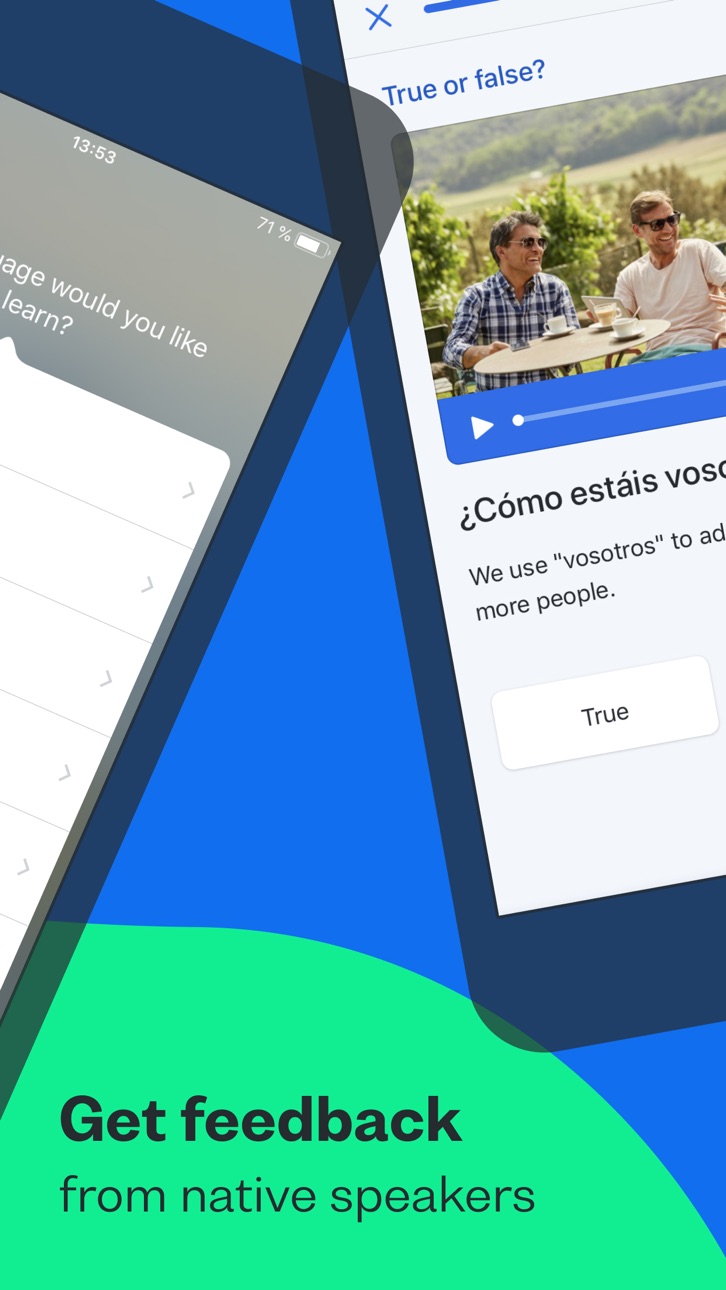
Busuu helps you communicate with confidence from day one. Combine expertly designed language lessons with feedback and tips from our global community of native speakers and harness the power of learning together.
Looking for the best way to learn a new language on your phone? You’ve just discovered it, with Busuu, a Chegg service – we’re the app that makes learning new languages easier, more fun and more effective for all.
Whether you’re learning to get confident having new conversations, for a higher grade, a career boost, or for mind-blowing travel experiences, Busuu’s got your back.
We’re already helping millions of people overcome their learning struggles, from lack of time and motivation to problems with grammar and vocab. We help our learners achieve their goals, one milestone at a time – and we want to do the same for you.
DOWNLOAD THE APP NOW FOR FREE LANGUAGE LEARNING
================
How are we doing this? We’re glad you asked. Whether you’re learning on your iPad or iPhone, Busuu helps you…
– Learn up to 14 languages
That’s right, 14! We’ve got complete courses in English, French, Spanish, Italian, German, Chinese, Korean, Japanese, Portuguese (Brazilian), Polish, Russian, Arabic, Dutch or Turkish with Busuu.
– Master languages with real people
You want to learn the relevant language, right? You’re in luck: we’ll connect you with our community of native speakers so you can get localised language knowledge and support. Feel even better when you help other learners in return.
– Learn from the experts
Busuu’s online courses are created by our ingenious language experts. Learn step-by-step with bite-sized lessons, plenty of practise and lots of opportunities to test your progress.
– Say hello to useful language skills
Learn the language that will really take you places! With regularly updated content, video flashcards featuring real people and useful cultural tips, you’ll be fully immersed in no time.
– Kiss goodbye to stressful timetabling
We’re serious. We organise your learning time for you with a personalised Study Plan. Simply tell us when you want to study and for how long, and we’ll send you notifications to keep you on track.
– Revise with ease
There’ll be no forgetting on our watch. Smart Review cleverly saves all the grammar and vocab you learn in lessons and stores them in one handy place, so you can make those tricky words and rules stick.
– Show off achievements with official certificates
With our Busuu language certificates, you’ll have actual proof of your language capabilities.
– Access specialised courses for language lovers
You’ve learned the basics, and now you’re hungry for more. Learn about manga, advance your pronunciation or add travel-specific phrases to your skillset, plus much more.
================
DON’T JUST TAKE OUR WORD FOR IT.
See what others have to say about Busuu:
● EDITOR RATING: EXCELLENT - PC MAG
● Named 'Best Buy' language learning app by the Independent in 2021
● Language Learning App of the Year at the EdTech Breakthrough Awards 2020
================
PLEASE NOTE
A lot of the features are free, but you will need a subscription in order to get access to all features of this app. Your subscription will automatically renew unless auto-renew is turned off at least 24-hours before the end of the current payment period. Your iTunes account will be automatically charged at the same price for renewal within the 24-hour period prior to the end of the current payment period unless you change your subscription preferences in your Account Settings.
You can manage your subscriptions through your Account Settings after purchase.
Capturas © sus respectivos dueños · App Store



iOSGods no está afiliado, avalado ni patrocinado por Apple Inc., Google LLC ni por los desarrolladores de las apps que aparecen aquí. Apple, iOS y App Store son marcas comerciales de Apple Inc. Android y Google Play son marcas comerciales de Google LLC. Todos los demás nombres de apps, iconos, imágenes y marcas pertenecen a sus respectivos dueños.
- iPhone o iPad con o sin Jailbreak.
- Sideloadly u otras alternativas.
- Ordenador con Windows/macOS/Linux e iTunes instalado.
PASO 1: Descargue el archivo .IPA pre-modificado desde el enlace de arriba a su ordenador. Para descargarlo desde la iOSGods App, consulte nuestro Tutorial de descarga del IPA desde la iOSGods App, que incluye un ejemplo en vídeo.
PASO 2: Descargue Sideloadly e instálelo en su Windows o Mac.
PASO 3: Abra Sideloadly en su ordenador, conecte su dispositivo iOS y espere hasta que el nombre del dispositivo aparezca en Sideloadly.
PASO 4: Una vez que su iDevice sea reconocido, arrastre el archivo .IPA modificado que descargó y suéltelo en la aplicación Sideloadly.
PASO 5: Introduzca el correo electrónico de su Apple Account y, a continuación, pulse «Start». Le pedirá que introduzca su contraseña. Proporcione la información solicitada.
PASO 6: Espere a que Sideloadly termine de hacer sideload/instalar el IPA modificado. Si surgen problemas durante la instalación, por favor lea la nota a continuación.
PASO 7: Una vez completada la instalación y al ver la app en la pantalla de inicio, deberá ir a Ajustes → General → Perfiles / VPN y Gestión de Dispositivos. Una vez allí, toque el correo electrónico que introdujo en el paso 6 y, después, toque en «Confiar en [email protected]».
PASO 8: Ahora vaya a la pantalla de inicio y abra la app recién instalada; todo debería funcionar correctamente. Es posible que tenga que seguir instrucciones adicionales específicas de cada app dentro del popup del hack en el juego.
NOTA: En iOS/iPadOS 16 y posteriores, debe activar el Modo Desarrollador. Para cuentas gratuitas de Apple Developer, deberá repetir este proceso cada 7 días. Si tiene alguna pregunta o problema, lea nuestra sección de Preguntas Frecuentes de Sideloadly del tema.
Hack Features:
- Inf Coins (Spend)
App Installation Instructions:
---------------------------------------------------------
----------------------------------------------------------
If you require more information or help, please read our Frequently Asked Questions topic on iOSGods.com.
----------------------------------------------------------
--------------------------------------------------