تسجيل الدخول مطلوب
سجّل الدخول بحساب iOSGods للمتابعة.
سجّل الدخول بحساب iOSGods للمتابعة.
افتح ميزات تعلم اللغات المتقدمة في Busuu Language Learning Modded، وهو تهكير مجاني يزيل الحواجز المالية ويمنحك الوصول الكامل إلى جميع الدورات والدروس والتمارين التفاعلية. أتقن لغات جديدة بدون قيود الاشتراك على هذه المنصة الحائزة على جوائز والموثوقة من قبل أكثر من 100 مليون متعلم حول العالم.
- متقدم → جميع الميزات المدفوعة مفتوحة
يأتي هذا التطبيق أيضًا مع iGameGod، مما يتيح لك الوصول إلى Auto Touch لأتمتة المهام المتكررة، وApp Speed Manager لضبط سرعة اللعب، وتعديل القيم عبر Memory Engine، والمزيد من أدوات ألعاب iOS القوية.
قم بتنزيل Busuu Language Learning Modded modded IPA من الروابط أعلاه. اضغط على زر التثبيت واتبع التعليمات لتثبيت هذا التعديل لـ iOS على iPhone أو iPad أو Apple Silicon.
هل تحتاج إلى مزيد من المساعدة؟ راجع الأسئلة الشائعة لتطبيق iOSGods للحصول على إجابات مفصلة ونصائح لاستكشاف الأخطاء.
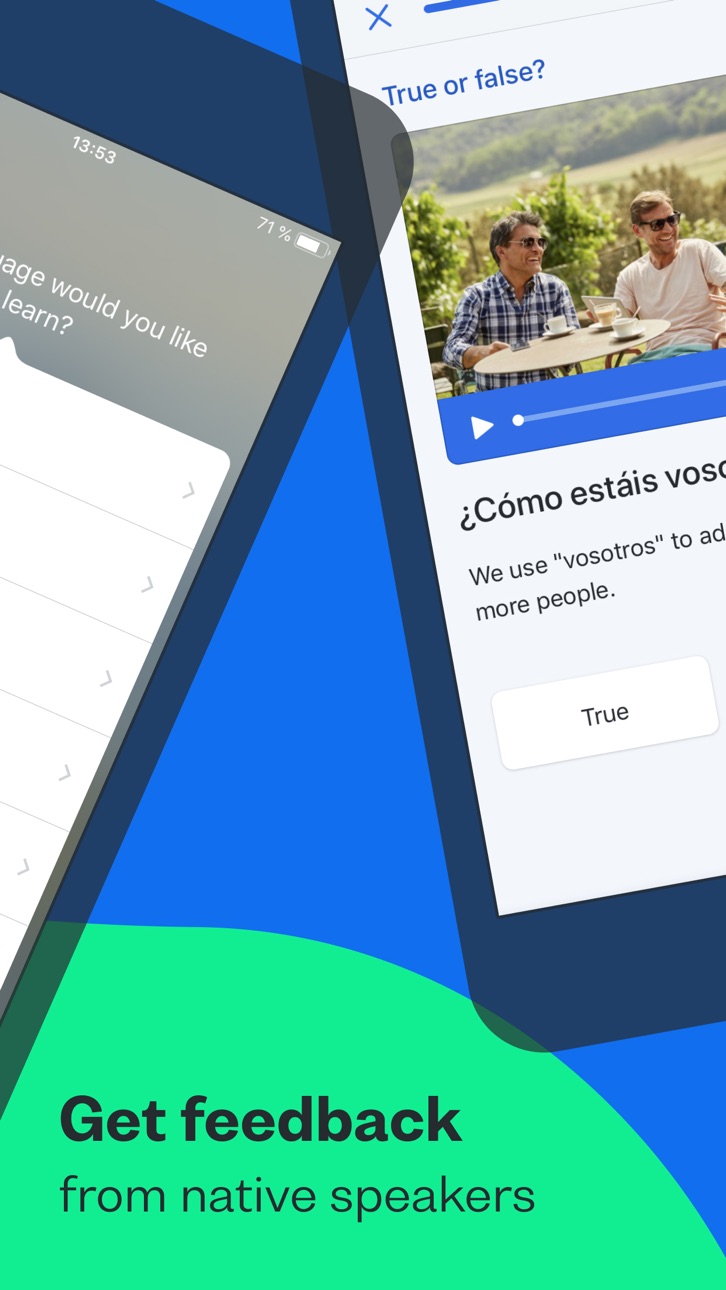
Busuu helps you communicate with confidence from day one. Combine expertly designed language lessons with feedback and tips from our global community of native speakers and harness the power of learning together.
Looking for the best way to learn a new language on your phone? You’ve just discovered it, with Busuu, a Chegg service – we’re the app that makes learning new languages easier, more fun and more effective for all.
Whether you’re learning to get confident having new conversations, for a higher grade, a career boost, or for mind-blowing travel experiences, Busuu’s got your back.
We’re already helping millions of people overcome their learning struggles, from lack of time and motivation to problems with grammar and vocab. We help our learners achieve their goals, one milestone at a time – and we want to do the same for you.
DOWNLOAD THE APP NOW FOR FREE LANGUAGE LEARNING
================
How are we doing this? We’re glad you asked. Whether you’re learning on your iPad or iPhone, Busuu helps you…
– Learn up to 14 languages
That’s right, 14! We’ve got complete courses in English, French, Spanish, Italian, German, Chinese, Korean, Japanese, Portuguese (Brazilian), Polish, Russian, Arabic, Dutch or Turkish with Busuu.
– Master languages with real people
You want to learn the relevant language, right? You’re in luck: we’ll connect you with our community of native speakers so you can get localised language knowledge and support. Feel even better when you help other learners in return.
– Learn from the experts
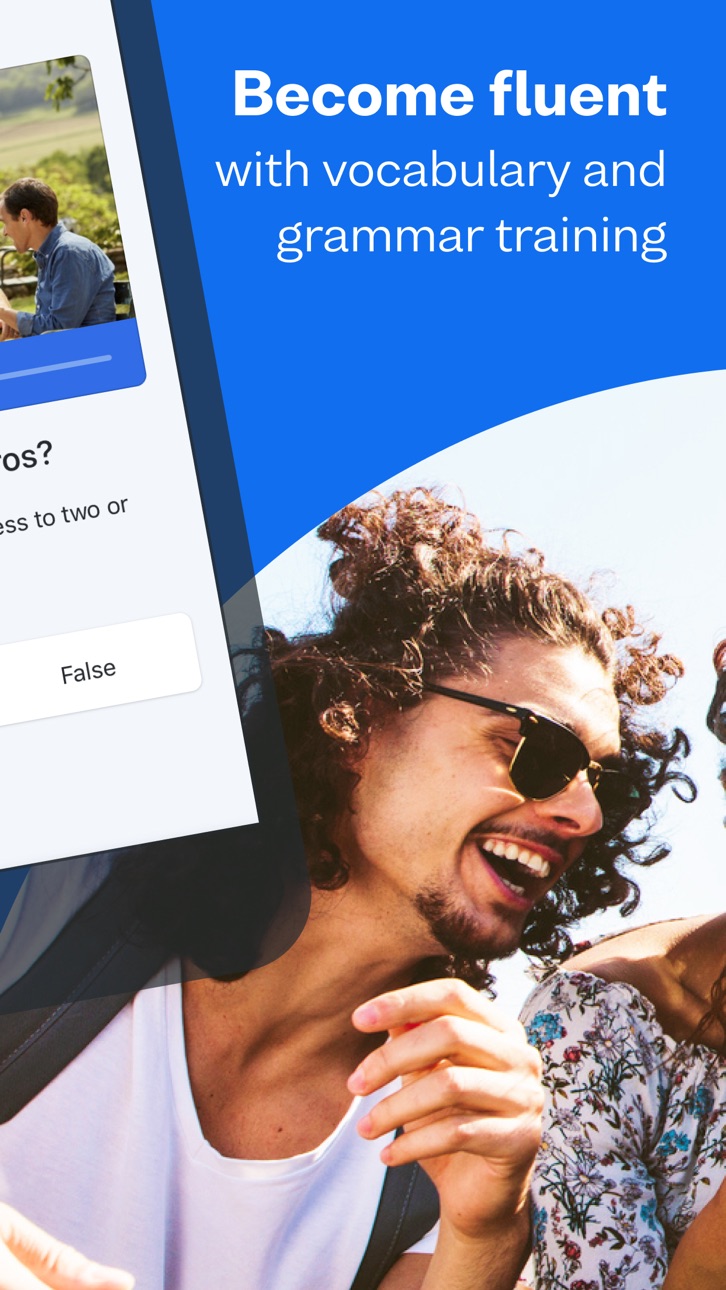
Busuu’s online courses are created by our ingenious language experts. Learn step-by-step with bite-sized lessons, plenty of practise and lots of opportunities to test your progress.
– Say hello to useful language skills
Learn the language that will really take you places! With regularly updated content, video flashcards featuring real people and useful cultural tips, you’ll be fully immersed in no time.
– Kiss goodbye to stressful timetabling
We’re serious. We organise your learning time for you with a personalised Study Plan. Simply tell us when you want to study and for how long, and we’ll send you notifications to keep you on track.
– Revise with ease
There’ll be no forgetting on our watch. Smart Review cleverly saves all the grammar and vocab you learn in lessons and stores them in one handy place, so you can make those tricky words and rules stick.
– Show off achievements with official certificates
With our Busuu language certificates, you’ll have actual proof of your language capabilities.
– Access specialised courses for language lovers
You’ve learned the basics, and now you’re hungry for more. Learn about manga, advance your pronunciation or add travel-specific phrases to your skillset, plus much more.
================
DON’T JUST TAKE OUR WORD FOR IT.
See what others have to say about Busuu:
● EDITOR RATING: EXCELLENT - PC MAG
● Named 'Best Buy' language learning app by the Independent in 2021
● Language Learning App of the Year at the EdTech Breakthrough Awards 2020
================
PLEASE NOTE
A lot of the features are free, but you will need a subscription in order to get access to all features of this app. Your subscription will automatically renew unless auto-renew is turned off at least 24-hours before the end of the current payment period. Your iTunes account will be automatically charged at the same price for renewal within the 24-hour period prior to the end of the current payment period unless you change your subscription preferences in your Account Settings.
You can manage your subscriptions through your Account Settings after purchase.
لقطات الشاشة © لأصحابها · App Store



iOSGods ليست تابعة لشركة Apple Inc. أو Google LLC أو مطوّري التطبيقات المدرجة هنا، وليست معتمدة أو مدعومة منهم. Apple وiOS وApp Store علامات تجارية لشركة Apple Inc. وAndroid وGoogle Play علامتان تجاريتان لشركة Google LLC. أما بقية أسماء التطبيقات والأيقونات والصور والعلامات التجارية فهي ملك لأصحابها.
- iPhone أو iPad بجيلبريك أو بدون جيلبريك.
- Sideloadly أو بدائلها.
- كمبيوتر يعمل بنظام Windows/macOS/Linux مع تثبيت iTunes.
الخطوة 1: قم بتنزيل ملف .IPA المعدّل مسبقًا من الرابط أعلاه إلى الكمبيوتر الخاص بك. للتنزيل من تطبيق iOSGods App، اطلع على دليل تنزيل IPA من تطبيق iOSGods App الذي يتضمن مثالًا بالفيديو.
الخطوة 2: قم بتنزيل Sideloadly وتثبيته على جهاز Windows أو Mac.
الخطوة 3: افتح Sideloadly على الكمبيوتر، ووصّل جهاز iOS الخاص بك، وانتظر حتى يظهر اسم جهازك داخل Sideloadly.
الخطوة 4: بمجرد التعرّف على جهاز iDevice الخاص بك، اسحب ملف .IPA المعدّل الذي قمت بتنزيله وأفلِته داخل تطبيق Sideloadly.
الخطوة 5: أدخل البريد الإلكتروني لحساب Apple Account الخاص بك، ثم اضغط على «Start». سيُطلب منك بعد ذلك إدخال كلمة المرور. تابع وأدخل المعلومات المطلوبة.
الخطوة 6: انتظر حتى ينتهي Sideloadly من تحميل/تثبيت ملف IPA المعدّل. في حال واجهت أي مشاكل أثناء التثبيت، يرجى قراءة الملاحظة أدناه.
الخطوة 7: بعد اكتمال التثبيت ورؤية التطبيق على الشاشة الرئيسية، انتقل إلى Settings → General → Profiles / VPN & Device Management. ثم اضغط على البريد الإلكتروني الذي أدخلته في الخطوة 6، ثم اضغط على «الوثوق بـ [email protected]».
الخطوة 8: الآن انتقل إلى الشاشة الرئيسية وافتح التطبيق الذي تم تثبيته للتو وسيعمل كل شيء بشكل صحيح. قد تحتاج إلى اتباع تعليمات إضافية خاصة بكل تطبيق داخل النافذة المنبثقة للتعديل أثناء اللعب.
ملاحظة: بدءًا من iOS/iPadOS 16 وما بعده، يجب تفعيل وضع المطور (Developer Mode). بالنسبة لحسابات Apple Developer المجانية، ستحتاج إلى تكرار هذه العملية كل 7 أيام. إذا كانت لديك أي أسئلة أو مشاكل، يرجى قراءة قسم الأسئلة الشائعة حول Sideloadly في الموضوع.
Hack Features:
- Inf Coins (Spend)
App Installation Instructions:
---------------------------------------------------------
----------------------------------------------------------
If you require more information or help, please read our Frequently Asked Questions topic on iOSGods.com.
----------------------------------------------------------
--------------------------------------------------