需要登入
請使用您的 iOSGods 帳戶登入以繼續。
請使用您的 iOSGods 帳戶登入以繼續。
Hack Features:
- PREMIUM
此應用程式也內建 iGameGod,讓你可以使用 Auto Touch 自動執行重複操作、透過 App Speed Manager 調整遊戲速度、使用 Memory Engine 修改記憶體數值,以及更多強大的 iOS 遊戲工具。
從上方連結下載 Busuu Language Learning Modded modded IPA。點選安裝按鈕並依照畫面指示在 iPhone、iPad 或 Apple Silicon 上安裝此 iOS 應用程式修改版。
需要更多協助?請查看我們的 iOSGods 應用程式常見問題 以獲得詳細解答與疑難排解。
Busuu helps you communicate with confidence from day one. Combine expertly designed language lessons with feedback and tips from our global community of native speakers and harness the power of learning together.
Looking for the best way to learn a new language on your phone? You’ve just discovered it, with Busuu, a Chegg service – we’re the app that makes learning new languages easier, more fun and more effective for all.
Whether you’re learning to get confident having new conversations, for a higher grade, a career boost, or for mind-blowing travel experiences, Busuu’s got your back.
We’re already helping millions of people overcome their learning struggles, from lack of time and motivation to problems with grammar and vocab. We help our learners achieve their goals, one milestone at a time – and we want to do the same for you.
DOWNLOAD THE APP NOW FOR FREE LANGUAGE LEARNING
================
How are we doing this? We’re glad you asked. Whether you’re learning on your iPad or iPhone, Busuu helps you…
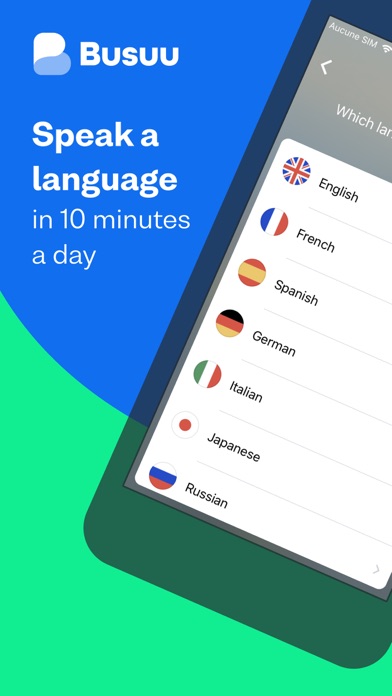
– Learn up to 14 languages
That’s right, 14! We’ve got complete courses in English, French, Spanish, Italian, German, Chinese, Korean, Japanese, Portuguese (Brazilian), Polish, Russian, Arabic, Dutch or Turkish with Busuu.
– Master languages with real people
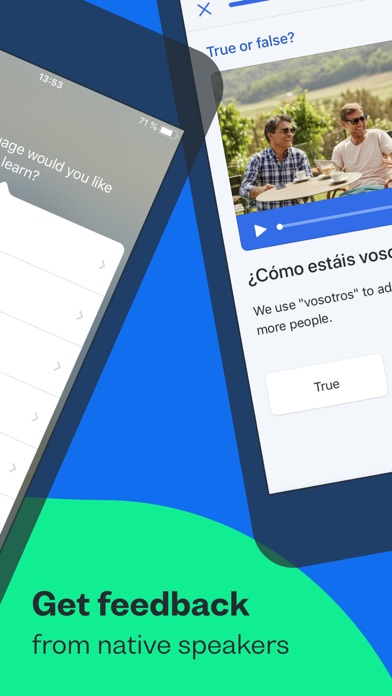
You want to learn the relevant language, right? You’re in luck: we’ll connect you with our community of native speakers so you can get localized language knowledge and support. Feel even better when you help other learners in return.
– Learn from the experts
Busuu’s online courses are created by our ingenious language experts. Learn step-by-step with bite-sized lessons, plenty of practice and lots of opportunities to test your progress.
– Say hello to useful language skills
Learn the language that will really take you places! With regularly updated content, video flashcards featuring real people and useful cultural tips, you’ll be fully immersed in no time.
– Kiss goodbye to stressful timetabling
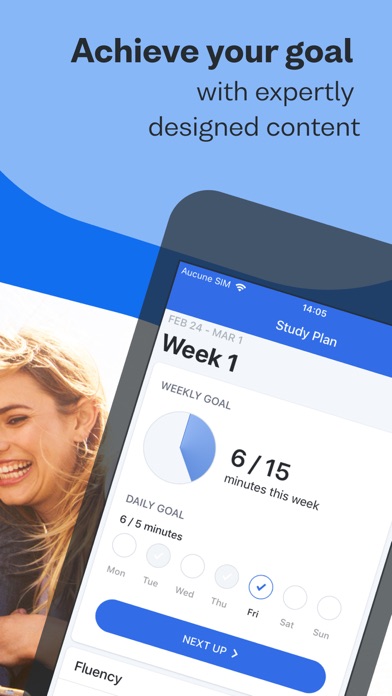
We’re serious. We organize your learning time for you with a personalized Study Plan. Simply tell us when you want to study and for how long, and we’ll send you notifications to keep you on track.
– Revise with ease
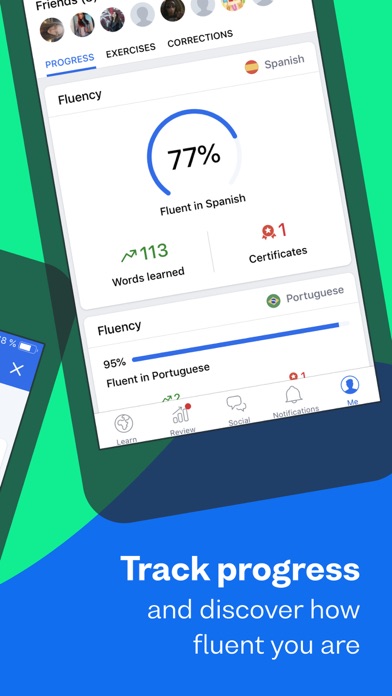
There’ll be no forgetting on our watch. Smart Review cleverly saves all the grammar and vocab you learn in lessons and stores them in one handy place, so you can make those tricky words and rules stick.
– Show off achievements with official certificates
With our Busuu language certificates, you’ll have actual proof of your language capabilities.
– Access specialized courses for language lovers
You’ve learned the basics, and now you’re hungry for more. Learn about manga, advance your pronunciation or add travel-specific phrases to your skillset, plus much more.
================
DON’T JUST TAKE OUR WORD FOR IT.
See what others have to say about Busuu:
● EDITOR RATING: EXCELLENT - PC MAG
● Named 'Best Buy' language learning app by the Independent in 2021
● Language Learning App of the Year at the EdTech Breakthrough Awards 2020
================
PLEASE NOTE
A lot of the features are free, but you will need a subscription in order to get access to all features of this app. Your subscription will automatically renew unless auto-renew is turned off at least 24-hours before the end of the current payment period. Your iTunes account will be automatically charged at the same price for renewal within the 24-hour period prior to the end of the current payment period unless you change your subscription preferences in your Account Settings.
You can manage your subscriptions through your Account Settings after purchase.
Privacy policy: https://www.busuu.com/en/privacy/
Terms of Service: https://www.busuu.com/en/terms/

- 未越獄/受限或已越獄的 iPhone 或 iPad。
- Sideloadly 或替代方案。
- 執行 Windows/macOS/Linux 且已安裝 iTunes 的電腦。
步驟 1: 透過上方連結將已破解的 .IPA 檔案下載到您的電腦。若要從 iOSGods App 下載,請參閱我們的 iOSGods App IPA 下載教學,其中包含影片範例。
步驟 2: 下載 Sideloadly 並將其安裝在您的 Windows 或 Mac 上。
步驟 3: 在電腦上開啟 Sideloadly,連接您的 iOS 裝置,並等待裝置名稱出現在 Sideloadly 中。
步驟 4: 當 Sideloadly 辨識到您的 iOS 裝置後,將下載好的修改版 .IPA 檔案拖曳並放到 Sideloadly 應用程式中。
步驟 5: 輸入您的 Apple Account 電子郵件,然後按下「Start」。系統會要求您輸入密碼,請依指示提供所需資訊。
步驟 6: 等待 Sideloadly 完成已破解 IPA 的旁載/安裝。如果安裝過程中發生問題,請閱讀下方的注意事項。
步驟 7: 安裝完成並在主畫面上看到該應用程式後,您需要前往 設定 → 一般 → 描述檔 / VPN 與裝置管理。進入後,點選您在步驟 6 中輸入的電子郵件,然後點選「信任 [email protected]」。
步驟 8: 現在回到主畫面並開啟新安裝的應用程式,一切應該都能正常運作。您可能需要依照遊戲內破解彈出視窗中的進一步指示操作。
注意: 在 iOS/iPadOS 16 及更新版本上,您必須 啟用開發者模式。若使用免費的 Apple Developer 帳號,您將需要每 7 天重複此程序。如有任何疑問或問題,請閱讀我們的 主題中的 Sideloadly 常見問題區段。